Alex Morgan
1847 Market Street
Austin, TX 78701
Make a label and print it in your browser. This free label maker app works with DYMO, Brother, Zebra, Rollo, and Avery, or your own custom size. Start from a template, or add text, a logo, shapes, a table, a barcode, a QR code, automatic numbering, or today's date. Print one label, or multiple labels from Excel, CSV, or Google Sheets, in one click. Undo and redo the design, save, copy and paste the label, and download PNG, JPG, SVG, PDF, or ZPL to your computer. No signup. Mac and Windows.
Alex Morgan
1847 Market Street
Austin, TX 78701
$24.99
FRAGILE
HANDLE WITH CARE
NEW
v2.0Widget assembly
SKU 4839-201
QTY 240
River Lane Co.
88 Harbor Ave
Seattle, WA 98101
PRIORITY
2-DAY · US08/2027
Cold brew 12-pack
0 12345 67890 5
THIS SIDE UP
KEEP UPRIGHT
MADE IN
USA
KEEP DRY
PROTECT FROM MOISTURE
SALE
30% OFFJordan Lee
412 Broadway Ave
New York, NY 10013
#MX-20491
Line 3 · Shift A
UNITS 1,200
IT-8842
CAUTION
HOT SURFACE
ORGANIC
100% NATURALM
RECYCLE
PLEASE RECYCLE
24LB
mylabelmaker is a free online label maker. Open the app, design one label or many at once, and print on the printer you already have.
A modern drag-and-drop canvas, similar to Photoshop, Google Slides, or PowerPoint, with snap guides, layers, and undo. The label on screen looks exactly like the label that comes out.
CODE128 (A/B/C), GS1-128, CODE93, CODE39, EAN-13/8/5/2, UPC-A/E, ITF/ITF-14, MSI, Pharmacode, Codabar, Data Matrix, and QR, with live invalid-value feedback. GS1-128 encodes a number you already have.
Upload Excel or CSV, or paste a Sheet URL. Click a column name to put it on the label. Check the rows you want, print this one, or print the ones you picked. One row becomes one label. Start with print labels from Excel or create labels from Google Sheets.
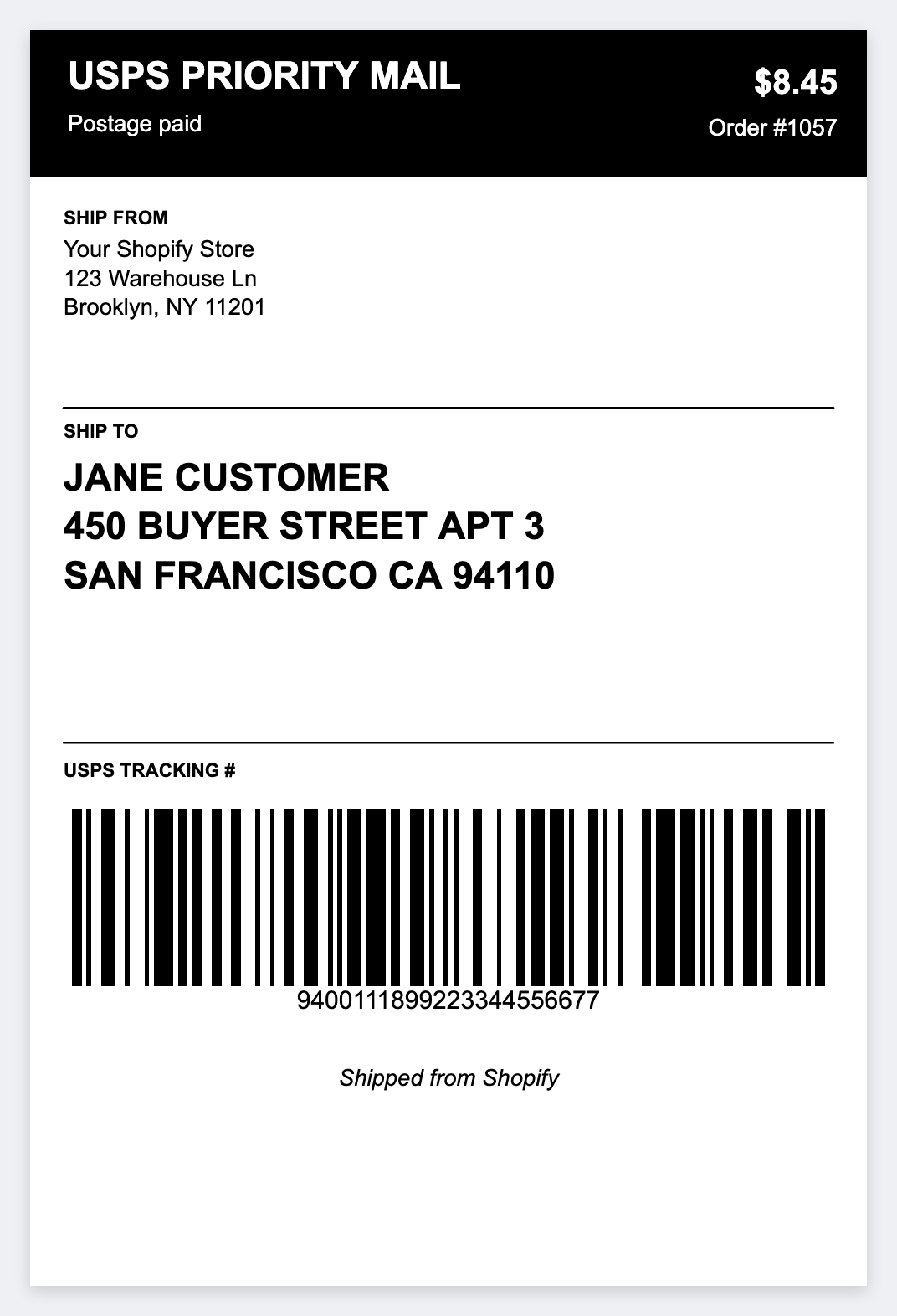
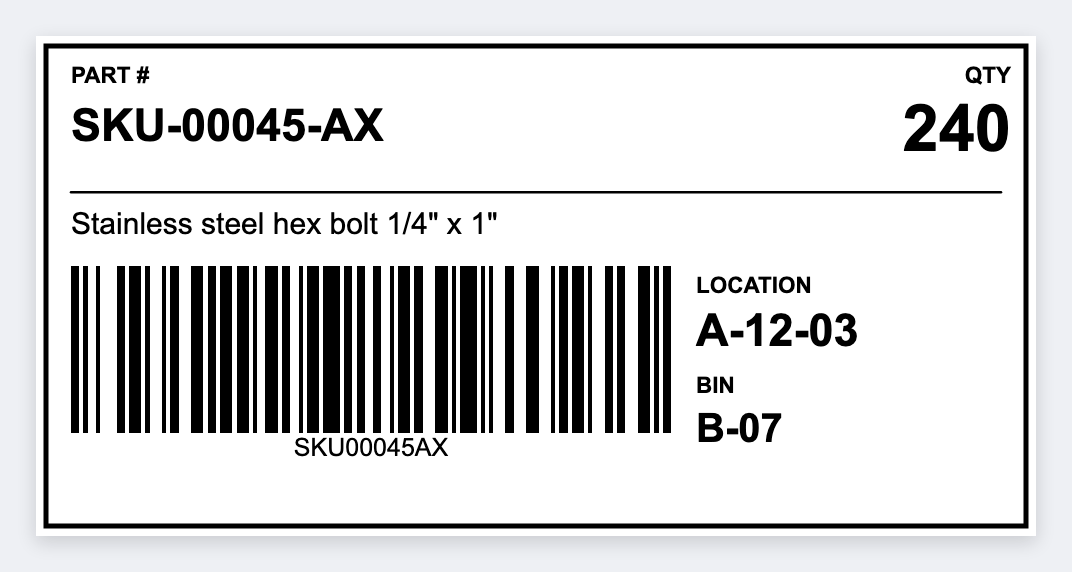
See the designs. UPS Ground, Amazon FBA, Shopify shipping, warehouse inventory, product stickers, QR labels, nutrition facts, jewelry tags, shelf tags, cable labels.
USB or network printing through Zebra Browser Print. Live status feedback for head open, out of paper, paused, no silent failures.
Per-printer DPI config + auto-detect. Labels rasterize at the printer's native resolution, no fuzzy upscaled barcodes on 300/600 dpi printers.
Paste a logo or drop a photo on the label. Decorative shapes (18 primitives) sit next to it. Snap guides line them up.
Copy a clean ^XA … ^XZ string for any Zebra environment, backend print servers, ERP integrations, your own queue.
Designs persist between sessions. Save up to 50 reusable labels per browser. Export / import any design as JSON.
4×6 shipping, 2×1 barcodes, 1×1 tags, or type your own inches. The canvas matches the stock. 203, 300, or 600 DPI.
Download a picture or a PDF at printer DPI. Batch runs can be one multi-page PDF or one PDF per label. No extra software.
Paste Zebra code. Preview a picture on this computer. Download PNG or PDF of that picture. Print sends the code you pasted.
Open the system print dialog on a page the same size as the label. A wide label prints landscape. Or send native ZPL to a Zebra. Pick the path once. Design needs no printer.
Set start, step, and digits. The number and barcode count up on each copy. Spreadsheet rows can share the same counter.
Group objects (⌘/Ctrl+G). Add a table. Stamp today or a use-by date from this computer. Move and resize as one piece.
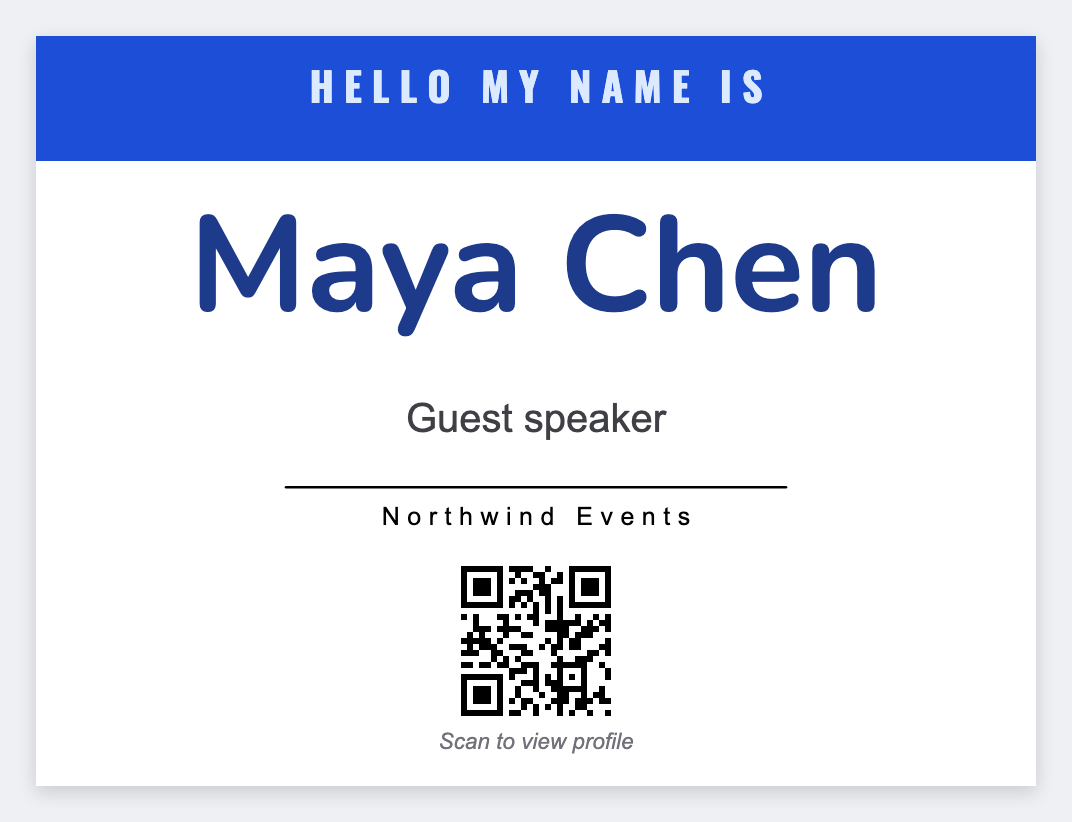
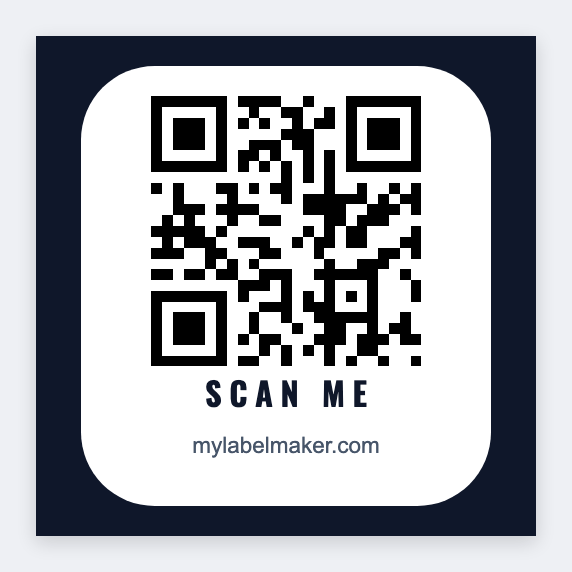
Open a 4x6, a barcode, a name badge, or a QR in the free app. Edit the text. Print at home or on a Zebra.
Pick the brand on the box. Open the size that matches the roll or the sheet, then print. No signup.
30252 address, 30321, 30334 barcodes, and 4x6. LabelWriter 450, 550, and 4XL.
See DYMO sizes →DK-1201, DK-1202, 4x6, and TZe tape widths. QL printers and P-touch.
See Brother sizes →4x6 shipping, 2x1 barcodes, and the other roll sizes for a Zebra printer.
See Zebra sizes →The same 26 sizes. A Rollo prints up to 4 inches wide.
See Rollo sizes →5160, 5163, 5167, and 5395 name tags on US Letter.
See Avery sheets →DYMO, Brother, Zebra, Rollo, and Avery together, with the printers that take each size.
Open the size list →Label design
Set the size. Add text, barcodes, or a QR. Load Excel if you have a list. Download a file or print. No account.
Free tools
Type a value, click Generate, and get a scannable barcode or QR on a real-size label. Calculators for DPI and check digits stay on this site.
CODE128 default. Pick UPC, EAN, and more.
CODE128Warehouse SKUs and tracking.
CODE39Asset and inventory IDs.
CODE93Compact alphanumeric logistics.
GS1-128Carton data you already have.
EAN-1313-digit retail you already own.
EAN-8Short retail packs.
UPC-A12-digit US retail you already own.
UPC-ECompressed US retail.
ITF-1414-digit carton codes.
ITFNumeric logistics.
Data MatrixTiny parts and electronics.
CodabarLibraries and specialty IDs.
MSINumeric inventory.
PharmacodePacking-control numbers.
QRURL or text on a real sticker.
WiFiGuests join without typing.
vCardName badges that save a contact.
SKUSKU-0001 on a label, with a barcode.
Serial0001, 0002, 0003 on tags.
ExcelOne barcode per row.
ZPLPaste Zebra code. Preview on this computer.
CalculatorInches to dots at 203, 300, or 600 DPI.
CalculatorFinish a number you already have.
Jobs people actually print: shipping, barcodes, name tags, jars, Excel lists. Click a card for the steps. Everything else is on Guides.
4x6 pack stickers for Shopify, USPS, UPS, and FedEx.
Shipping labels →One design. Every row in the sheet becomes a label.
Excel lists →A QR on a real sticker people can scan.
QR stickers →SKU and bin stickers from a spreadsheet.
Inventory labels →FNSKU barcodes and 4x6 carton labels from your sheet.
FBA labels →Export orders, print 4x6 ship-to labels.
Etsy and eBay →First name large. Print from a guest list.
Name tags →Paste the join string. Print a counter sticker.
WiFi QR →Jar face plus a warning line. Print every scent.
Candle labels →Bread, pastry, and box stickers from a list.
Bakery labels →Set the first number. Print the stack.
Number labels →Pie name and allergen. Print the shift.
Pizza boxes →Short how-tos. Printer not in the list, barcodes, shipping, saving a design. The rest is on the blog.
Open Zebra Browser Print, pick Zebra Printer, then Safari or Chrome.
Read the steps →Say okay to two local pages, or clear 127.0.0.1 website data.
Safari fix →Private does not share that okay. Do the steps in this window.
Private vs regular →Install the small program on Mac or Windows. Keep it open when you print.
Setup guide →When Chrome asks to use this computer, click Allow.
Chrome steps →CODE128, UPC, or EAN on a sticker. Print one test.
Barcode how-to →4x6 on a Zebra. Size, print, one test.
Shipping how-to →Windows or Mac to a Zebra, or the system print dialog.
Computer print →PNG, PDF, ZPL, or JSON so you can open it again.
Save and export →Paste a link. Put the QR on a label. Print.
QR how-to →USB or network. Then the printer should show in the list.
Connect printer →Set the size, add text or a barcode, print or download.
Make labels →Open the free label maker, change the words, and print on the printer you already have. No signup.
Open the app, pick a template or type the size, change the words, and print. Print from this computer with scaling off, or send the job to a Zebra printer. No signup.
Open the app, change the words, and print. Use the printer you already have, with scaling off, or send the job to a Zebra. No signup.
Open the free app. No signup.