Free QR code label maker for labels and stickers
You can make QR code labels in your browser and print them on the printer you already have. Put the QR code on the label, add a few words that tell people why to scan it, and print one label or a whole CSV of links, one QR code per row. It works for QR code stickers on products, shelves, rooms and boxes. No signup.
How it works
A caption says why, the code takes them there
Make a QR code label people scan
Open the QR label with three sample links loaded, paste your own, and print one to scan with your phone.
Open the QR label1On the shelf
What a QR code label needs to work
Picture a shelf of linen tea towels. Each one has a small sticker with a QR code that opens the care guide. That sticker only works if someone scans it, and people only scan when they know what they'll get.
So a good QR code label has three parts. The code itself. A short caption above it, like "Care guide" or "Refills", that says why to scan. And the short link printed under the code, for the person whose phone won't cooperate.
That's all it takes. The editor makes the code from the link you give it, at a size you choose, on the label size you're printing on.
2Examples
QR code label examples you can open and edit
These are real renders from the editor. The links, network name and contact details are made up for the examples. Click one and it opens with the same layout, ready for your own details.


The first one loads a short list of links, so you can see how each row gets its own code. The other two are single labels you fill in by hand.
3Every QR template
All 11 QR code label templates
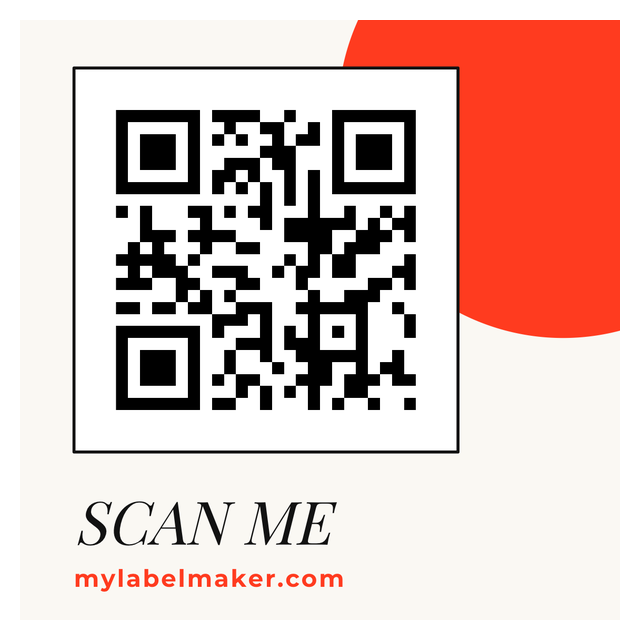
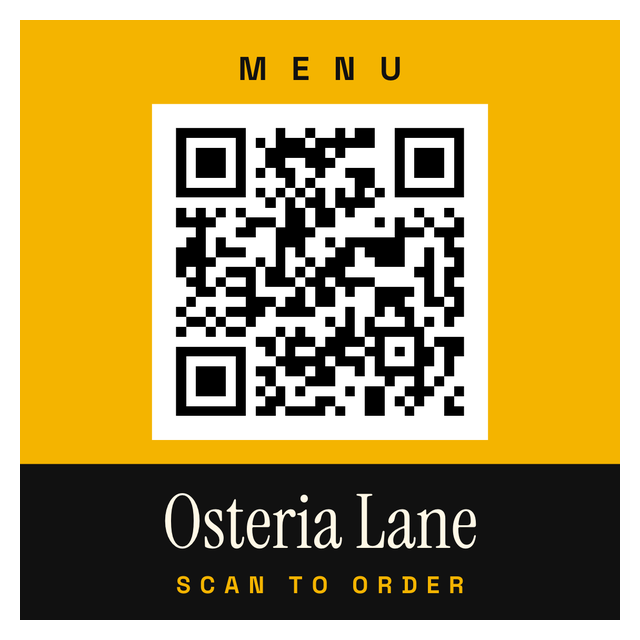
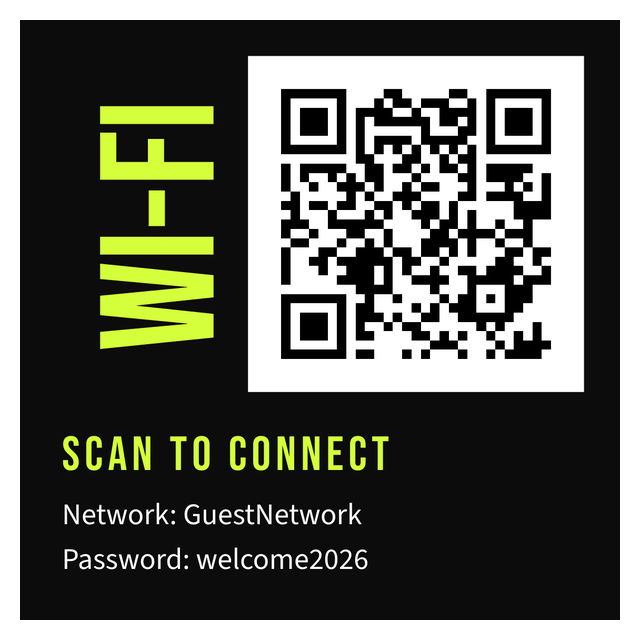
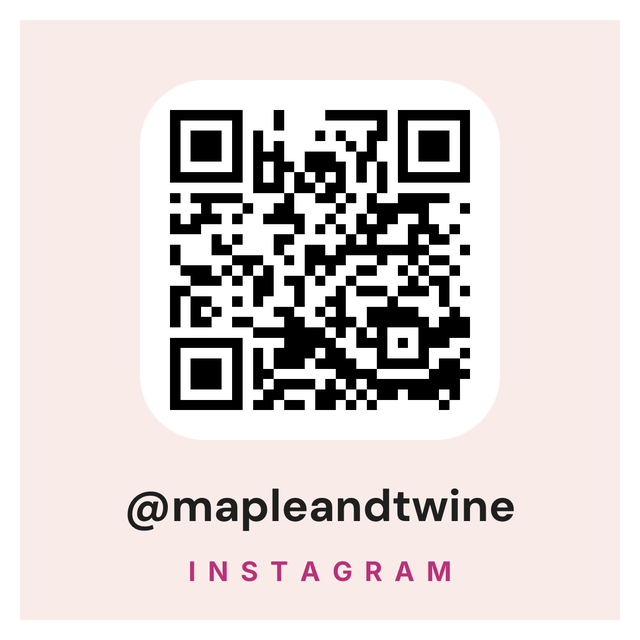
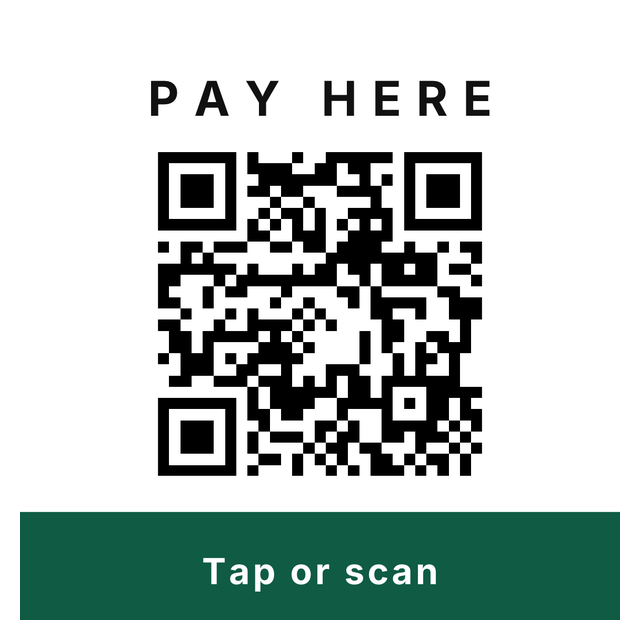
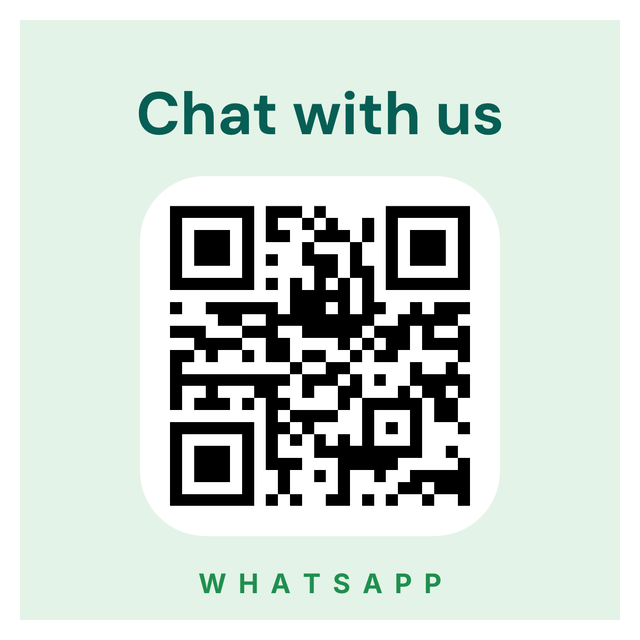
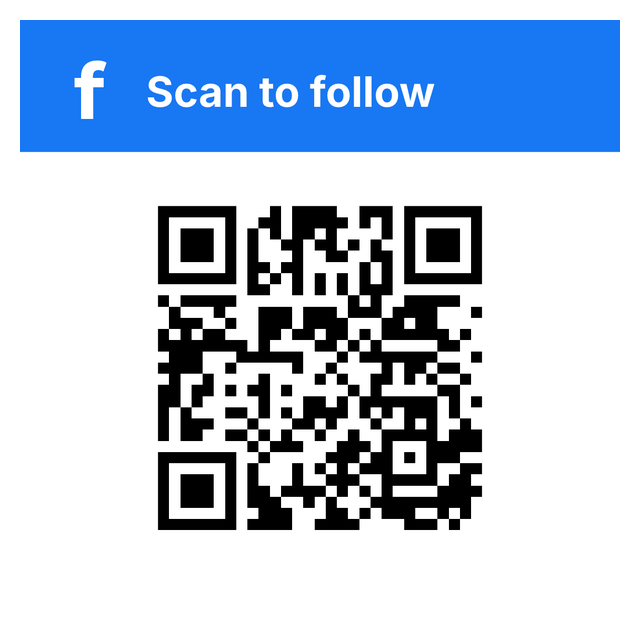
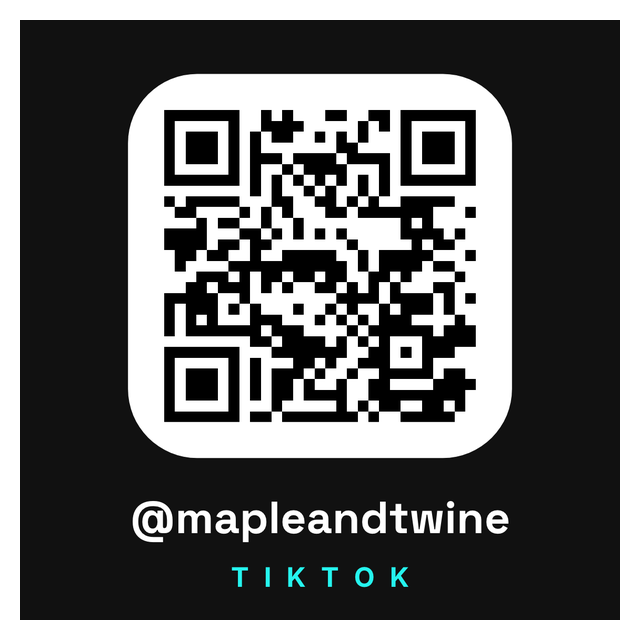
Every QR code label in the editor: menu, Wi-Fi, reviews, payments, contact cards and social links. Click one, paste your link, print.


4What it holds
Link, Wi-Fi or contact card: what your QR code sticker holds
A QR code can hold different kinds of data, and the phone does something different with each one. Most labels need a link. Here's when to use each:
Only need one code as an image? The QR code generator makes a single PNG. There are also separate generators for Wi-Fi QR codes and contact QR codes. This page is about putting the code on a label you print.
- A link opens a web page: a care guide, a menu, a manual, a reorder page.
- Wi-Fi holds the network name and password, so a guest joins without typing. Good for a front desk or a rental.
- A contact card (vCard) holds a name, phone and email that the phone offers to save. Good for a product insert or a booth.
5Your link list
Bulk QR code labels from a CSV, one link per row
If every product, room or asset needs its own link, keep the links in a spreadsheet. Each row becomes its own QR code label. Here is the fictional sheet behind the first example:
The real sheet also has an Item column with the short link (example.com/care) that prints under the code. In the label, the QR code holds {{URL}} instead of a fixed link. The double curly braces tell the editor to take the address from the URL column, so each row prints its own code.
| Caption | URL |
|---|---|
| CARE GUIDE | https://example.com/care |
| REFILLS | https://example.com/refill |
| WARRANTY | https://example.com/warranty |
6Step by step
How to make QR code labels
From an empty label to a stack of codes that scan takes seven steps, and the sample sheet is already loaded when you start.
The step-by-step QR label guide goes click by click, and printing labels from CSV covers getting the file ready.
- Open https://app.mylabelmaker.com with the QR label sample. The sheet above is already loaded. No signup.
- Click Data and upload your CSV or Excel file, or paste the rows. Keep the column names in the first row.
- Click the QR code and replace its content with your link column in double curly braces, for example
{{URL}}. - Click the caption, then Variables, and pick your caption column. Do the same for the short link line.
- Step through a few rows and check that the caption and the link change together.
- Print one label at actual size and scan it with your phone. Then scan a second row.
- When both open the right page, open Edit row, tick the rows you need and click Print.
7Scan test
Why a QR code label won't scan
A QR code that looks fine can still fail on the shelf. It's almost always one of the four problems below.
- Wrong destination. A typo in the sheet prints a perfectly readable code that opens the wrong page. Copy links from the browser address bar instead of retyping them.
- A blank cell. A row with no URL has nothing useful to encode. Leave empty rows unticked in Edit row.
- Too dense or too small. A long link with tracking bits makes a busy code with tiny squares. Use the shortest link you control and give the code more room.
- Print scaling. If the print dialog shrinks the page to fit, the code and its blank border shrink too. Print at actual size and keep that border clear.
QR code label questions
How do I make a QR code label?
Open the QR label template, replace the link in the QR code, change the caption, and set the label size to your stock. Print one and scan it before you print more. No signup.
Can I print bulk QR code labels from a CSV?
Yes. Load the CSV under Data, put your link column in the QR code as {{URL}} (use your own column name), and connect the caption with Variables. Each ticked row prints its own code.
Can I make QR code stickers at home?
Yes. Set the label size to one sticker on your sheet or roll, add the QR code and a caption, and print on your own printer. Print one at actual size and scan it first.
How small can a QR code label be?
It depends on how much the code holds and how it prints. Shorter links make simpler codes that survive a smaller size. Print one at actual size and scan it with a phone before you commit to a size.
Can I put a Wi-Fi password in a QR code label?
Yes. The Wi-Fi QR label holds the network name and password, so a guest's phone can join without typing. Anyone who scans it can join, so only put it where you'd share the password.
Can I change the link after the label is printed?
Not in the code itself. The link is printed into it. If you expect it to change, use a link on your own site that you can redirect.