Free address label maker
Make address and return address labels online. Avery 5160 sheets and DYMO or Brother rolls are both here, one label per row from Excel. Load the names, check the longest address, then print. No signup. Leave scaling off so the words stay on the label. A return address can use the same list.
How it works
Type your return address once, fill the whole sheet
A sheet of return address labels, every label reading Jo Park, 12 Holly Lane, Anytown, ST 12345. One label is peeled off and stuck on the corner of an envelope.

Make address labels
Open the Avery 5160 address label with a sample list, then type one address or upload your own.
Open the address label1Sizes
Address label sizes
Pick the stock for the job: Avery 5160 for envelopes, 5167 for a small return address, or a DYMO or Brother roll if that's your printer.
Avery 5160 recipients
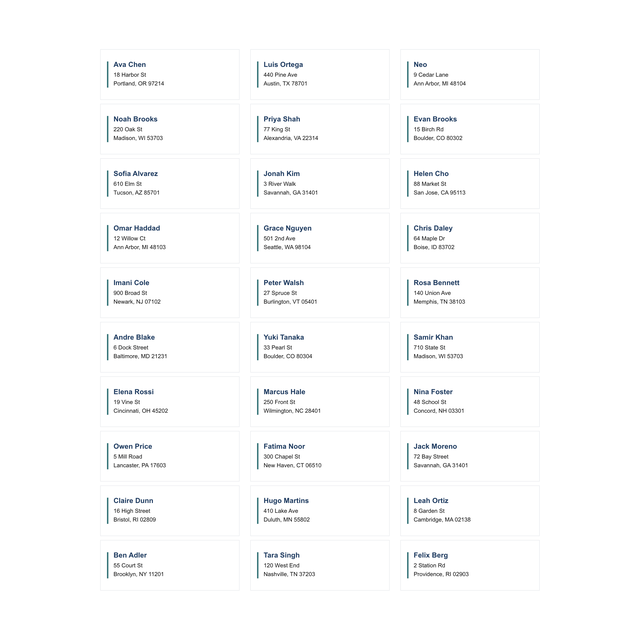
The usual thirty-up mailing label. One person per row: name, street, city, region, postal code.
1.75 x 0.5 in.Avery 5167 return
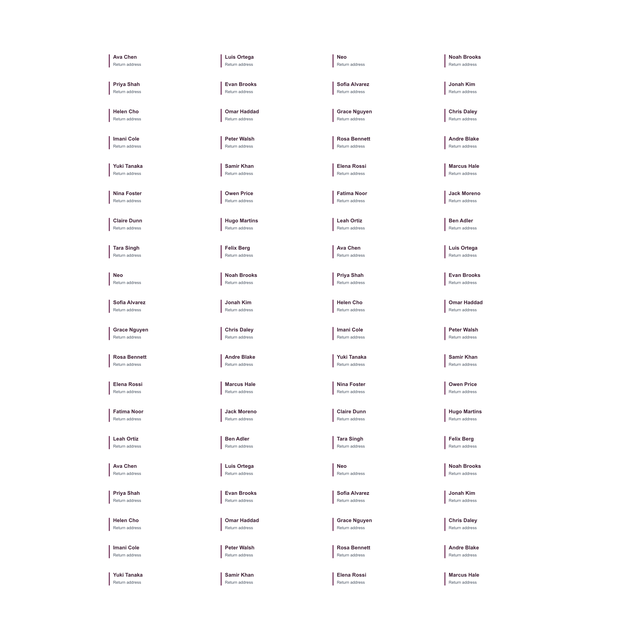
The small return-address cell, many to a letter sheet. Your own address, repeated, or a short list of senders.
1.125 x 3.5 in.DYMO 30252
One address per LabelWriter label. Load 30252. A 4x6 roll will not accept this layout.
3.54 x 1.14 in.Brother DK-1201
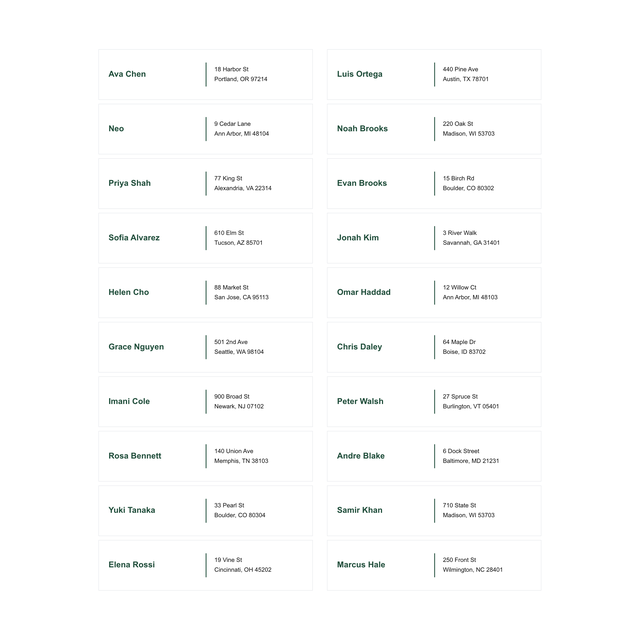
A wide, short address. Two lines fit comfortably. A third line has to be short.
4 x 6 in.4x6 ship-to
When the address is going on a carton, not an envelope. Different stock, same columns.
2.63 x 1 in.Envelope sheet
Wedding or holiday envelopes use the same 5160 cells. Print a sheet, then hold one envelope behind a cell before you print the rest.
A list goes one person per row: name, street, city, region and postal code. A return address is one row printed many times. Either way, turn scaling off and print one test sheet or label first.
2Addresses
Address label maker, from a list or just your return address
An address label is a name and a place, small enough for an envelope and clear enough for a person or a postal scanner. For a list, put one recipient on each row. For a return address you will use all year, one record printed many times is enough. Weddings, holidays, and office mailers are the same columns. The decoration can wait until the address fits.
US Letter and Avery 5160 is the combination most people already have in a drawer. Print with scaling off. If you are on a LabelWriter, switch to the 30252 card instead of trying to print a sheet layout onto a narrow roll. The roll will cut the city off and you will blame the file.
The spreadsheet steps are print labels from Excel. A full merge is mail merge labels. The 5160 page itself is Avery 5160, and the small return-address sheet is Avery 5167.
- Choose 5160 for envelopes, 5167 for a tiny return address, or 30252 if the printer is a DYMO.
- Type one address, or import the sheet.
- Print one. Fold it toward the envelope corner you care about.
- If the postal code is on the label, print the stack.
3Every address template
All 17 address label templates
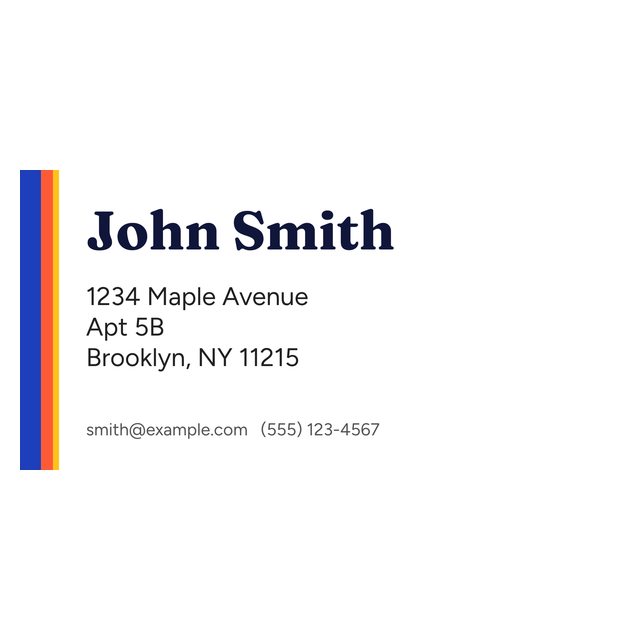
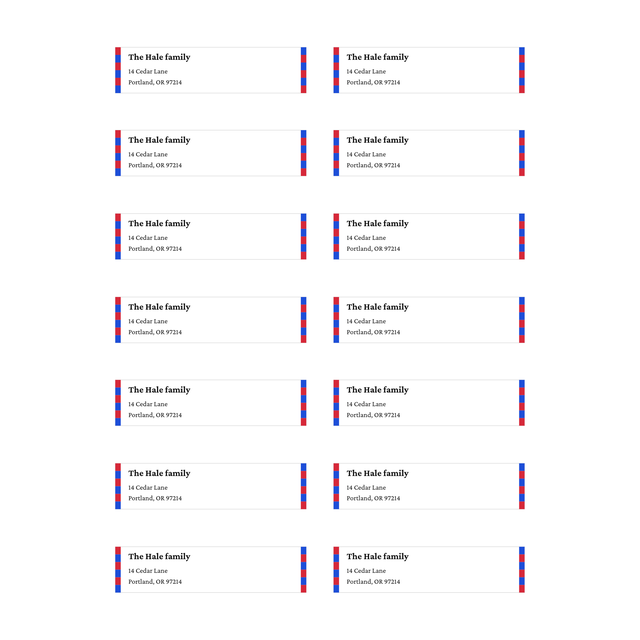
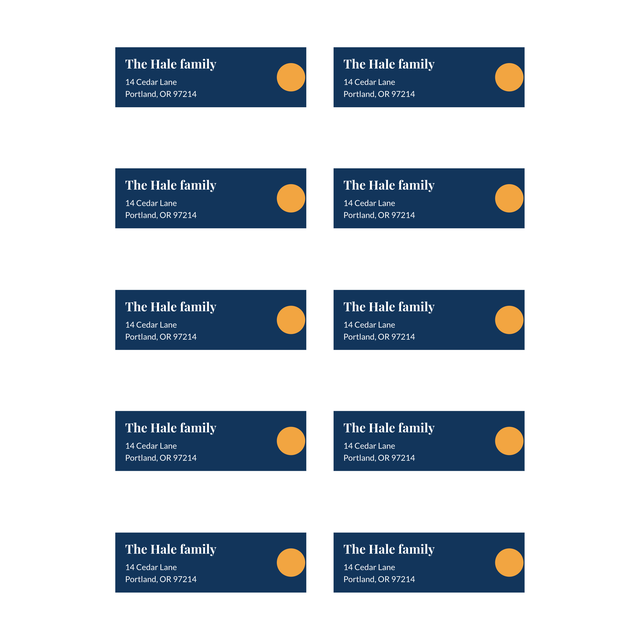
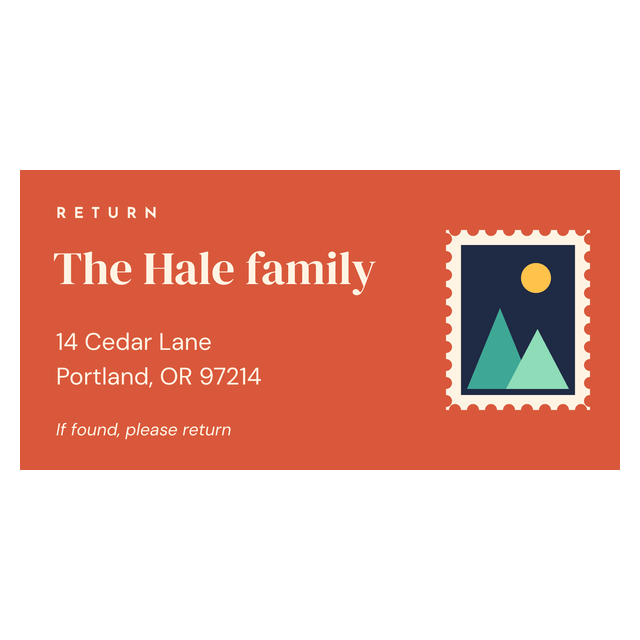
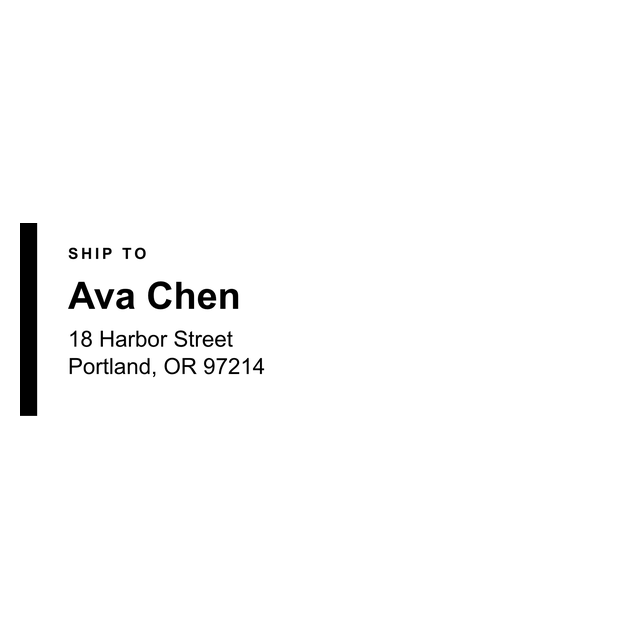
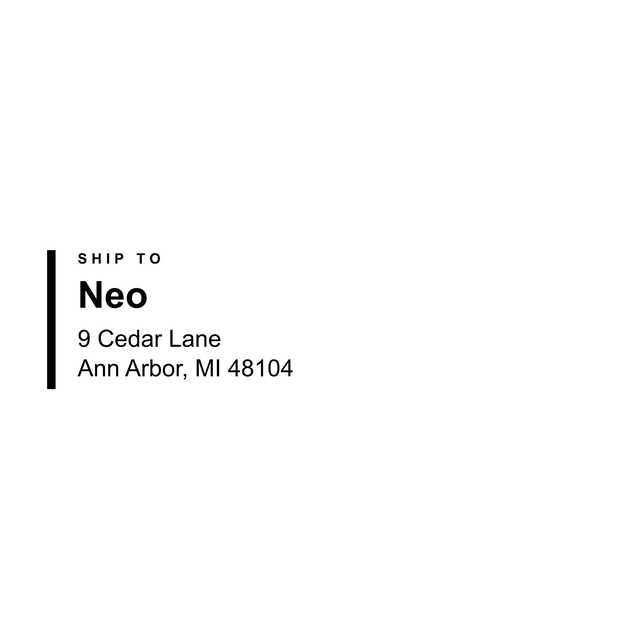
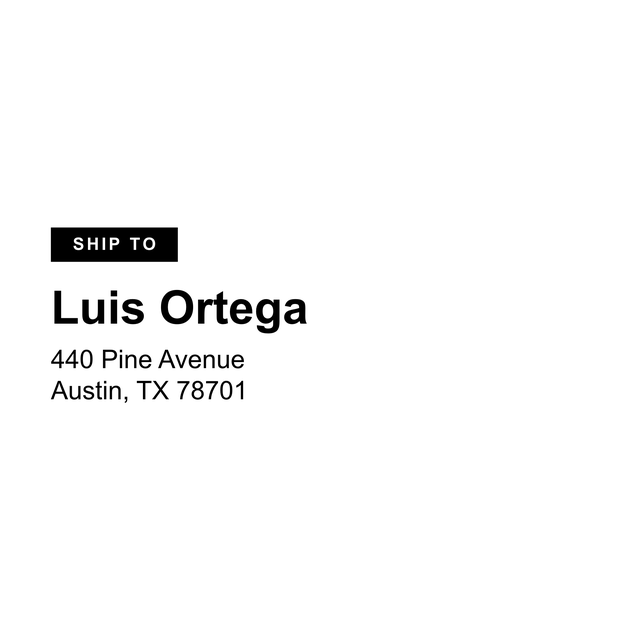
Every address and return address label in the editor, on Avery sheets and DYMO or Brother rolls. Click one to open it with that layout, then type your address or load your list.

Address label questions
How do I make address labels?
Open 5160 or your roll's address die, add the address or import a row per person, and print one proof.
Can I print wedding or return addresses?
Yes. Return addresses are often the 5167 cell. A guest list for envelopes is 5160, one household per row.