Home · Labels · Avery label templates
Avery label templates
Avery label templates for the sheets people actually load: 5160 address labels, 5163 shipping labels, and 5167 return addresses. You can print them online from the browser. L7160 is the A4 address sheet. It is not the same file as 5160.
Updated October 2026. Prices and specs change. Check the maker before you buy.
Avery label templates and the paper they sit on
These are laser and inkjet sheets, not thermal rolls. Any printer that can take US Letter can take 5160, 5163, and 5167. The labels are die-cut. If the design is shifted by a few millimeters, you print on the gap and the next label is wrong. That is a software setting, not a bad pack of labels.
| Template | Label | Sheet |
|---|---|---|
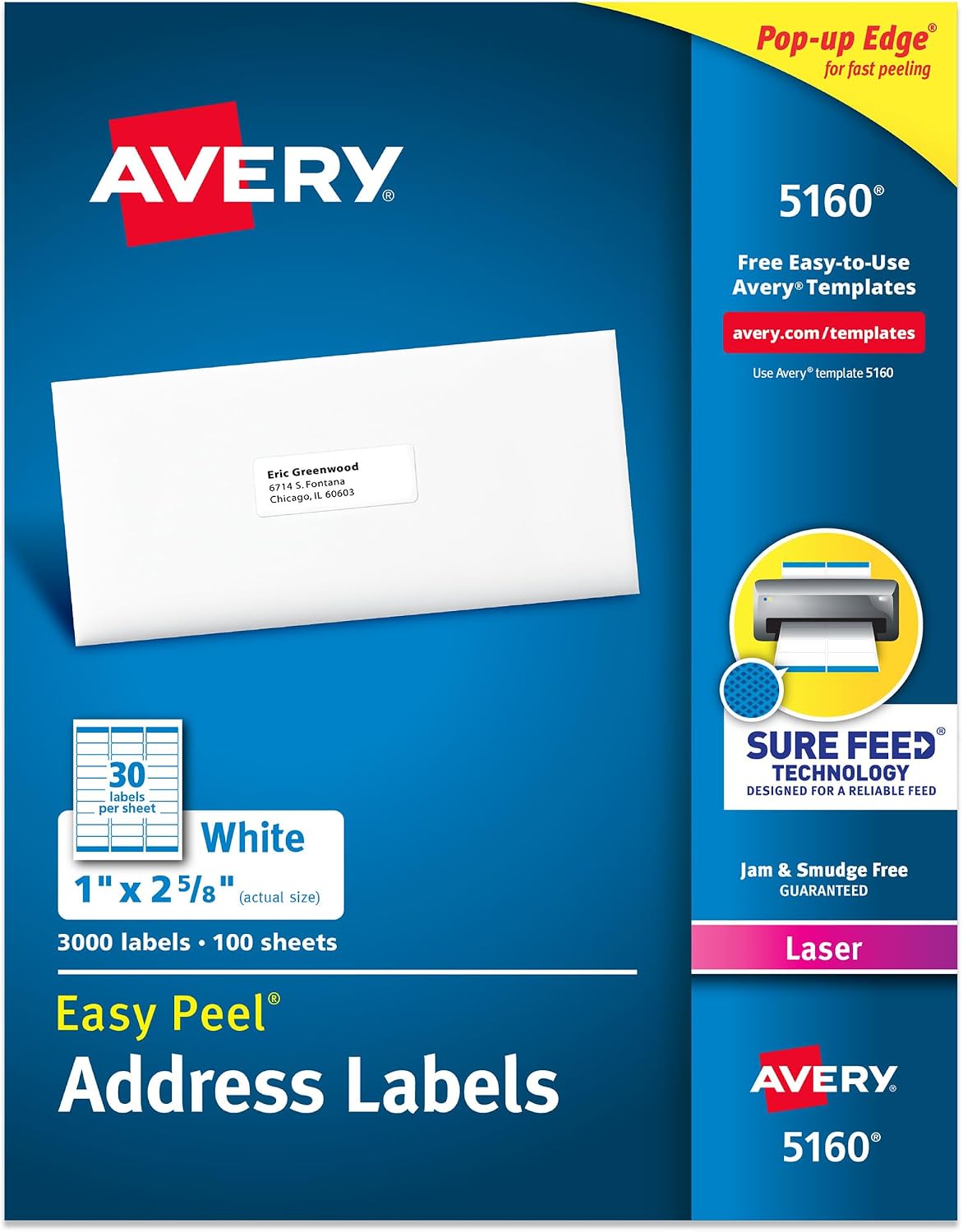
| 5160 | 1 in x 2-5/8 in (25.4 x 66.7 mm) | 30 up on US Letter. Also sold as 8160, 5260, and 5960. |
| 5163 | 2 in x 4 in (50.8 x 101.6 mm) | 10 up on US Letter. Also sold as 8163 and 5263. |
| 5167 | 1/2 in x 1-3/4 in (12.7 x 44.5 mm) | 80 up on US Letter. Return addresses. |
| L7160 | 63.5 x 38.1 mm | 21 up on A4. Not a built-in sheet here. Set a custom size, or use 5160 if the printer is loaded with US Letter. |
Which printers these fit
A desktop inkjet or laser that prints US Letter. Load the Avery sheet the number calls for, or a compatible sheet with the same layout. Do not put a 5160 sheet in a DYMO LabelWriter. The DYMO wants a roll, and the Avery wants a page. Thermal printers such as Zebra, Rollo, and Munbyn do not take these sheets either. They want a roll. If you came here from a 4x6 shipping search, the thermal page is Zebra labels.
The shop lists paper and rolls that match the sizes we draw, including Avery-style sheets when they are in stock: shop printers and labels.
Print on Windows 11
- Open the 5160 sheet or the 5163 sheet.
- Type the first label, or upload Excel or CSV. The first row of the file is the column names. One row fills one label, not the whole sheet in a single cell.
- Click Print. In the Windows dialog, set paper to Letter, turn off fit to page, and set scale to 100 percent. Headers and footers off.
- Print one sheet onto plain paper. Hold it up to the label sheet against a window. If the boxes sit on the labels, load the Avery sheet and print.
Print on a Mac
- Open the same template. The layout does not change between Windows and macOS.
- In the print dialog, open the paper size and pick US Letter. Set scale to 100 percent. Turn off any "fit" checkbox the driver adds.
- Print one plain sheet and compare it with the labels before you use the real stock.
When the labels miss
Blank gaps mean the scale was not 100 percent, or the paper size was A4 while the sheet is Letter. A printer that will not pull the sheet usually has the labels loaded face-down for that model. Check the tray icon. A label that looks faint is a print-quality setting, not the template. Reprint. Do not design the text larger to compensate for a shrink-to-fit setting. Fix the setting.
Avery Design and Print is the better tool when you need a product number we have not drawn, their official merge into every cell of a sheet, or an L-code catalog. We draw the US Letter numbers above and let you set a custom size for everything else, including an L7160-sized label on A4. We do not pretend the custom size is their certified template.
5160, 5163, and 5167, one job each
5160 is the address sheet: 30 labels, 1 inch by 2-5/8 inch, which is 25.4 by 66.7 mm. The same layout is sold as 8160, 5260, and 5960. Use it for return addresses, a classroom list, or a contact list. 5163 is the shipping sheet: 10 labels, 2 by 4 inches, also sold as 8163 and 5263. It is not a thermal 4x6. It is a piece of US Letter with ten stickers. 5167 is the small return-address label, 1/2 by 1-3/4 inch, 80 on the page. The text has to be short. A full street address will not fit, and shrinking the page to force it is how the row below gets clipped.
L7160 is the A4 cousin people mix up with 5160. Each label is 63.5 by 38.1 mm, 21 on an A4 page. It is not a built-in template here. If the printer is loaded with US Letter, use 5160. If the printer is loaded with A4, set a custom label to those millimetres and print a plain sheet first. We do not call that custom size an official L7160 file.
Excel fills one label per row. The first row of the file is the column names. It does not automatically drop a different address into all 30 cells of a 5160 sheet the way Avery's own mail merge does. If that placement is the whole job, Avery Design and Print is the better tool. Say that before someone prints 30 copies of the first address and blames the sheet. For one design repeated, or a stack of single labels from a list you check, the browser sheet is enough. No Avery account.
Alignment, again, because it is the whole support thread. Paper size Letter. Scale 100 percent. Margins none. Headers and footers off. Print one sheet on copy paper and hold it against the labels. Then load the real sheet. Face-up or face-down follows the tray icon on that printer, not a rule from the template. A faint label is a quality setting. A label that walks down the page is scale or the wrong paper size, including an A4 driver preset on a Letter sheet.
Questions about Avery templates
Which Avery templates can I print online?
5160 and 5163 open as full sheets. 5167 is the return-address size. L7160 is the A4 cousin of a 5160-style address label. You set that custom size. US Letter sheets are the ones drawn in the app.
Do I need Avery Design and Print?
No. Open the sheet, type or import Excel, and print from this computer with scaling off. Design and Print is still better if you need their full catalog and their mail-merge wizard.
Why do my Avery labels not line up?
The usual cause is scaling. Set the paper to US Letter, set margins to none, and turn off fit-to-page. Then print one sheet before you print fifty.
Is 5160 the same as L7160?
No. 5160 is 30 labels on US Letter, each 1 inch by 2-5/8 inch. L7160 is 21 labels on A4, each 63.5 by 38.1 mm. Same idea, different paper.
5160 spec 5163 spec 5167 spec DYMO sizes All sizes Shop sheets
Design it in the label maker.
The 30-up letter sheet is Avery 5160.