Free candle label maker for jars and tins
You can make candle labels in your browser with a free candle label maker: your brand on top, the scent big in the middle, the net weight and a batch code at the bottom. Open the candle template, type your own words, print one, and stick it on a jar before you print the rest. No signup.
How it works
One scent list, a label for every jar
Label tonight's pour
Open the candle template, type your scent, and print one to test on the jar.
Open the candle label1Pour day
Candle labels for a small batch pour
Picture the night after a pour. Twenty-four jars are curing on the shelf, three scents, and the market is on Saturday. Every jar still needs a label, and you'd rather not type "Cedar" eight times.
That's the job this page is for. You set up one label, check it on a real jar, and then let a short scent list fill the rest. If you only pour one scent, you skip the list and print copies of one label.
Everything here runs in Safari, Chrome or Edge. There's nothing to install.
2Examples
Candle label examples you can open and edit
These are real renders from the editor. The brand, scents and batch codes are made up for the examples. Click one and it opens with the same layout and text, ready for your own.


The second card loads a small sample scent list, so you can step through the rows and see how a long scent name fits before you bring yours.
3Every candle template
All 3 candle label templates
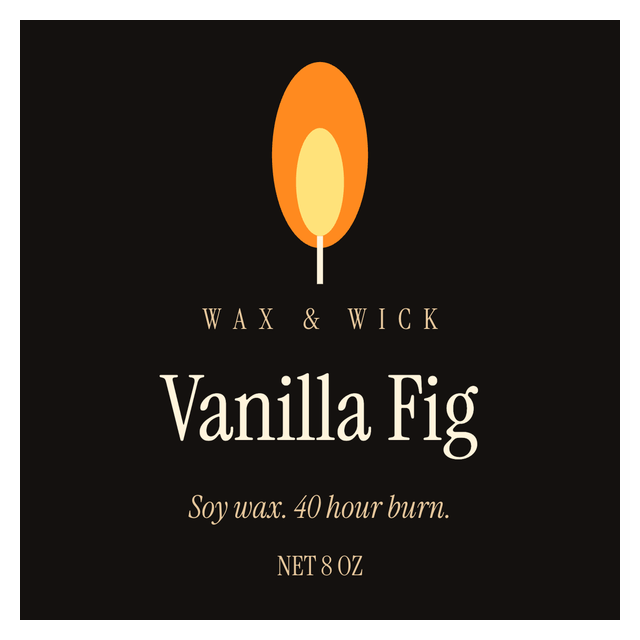
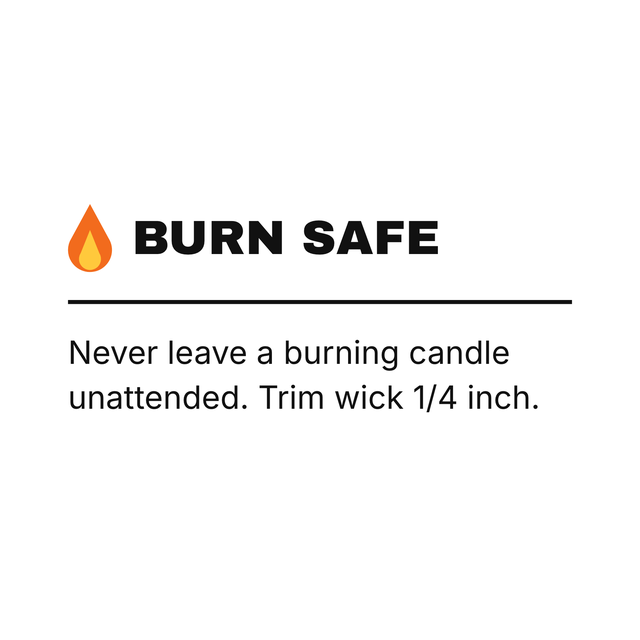
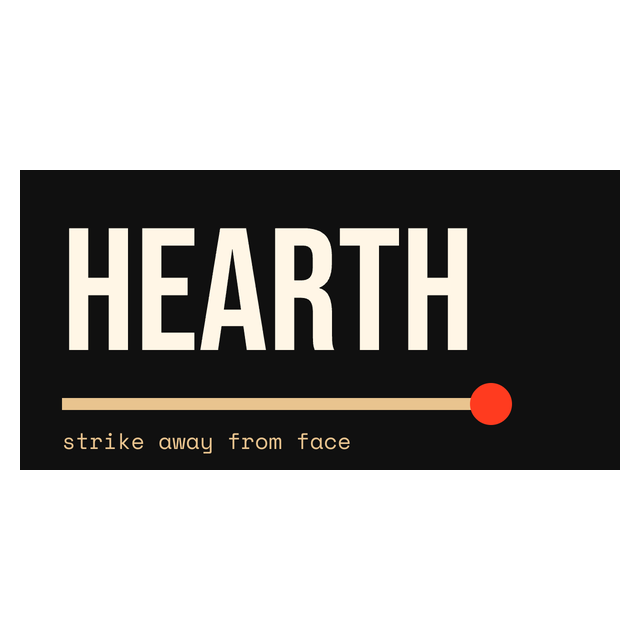
The candle labels in the editor: fronts, the back label for your warning text, and the match box. Click one to open it.
4Measure the jar
What size should a candle label be?
The size comes from your jar, not from a template. Glass and tins curve, taper, or have a lip near the top, so measure the part where a label will actually lie flat.
Jam jars and sauce bottles get measured the same way. The jar label guide covers front, wrap and lid shapes in more detail.
- Wrap a strip of paper where the label will go and mark where it still lies flat. That's your usable width.
- Measure the height between the base curve and the shoulder. Leave a little room on both edges.
- Pick label stock that fits inside those numbers. A 2 x 2 front works on many small tumblers. A 3 x 2 suits a wider jar or a tin lid. Neither is "the" candle size.
- In the editor, set that width and height before you design, so the text lands where the label will.
5Front and back
Candle warning labels and the back label
The front label is how people pick a candle up. The back label is where your own wording goes, and it's a different job.
The editor prints whatever you type. It doesn't know your wax, your wick or the rules where you sell, and it won't check or certify warning text. If the back text only fits at a size nobody can read, the label is too small for it. Use a bigger back label or a hang tag.
- Front: your brand, the scent in the biggest type, and the net weight.
- Back: care notes, safety or warning wording, your shop address, and ingredients if you list them.
- Burn time: only if it comes from your own testing, not from a template.
6Your scent list
Keep your scents in a spreadsheet
If you pour more than a couple of scents, keep them in Excel, CSV or Google Sheets and let each row fill one label. Here is part of the fictional sheet behind the second example (it also has a Brand column):
Keep the column names in the first row. The batch code is worth having even if no one asks for it: when a customer mentions a jar that tunneled, you can find the pour it came from.
| Scent | NetQuantity | Batch |
|---|---|---|
| Cedar | 180 g | C-001 |
| Linen | 180 g | C-002 |
| Black Fig and Amber | 180 g | C-003 |
7Fill the labels
Make candle labels from Excel or CSV, one scent per row
Once the sheet is ready, connecting it to the candle label takes a couple of minutes. You do it once, and every row after that fills its own label.
If the longest scent crowds the label, shorten the name on the label or make the type a little smaller. Pouring a single scent? Use Print this instead. It prints the label on the canvas and asks how many copies. More on the sheet itself: printing labels from Excel.
- Open https://app.mylabelmaker.com with the candle sample. The sheet above is already loaded. No signup.
- Click Data and upload your Excel or CSV file, or paste the rows.
- Click a text box on the label, then Variables, and pick its column: Scent in the middle, NetQuantity at the bottom, Batch on the line above it.
- Step through the rows and stop on the longest scent. "Black Fig and Amber" is the one that wraps here.
- Open Edit row and tick the scents you're labeling today. Rows start unticked, so nothing prints by accident.
- Click Print and enter how many copies of each ticked row you need.
8Test one
Print one, stick it on, then print the batch
Print a single label at actual size, with scaling off in the print dialog, and stick it on an empty jar. Then check it from where a customer stands:
On a thermal roll, the 3 x 2 example matches a 3 x 2 product roll. On a home printer, use a sheet of labels that are the size you measured.
- Can you read the scent from a step away, and the net weight up close?
- Does the label lie flat? If it wrinkles on the curve, it's too wide for the flat part of the jar.
- Does the back text read without squinting?
Candle label questions
How do I make candle labels online for free?
Open the candle template in your browser, type your brand, scent and net weight, and set the label size to the stock you measured. You can make free labels with no signup, then print one to check it on a jar.
What size should a candle label be?
Whatever fits the flat part of your jar or tin. Measure where the label lies flat, leave a margin on each edge, and set that size in the editor before you design. A 2 x 2 front suits many small tumblers.
Can I print a different scent on each label?
Yes. Put one scent per row in Excel or CSV, add it under Data, and connect the Scent column to the label with Variables. Tick the rows you want in Edit row, then print.
Does the template include a certified candle warning label?
No. The back label is a plain block for your own wording. The editor prints the text you type. Warning and care text is yours to decide and check for the place you sell.
Can I add a barcode to a candle label?
Yes. The 3 x 2 example carries a CODE128 barcode for an SKU. Use your own SKU, or a UPC or EAN if a shop gave you one.
Can I print candle labels on a thermal printer?
Yes. Set the label size to your roll, such as 3 x 2, and print. On a home printer, use a sheet of labels in the size you measured and print at actual size.