Free Zebra and Rollo label templates for 4 inch thermal printers
These free thermal label templates fit Zebra, Rollo and other 4 inch direct thermal printers: 4x6 shipping labels, 2x1 barcode labels, 3x2 product labels and bin labels for the warehouse. Open the size on your roll in the free label maker, edit it in your browser, and print to a Zebra with Browser Print or from this computer through your printer's driver.
Send a 4x6 label to your thermal printer
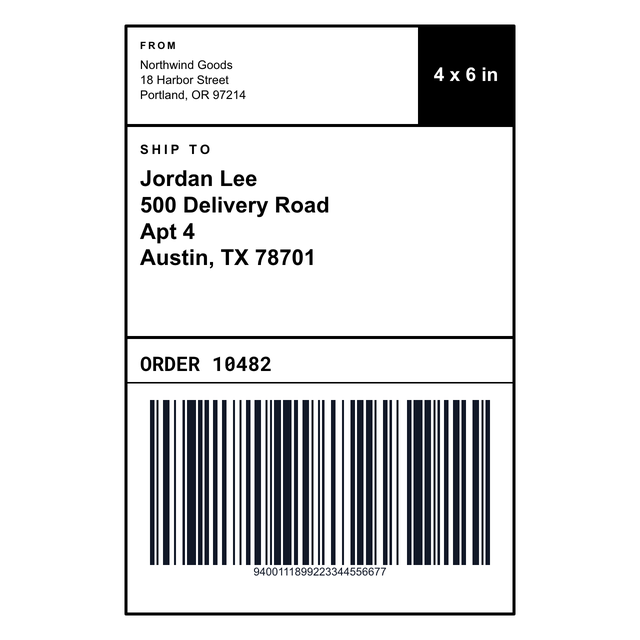
Open the 4 x 6 shipping label, fill in the ship-to address, and print one to check the roll.
Open the 4x6 label1The roll
Thermal label templates for the roll you loaded
A thermal printer has no ink and no idea what a page is. It feeds one label off the roll, and your design has to be that label's size: 4x6 for a parcel, 2x1 for a barcode, 4x2 for a bin.
Every template here is built at 203 dpi, the standard head on a Zebra ZD220, ZD421 or GK420d and on Rollo printers, so a 4 x 6 is 812 x 1218 dots. If your printer has a 300 dpi head, switch the editor to 300 dpi so small barcodes stay sharp. The Zebra label sizes page and the Rollo label sizes page have the roll setup for each printer, and common sizes have their own pages, like Zebra 4x6 and Rollo 2x1.
2Examples
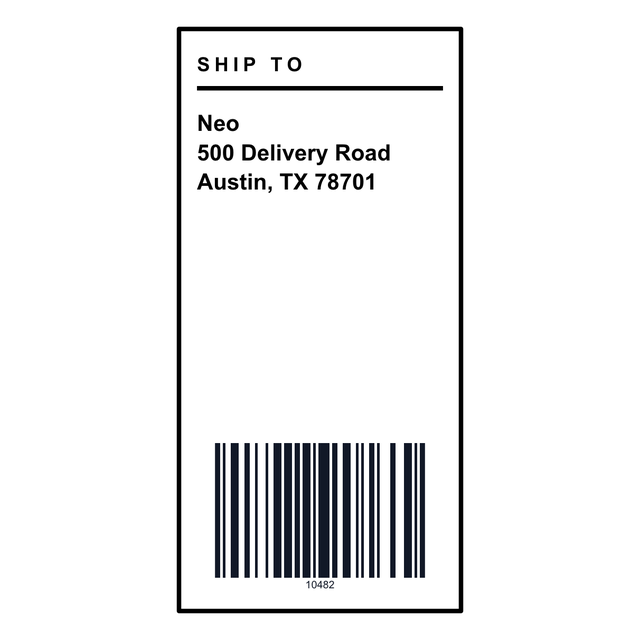
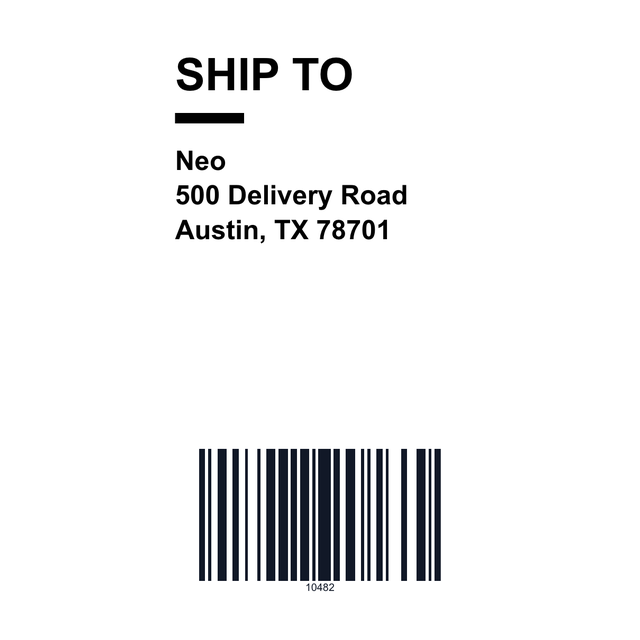
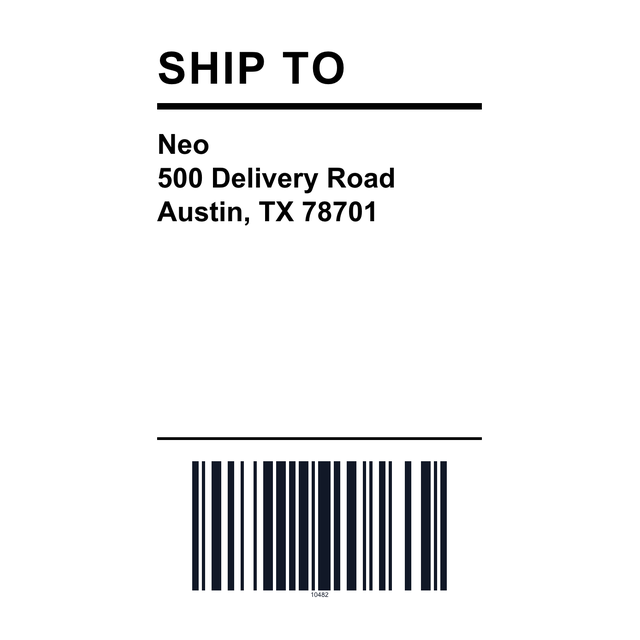
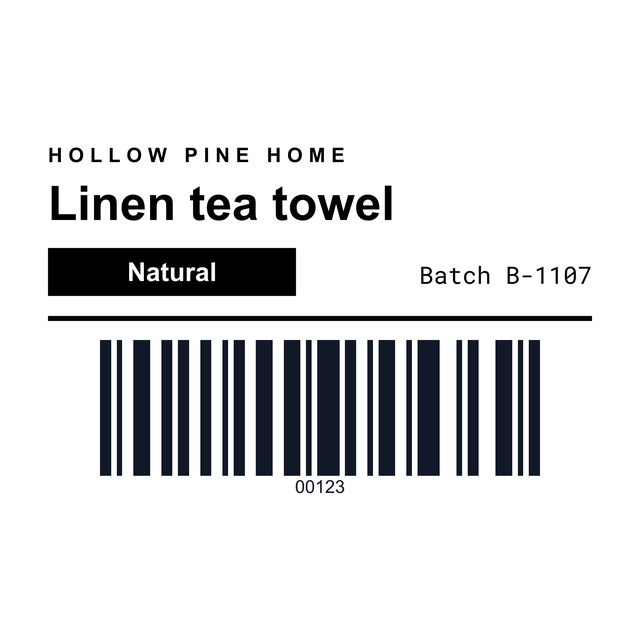
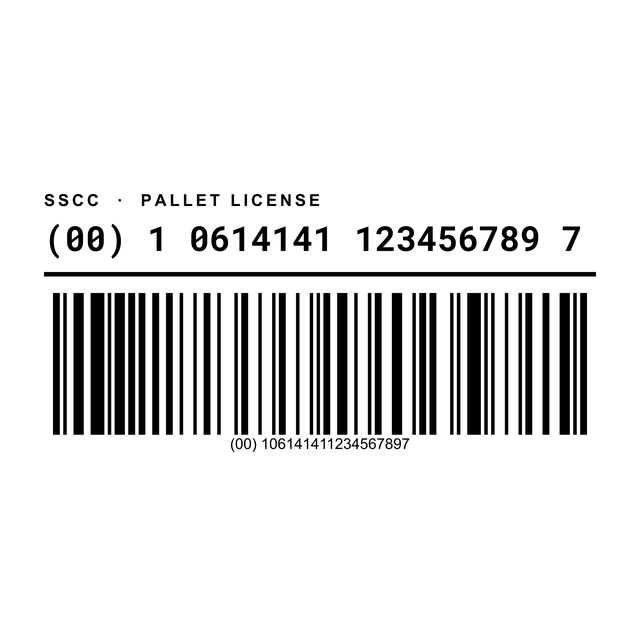
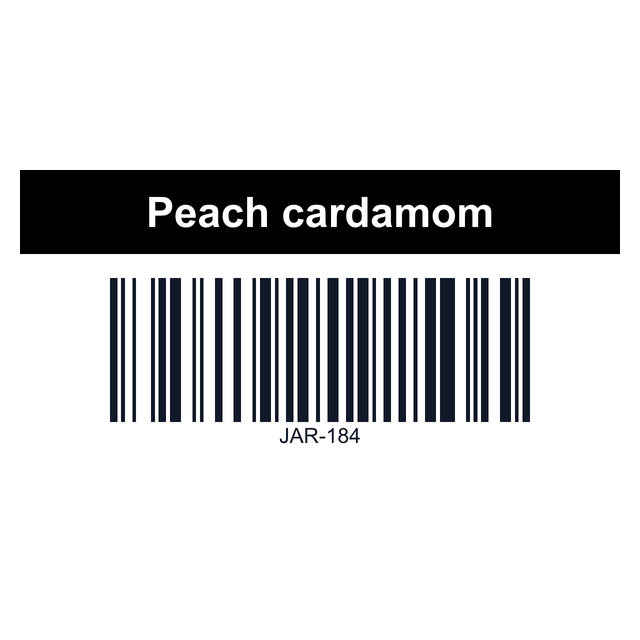
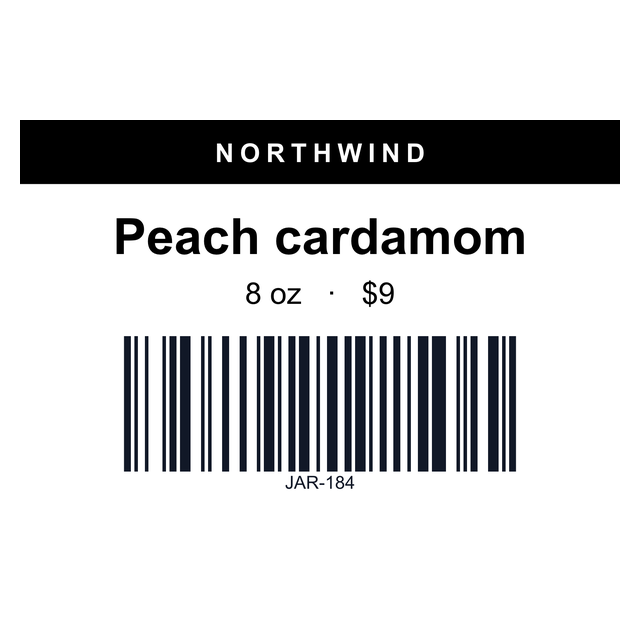
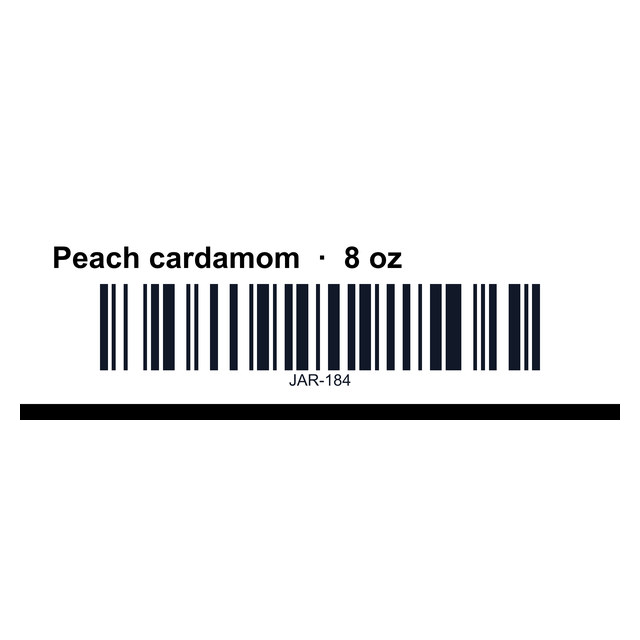
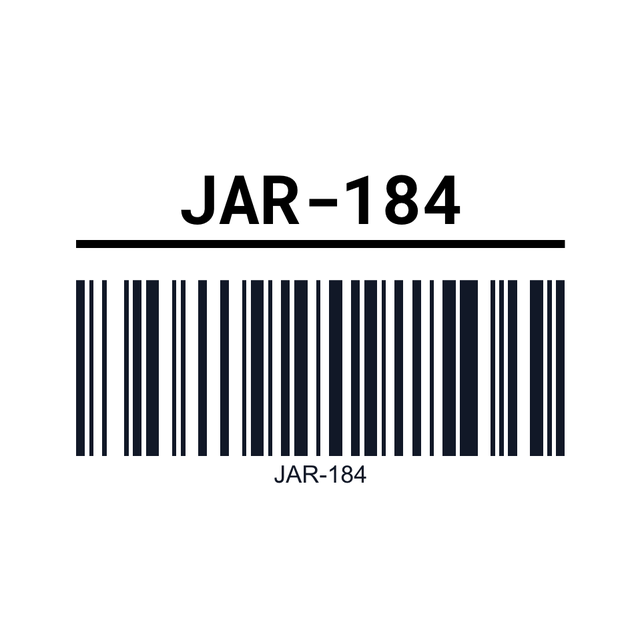
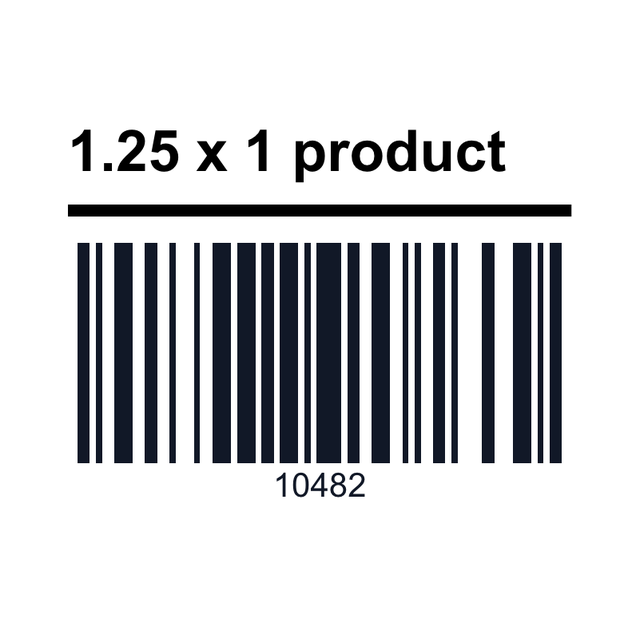
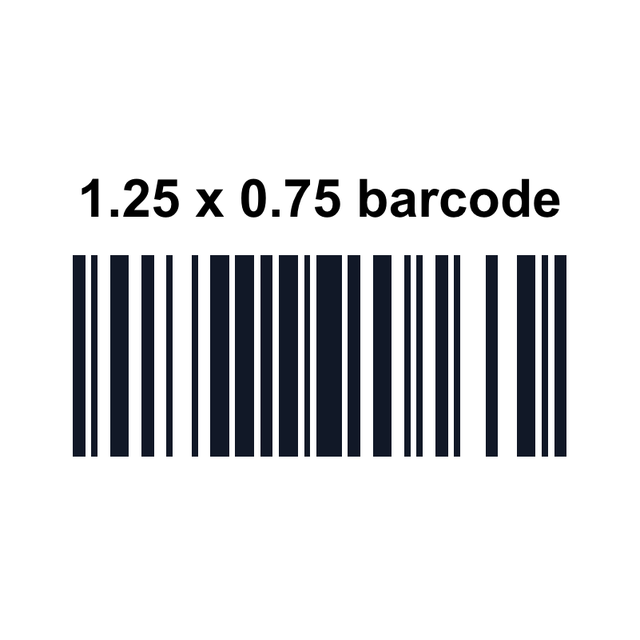
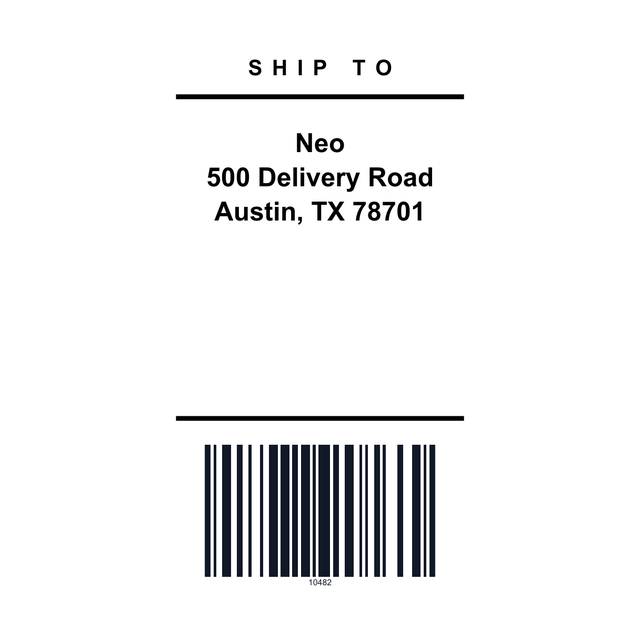
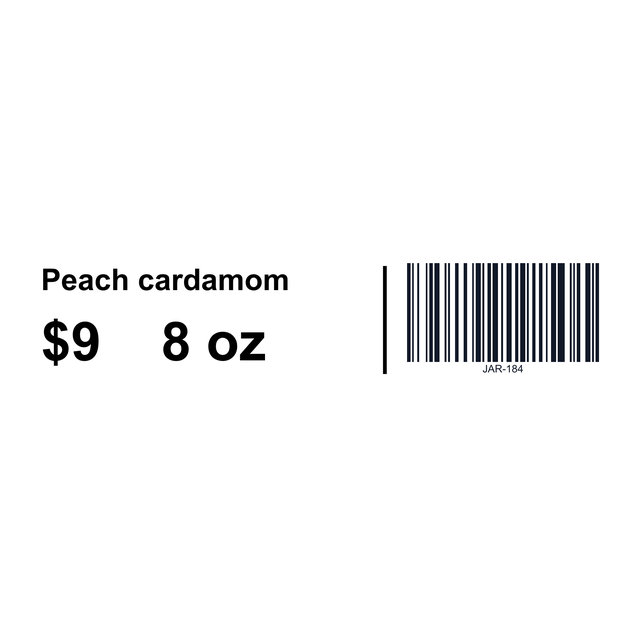
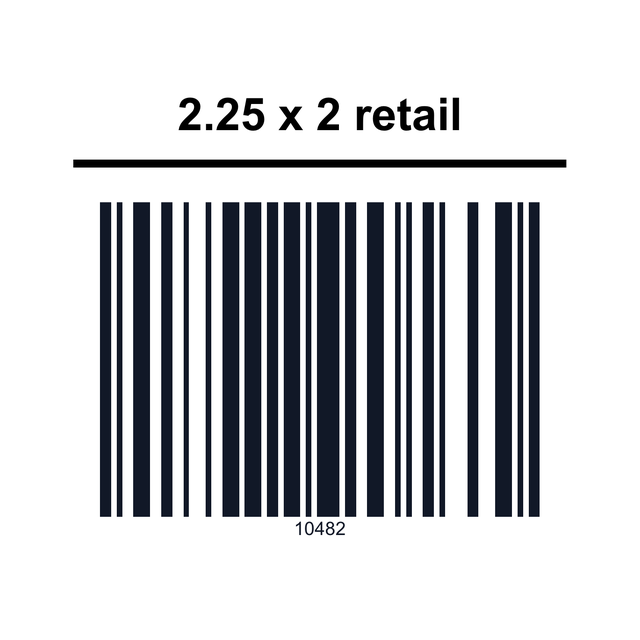
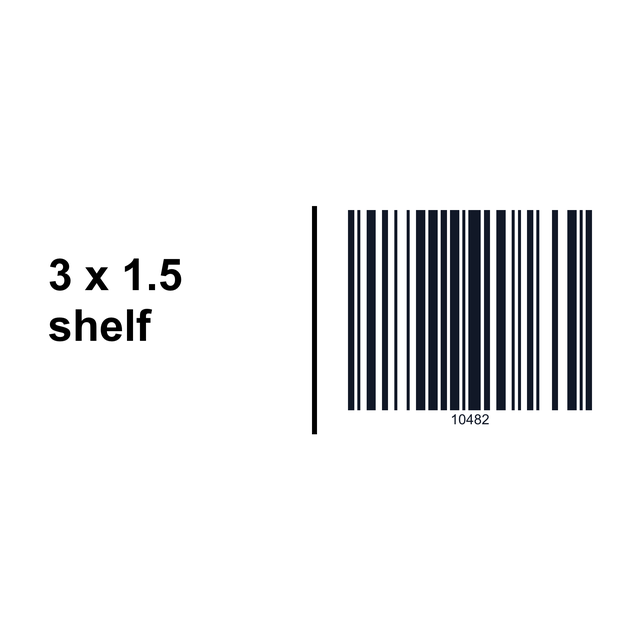
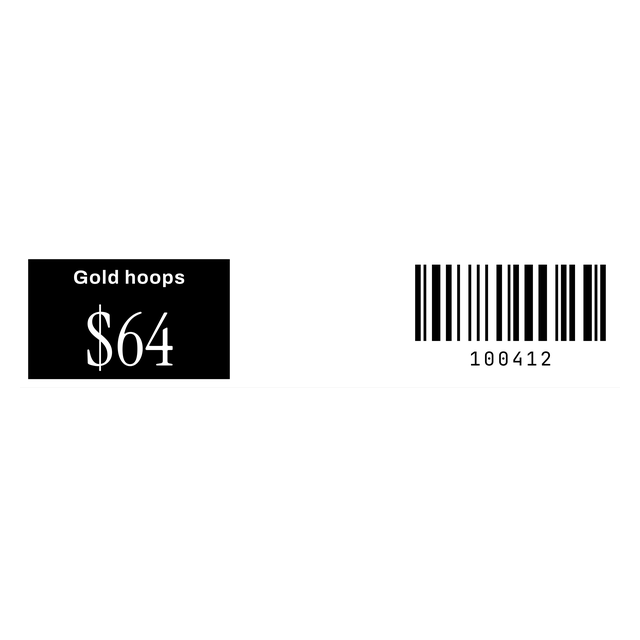
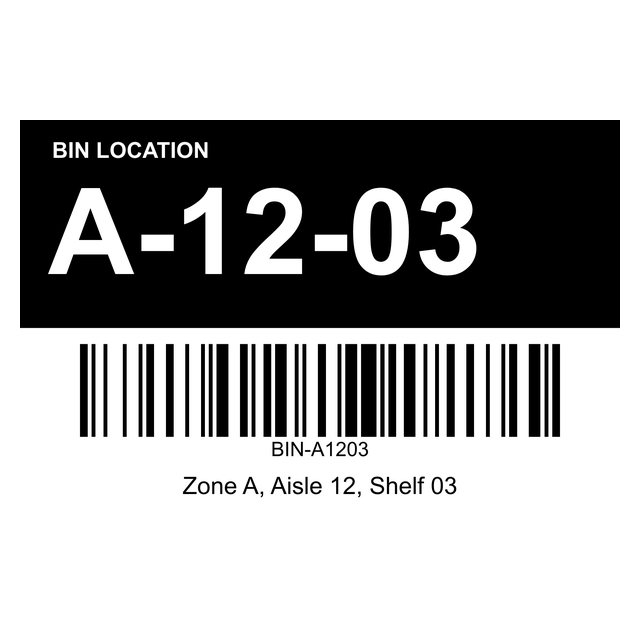
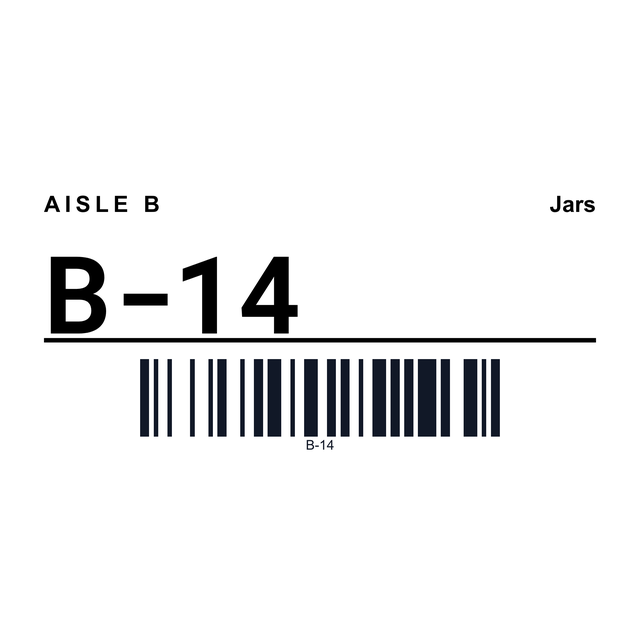
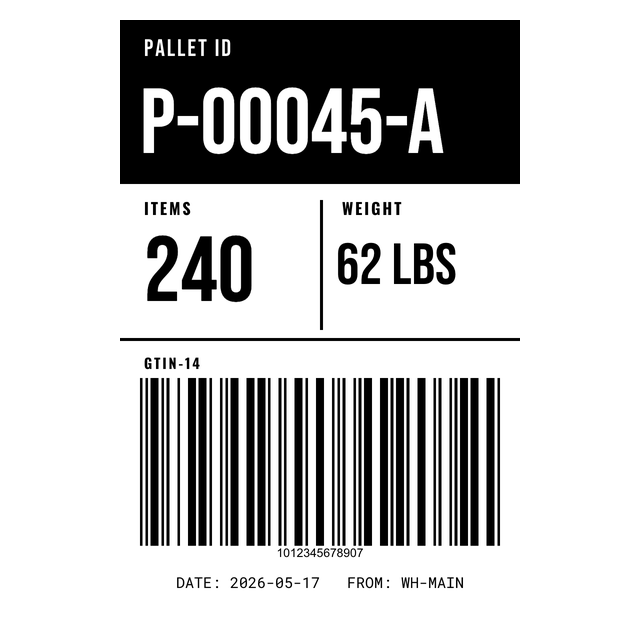
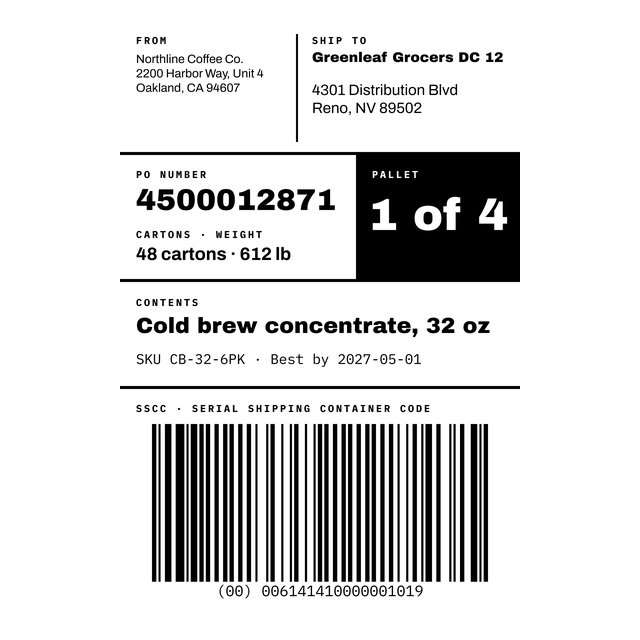
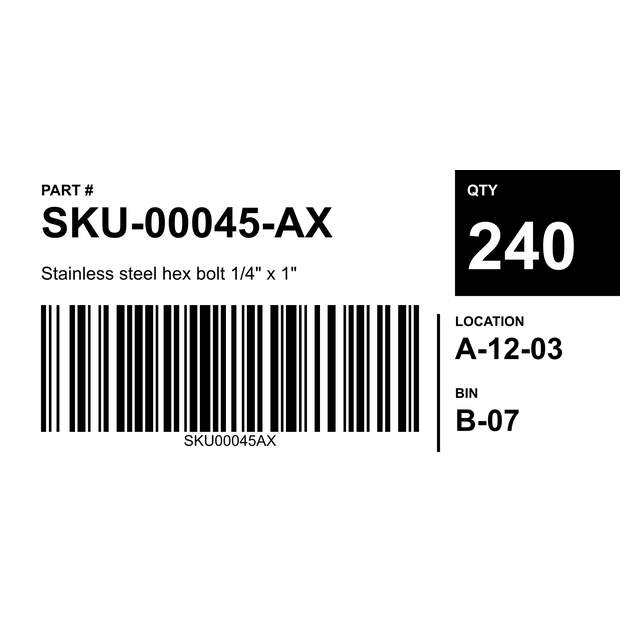
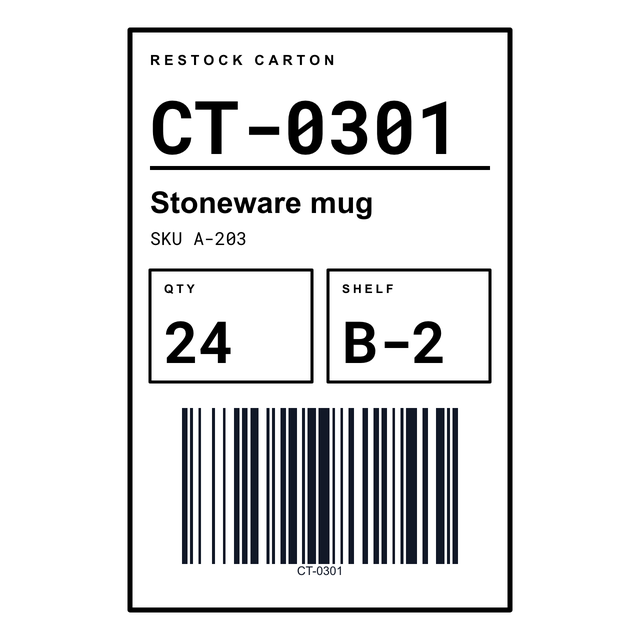
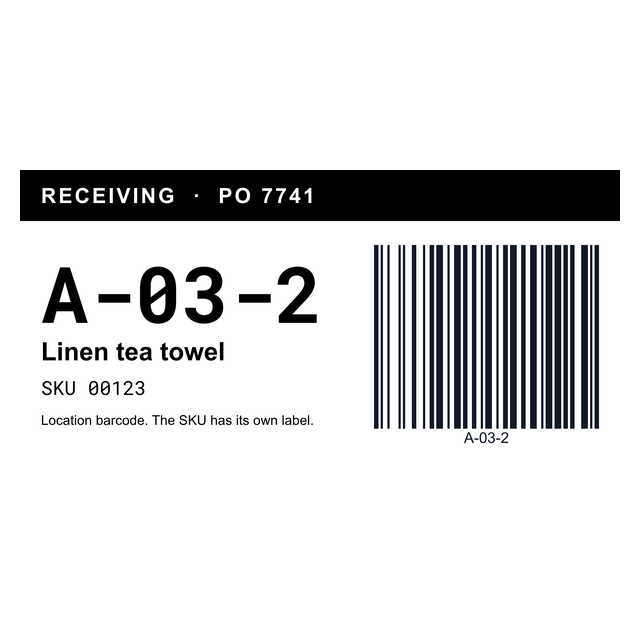
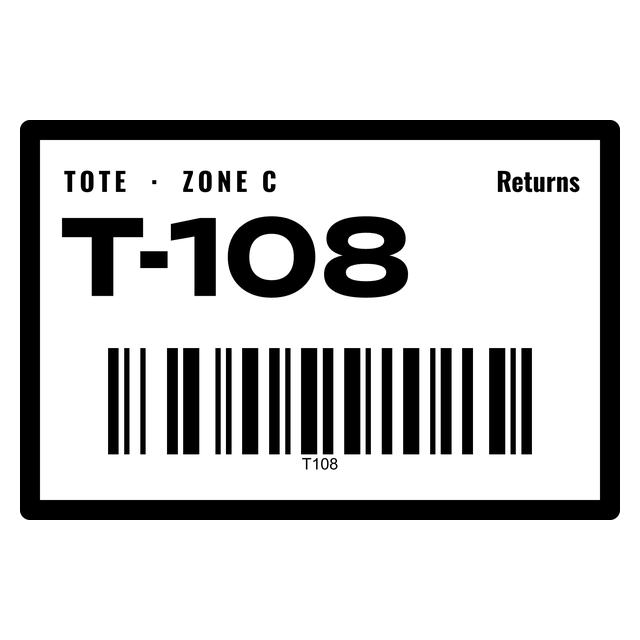
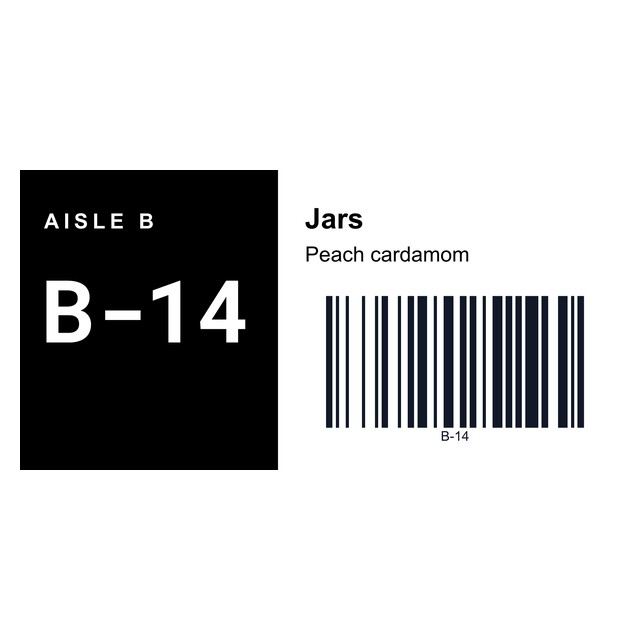
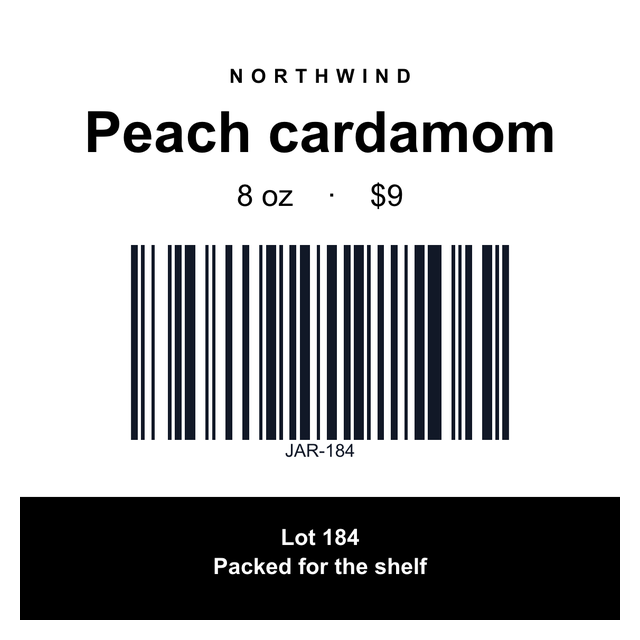
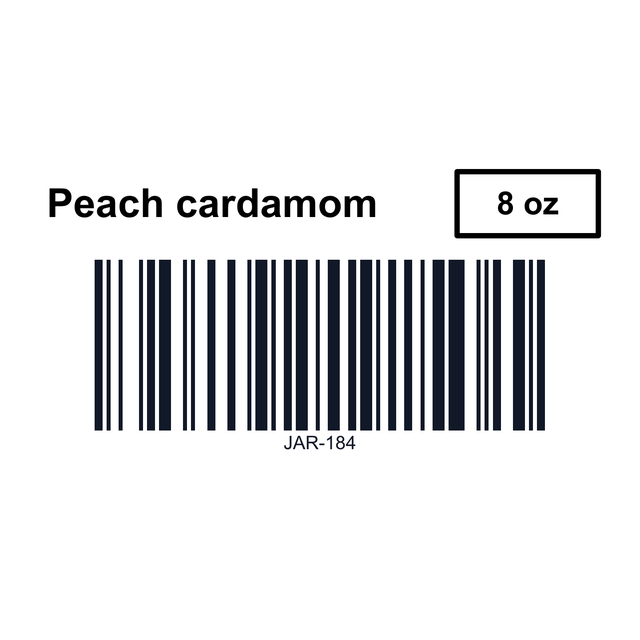
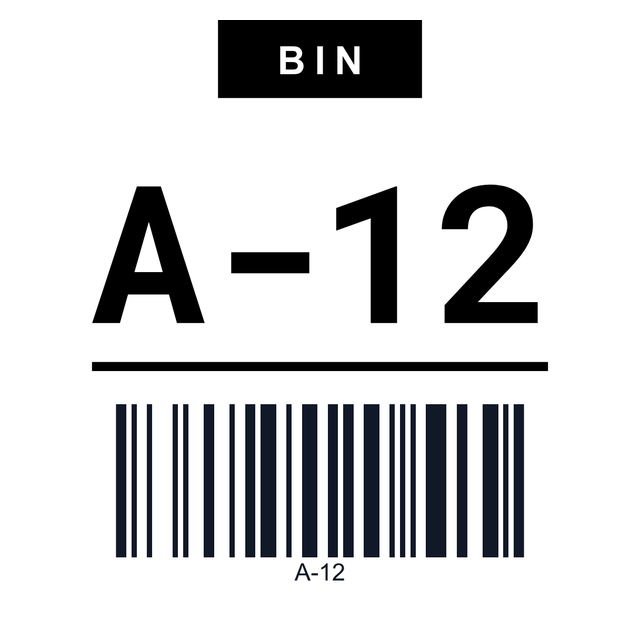
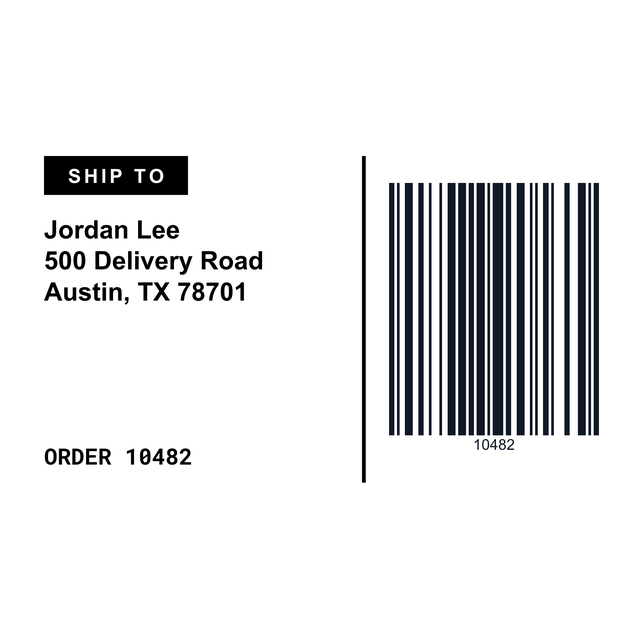
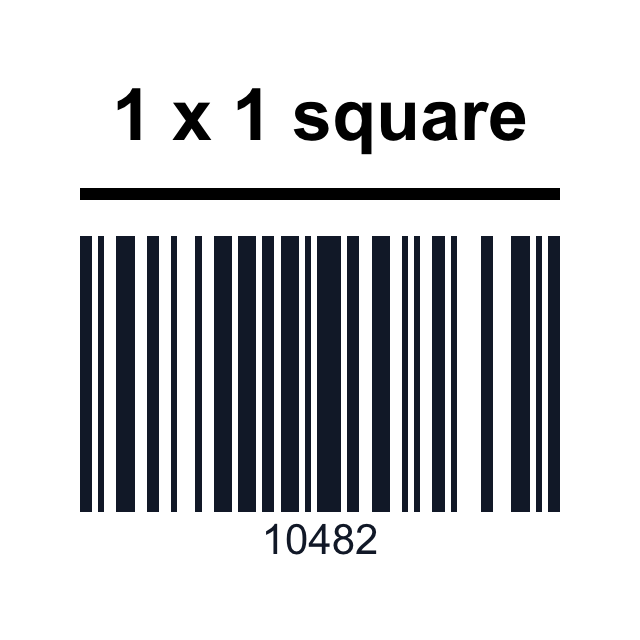
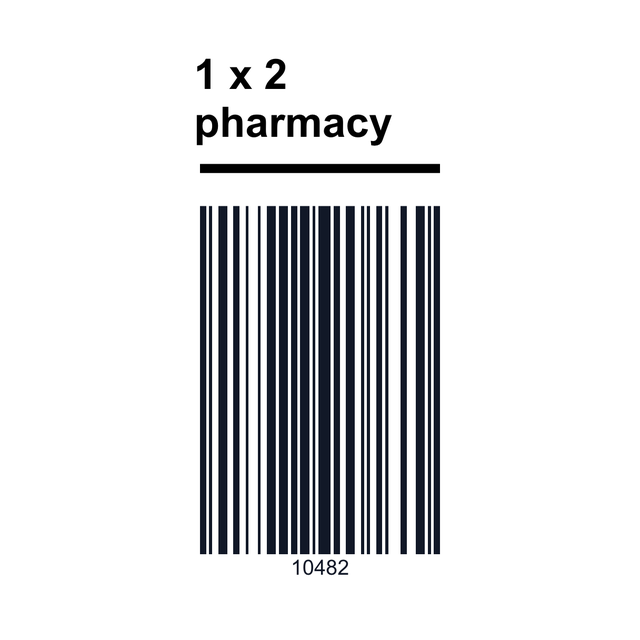
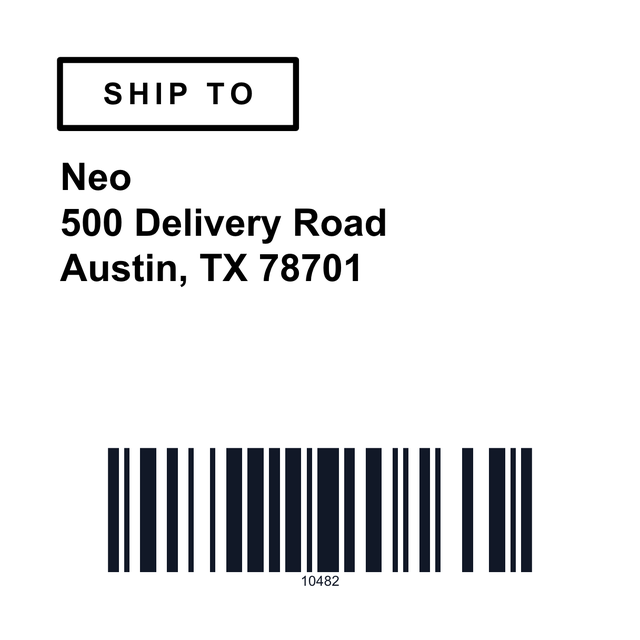
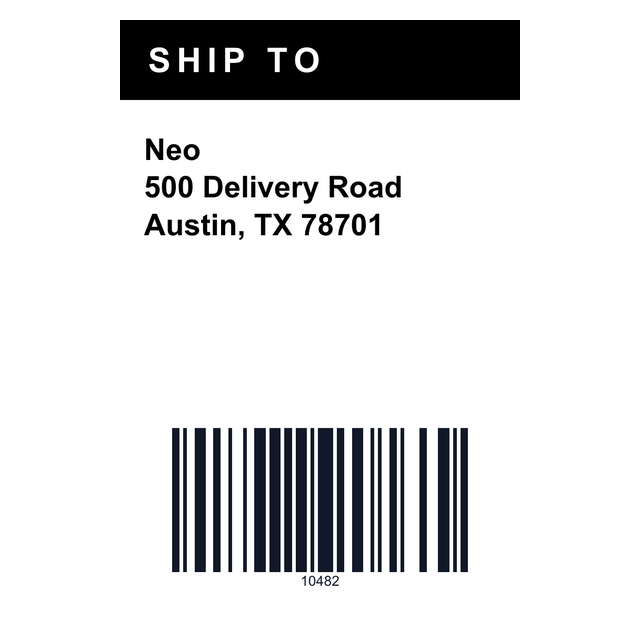
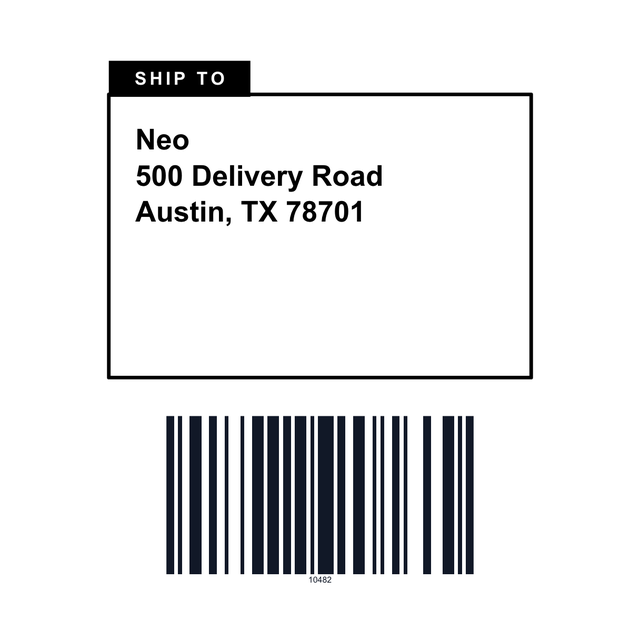
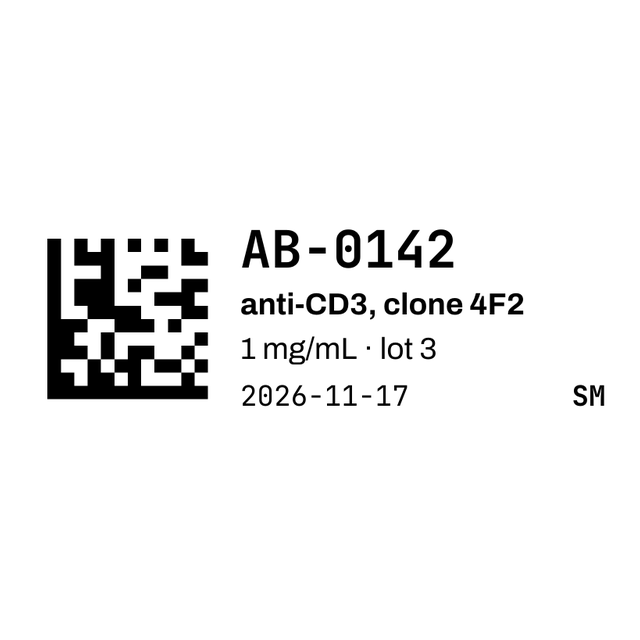
4x6 shipping, 2x1 barcode, bin and shelf label examples
These are real renders from the editor, with made-up addresses, SKUs and bins. Click one and it opens at that roll size, ready for your data.


3Every thermal size
All 51 Zebra and thermal label templates
Every thermal size in the editor, from 4x6 shipping and packing labels to 2x1 SKUs, product labels, shelf edges, bins, totes and pallets. Click one to open it.
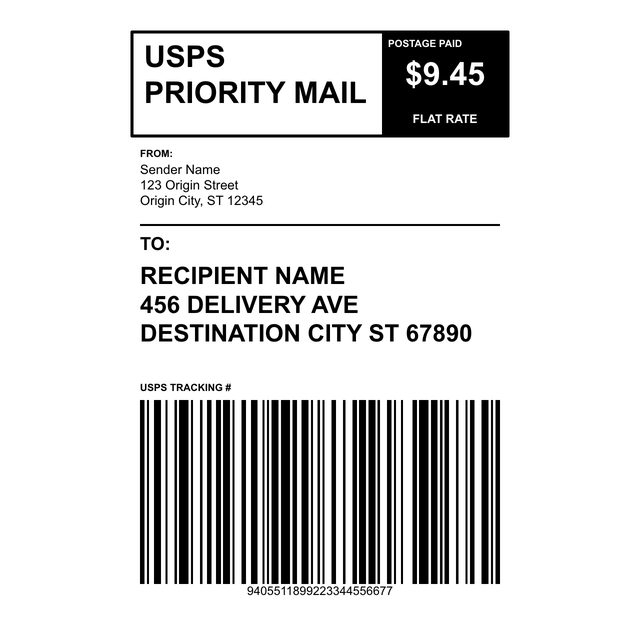
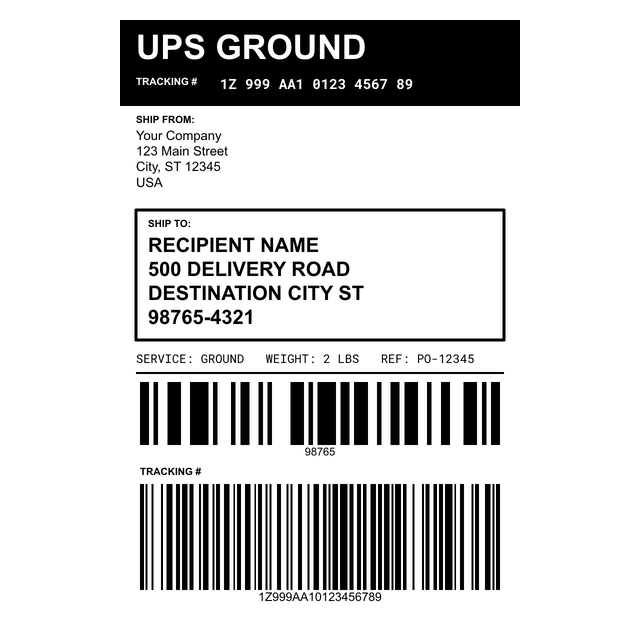
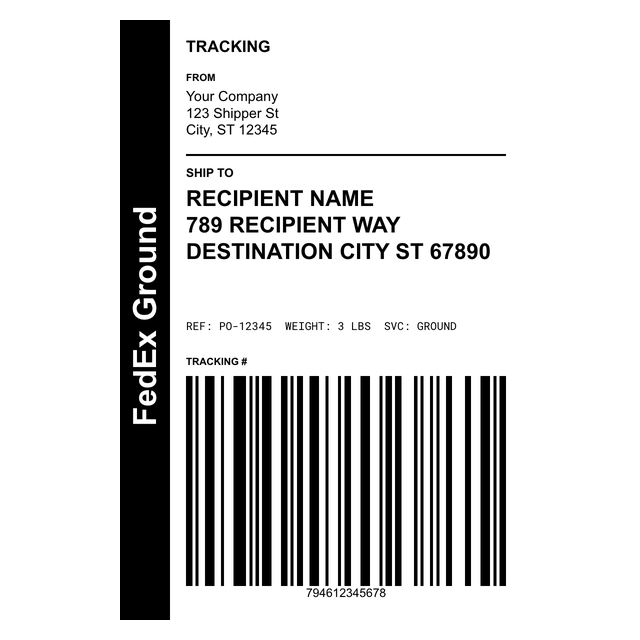
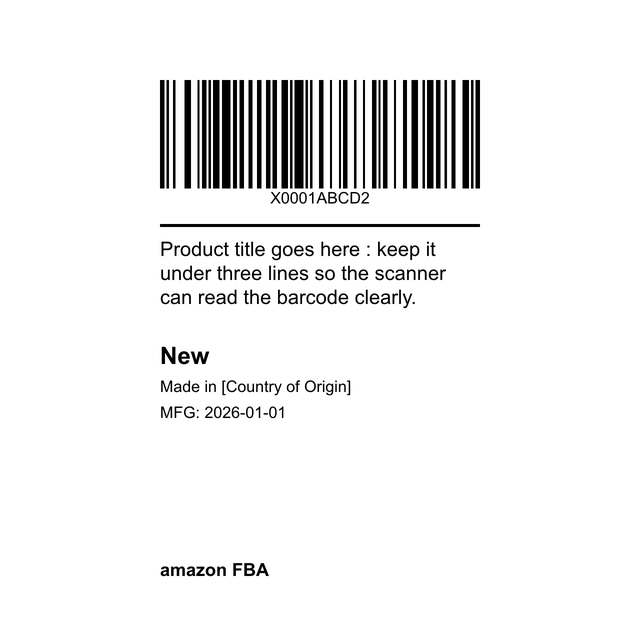
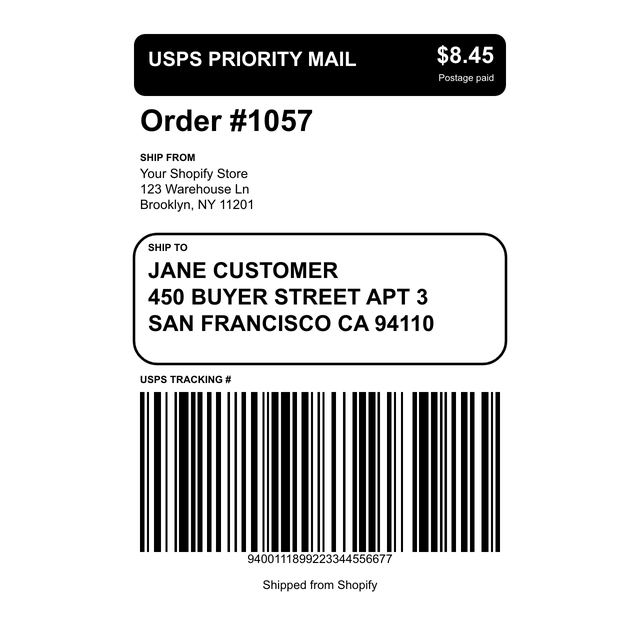
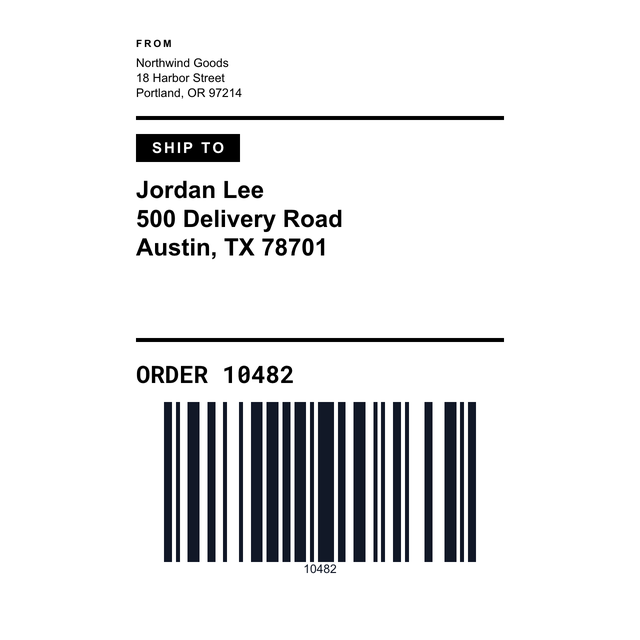
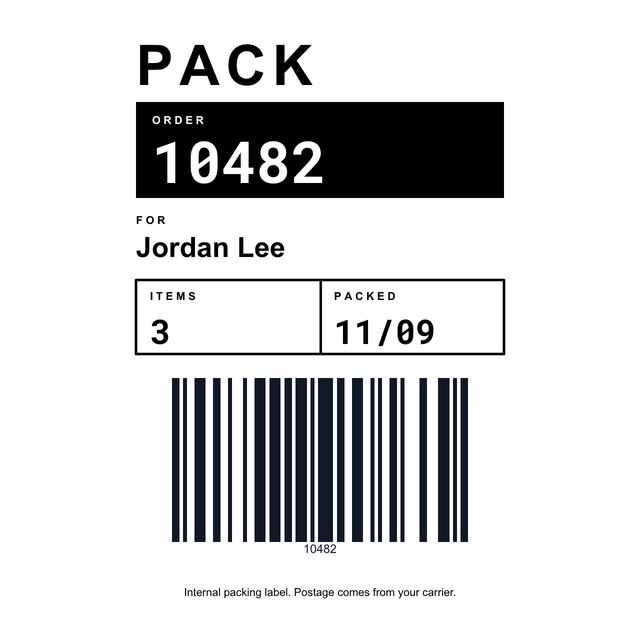
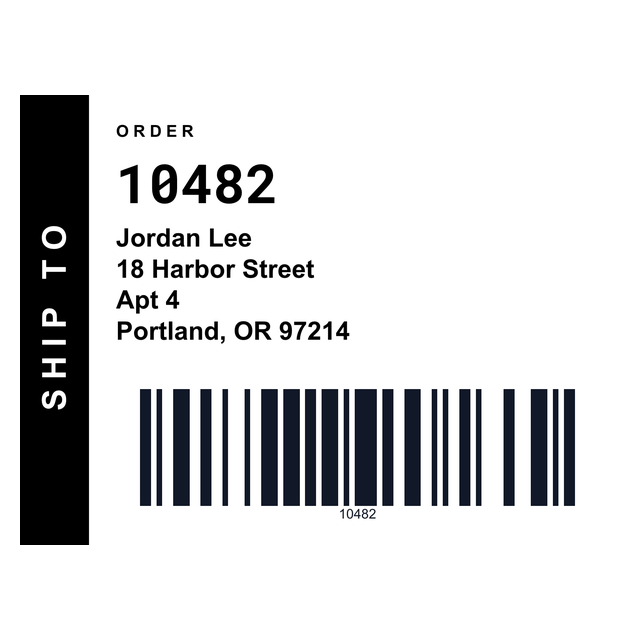
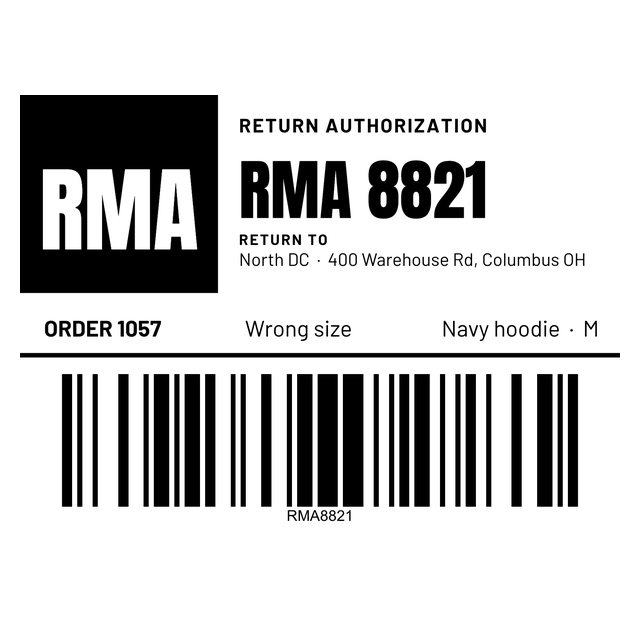
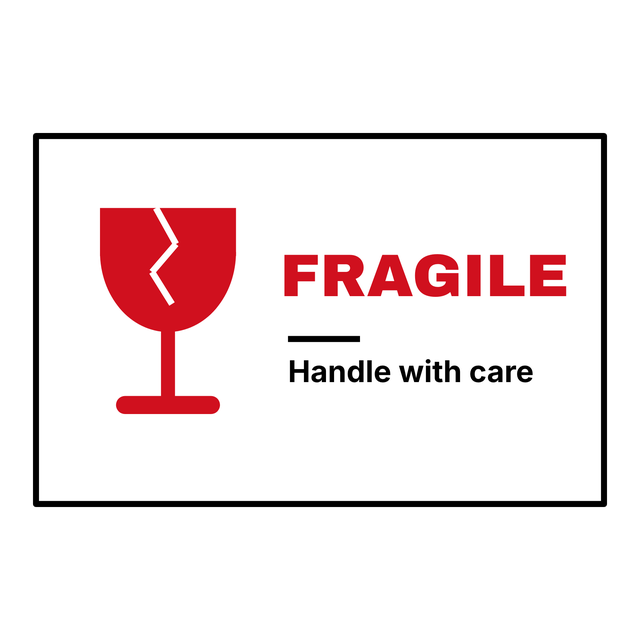
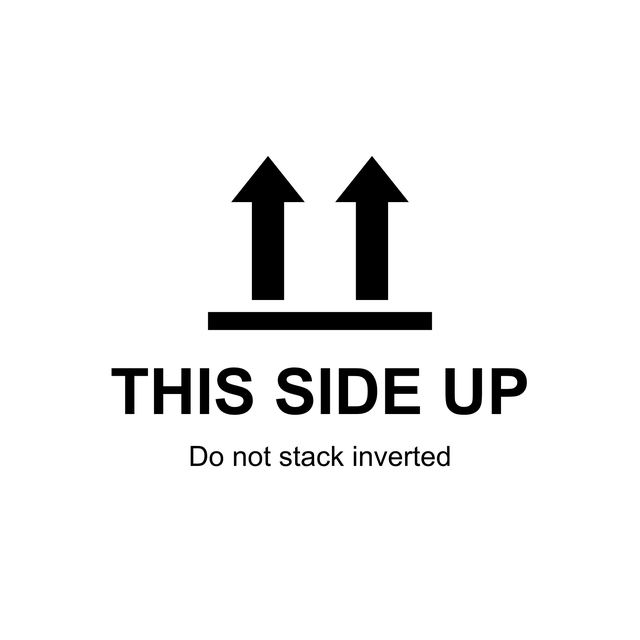
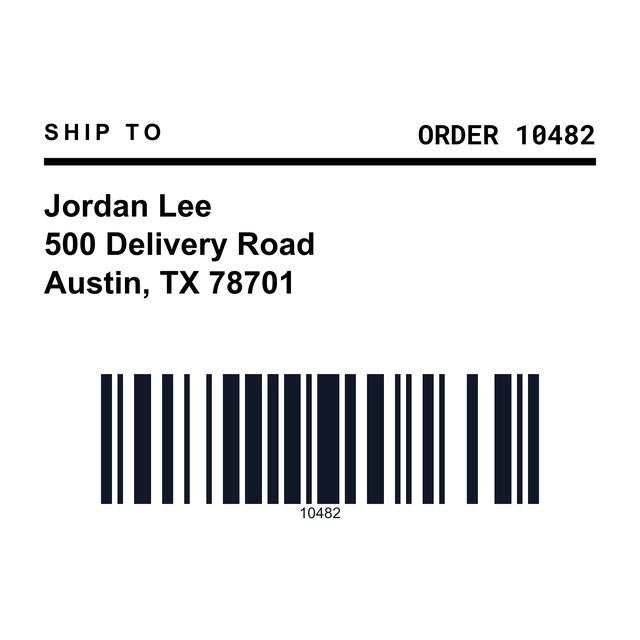
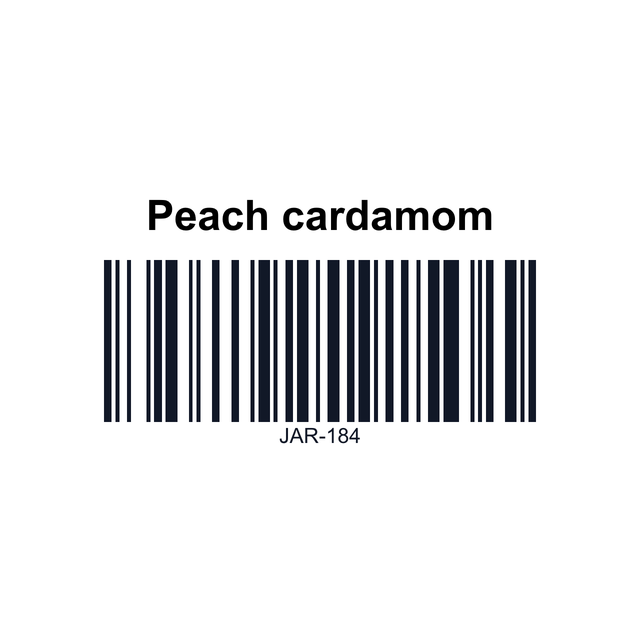
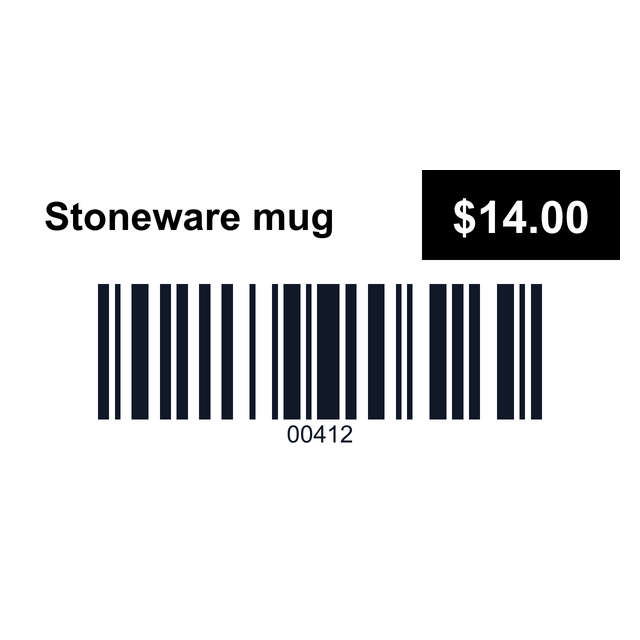
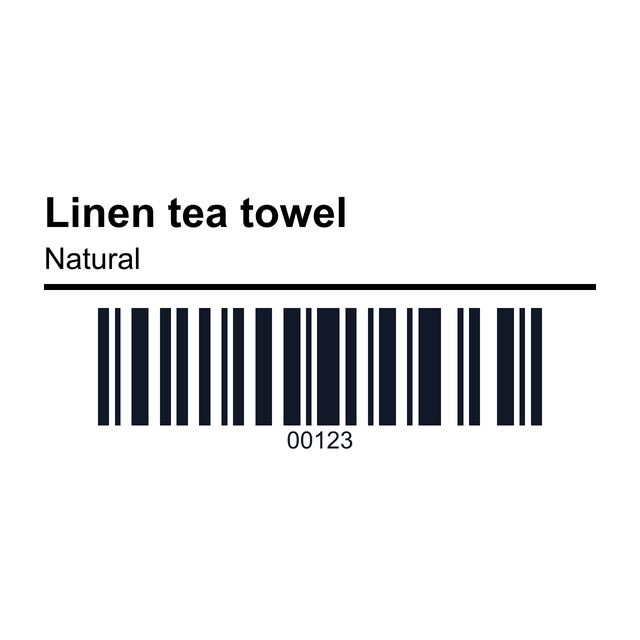
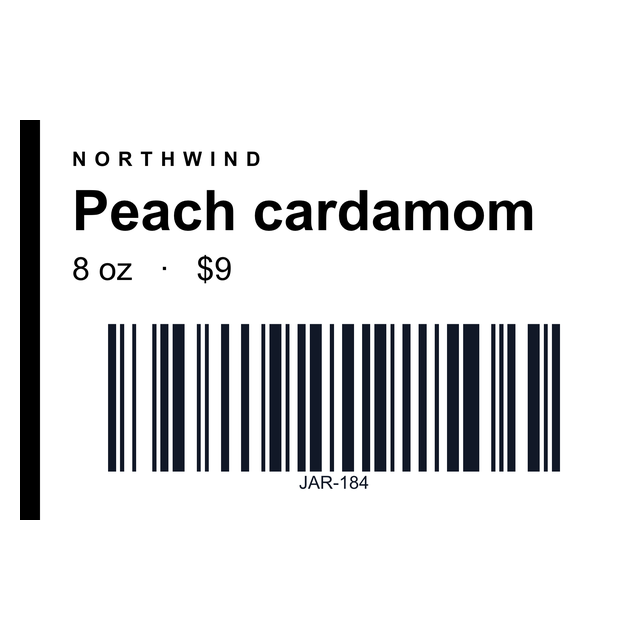
4Pick a size
Which thermal label size do you need?
A 4 inch desktop printer takes any label up to 4 inches wide. The length comes from the roll, so match the template to what's loaded.
The shipping templates are for your own ship-to and packing labels. Postage still comes from your carrier or marketplace.
| Size | Good for |
|---|---|
| 4 x 6 in | Shipping labels, packing labels, cartons and pallets |
| 4 x 3 and 4 x 2 in | Packing, returns, bins and receiving |
| 3 x 2 in | Product labels with a barcode and price |
| 2 x 1 in | SKU barcodes and price stickers |
| 4 x 1 and 3 x 1.5 in | Shelf edge labels |
| 1 x 1 to 1.5 x 1 in | Tiny barcodes and small product tags |
5Print one
How to print to a Zebra or Rollo from your browser
One test label first, then the stack.
Need the code instead? Download ZPL from the label and send it your usual way, or check a file first in the ZPL viewer.
- Open https://app.mylabelmaker.com (no signup), click Templates and pick the size on your roll.
- Type the text and edit the barcode value.
- Click Print. For a Zebra, choose Zebra Printer. Zebra Browser Print has to be running on the computer, and it finds the printer over USB or the network.
- For a Rollo or any other thermal printer, choose This computer, pick the printer, set the paper to the roll size, like 4 x 6, and leave the scale at 100 percent.
- Print one and check it. A blank label usually means the roll needs calibrating.
6From a spreadsheet
Print shipping and SKU labels from a CSV
Your orders, SKUs and bin locations are already in a spreadsheet. Export the rows as CSV or Excel, click Data and upload them, then connect each text box and the barcode to a column with Variables. Step through a few rows, tick the ones you want in Edit row, and click Print.
Zebra labels from Excel and Rollo labels from Excel cover each printer. If you're comparing desktop apps, thermal label printer software lays out the options.
Zebra and thermal label questions
What size labels does a Zebra printer use?
A 4 inch desktop Zebra prints labels up to 4 inches wide. The common sizes are 4x6 for shipping, 4x2 and 3x2 for products and bins, and 2x1 for barcodes.
Do these templates work with a Rollo printer?
Yes. Rollo prints at 203 dpi like the templates. Print from this computer through the Rollo driver with the paper set to your roll size.
Do I need Zebra Browser Print?
Only to send a label straight from the browser to a Zebra. Without it, you can still print from this computer through the Zebra driver.
Can I get the ZPL code for a label?
Yes. Download ZPL or Copy ZPL from the label, then send it to the printer your own way.
Why does my thermal printer print a blank label?
Usually the roll needs calibrating, it's loaded upside down, or the driver is set to a different label length than the roll.
Are the 4x6 shipping templates real postage?
No. They're for your own ship-to, packing and return labels. Buy postage from your carrier or marketplace.