Free shipping label templates for 4x6 rolls and sheets
These free shipping label templates cover the sizes you actually print on: 4x6 thermal rolls for Zebra, Rollo, DYMO and Brother, plus Avery 5163 sheets for a home printer. Open one in the free label maker, type the ship-to address or load your orders from a CSV, and print one to check it on the box.
Start with the 4x6 ship-to label
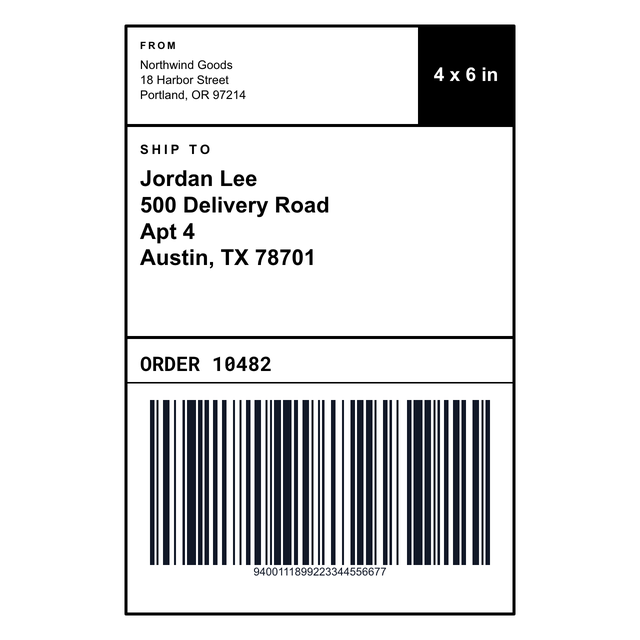
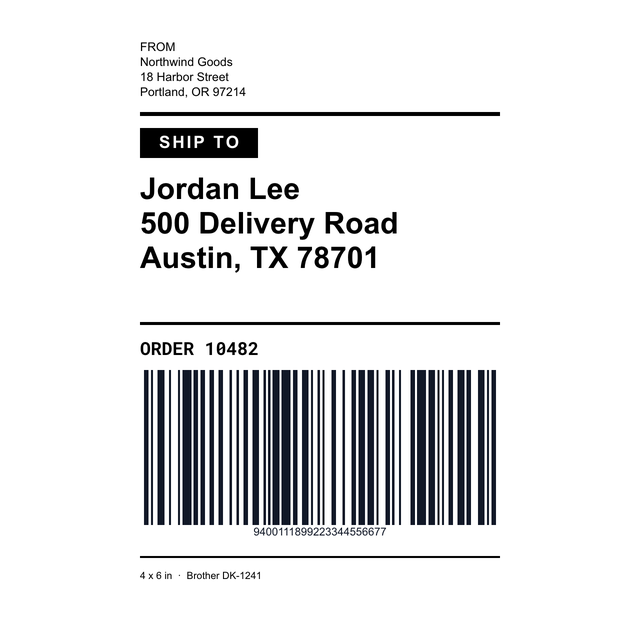
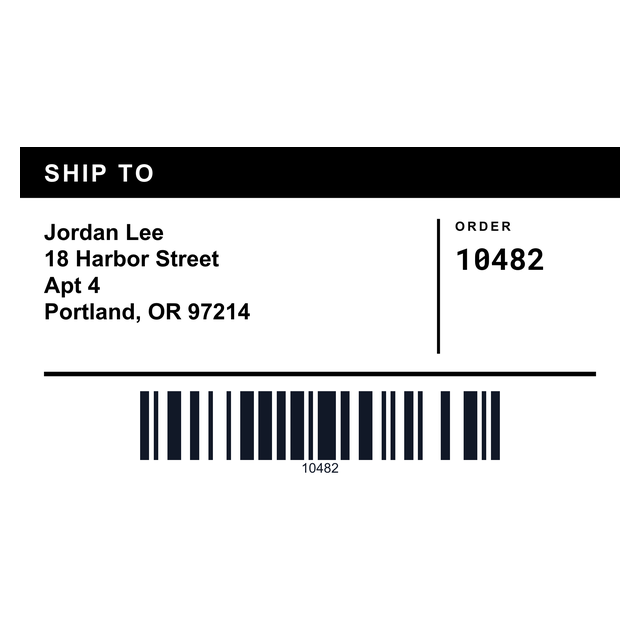
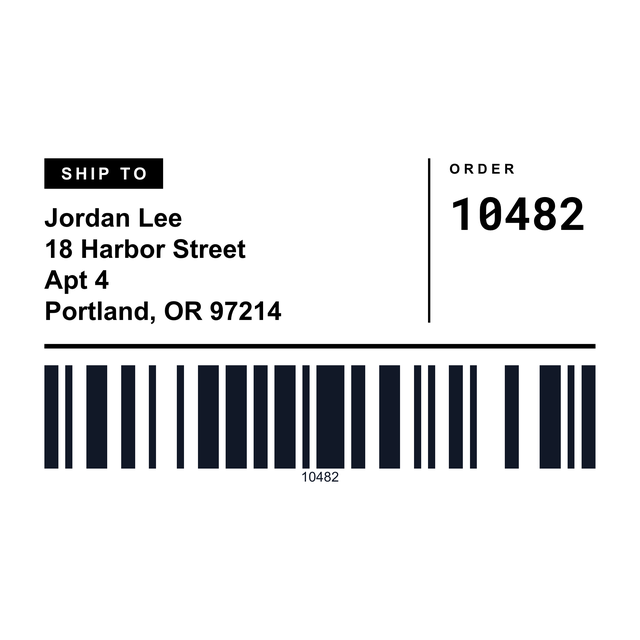
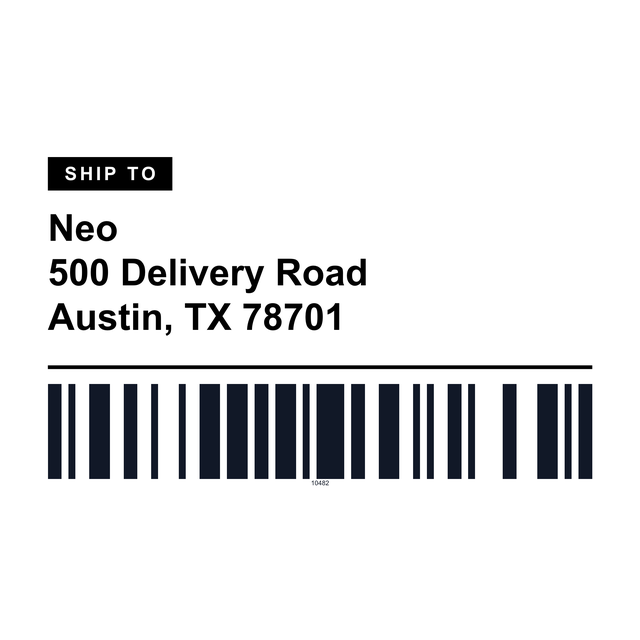
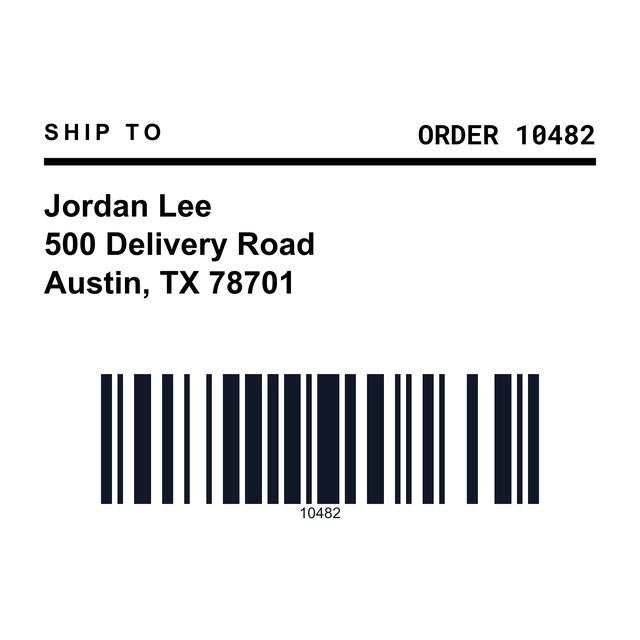
Ship-to, from address, order number and a barcode, already laid out on a 4 x 6 roll label. Type over it and print one to test.
Open the 4x6 shipping label1Pick a size
Which shipping label size do you need?
Look at the roll or the sheet sitting next to your printer. The template should match that, not the carrier.
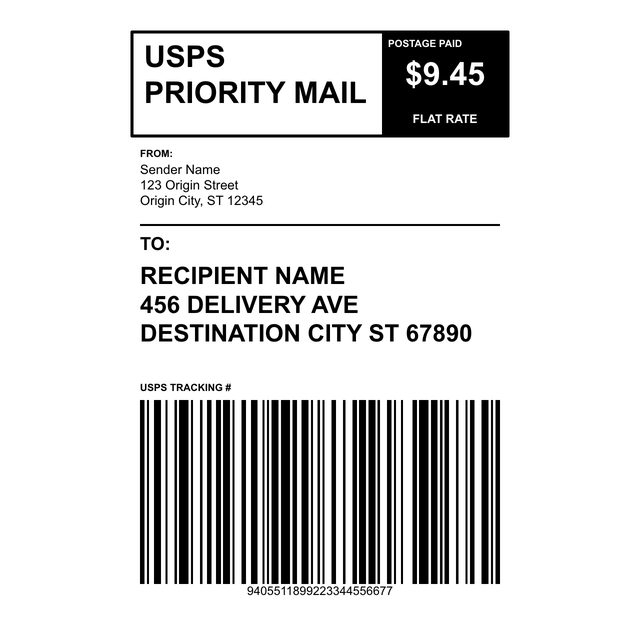
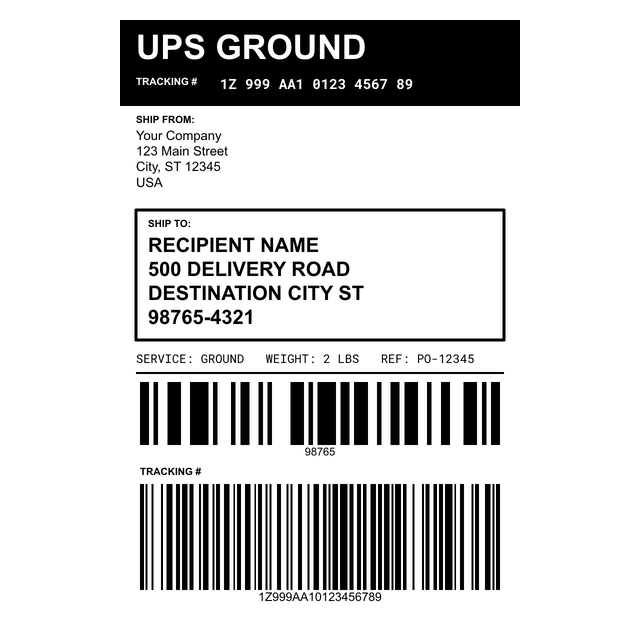
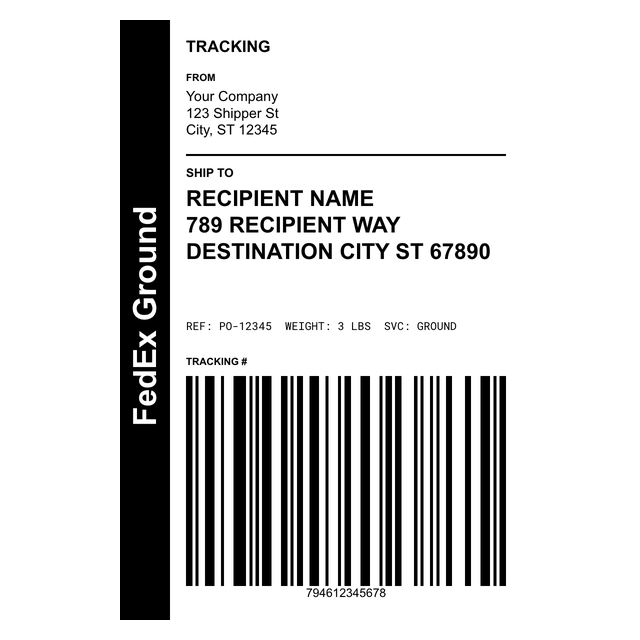
- 4 x 6: the standard thermal shipping label. USPS, UPS, FedEx, Amazon FBA, Shopify, Zebra, DYMO 4XL and Brother DK-1241 are all here at 4 x 6.
- 4 x 6.5: for rolls with a little extra length at the bottom.
- 2 x 4 and 2.25 x 4: smaller ship-to labels for envelopes and light mailers.
- DYMO and Brother rolls: DYMO 30256, 30323, 99014 and 30383, Brother DK-1202 and DK-1247.
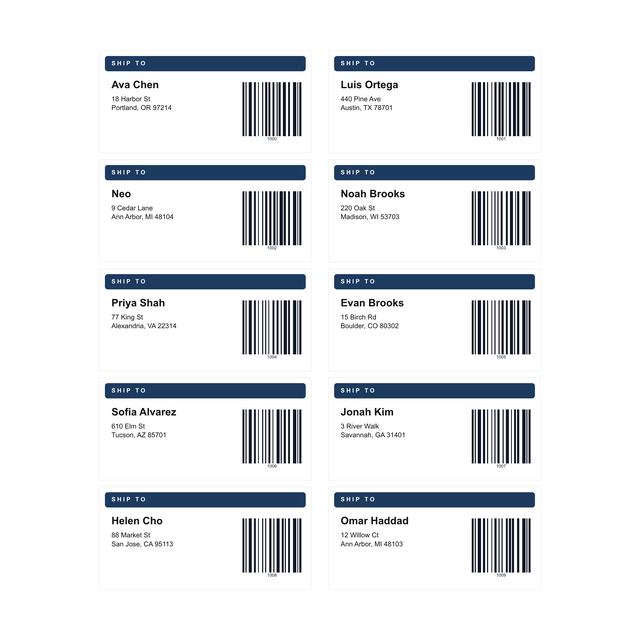
- Sheets: Avery 5163 (2 x 4, ten per sheet) and Avery 5164 (six per sheet) for a regular inkjet or laser printer.
2Examples
Shipping label examples you can open
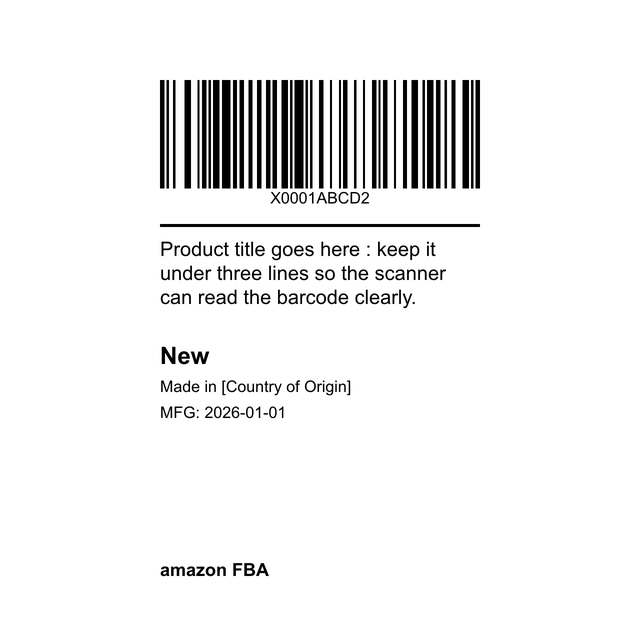
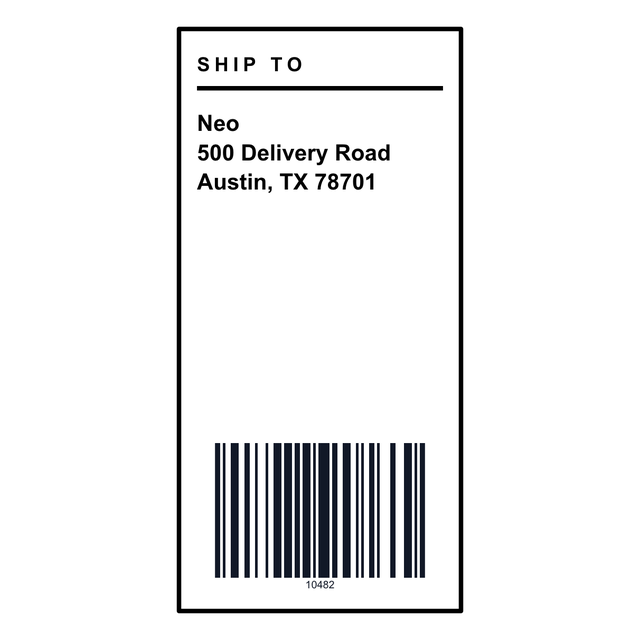
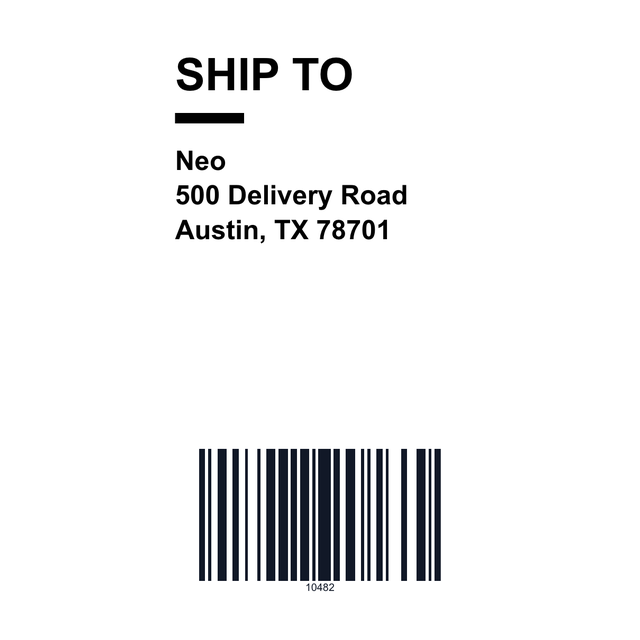
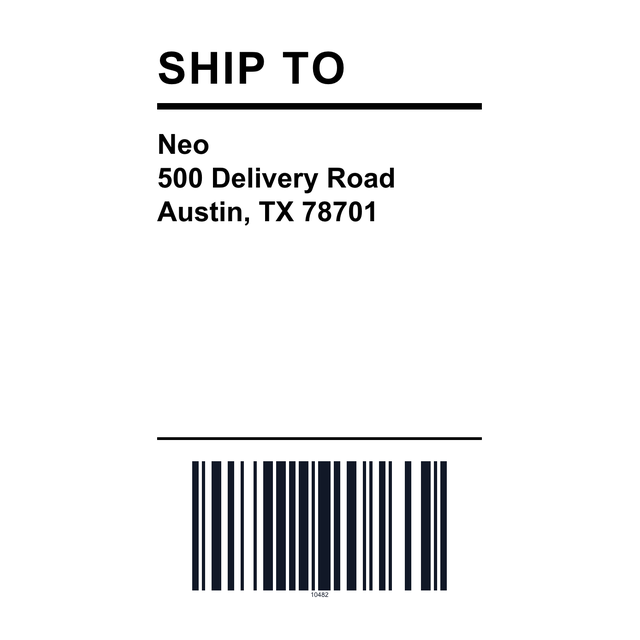
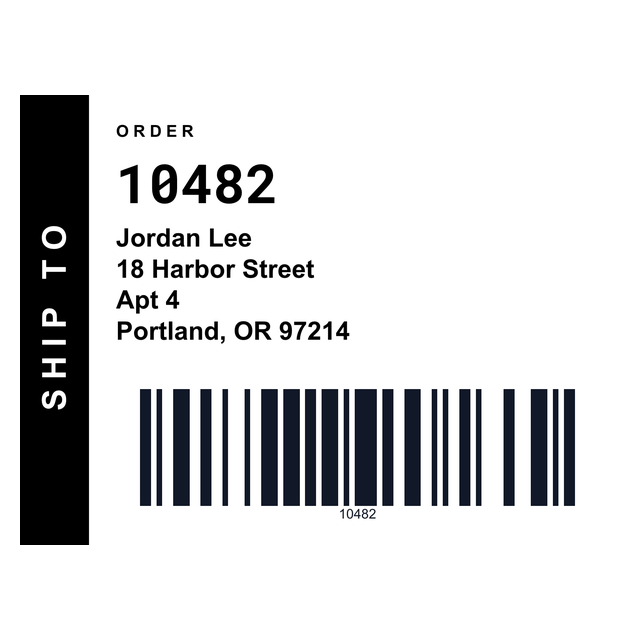
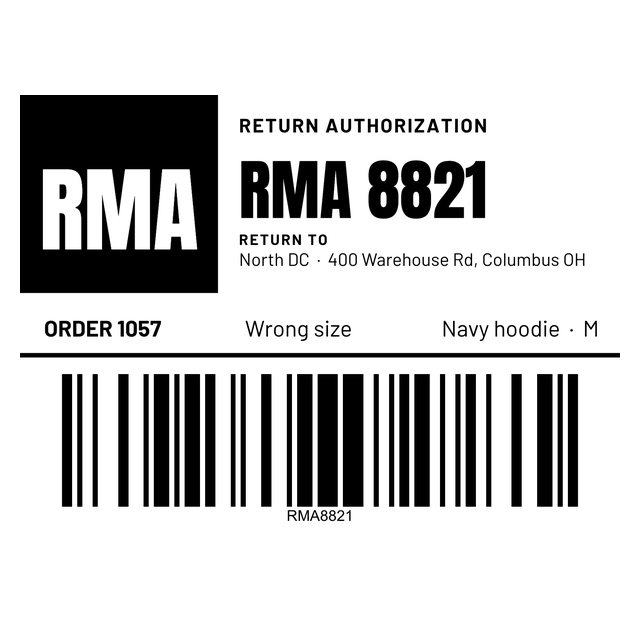
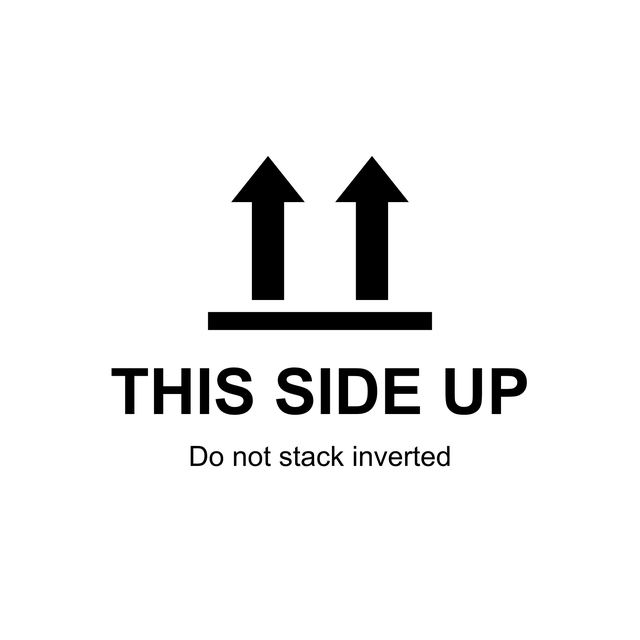
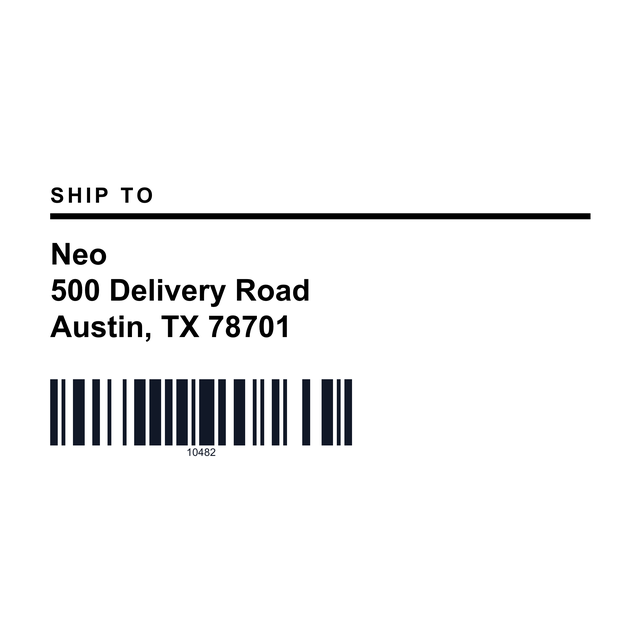
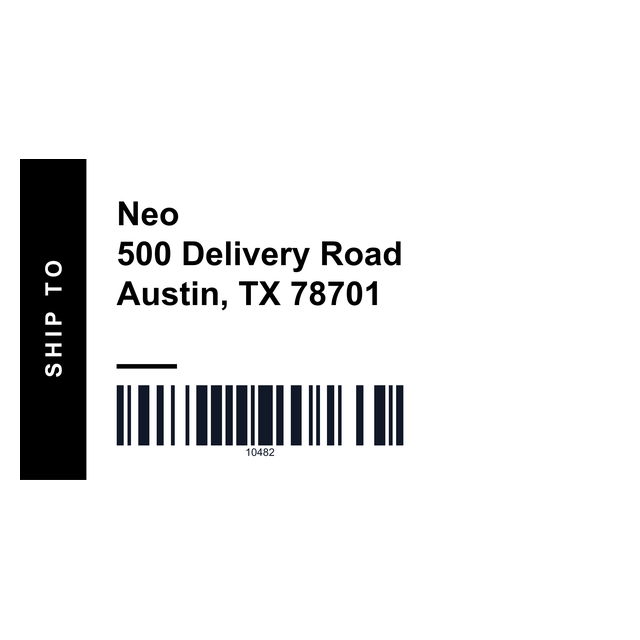
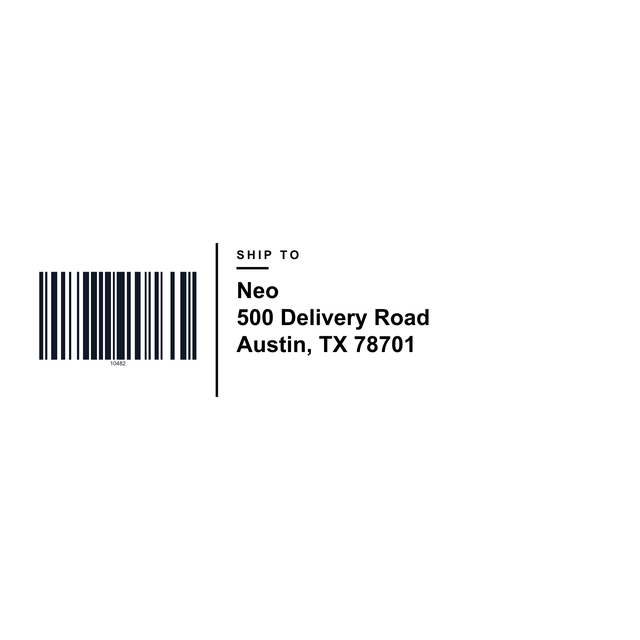
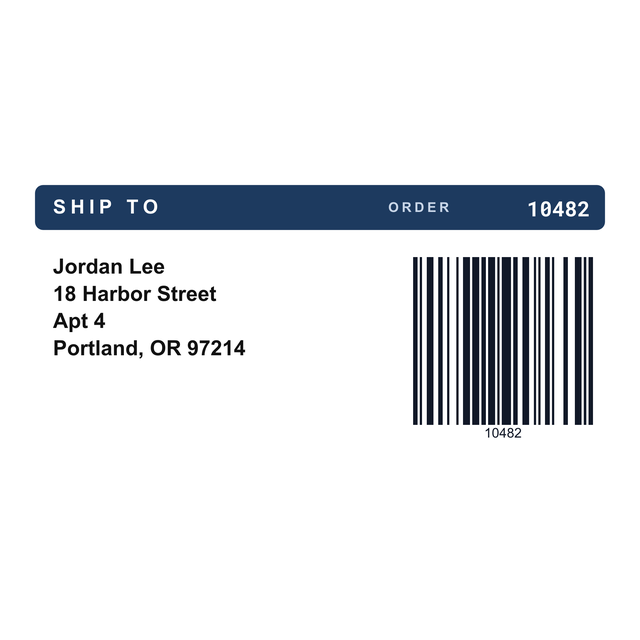
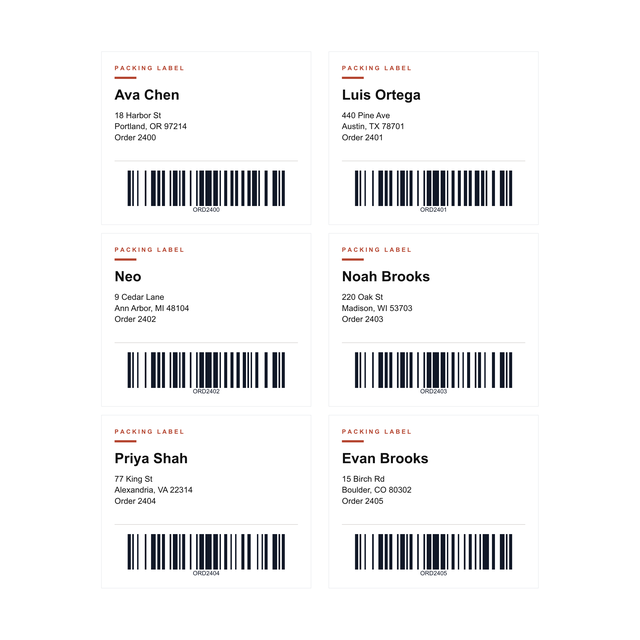
These are real renders from the editor, with made-up names and order numbers. Click one and it opens with the same layout, ready for your own address.


One thing to know before you start: these templates lay out the label you stick on the box. Postage and the carrier's tracking label still come from USPS, UPS, FedEx or your selling platform, so print their PDF as its own job.
3Every shipping template
All 27 shipping label templates
Every shipping, packing and return label in the editor, by carrier, printer and sheet. Click one to open it at that size.
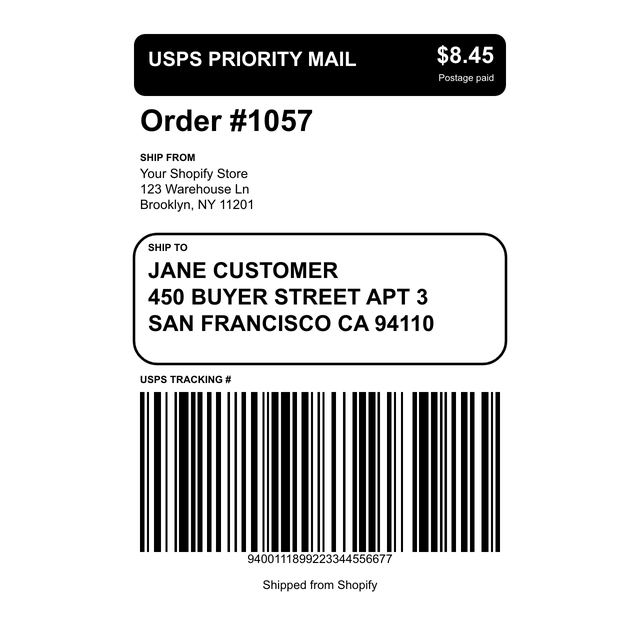
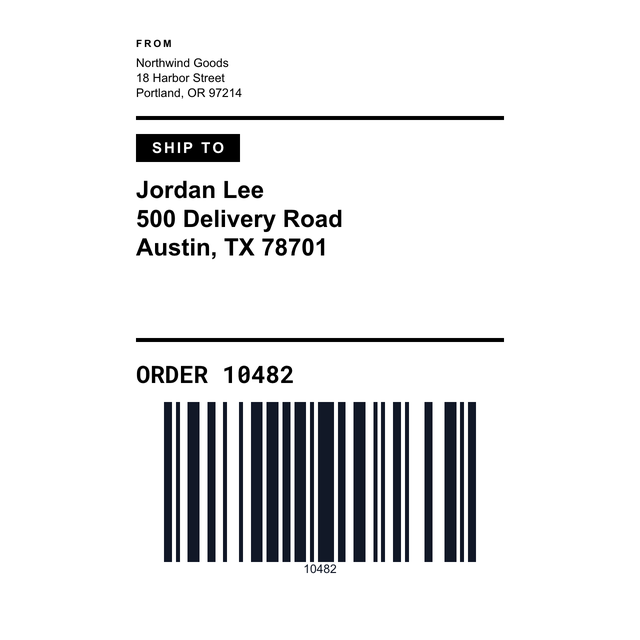
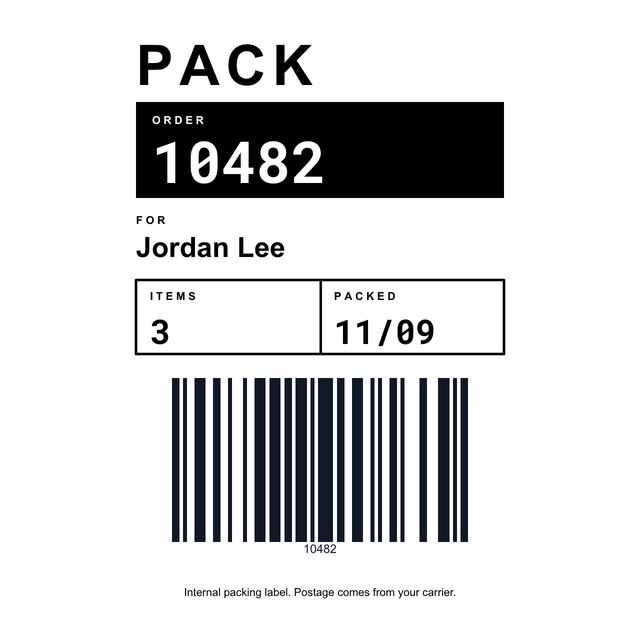
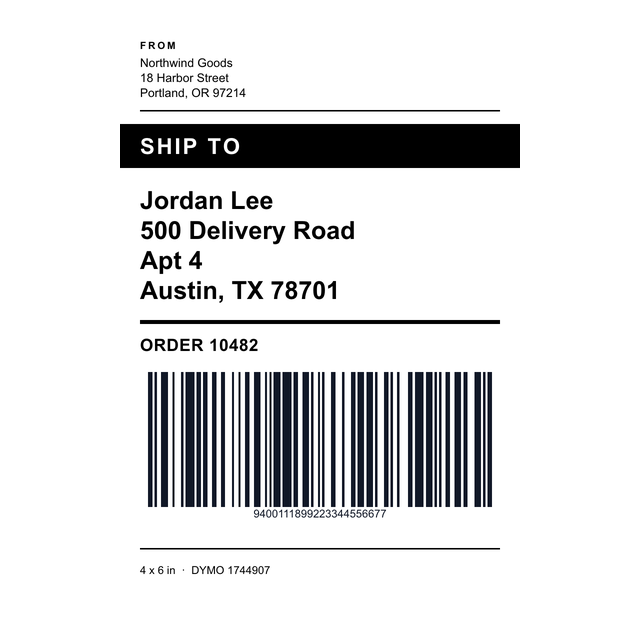

4Step by step
How to make a shipping label from a template
It takes a couple of minutes for the first one. After that you only change the address.
Printing to a Zebra? It can print straight from the browser through Zebra Browser Print. Every other printer uses its usual print dialog. The full walkthrough, with printer settings, is on the shipping label maker page.
- Open https://app.mylabelmaker.com with the 4x6 shipping template. No signup.
- Click Templates if you want a different size, like the Avery 5163 label or a DYMO roll.
- Click the ship-to box and type the name and address. Do the same for your return address.
- Change the order number. The barcode under it updates as you type.
- Click Print this, set the scale to 100 percent in the print dialog, and print one label to check it on a box.
5A day of orders
Print a day of orders from Excel or CSV
Twenty orders don't need twenty files. Export them from your shop as a CSV, or keep them in Excel or Google Sheets, one order per row:
Click Data and upload the file. Click a text box on the label, then Variables, and pick its column. Open Edit row, tick today's orders, and click Print. Each row prints as its own label. Printing labels from Excel covers column names and long addresses in more detail.
| Name | Address | City | Order |
|---|---|---|---|
| Jordan Lee | 500 Delivery Road | Austin, TX 78701 | 10482 |
| Ava Chen | 18 Harbor Street | Portland, OR 97214 | 10483 |
| Luis Ortega | 440 Pine Ave | Denver, CO 80205 | 10484 |
6The extras
Return, fragile and packing labels
The box often needs more than an address. These sit in the same set:
Selling on Amazon? FBA labels covers the FNSKU and box labels Amazon asks for.
- RMA return: 4 x 3, with the return number, order, reason and a barcode for the person opening the box at your end.
- Fragile and This side up: 3 x 2 handling labels for the side of the box.
- 4 x 3 packing and 4 x 6 internal packing: order, items and who packed it, for your own shelves.
Shipping label template questions
What size is a standard shipping label?
4 x 6 inches. That's the size of most thermal shipping rolls, and the size USPS, UPS and FedEx labels print at from most platforms.
Can I print shipping labels on a regular printer?
Yes. Use the Avery 5163 template (2 x 4, ten per sheet) or Avery 5164 (six per sheet) and print at 100 percent scale on a home inkjet or laser printer.
Do these templates include postage?
No. They lay out the address, order and barcode. Postage and tracking come from the carrier or your selling platform, which gives you its own label to print.
Is there a free 4x6 shipping label template?
Yes. The 4x6 shipping template opens in your browser with a ship-to, from address, order number and barcode. You can design and edit it for free.
Can I print shipping labels from a CSV or Excel file?
Yes. Add the file under Data, connect each text box to a column with Variables, tick the rows in Edit row, and print. One row becomes one label.
Which printers work with these templates?
Zebra, Rollo, DYMO 4XL, Brother and other 4 inch thermal printers, plus any home printer for the Avery sheets. Pick the template that matches your roll or sheet.