Free barcode label templates for SKUs and products
These free barcode label templates come in the sizes most product and SKU labels use: 2x1 and 3x2 thermal labels, tiny 1.25 x 0.75 tags, and DYMO and Brother rolls. Open one in the free label maker, type your SKU or UPC, and the barcode redraws as you type. A whole product list can print from Excel or a CSV.
Make a 2x1 barcode label
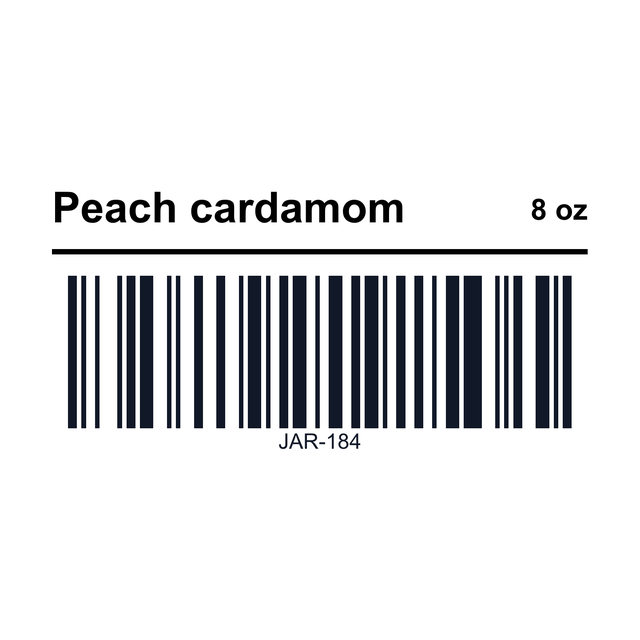
A product name over a CODE128 barcode on the 2 x 1 inch label most thermal printers take. Change the SKU and print one to scan.
Open the 2x1 barcode label1Pick a size
What size barcode label do you need?
Match the template to the roll in your printer, then to the spot where the label goes.
- 2 x 1: the everyday SKU label for bins, bags and boxes. Zebra, Rollo and generic thermal rolls.
- 1.5 x 1, 1.25 x 1 and 1.25 x 0.75: small product and jewelry tags, where space is tight.
- 1 x 0.5: a tiny barcode for very small parts. Keep the code short.
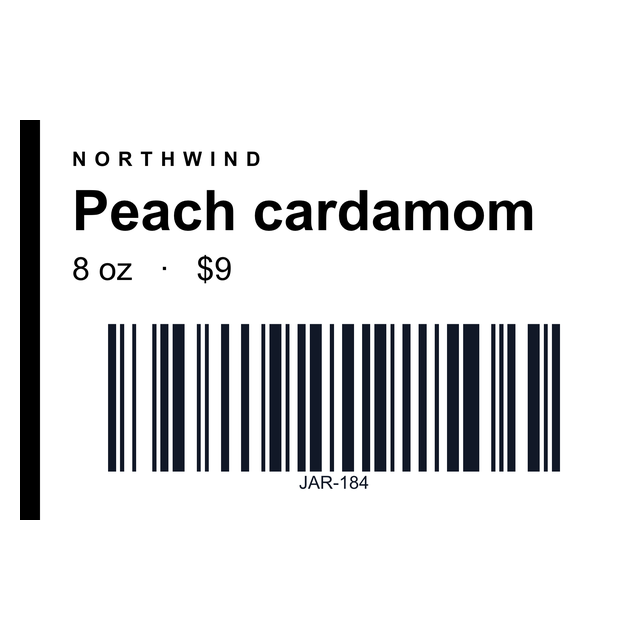
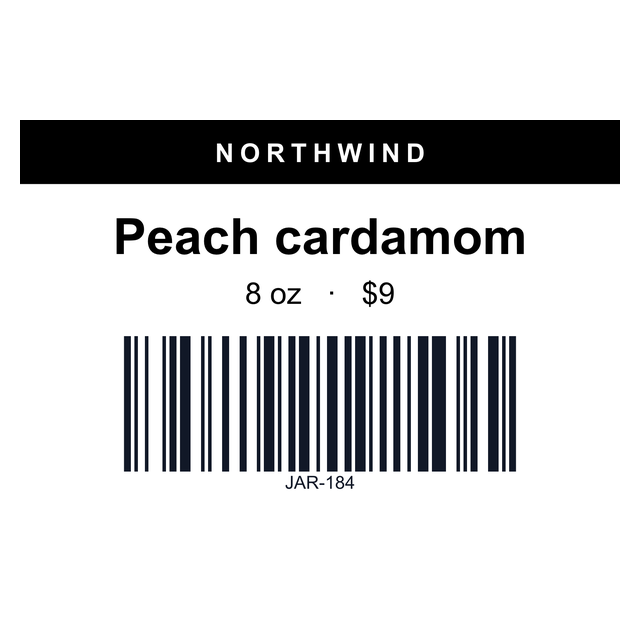
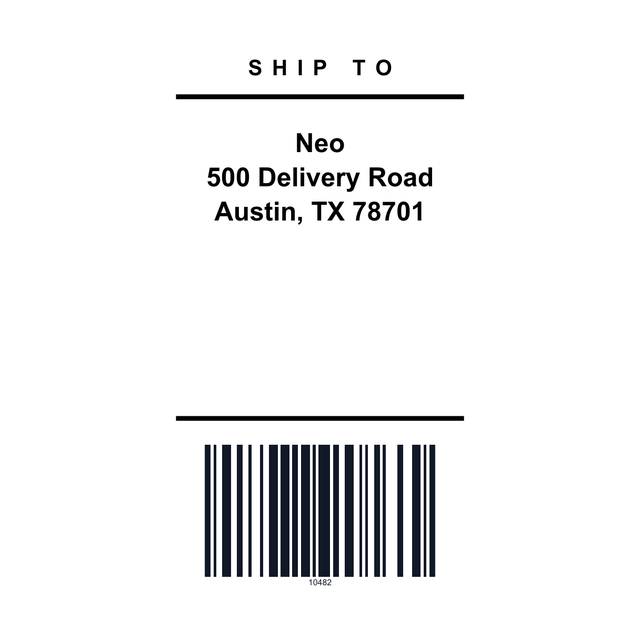
- 3 x 1 and 3 x 2: room for a brand, product name, variant and price beside the barcode.
- 3 x 5 and 4 x 2: big product labels and carton labels.
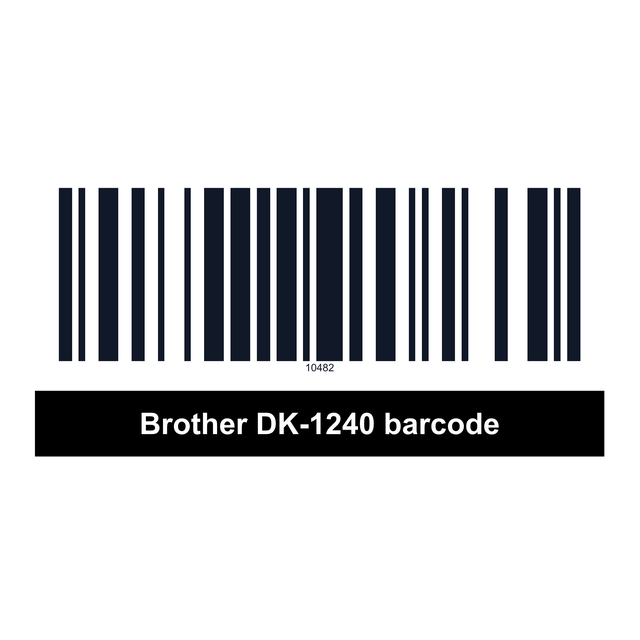
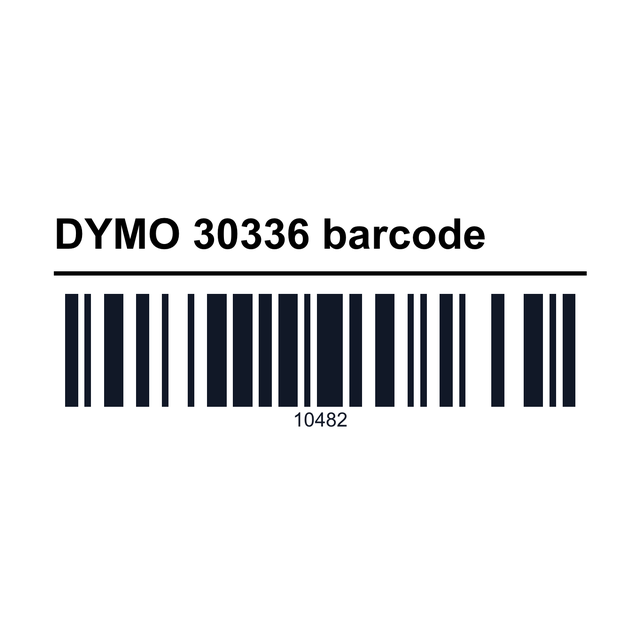
- DYMO 30334 and 30336, Brother DK-1240: for LabelWriter and QL printers.
2Examples
Barcode label examples
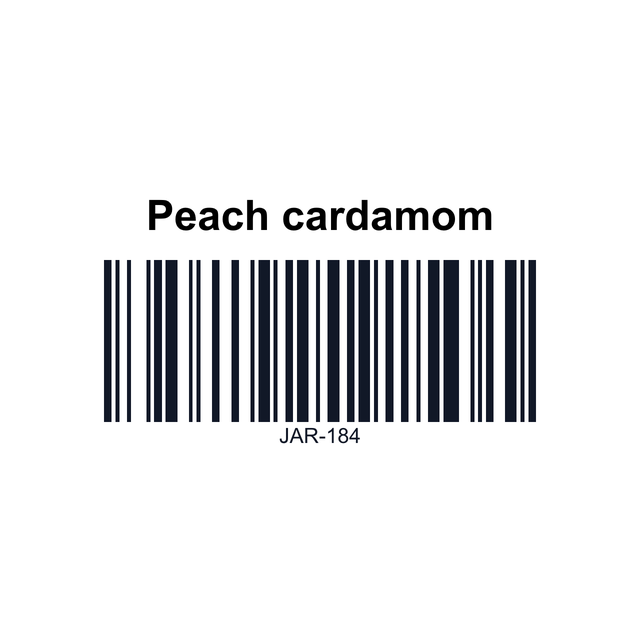
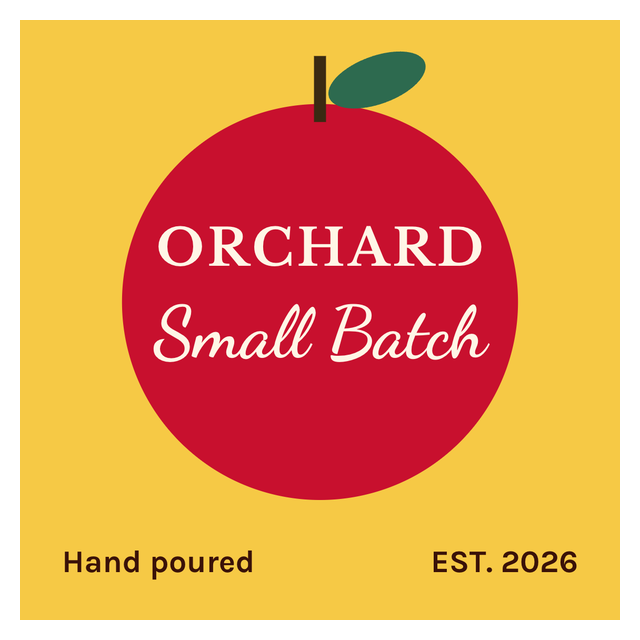
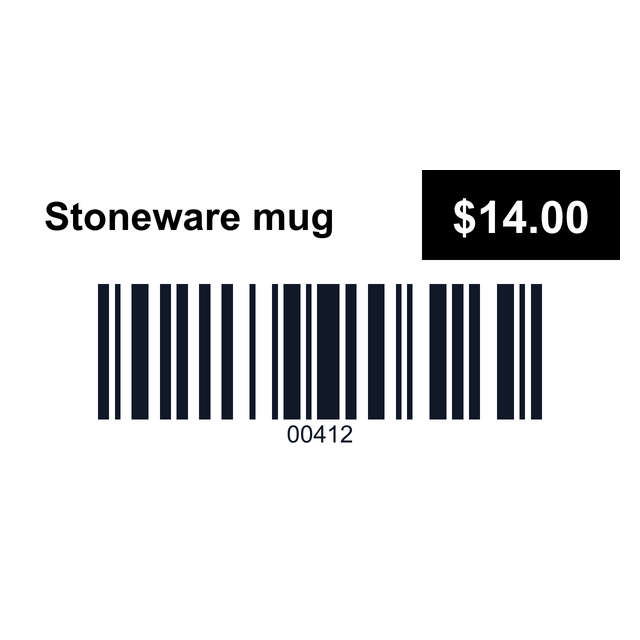
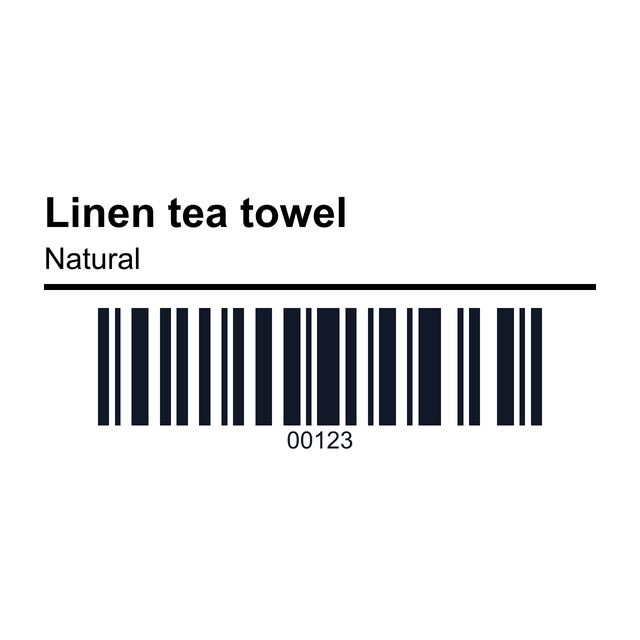
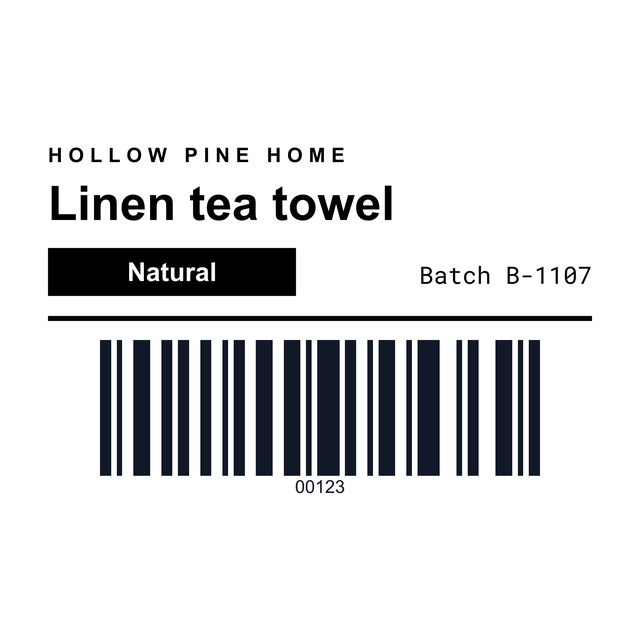
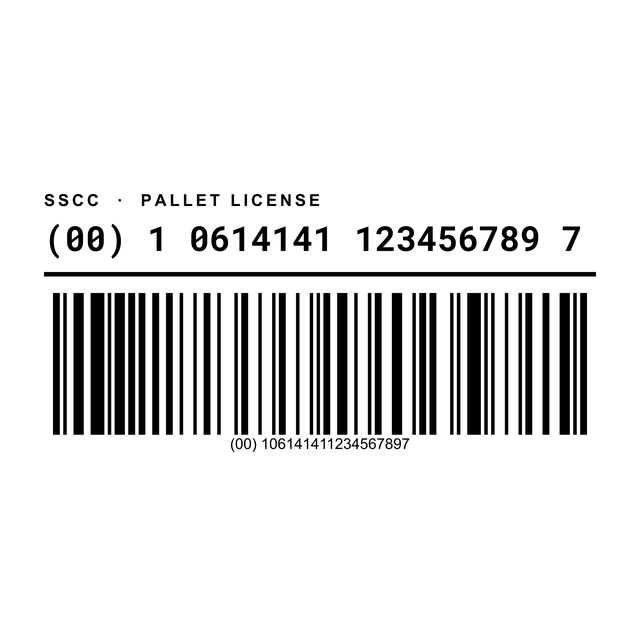
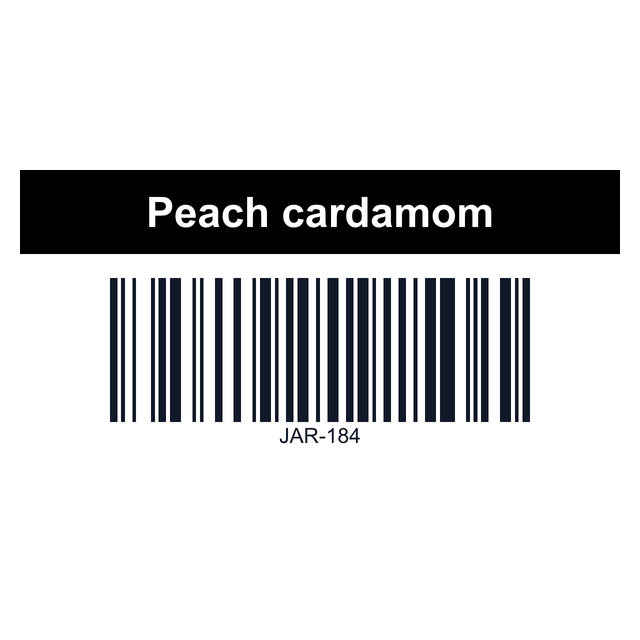
Real renders from the editor, with made-up products and SKUs. Click one and it opens with the same layout and barcode, ready for your own.


3Every barcode template
All 18 barcode and product label templates
Every barcode and product label in the editor, from tiny tags to 3 x 5 product labels. Click one to open it at that size.
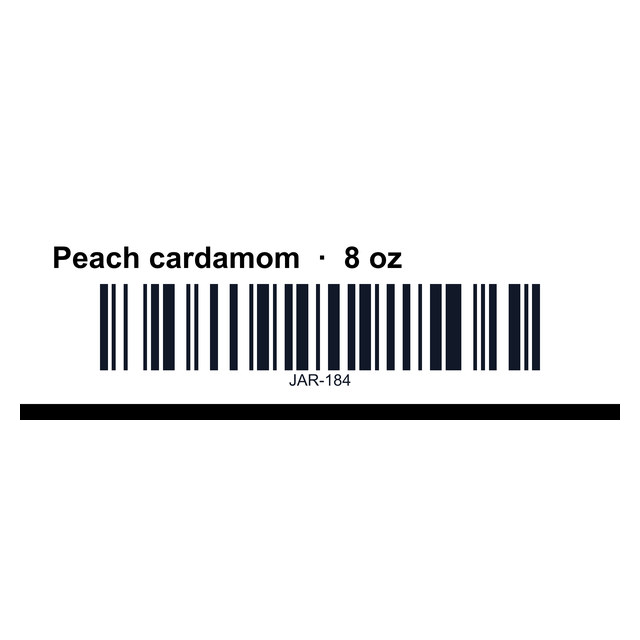
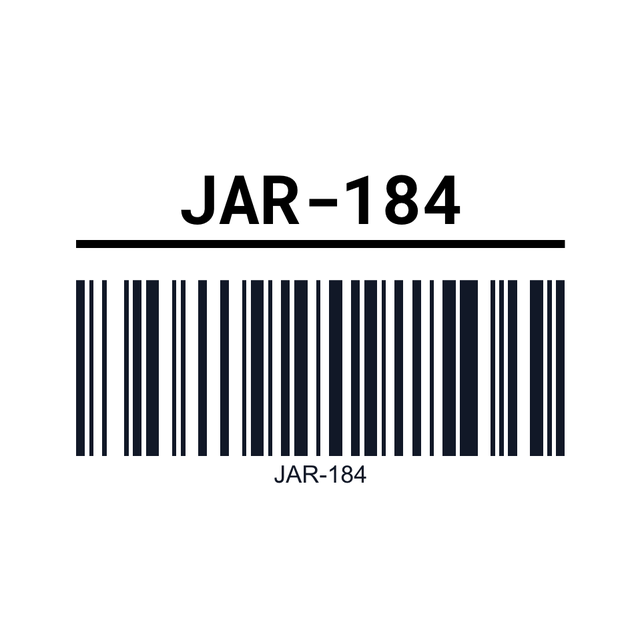
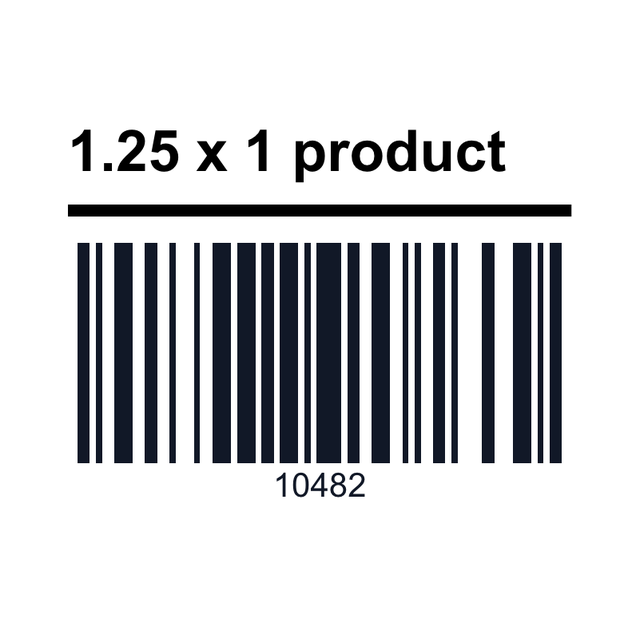
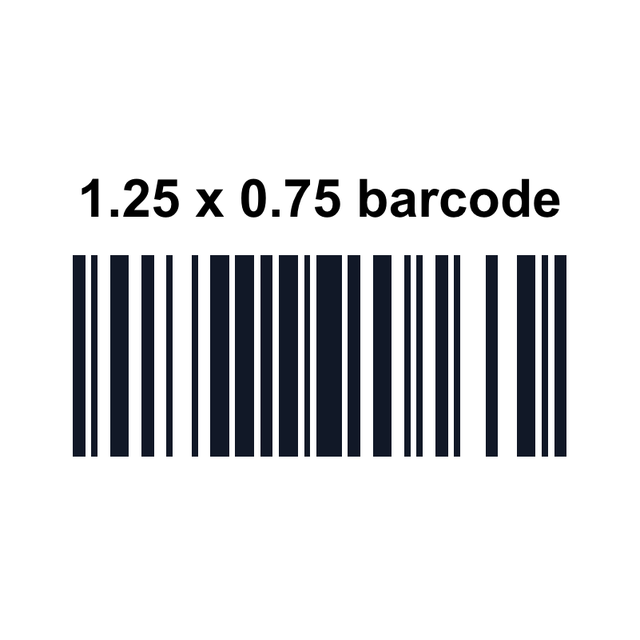
4Which barcode
CODE128, UPC or EAN: which barcode goes on the label?
Most templates start with CODE128, because it takes letters, numbers and dashes. Change the format in the barcode settings if you need something else.
The editor draws the barcode from whatever number you type. It doesn't hand out UPC or EAN numbers: stores that ask for those expect them from GS1. Need a single barcode image instead of a label? The barcode generator makes a PNG.
| Format | Use it for |
|---|---|
| CODE128 | Your own SKUs, bins and order numbers, like JAR-184 |
| UPC-A | Retail products sold in US stores, 12 digits |
| EAN-13 | Retail products outside the US, 13 digits |
| QR code | A link or reorder page instead of a SKU (add it as a QR code, not a barcode) |
5Your product list
How to print barcode labels from Excel
Put one product per row in Excel, Google Sheets or a CSV, with columns like Product, SKU and Price. Then:
For a long run of the same label, Print this prints what's on the canvas and asks how many. The barcode label maker page goes deeper into printer settings and darkness.
- Open https://app.mylabelmaker.com with the 2x1 SKU and price template. No signup.
- Click Data and upload your file, or paste the rows.
- Click the barcode, then Variables, and pick the SKU column. Connect the product name and price text the same way.
- Open Edit row, tick the products you need, and click Print. Enter how many copies of each.
6Scan test
Scan one before you print the roll
A barcode that looks fine can still fail at the register. Print a single label and try it with the scanner or phone you'll actually use.
Labeling the product itself rather than a bin? Product labels covers brand, ingredients and price layouts.
- Leave a clear quiet zone of white on both sides of the bars.
- Long codes on a small label make thin bars. Shorten the SKU or pick a wider label.
- On thermal printers, faint or smeared bars usually mean the darkness or speed setting needs a change.
Barcode label template questions
What size is a standard barcode label?
2 x 1 inches is the most common size for SKU and product barcodes on a thermal printer. Smaller items often use 1.25 x 1 or 1.25 x 0.75.
How do I make barcode labels from Excel?
Open a barcode template, add your file under Data, connect the barcode to your SKU column with Variables, tick the rows in Edit row, and print. Each row becomes one label.
Can I make UPC barcode labels?
Yes. Change the barcode format to UPC-A and type your 12-digit number. The UPC number itself comes from GS1 if you sell in stores that require one.
Which barcode type should I use for my own SKUs?
CODE128. It holds letters, numbers and dashes, and almost every scanner reads it.
Do these templates work with a Zebra or Rollo printer?
Yes. Pick the template that matches your roll, like 2 x 1 or 3 x 2, and print at 100 percent scale. Zebra printers can also print through Zebra Browser Print.
Why won't my barcode scan?
The bars are usually too thin, too faint or too close to the label edge. Use a wider label or a shorter code, leave white space on both sides, and adjust the printer's darkness.