Free warehouse label templates for bins, pallets and inventory
These free warehouse label templates cover the labels a stockroom runs on: bin locations, pallet tags, inventory and part labels, totes, asset tags and safety signs. Open one in the free label maker, type the location or SKU, and the barcode follows. A whole rack of bin labels can print from one Excel or CSV list.
Label the next rack of bins
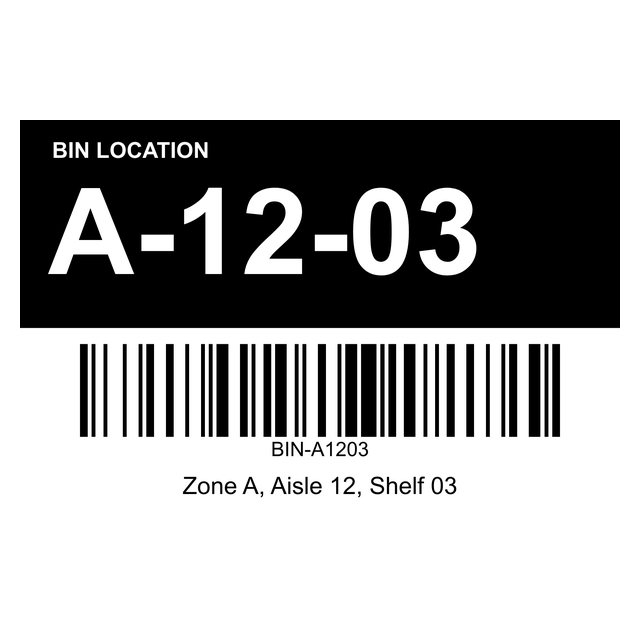
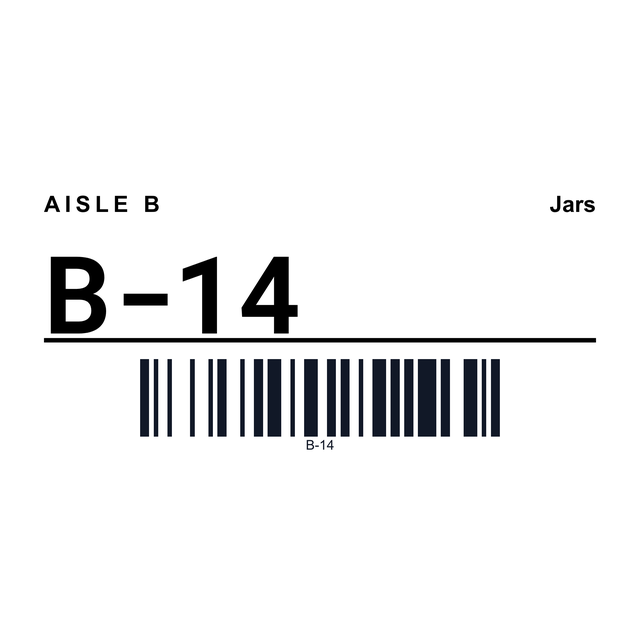
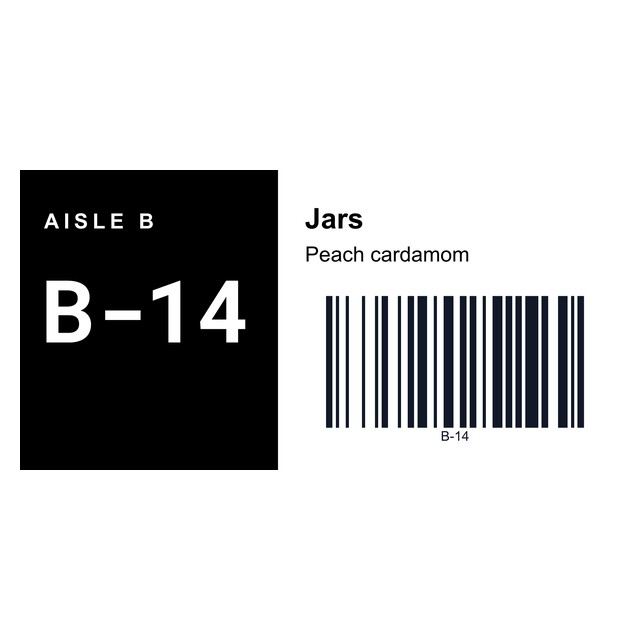
A 3 x 2 bin location label with the code in big type, a scannable barcode and the zone, aisle and shelf under it.
Open the bin location label1Around the floor
Warehouse labels for every spot on the floor
Walk the floor once and you'll find the same handful of labels everywhere. Each one has a template here.
Need codes for new products first? The SKU generator builds them from type, colour and size.
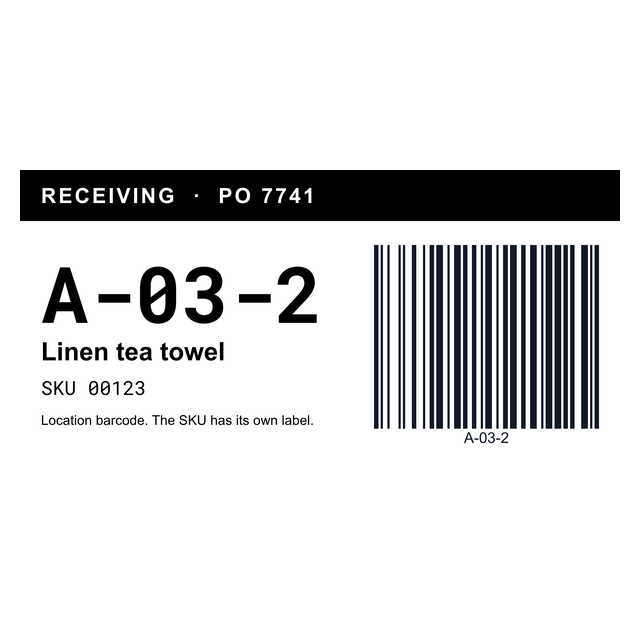
- Shelves and bins: 3 x 2 bin location, 4 x 2 bin, Zebra 4 x 2 bin and 4 x 2 receiving location.
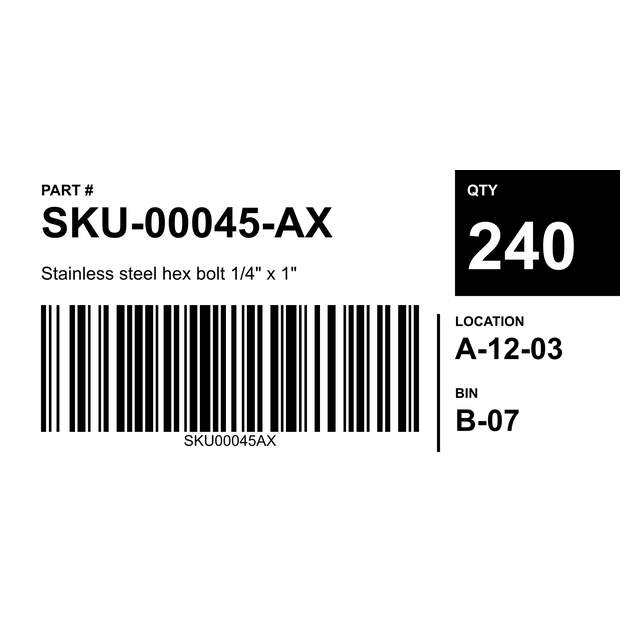
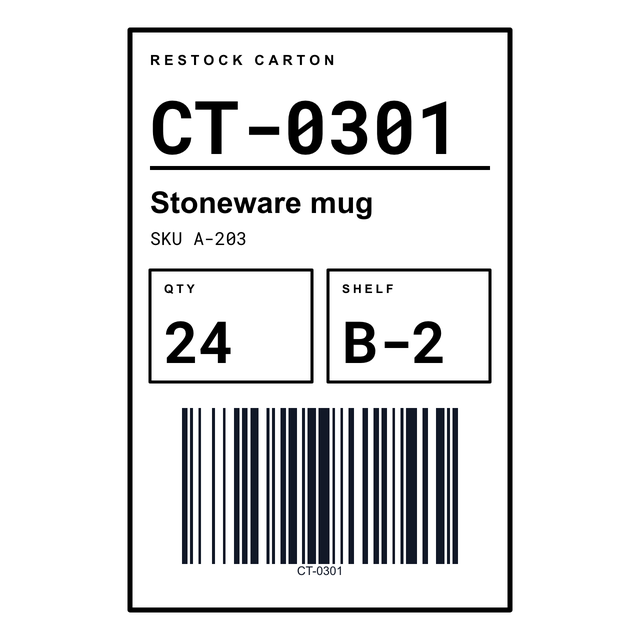
- Stock: 4 x 2 inventory labels with part number, quantity and location, plus 4 x 6 restock cartons.
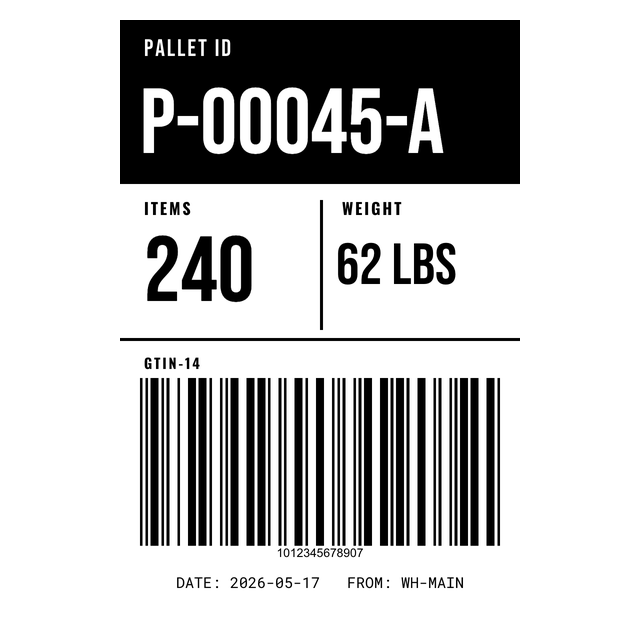
- Pallets: 4 x 6 pallet ID with item count, weight and an ITF-14 barcode.
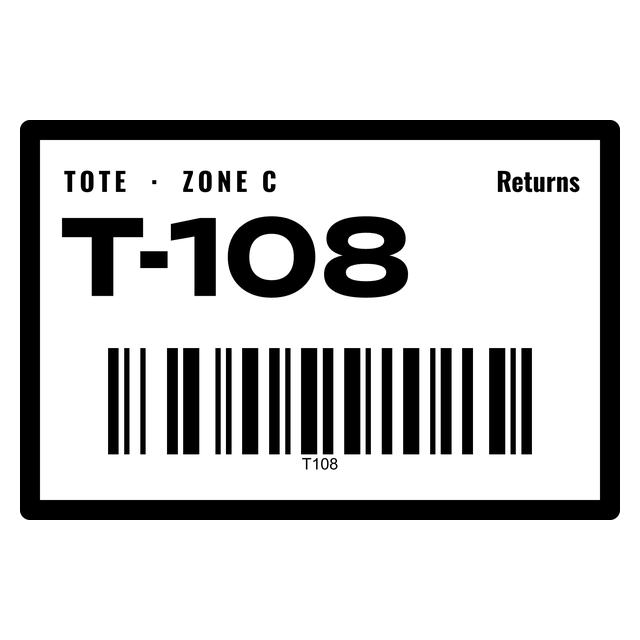
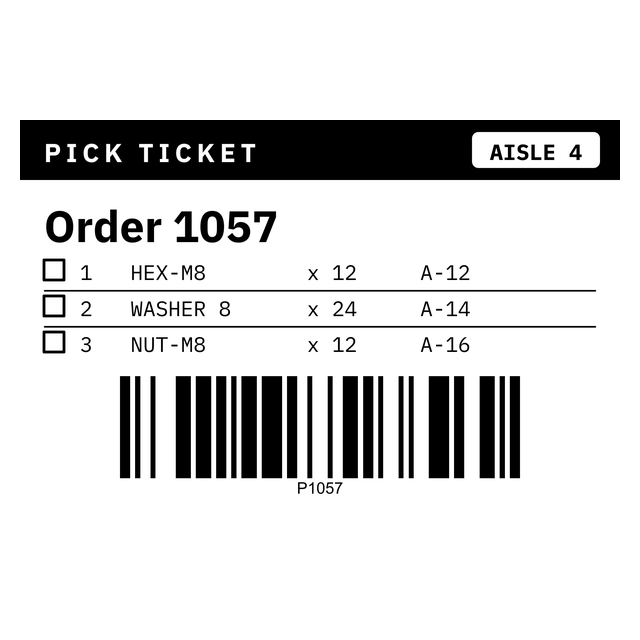
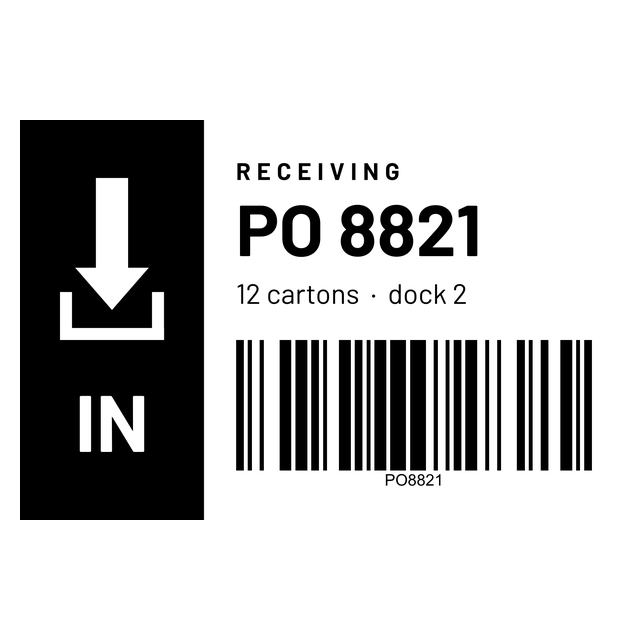
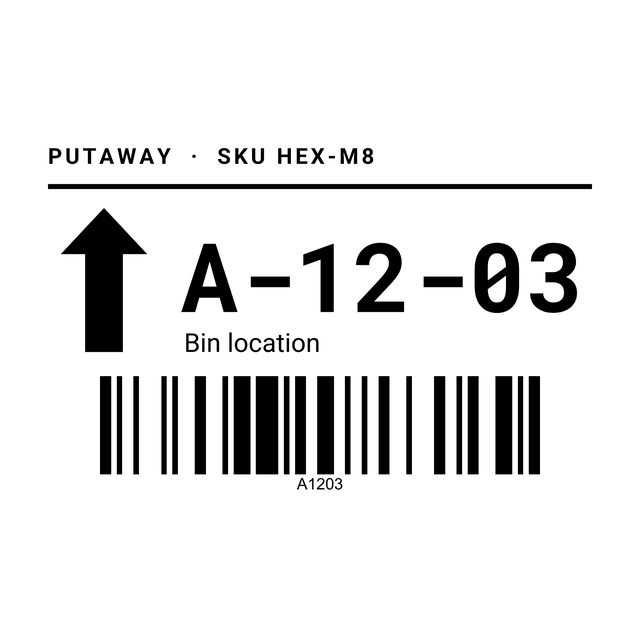
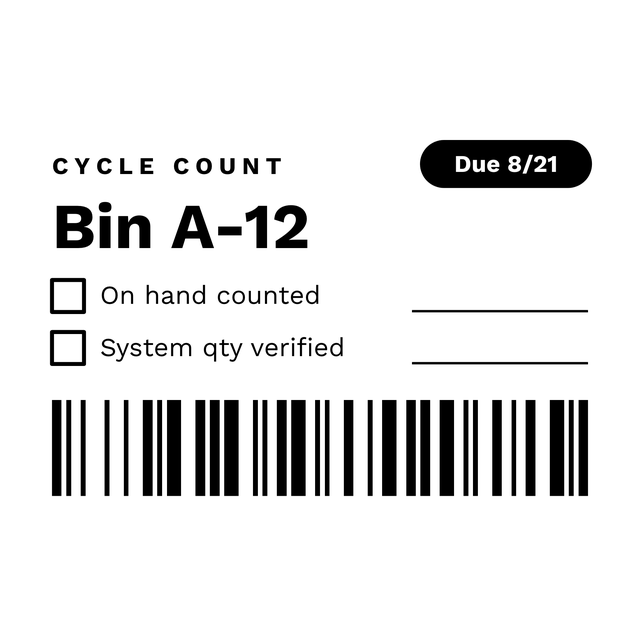
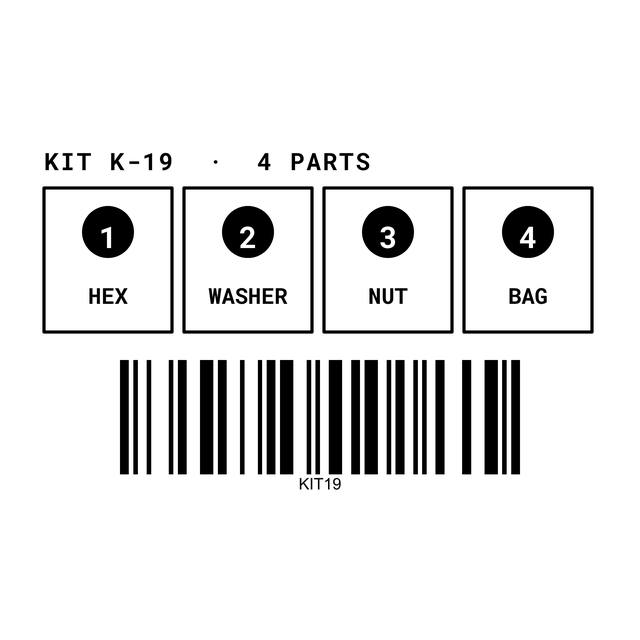
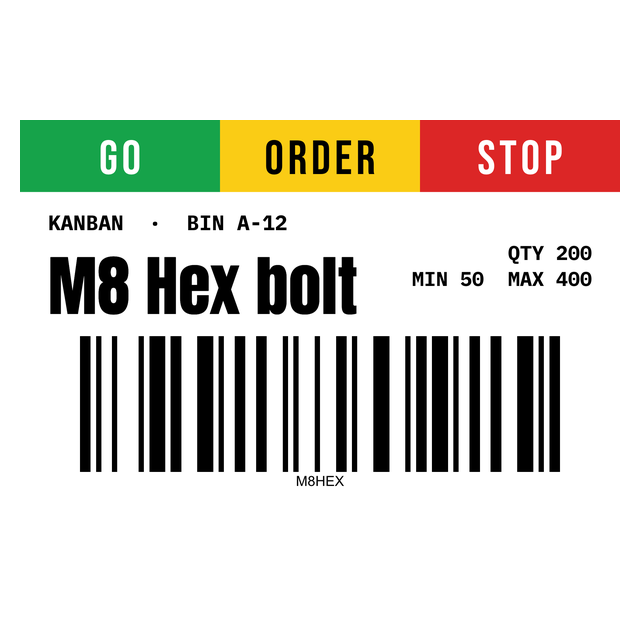
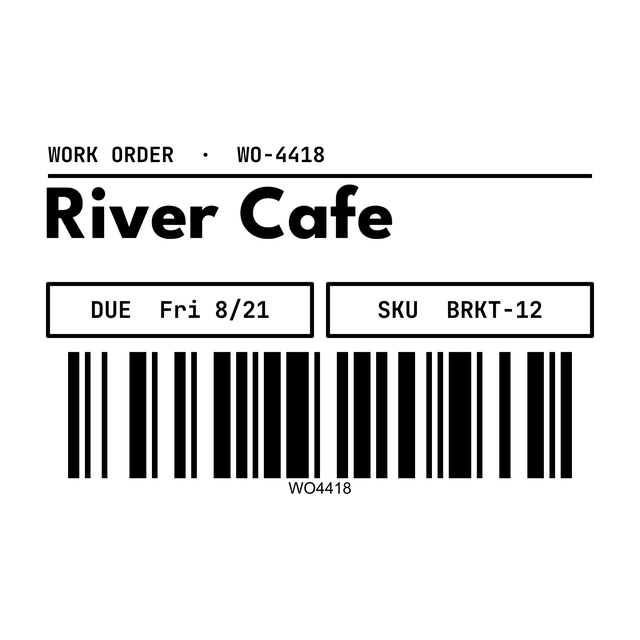
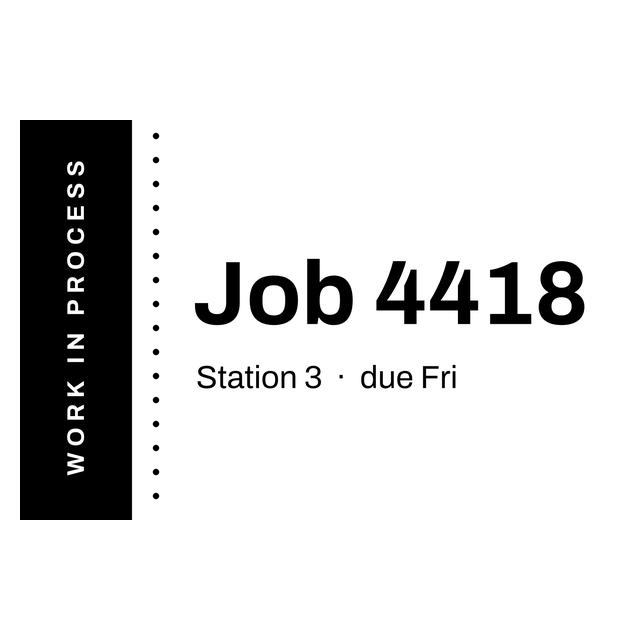
- Workflow: pick ticket, receiving, putaway, cycle count, kitting, kanban card, work order and WIP ticket.
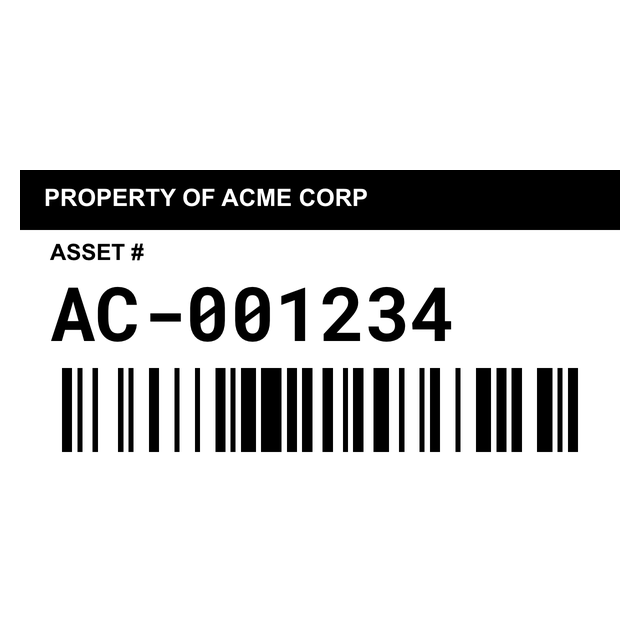
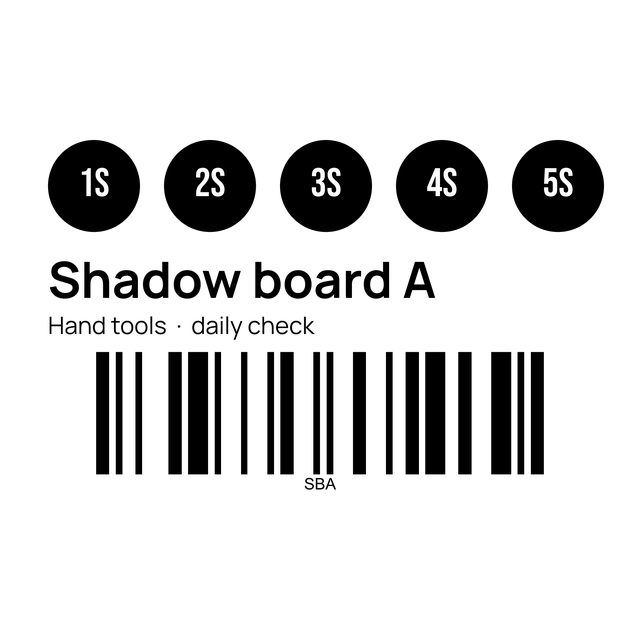
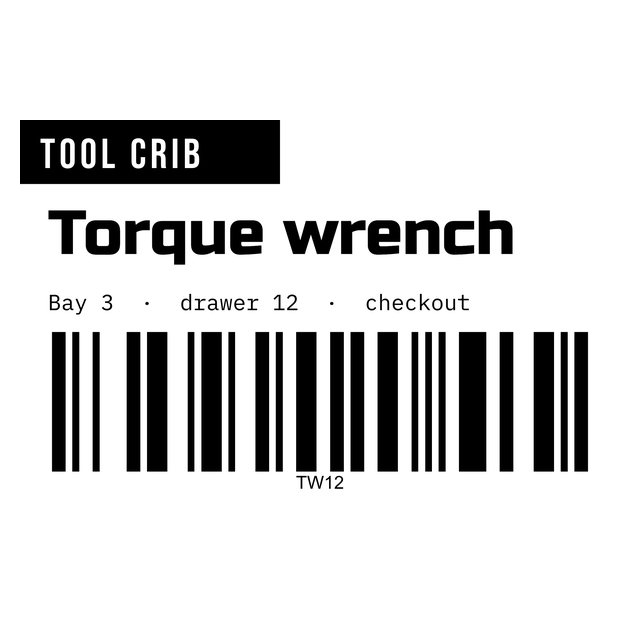
- Equipment: 2 x 1 asset tags, tool crib and 5S location labels.
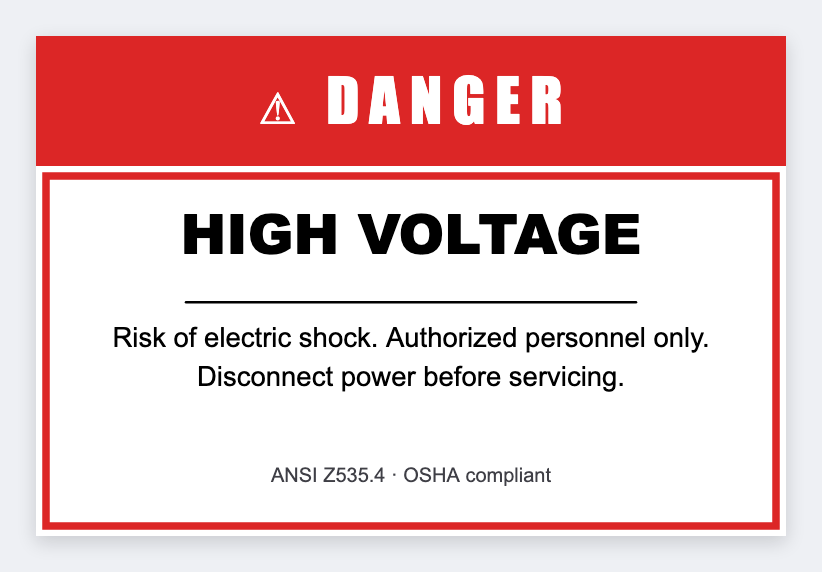
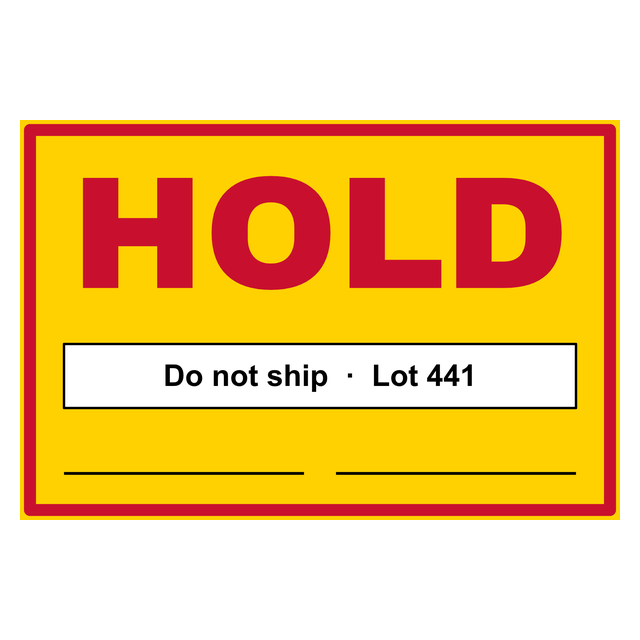
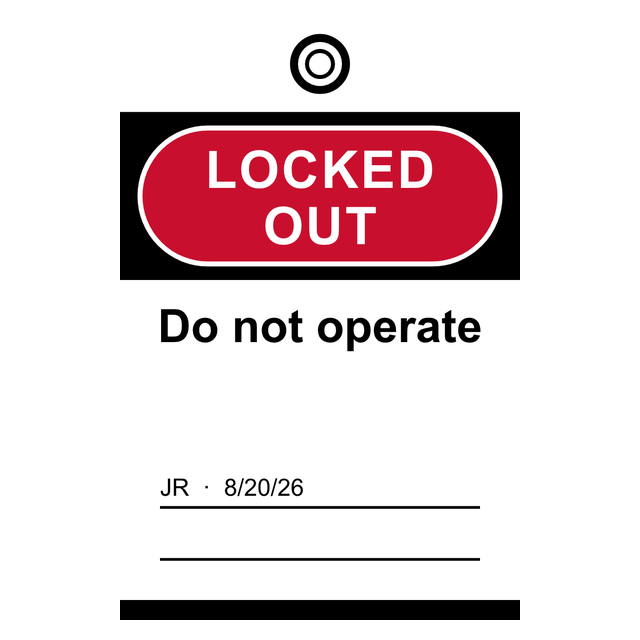
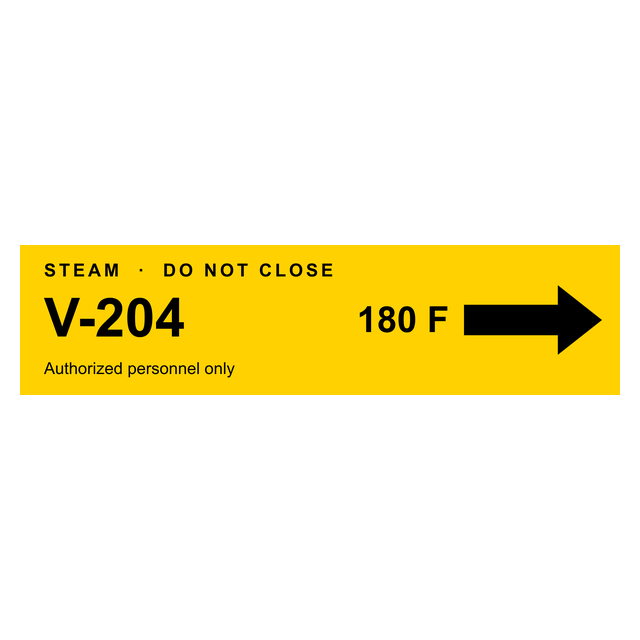
- Safety: hazard warning, QC hold, lockout tagout and pipe valve labels.
2Examples
Warehouse label examples
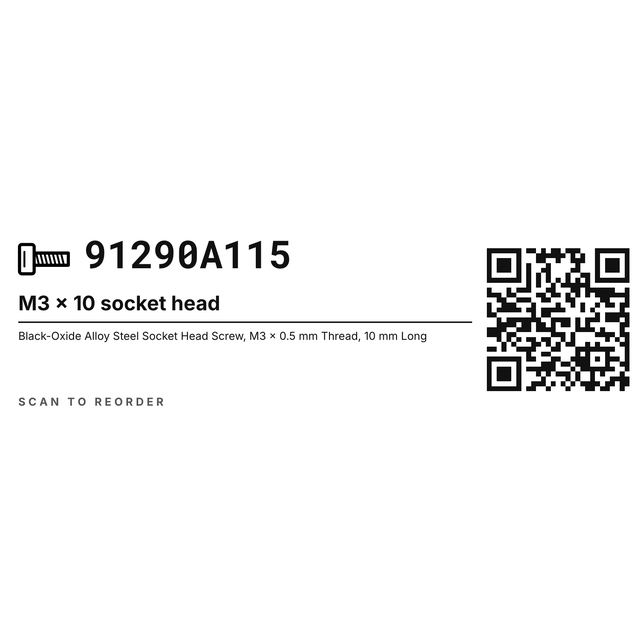
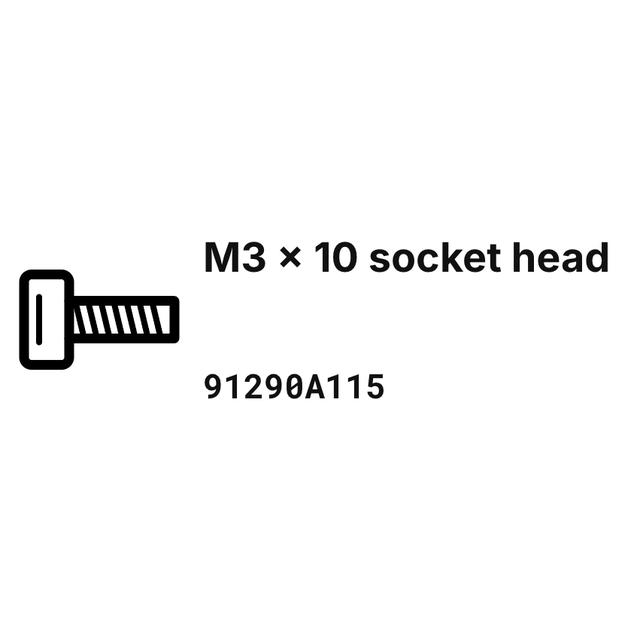
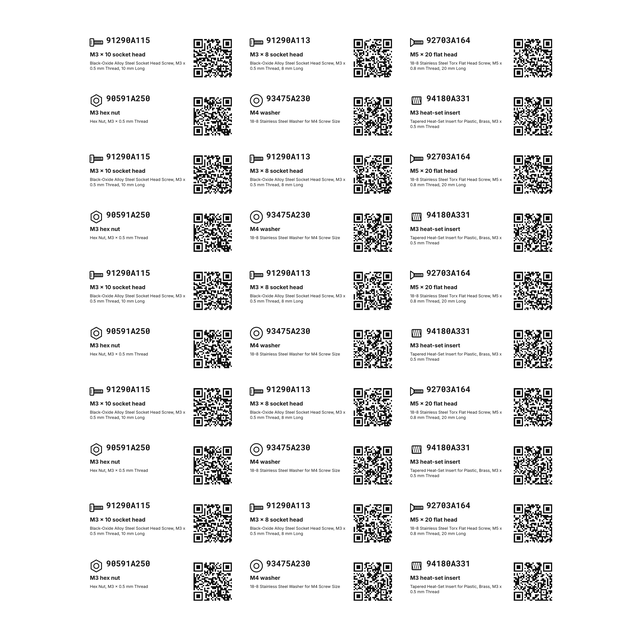
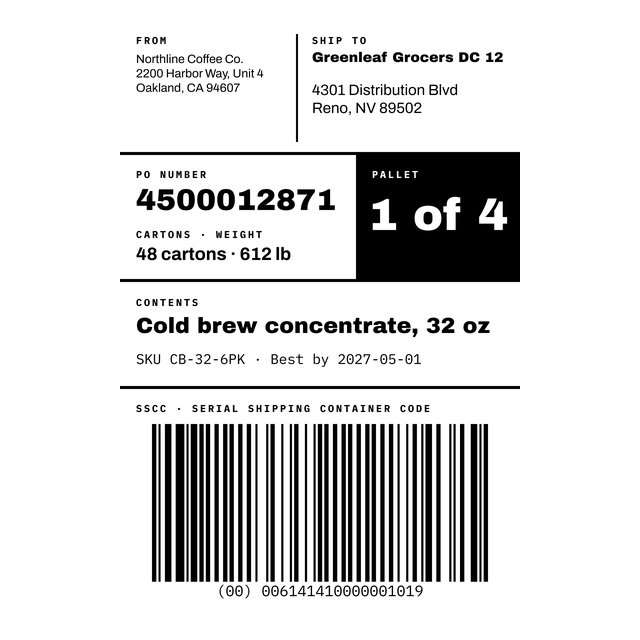
Real renders from the editor, with made-up locations, parts and pallet numbers. Click one and it opens with the same layout, ready for your own codes.


3Every warehouse template
All 29 warehouse and inventory label templates
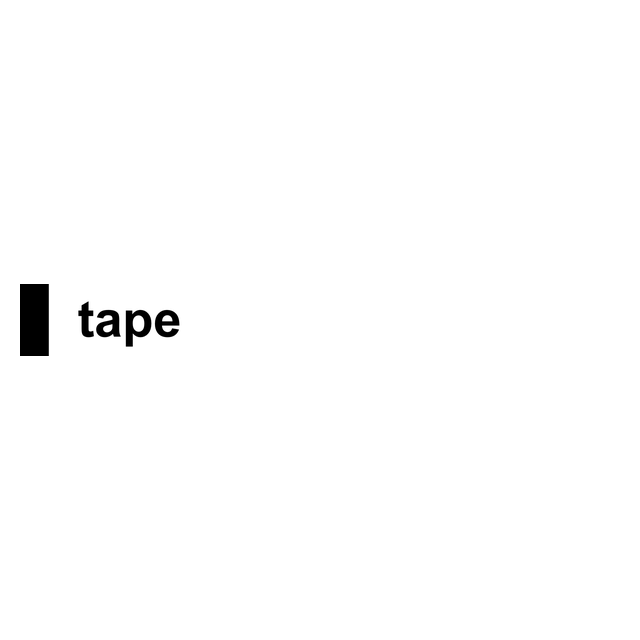
Every warehouse, inventory and safety label in the editor, including DYMO Rhino tape sizes. Click one to open it at that size.


4A rack at a time
How to print bin labels for a whole rack from Excel
Nobody wants to type 200 bin codes by hand. Put them in a sheet first, then let each row become a label.
Print one aisle, stick it up and scan a few before you do the whole building. Inventory labels walks through stock and part labels in more detail.
- Open https://app.mylabelmaker.com with the bin location template. No signup.
- Click Data and upload your Excel or CSV file, or paste the rows from Google Sheets.
- Click the big code, then Variables, and pick the Location column. Connect the barcode and the zone line the same way.
- Step through a few rows and check that the longest code still fits on one line.
- Open Edit row, tick the aisle you're labeling today, and click Print.
5Location codes
A location code that scans and reads
Pick one pattern and use it everywhere: zone, aisle, shelf, position. The big text is for people walking past, the barcode is for the scanner.
Need a long run of codes? The serial number generator makes a numbered list you can paste straight into the sheet.
| Location | Barcode | Zone line |
|---|---|---|
| A-12-03 | BIN-A1203 | Zone A, Aisle 12, Shelf 03 |
| A-12-04 | BIN-A1204 | Zone A, Aisle 12, Shelf 04 |
| B-03-01 | BIN-B0301 | Zone B, Aisle 3, Shelf 01 |
6Safety and tape
Safety labels and DYMO Rhino tape
The hazard warning, QC hold and lockout tagout templates give you a bold layout to start from. The wording is yours: check it against your site's safety rules before you print, because the editor prints exactly what you type. For pipes, panels and shelf edges there are DYMO Rhino tape templates in 6, 9, 12, 19 and 24 mm, and a 4 x 1 pipe valve label. Shipping out full pallets? Pallet labels covers the 4 x 6 pallet tag and where to put it.
Warehouse label template questions
What size are warehouse bin labels?
Most bin labels are 3 x 2 or 4 x 2 inches. Small bins and shelf edges often use 2 x 1 or 2 x 2.
How do I print warehouse labels from Excel?
Open a template, add your file under Data, connect the location text and barcode to your columns with Variables, tick the rows in Edit row, and print. One row is one label.
What should a bin location label show?
The location code in large type, a barcode of that code, and a short line with the zone, aisle and shelf. Keep the same pattern across the whole building.
What size is a pallet label?
4 x 6 inches is the usual size. The pallet template has a pallet ID, item count, weight, date and an ITF-14 barcode.
Can I make asset tags for equipment?
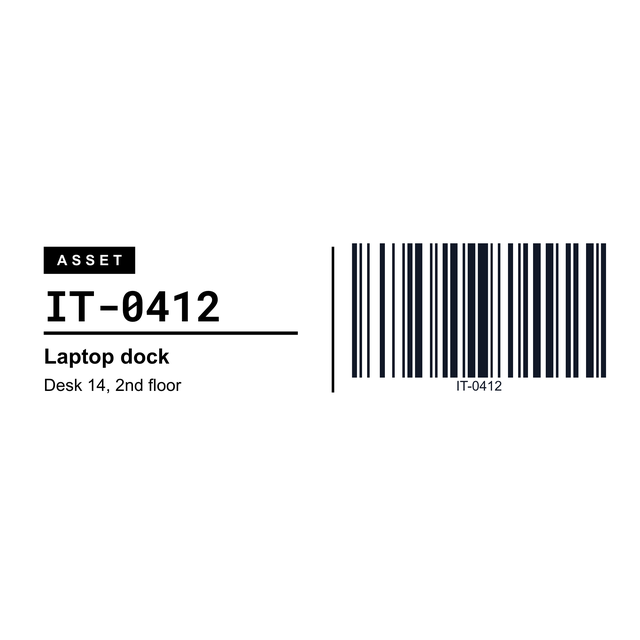
Yes. The 2 x 1 asset tag has an owner line, an asset number and a barcode, and the Brother DK-1201 asset label adds the item and where it sits. A list of equipment can print from a CSV.
Can I print warehouse labels on a Zebra printer?
Yes. Pick the template that matches your roll and print at 100 percent scale, or send it straight to the Zebra through Zebra Browser Print.