Free sticker maker: design custom stickers and print them at home
You can design custom stickers in this free sticker maker and print them on your own printer. Start from a sticker template, change the words and colors, add your logo, and print on the sticker paper or label roll you already have. A round logo sticker for the box, a thank-you sticker for the mailer, a heart for a gift bag. No signup.
How it works
From a sheet of stickers to the parcel
Put your name on a sticker
Open the round brand sticker, swap in your shop name and logo, and print one at actual size.
Open the sticker template1Packing day
Custom stickers for the box, the mailer and the gift bag
Picture packing day for a small online shop: twenty orders, a stack of kraft mailers, and a roll of tape. A sticker is the small thing that makes the parcel feel like it came from someone. Most shops use three kinds:
You make all three the same way, and once a design is right you can print a full sheet of it in one go.
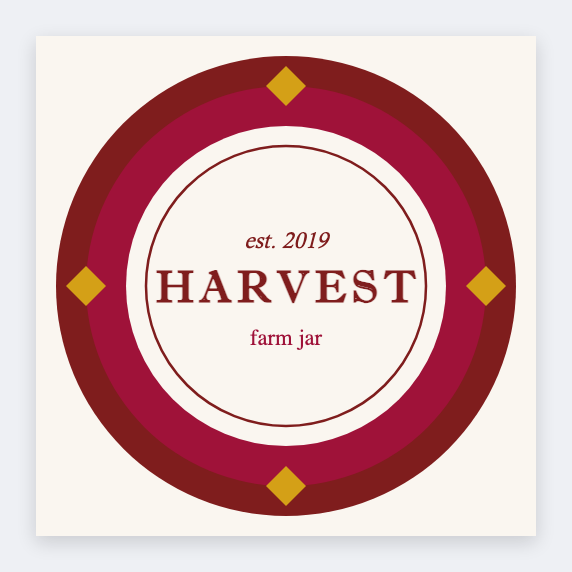
- A brand sticker closes the bag or the box with your name on it. Your logo and one short line, like the round example below.
- A thank-you sticker goes inside the mailer. Your shop name and a short note are enough.
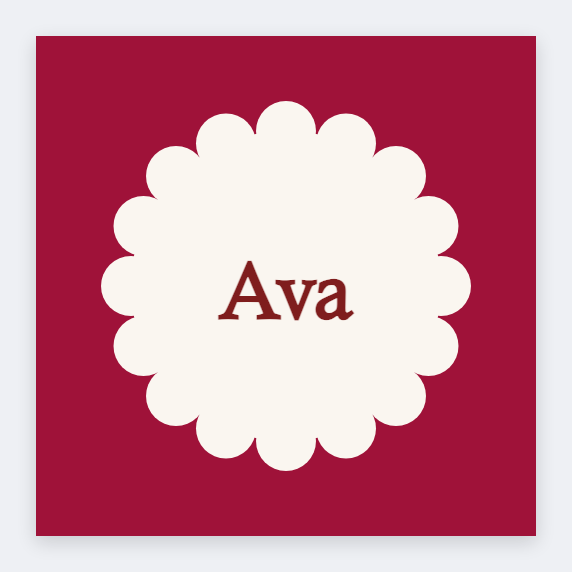
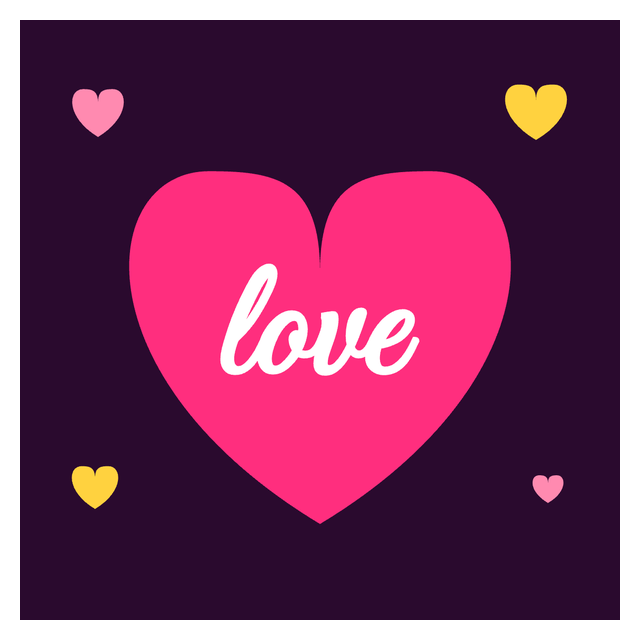
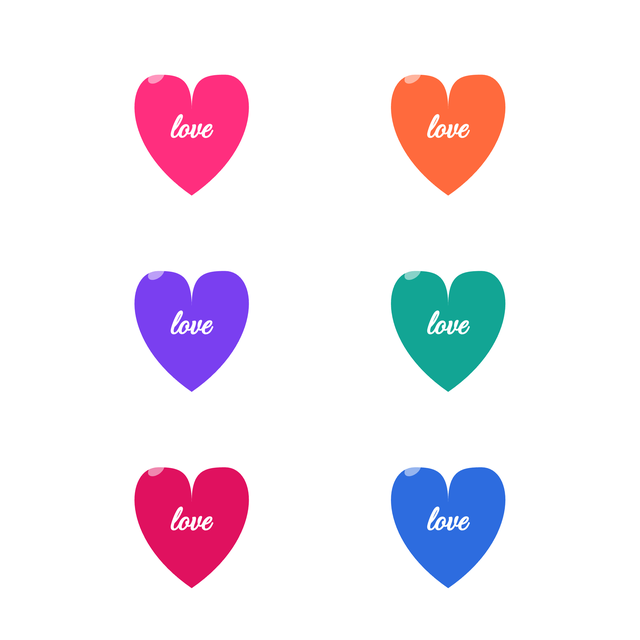
- A decorative sticker, like the heart, is mostly shape and color with one big word.
2Examples
Sticker designs you can open and edit
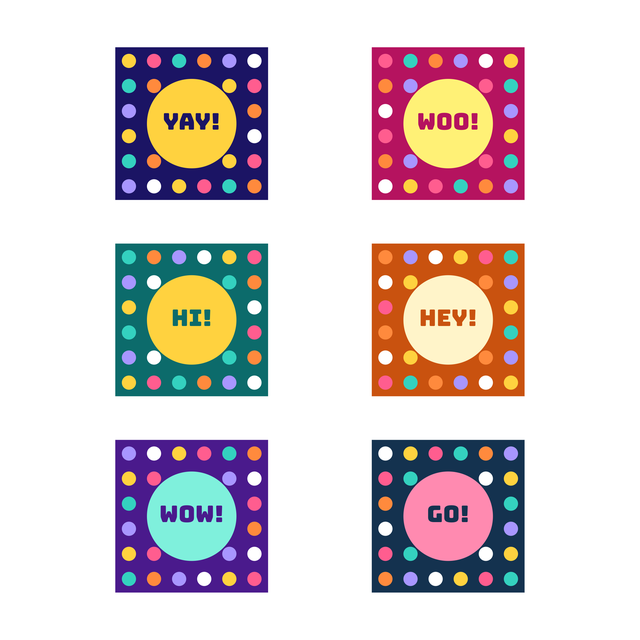
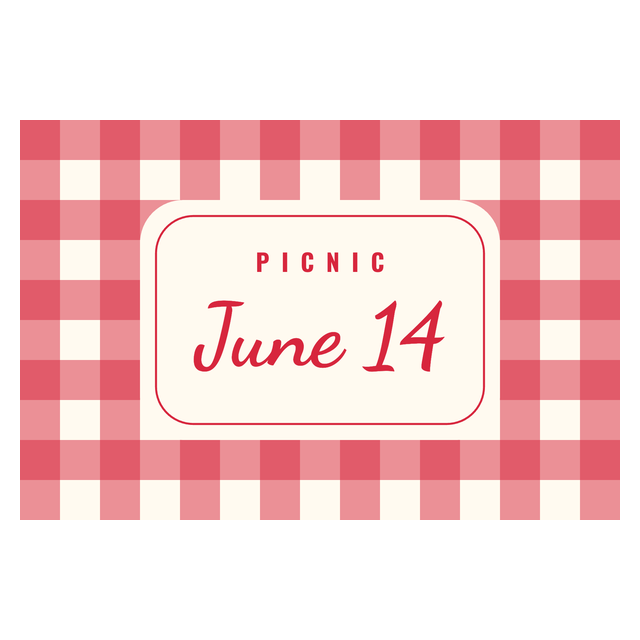
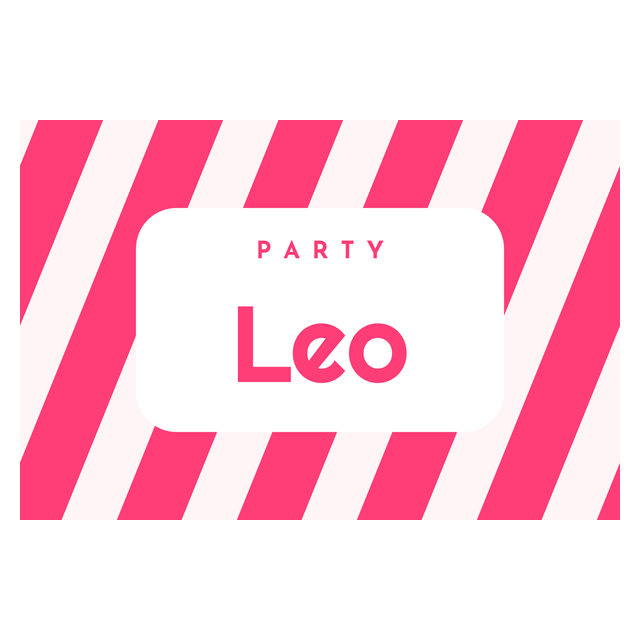
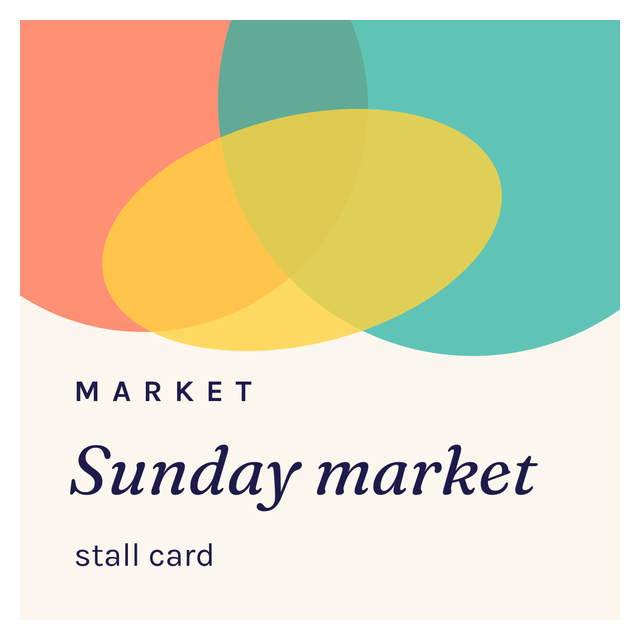
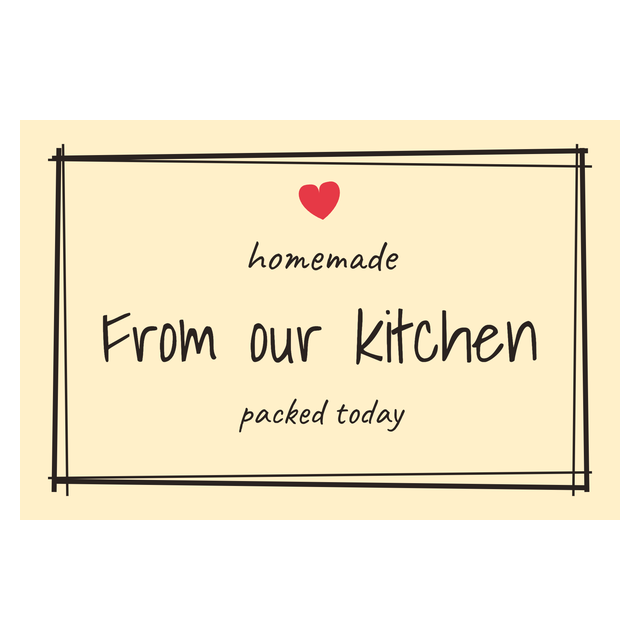
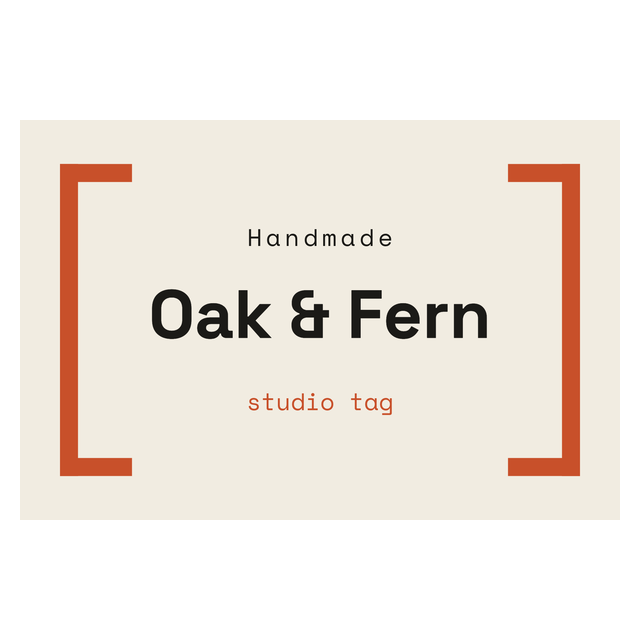
These are real renders from the editor. The shop names and lines are made up for the examples. Click one and it opens with the same design, ready for your own words.


The last one adds a QR code that points to a shop page, so a customer can find you again from the sticker on the box.
3Every sticker template
All 25 sticker templates
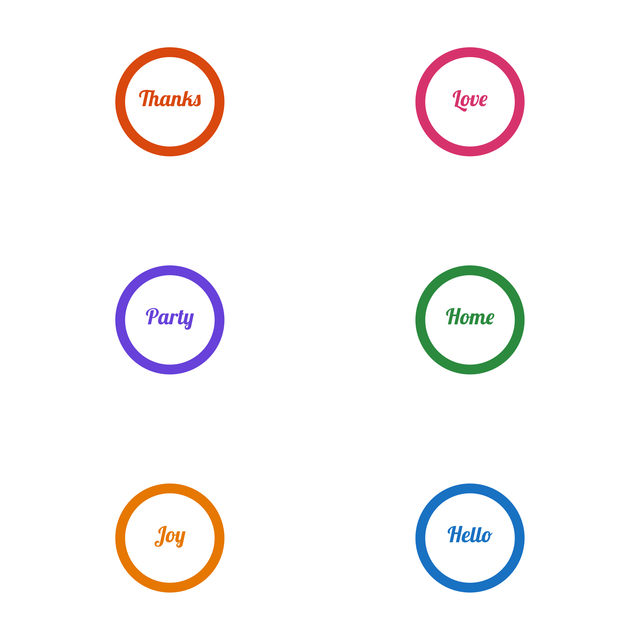
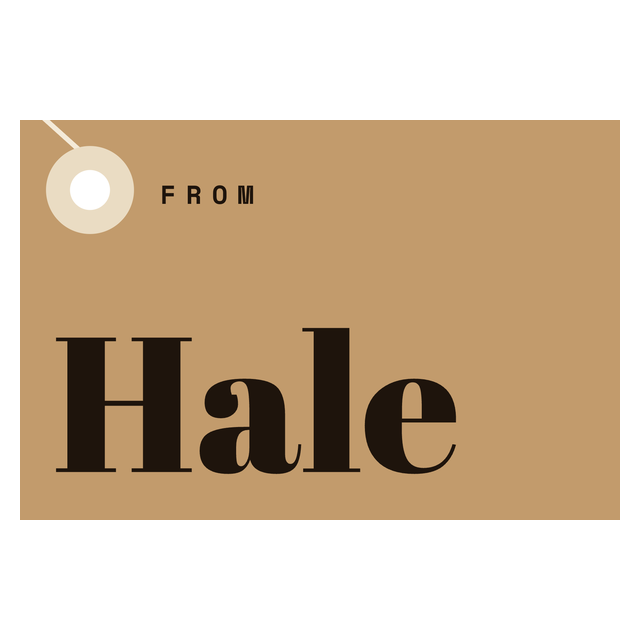
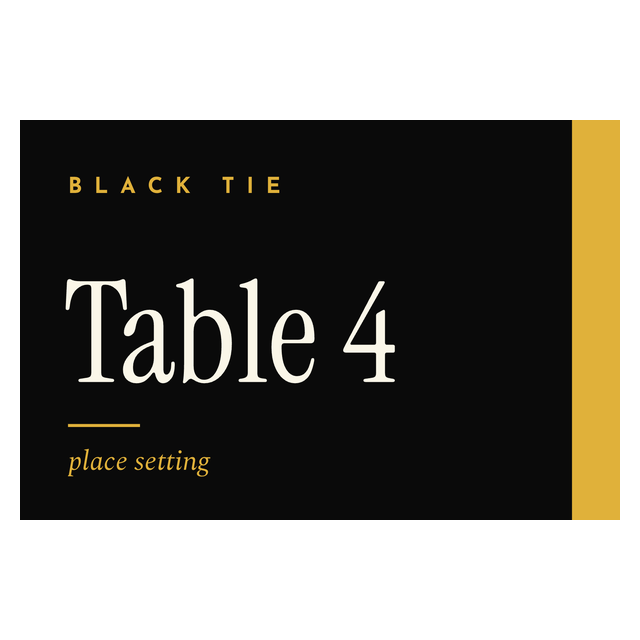
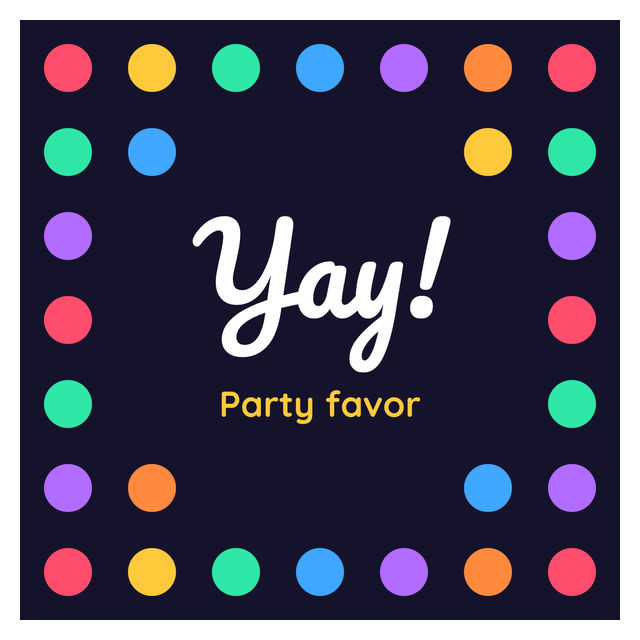
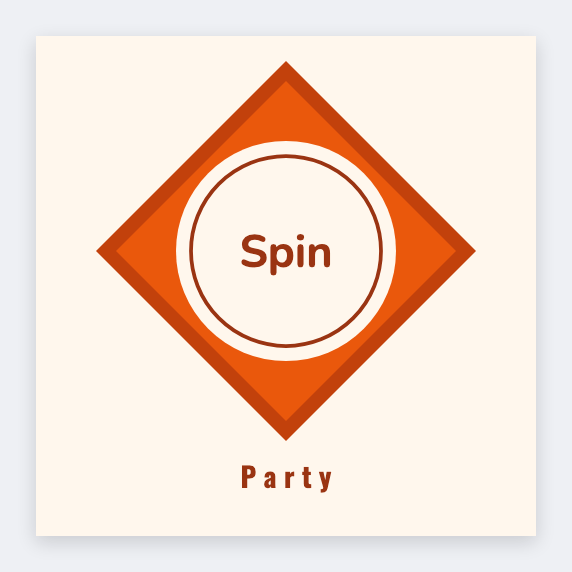
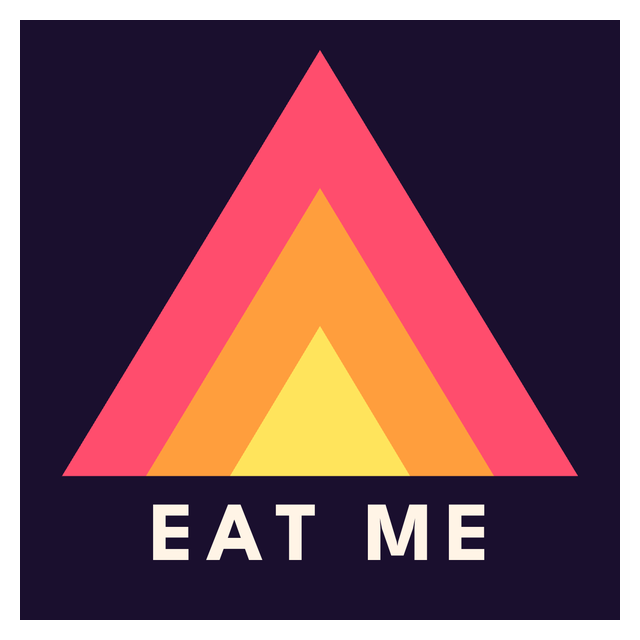
Every round sticker and label design in the editor: circles, scallops, kraft, monograms and gold seals. Click one to open it with that layout, then add your own words or logo.









4Step by step
How to make a custom sticker online
It takes a few minutes, and the first step matters most: the size.
Need product names, prices or a different variant on every sticker? That's a product label, made from a spreadsheet. The product label page covers it.
- Open https://app.mylabelmaker.com with a sticker template. No signup.
- Set the label size to one sticker on the paper or roll you bought, so the design fits from the start.
- Click the words on the sticker to change them. Use Text on the left to add another line.
- Click Image to add your logo from this computer. A PNG with a transparent background sits cleanly on a colored sticker.
- Click Shape for circles, rectangles and hearts behind your text, and change the fill color to match your brand.
- Want people to find your shop? Click QR and paste the link.
- Print one sticker at actual size and look at it before you print a sheet.
5Your paper
Print stickers at home: sheets, sticker paper or a label roll
The size comes from what you'll print on, not from the template. Here's how the three kinds of paper differ.
Whatever you print on, print one at actual size first. If the print dialog scales the page to fit, the sticker shrinks and moves off the cut. More on paper and printers is in how to print labels at home.
- Pre-cut sticker sheets (round or square labels on a page) already have a size. Measure one sticker, or read it off the package, and set that width and height. Keep your artwork a little inside the edge, because printers drift.
- Plain full-page sticker paper has no cuts. You print and cut with scissors or your own cutter. The editor doesn't make cut lines or cutting machine files, so a round design means cutting round by hand.
- A label roll in a thermal printer is the quick way to make a lot of the same sticker. Most thermal rolls print black only, so colored shapes come out in black and gray.
6Keep it simple
Sticker design tips that read in a second
A sticker is seen for a second on a box or a laptop lid. One short line in a big, clear font reads better than three lines of small text.
Pick one color that's yours and use it on every sticker. Leave some empty space around the logo. And look at the printed sticker from arm's length before you print fifty: if you can't read it there, your customer can't either.
Want a sticker people scan? QR code labels covers the size and the caption that make a code work.
Sticker maker questions
How do I make custom stickers online?
Open a sticker template in your browser, change the words and colors, add your image, and set the size to your sticker paper. Then print on your own printer. No signup.
Is there a free sticker maker I can use without signing up?
Yes. You can make free stickers in your browser with no account. Open a sticker template, put your name on it and print on your own paper.
Can I print stickers on a home printer?
Yes. Use sticker paper or a sheet of pre-cut labels that suits your printer. Print one at actual size first to check it lines up with the cuts.
Does it make cut files for a cutting machine?
No. It prints your design. Use pre-cut sticker sheets in the same size, or cut plain sticker paper yourself.
Can I add my logo to a sticker?
Yes. Click Image on the left and pick the file from your computer. A PNG with a transparent background works best on a colored sticker.
Do you print and ship stickers?
No. You design here and print on your own printer and paper.