Free price tag maker with barcodes
You can make price tags in your browser with a free price tag maker: the product name on top, the price big enough to read from the aisle, and the SKU as a barcode your scanner already knows. Start from a price tag template, type one tag, or turn each row of an Excel or CSV product list into its own tag. No signup.
How it works
The price changes, the barcode keeps scanning
Tag this week's stock
Type a product, a price and its SKU, then print one tag and scan it at the counter.
Open the price tag1Restock day
Price tags for a Friday restock
Picture a small shop on a Friday afternoon. A box of mugs and tea towels just came in, a few prices went up, and forty items need tags before the weekend.
Writing them by hand is slow, and a handwritten price can't be scanned. Typing forty tags one by one isn't much better. The product list you already keep in a spreadsheet can fill them for you, and the barcode on each tag comes straight from the SKU column.
If you only need one tag for one item, that works too. You type it and print it.
2Examples
Price tag examples you can open and edit
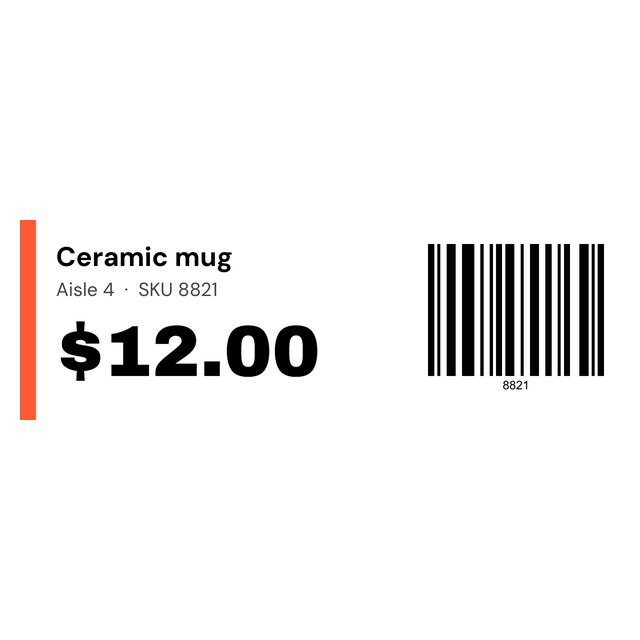
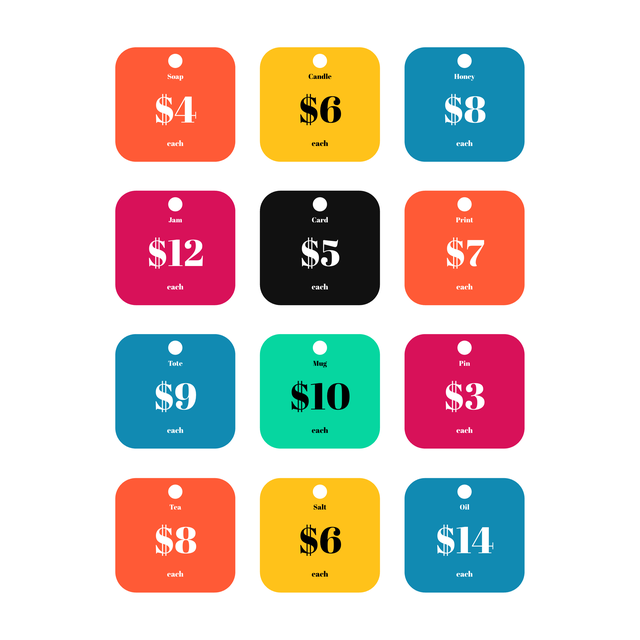
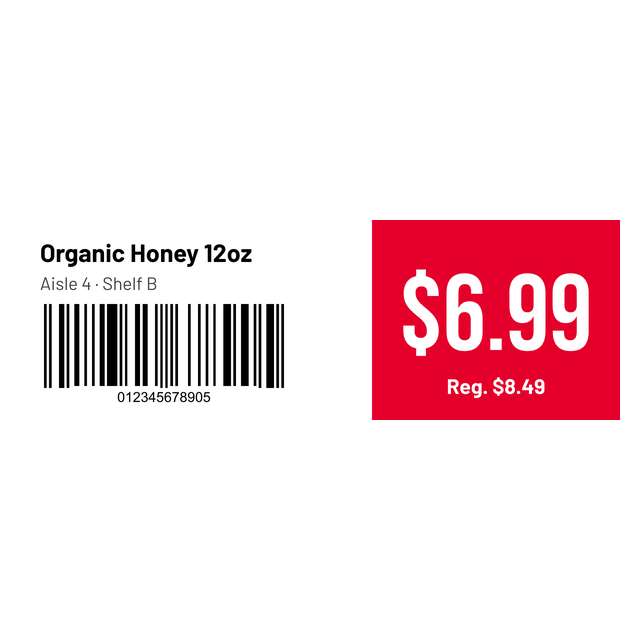
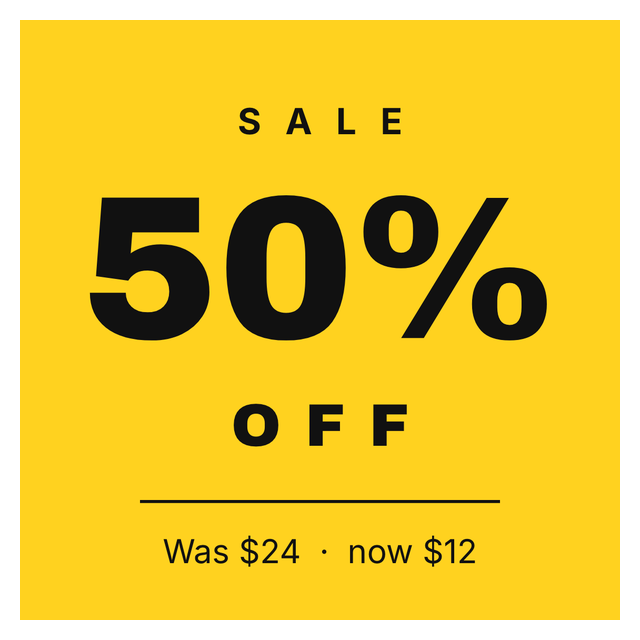
These are real renders from the editor. The shops, products and prices are made up for the examples. Click one and it opens with the same layout and text, so you only have to swap in your own.


No thermal printer? The Letter sheet example puts twelve tags on one page for a market stall or a pop-up. Print it at actual size and cut on the lines.
3Every price tag template
All 16 price tag and retail templates
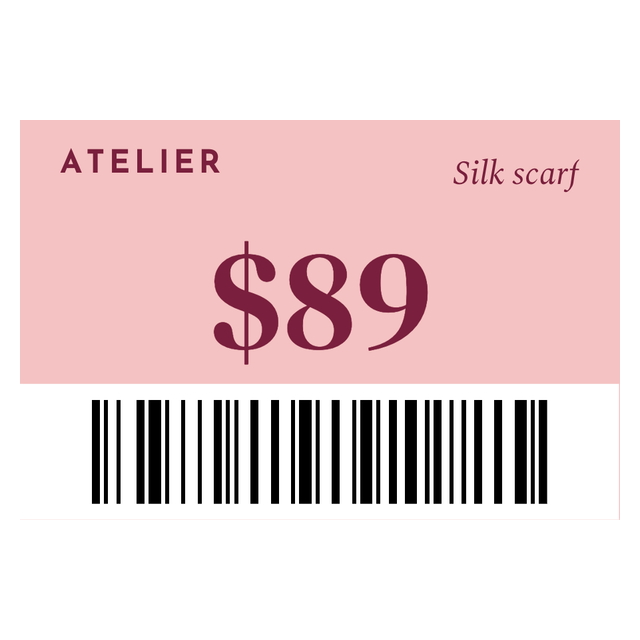
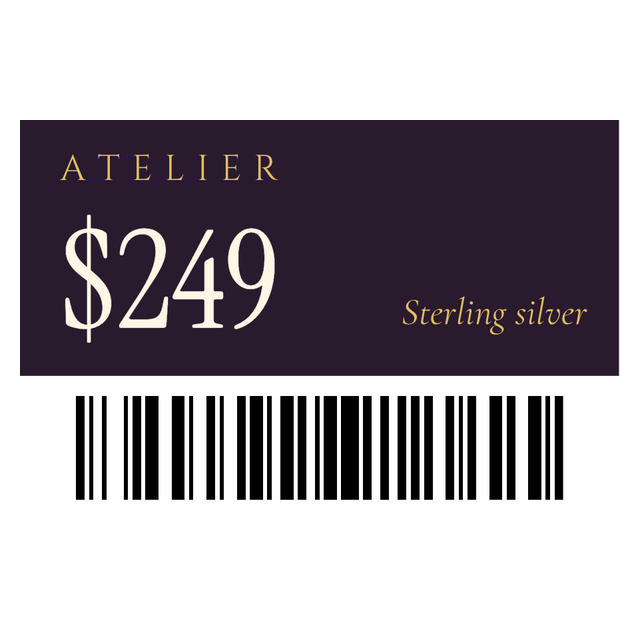
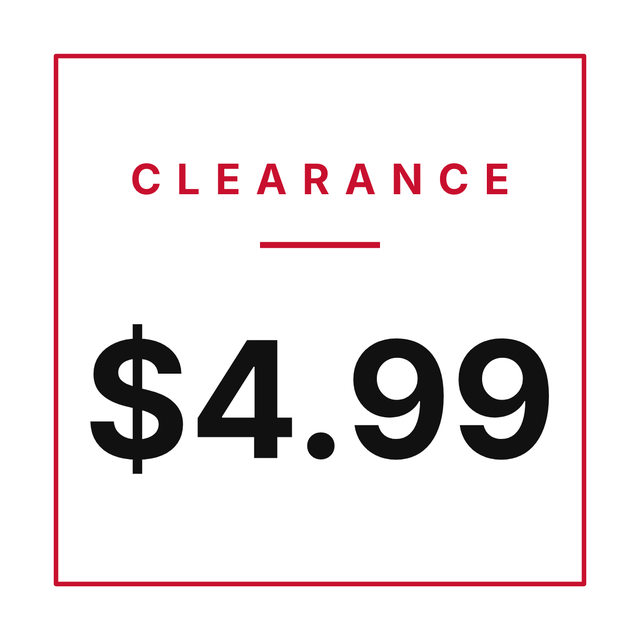
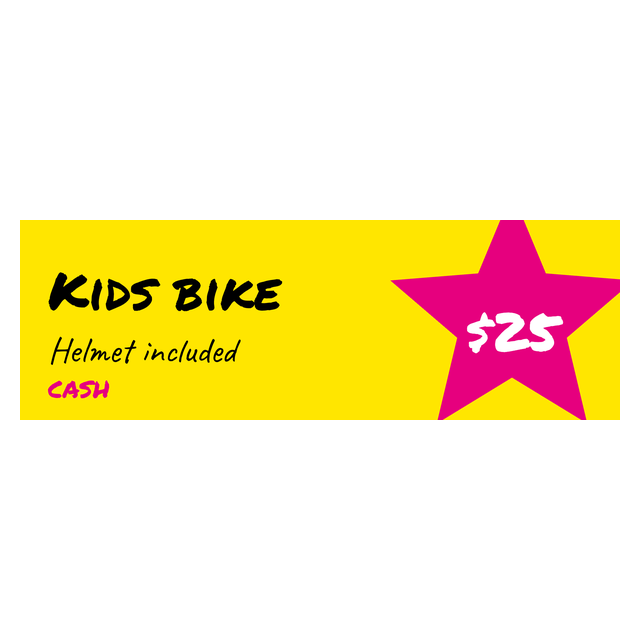
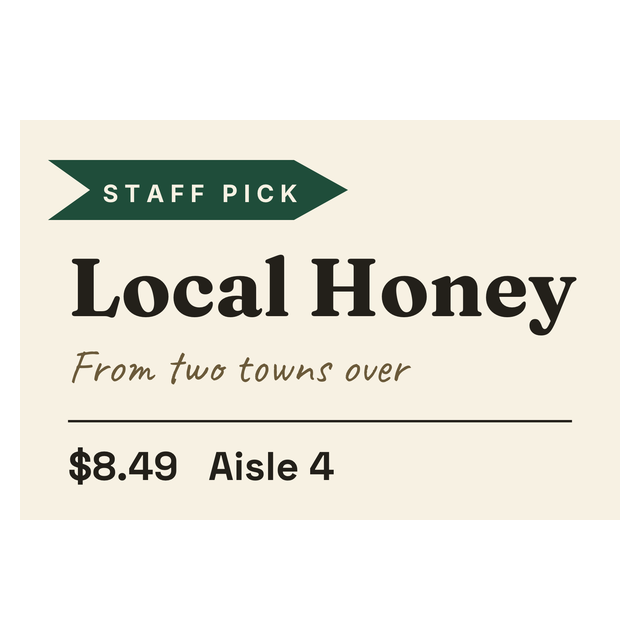
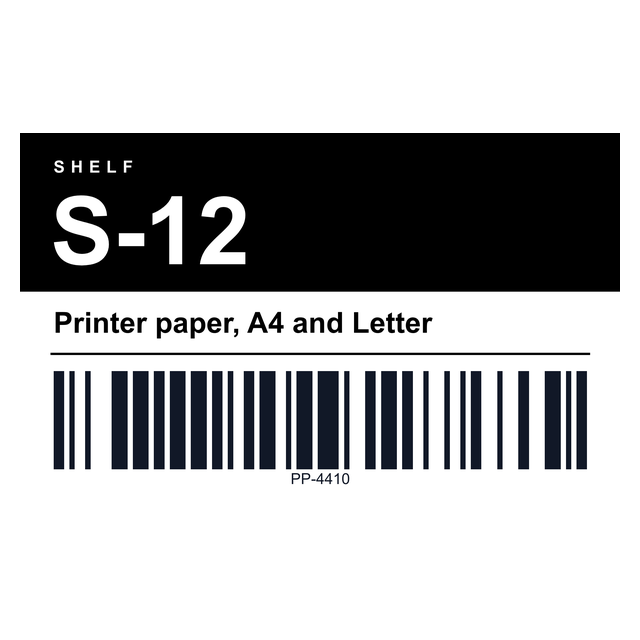
Every price tag and retail sticker in the editor, from boutique tags to shelf labels and sale stickers. Click one to open it.

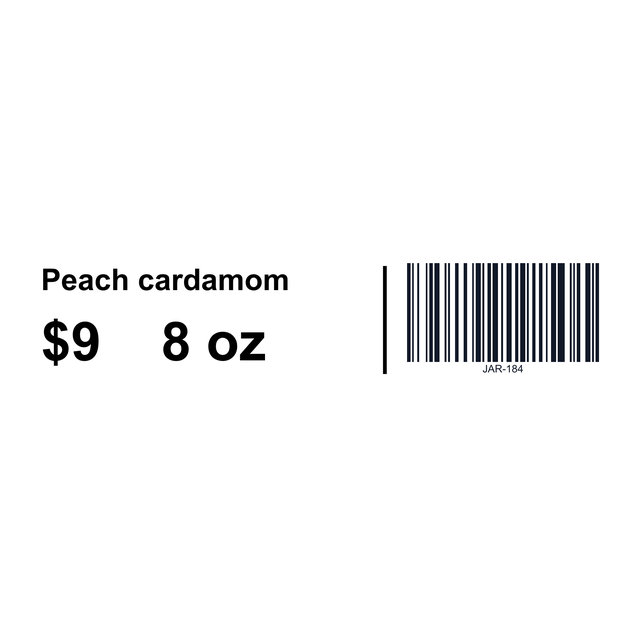
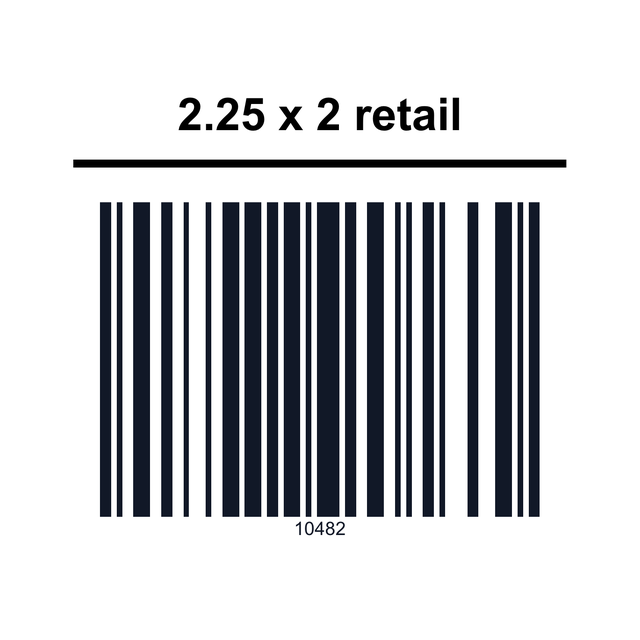
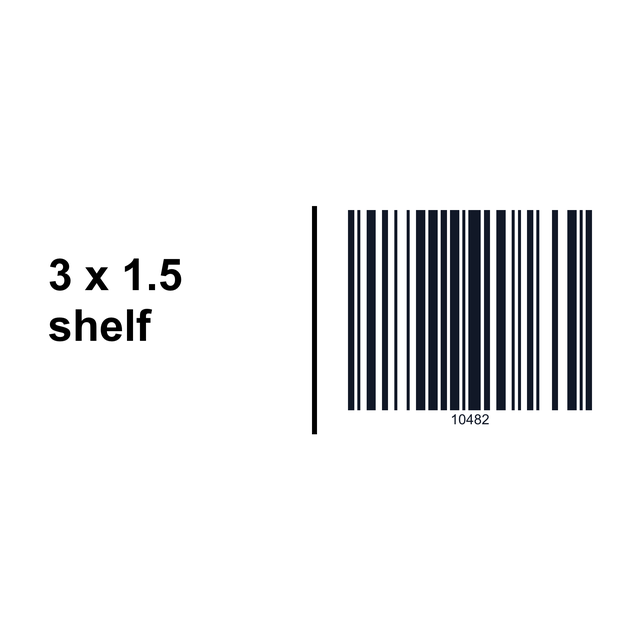
4On the tag
What goes on a retail price tag
A customer reads two things: what it is and what it costs. You read the third.
Because the barcode holds the SKU, the old tag still scans after next month's price change. Only encode something else if your shop system tells you it expects it. The editor prints the price exactly as it is in your cell. It doesn't convert currency, round, or look anything up in a point-of-sale system.
- Product name: one line if you can.
- Price: the biggest type on the tag.
- Barcode: the SKU your register or inventory sheet uses, not the selling price.
5Your product list
Keep your prices in a spreadsheet
Ten products today and thirty next week? Keep them in a sheet and let each row fill a tag. Here is part of the fictional sheet behind the first example:
Watch the leading zeros. Excel reads 00412 as the number 412 and quietly drops the zeros, and then the barcode no longer matches your register. Format the SKU column (and the Barcode column, if you have one) as Text before you type or paste the codes, and check the CSV after you save it.
| SKU | Product | Price |
|---|---|---|
| 00412 | Stoneware mug | $14.00 |
| 00418 | Linen tea towel | $9.50 |
| 00431 | Large soy candle, cedar | $24.00 |
6Fill the tags
Print price tags from Excel or CSV
With the sheet ready, you connect its columns to the tag once. After that, every row prints as its own price tag with its own barcode.
"Large soy candle, cedar" is the one to watch in the sample. If a long name crowds the barcode, shorten it on the tag or make the type a little smaller. Repricing one item? Use Print this. It prints the tag on the canvas and asks how many copies. More on preparing the sheet: printing labels from Excel.
- Open https://app.mylabelmaker.com with the price tag sample. The sheet above is already loaded. No signup.
- Click Data and upload your Excel or CSV file, or paste the rows. Keep the column names in the first row.
- Click the product name on the tag, then Variables, and pick Product. Do the same for the price with Price and the small line with SKU.
- The barcode in the sample holds
{{Barcode}}, a column name in double curly braces, so each row puts its own code into the bars. On your own tag, click the barcode and type your column name the same way as its value. In the Format list, CODE128 (alphanumeric) handles SKUs with letters, dashes and leading zeros. - Step through the rows and stop on the longest product name and the highest price.
- Open Edit row, tick the products you're tagging today, click Print, and enter how many tags you need for each ticked row.
7Shelf or hang tag
Shelf price labels and small hang tags
Price labels come in two very different shapes, and it helps to pick yours before you design.
For rings, chains and earrings, the jewelry label page covers even smaller tags.
- Shelf label (3 x 1): sits on the shelf edge, with room for a location line and a regular price next to the sale price. The shelf example uses a UPC-A from the template. Replace it with the real UPC from the package, or switch it to CODE128 and use your SKU.
- Boutique hang tag (1.5 x 1): hangs from a string, with room for the shop name, a price and a short barcode, and not much else.
- Letter sheet: twelve tags you cut apart, printed on any home or office printer.
8Proof one
Measure the tag, then proof one
Set the label size to the tag stock you actually bought before you design. A 3 x 1 shelf label and a 1.5 x 1 hang tag are different layouts. Shrink one into the other and the barcode bars run together.
Small tags are where barcodes fail. A long code on a tiny tag isn't guaranteed to scan, so one test tag saves a whole sheet.
- Leave blank space on both ends of the bars.
- Print one tag at actual size, with scaling off.
- Scan it with the scanner at your counter.
- If it doesn't read, use a shorter code or a larger tag before you print the whole list.
Price tag questions
How do I make price tags online for free?
Open the price tag template in your browser, type the product and price, set the label size to your tag stock, and print one to check it. You can make free labels with no signup.
Is there a printable price tag template?
Yes. There's a price tag, a 3 x 1 shelf label, a small boutique hang tag and a US Letter sheet of twelve tags you cut apart. Each example on this page opens in the editor ready to edit.
Should the barcode on a price tag be the price?
Usually not. Encode the SKU your register or inventory list already uses, so the barcode still works after a price change. Use something else only if your shop system asks for it.
Why did my SKU lose its leading zeros?
Excel turned it into a number. Format the SKU and Barcode columns as Text before you enter the codes, then save the CSV again and check that 00412 still reads 00412.
Can I print shelf price labels with this?
Yes. Start from the shelf label example, put the product, shelf location and price on it, and use your own UPC or SKU for the barcode.
Does it connect to my point-of-sale system?
No. It prints tags from the words and codes you type or load from a spreadsheet. Prices stay as they are in your sheet.