Lab labels for tubes, caps and samples, printed from your spreadsheet
You can make free lab labels in your browser: microtube labels for 1.5 and 2 mL tubes, round cap dots, specimen labels and small Data Matrix labels for freezer boxes. Upload your sample list from Excel or CSV, link each line to a column, and every tube gets its own ID and code. Print on the Zebra, Brady or DYMO printer you already have.
Put a Data Matrix on every tube
Open the microtube label with a sample list loaded, check a few rows, then upload your own samples.
Open the microtube label1The freezer problem
Lab labels that still read after the freezer
It's the end of a long prep day. Forty aliquots are on the bench, and each one gets a sample ID in marker on a tube about the size of your little finger.
Six months later the box comes out of minus 80, the ink has smeared, and nobody is sure whether that says 0142 or 0172. Printed lab labels fix that: the ID comes straight from your sample sheet, the text is the same on every tube, and a Data Matrix code lets a scanner read it when your eyes can't.
2Examples
Lab label examples you can open
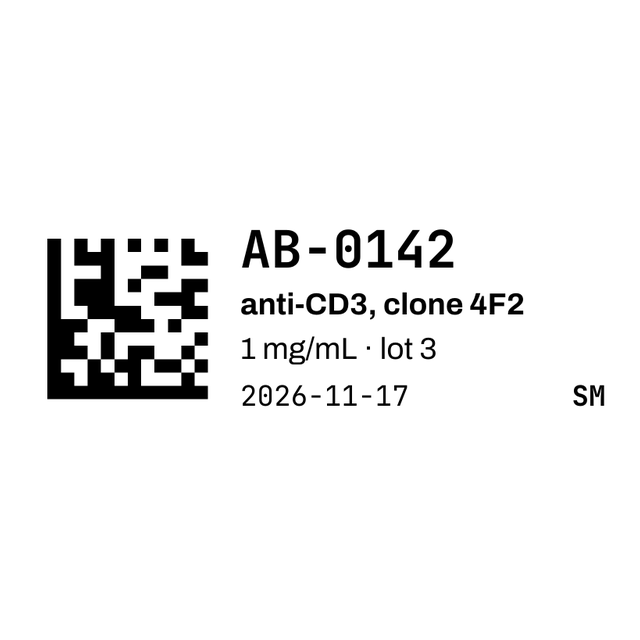
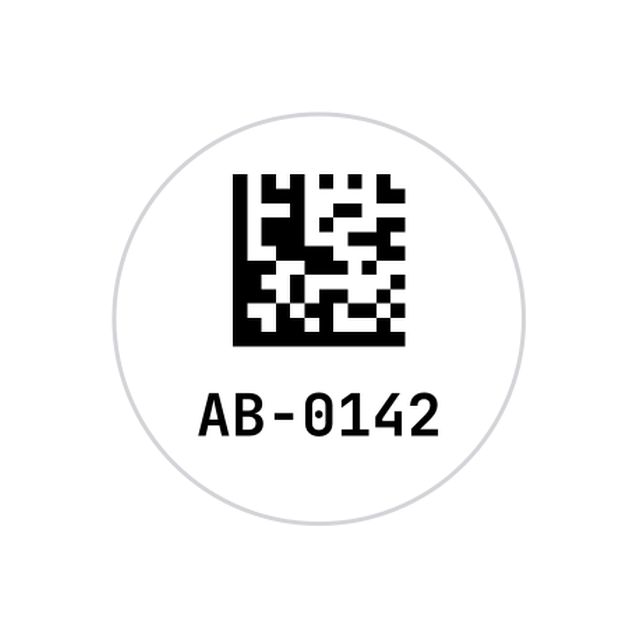
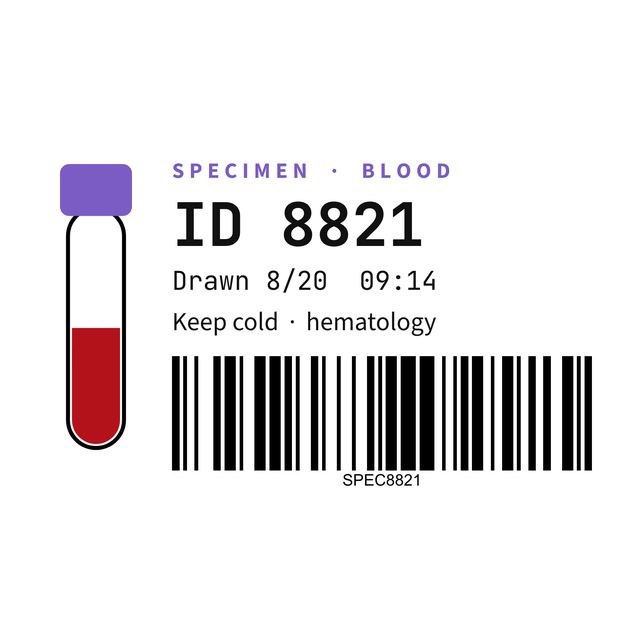
These are real renders from the editor. The antibodies, lots and initials are made up. Click one and it opens with the same layout, ready for your own samples.


3Every lab template
All 9 lab and sample label templates
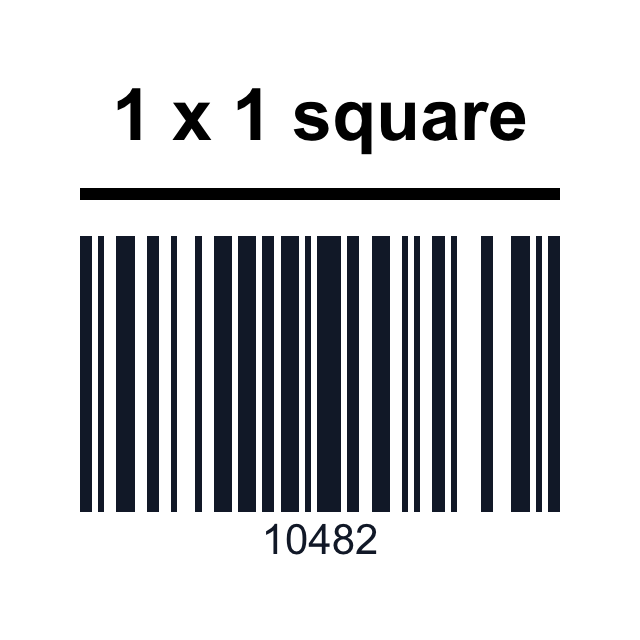
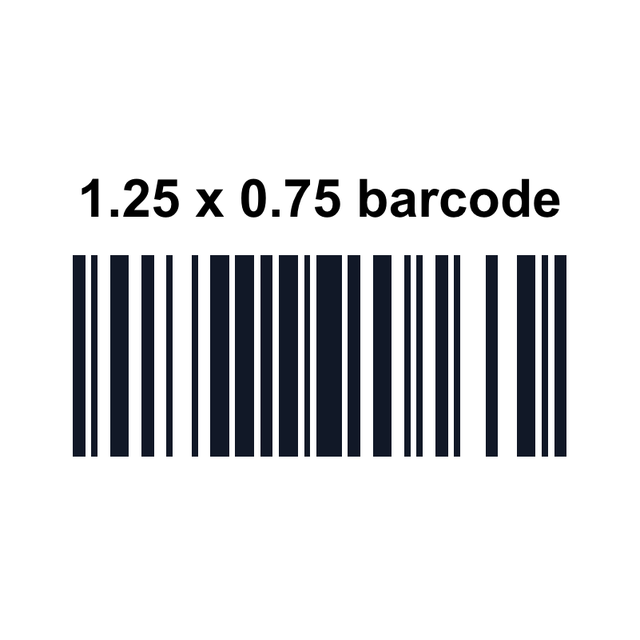
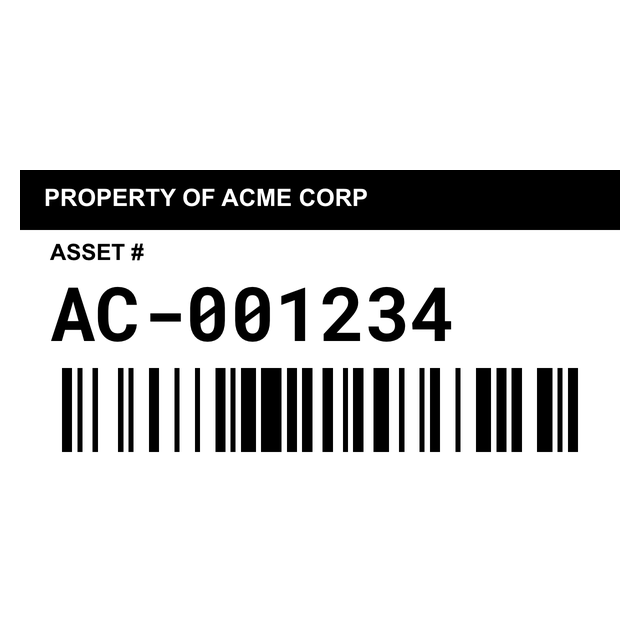
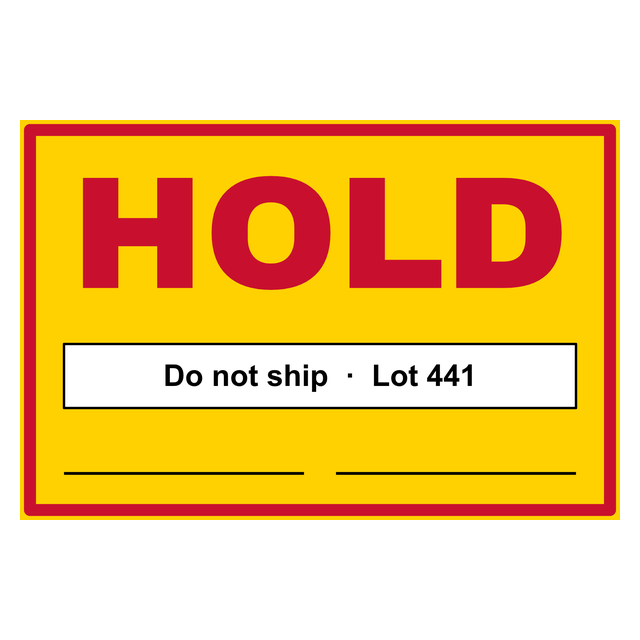
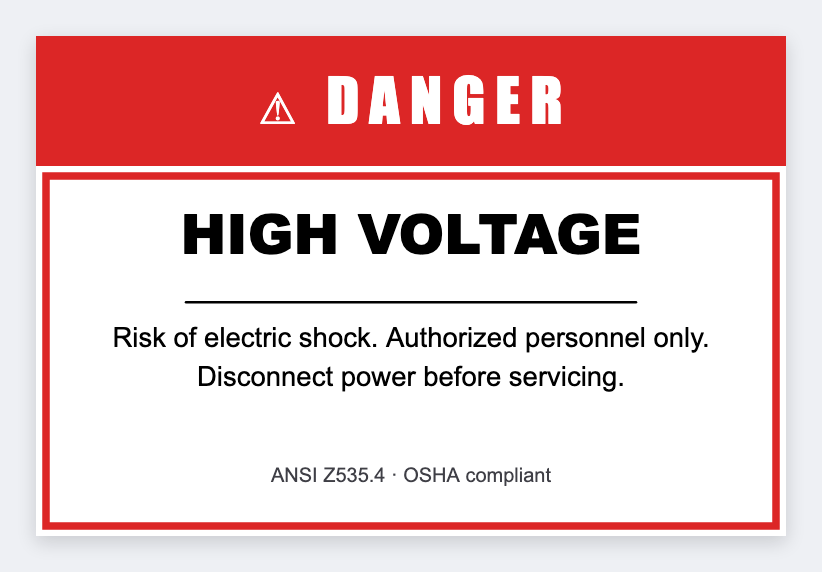
Every lab template in the editor: the microtube label and cap dot, a specimen label, tiny barcode and Data Matrix sizes for racks and boxes, an equipment asset tag, a QC hold label and a hazard warning. Click one to open it.
4On the tube
What goes on a sample tube label
A 1.28 x 0.5 inch label is small, so every line has to earn its place. Here's what fits on a microtube, from most to least important.
The cap dot holds just the code and the ID, so you can find a tube from above in a full freezer box.
- The sample ID: the biggest text on the label, the same ID your spreadsheet or LIMS uses.
- A Data Matrix code of that ID: a small square code that scans from any angle, even on a curved tube.
- What's inside: the antibody, clone, strain or sample type in a few words.
- Concentration or lot: one short line, like 1 mg/mL, lot 3.
- Date and initials: so the next person knows who made it and when.
5From your sheet
Print tube labels from your sample spreadsheet
Keep one row per tube in Excel, a CSV file or Google Sheets, with column names in the first row. Each row becomes its own label.
| Sample ID | Description | Conc | Date | Initials |
|---|---|---|---|---|
| AB-0142 | anti-CD3, clone 4F2 | 1 mg/mL · lot 3 | 2026-11-17 | SM |
| AB-0143 | anti-CD19, clone 2H7 | 0.5 mg/mL · lot 1 | 2026-11-17 | JK |
| AB-0144 | IgG isotype control | 1 mg/mL · lot 7 | 2026-11-17 | SM |
Print one label first and scan it with your phone or the scanner at the freezer. If it reads, print the batch.
- Open https://app.mylabelmaker.com, click Templates and search microtube.
- Click Data and upload your Excel or CSV file.
- Click a line on the label, then its column in Variables. Click the Data Matrix code and pick Sample ID too, so the code and the text always match.
- Step through the rows with the arrows. Long names shrink to fit the line.
- Open Edit row, click All, and print every row.
- For the caps, open the Tube cap dot template. Your list is still loaded, so link the code and the ID and print again.
6Which code
Data Matrix, QR code or barcode?
All three work on lab labels. The size of the label decides which one fits.
Change the code type under Barcode in the editor. More on the codes themselves is in the barcode label maker guide.
- Data Matrix: the smallest square code for a short ID. It's the usual pick for tubes, cap dots and 2D-coded racks.
- QR code: fine on a bigger box or bag label, and any phone camera reads it.
- CODE128 barcode: a long, flat code that needs width. It suits a 2 x 1 rack or shelf label better than a tube.
7Cold storage
Printers and labels for minus 80 and liquid nitrogen
The label stock matters as much as the design. Plain paper labels peel and smear in the cold.
- Cryo labels: buy labels rated for minus 80 or liquid nitrogen, in the size of your template.
- Resin ribbon: on a thermal transfer printer, a resin ribbon keeps the print from rubbing off in ethanol or the cold.
- 300 dpi: a 300 dpi printer keeps a small Data Matrix crisp. At 203 dpi, test one first.
- Zebra, Brady or DYMO: a Zebra prints through Zebra Browser Print. A Brady, a DYMO or any other printer with a driver prints from This computer, with the paper set to your label size and scale at 100%.
Questions about lab labels
What size label fits a 1.5 mL microcentrifuge tube?
A 1.28 x 0.5 inch (33 x 13 mm) label wraps the side of a 1.5 or 2 mL tube. The microtube template opens at that size. For the top, use a 0.5 inch round cap dot.
Can I print lab labels from Excel?
Yes. Put one tube per row, upload the file under Data, link each line on the label to its column in Variables, then print all the rows at once.
Can I put a Data Matrix code on a tube label?
Yes. The microtube and cap dot templates already have one. Link it to your Sample ID column so each tube's code reads its own ID.
Does it work with a Brady label printer?
Yes, if the printer's driver is installed. Pick This computer as the printer and set the paper to your label size in the print window. A Zebra can also print through Zebra Browser Print.
Will the labels survive minus 80 or liquid nitrogen?
That comes down to the label stock and ribbon, not the design. Use cryo-rated labels with a resin ribbon, and test one in your freezer before you label a whole box.
Is there a free lab label maker?
Yes. You can make free lab labels in your browser: open a template, change the text or link it to your sample sheet, and check the preview.