Free food label maker for ingredient labels
You can make your own food labels in the browser with a free food label maker: the product name on top, your ingredient list in the middle, then an allergen line, the net weight, a batch code and a storage line. Type the words yourself, or fill one label per product from Excel, CSV or Google Sheets. No signup.
How it works
Your words fill the label, line by line
Label your next batch
Open the ingredient label, type your product and ingredients, and print one to test on the package.
Open the ingredient label1Market table
Food labels for a market table
Picture a folding table at a Saturday market. Crackers in one basket, granola in another, and a shop down the road that just asked to stock both. Suddenly the bags need proper labels, with the ingredients written out and the allergens easy to spot.
You know your recipe. What you need is a clean way to get those words onto a label that fits the bag, and to print the next run without starting over.
That's what the editor does. You bring the words, it lays them out and prints them, one product or your whole list.
2Examples
Food label examples you can open and edit
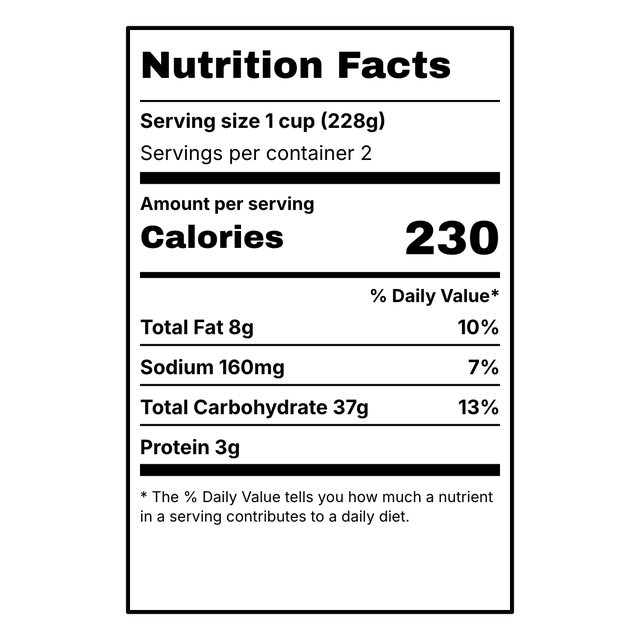
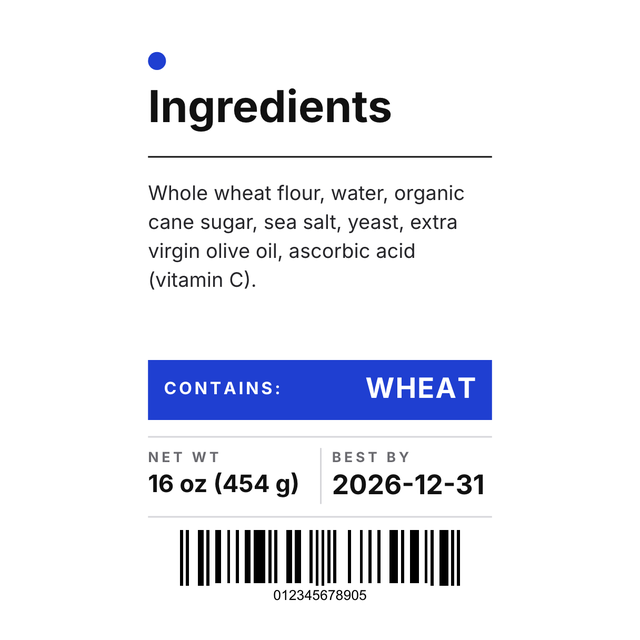
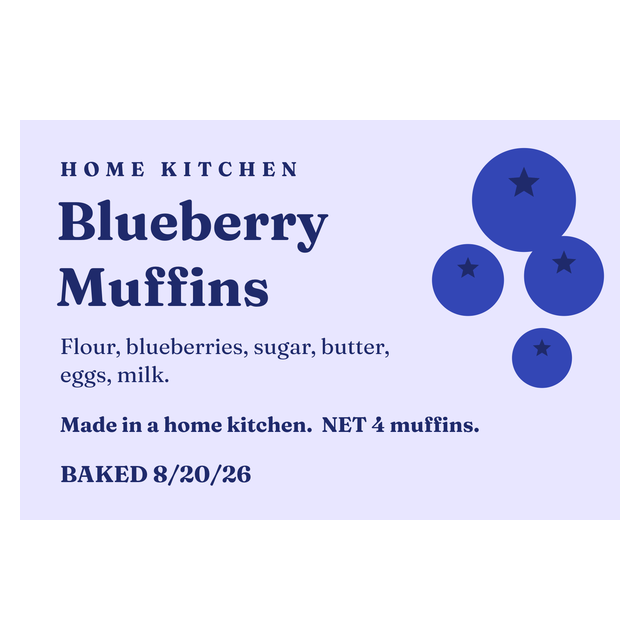
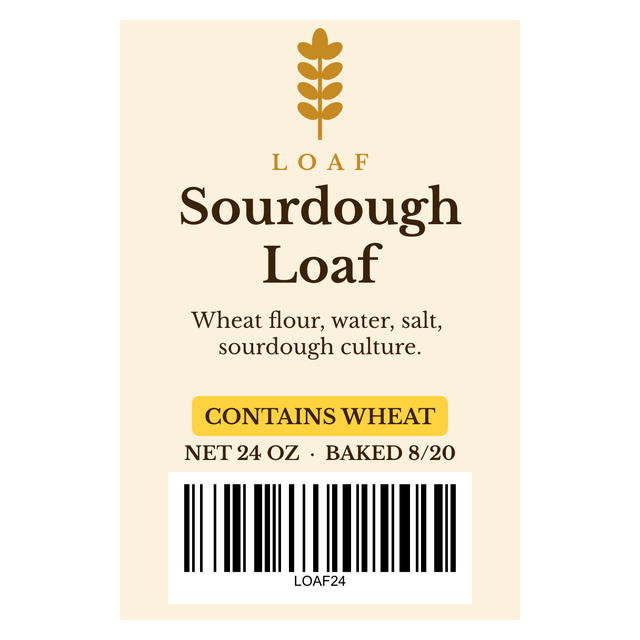
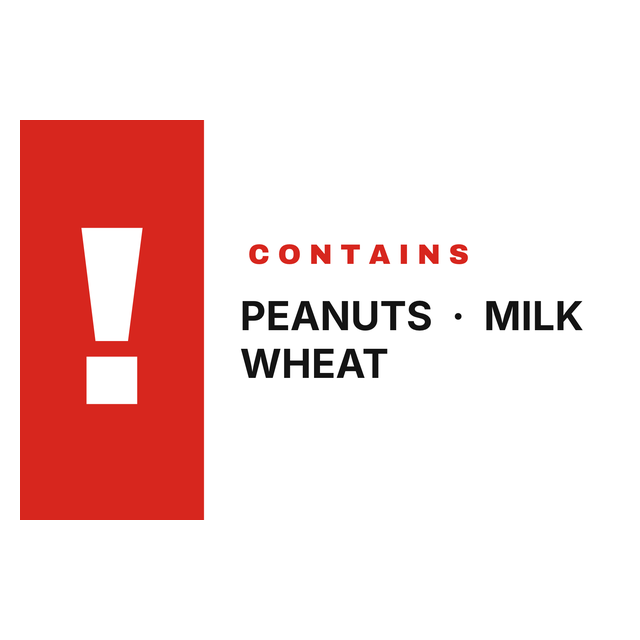
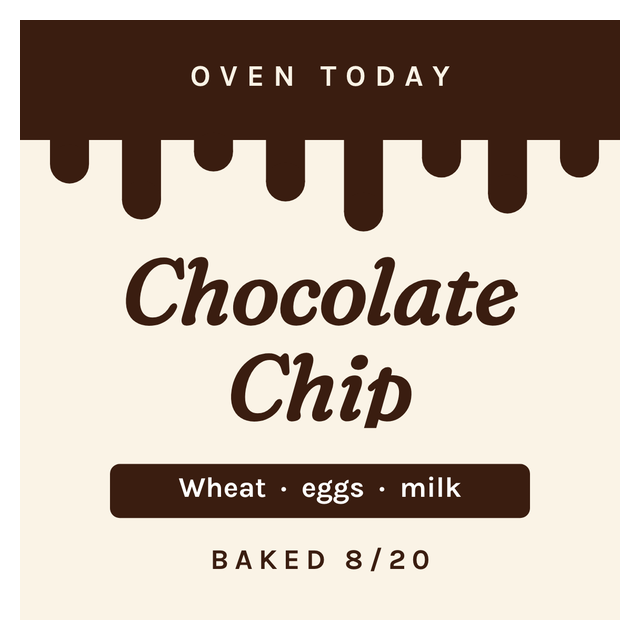
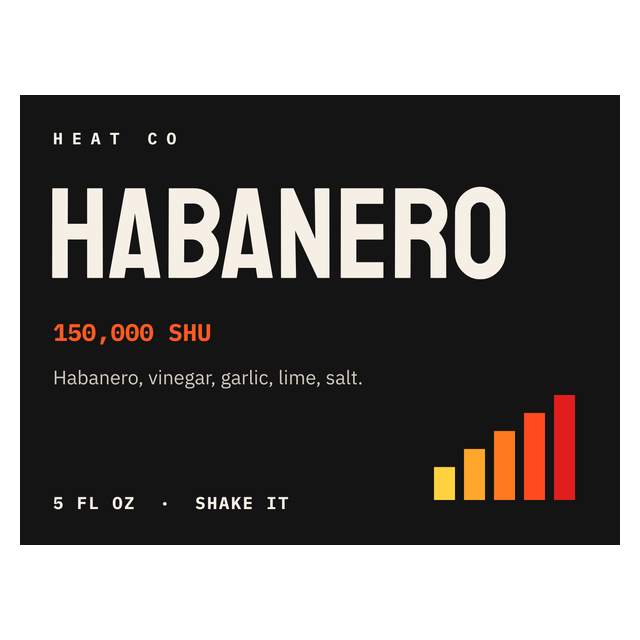
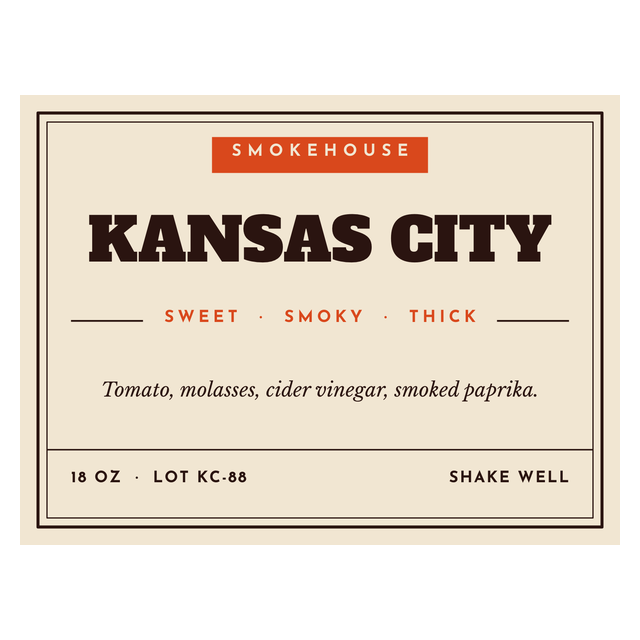
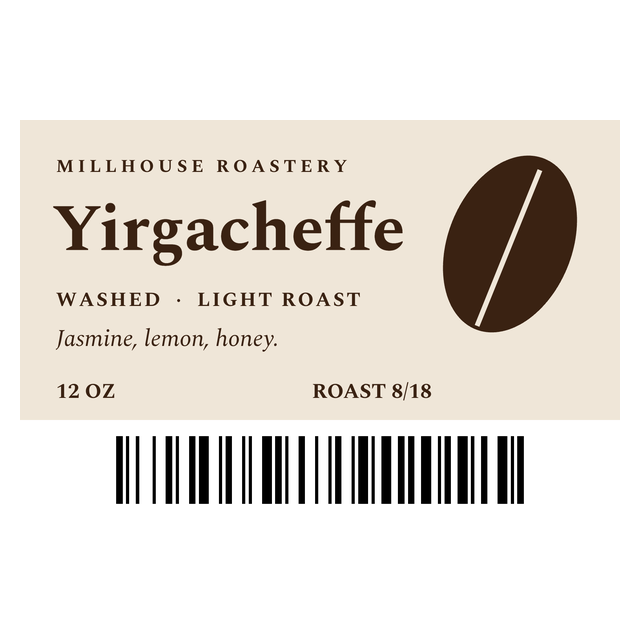
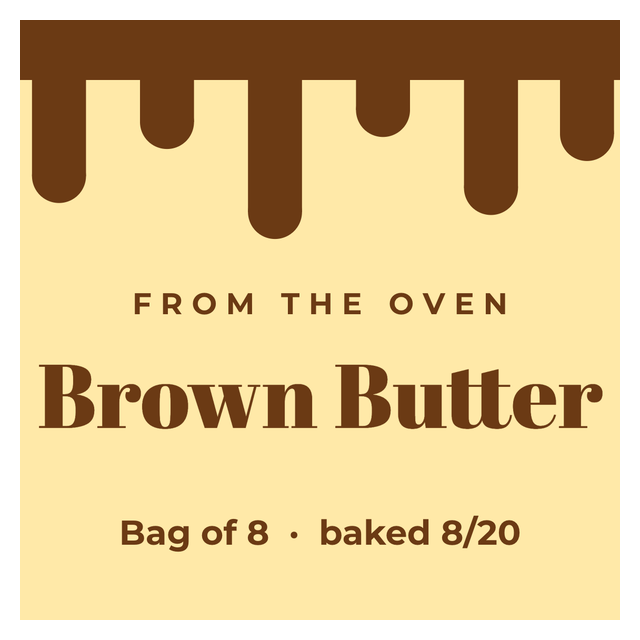
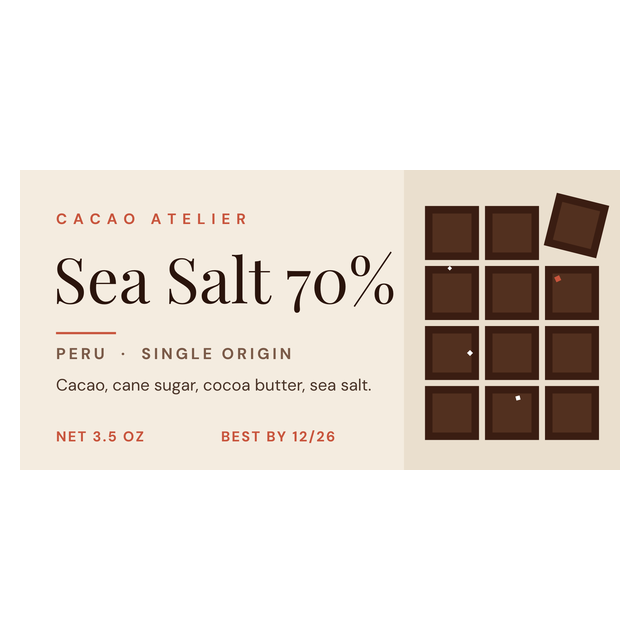
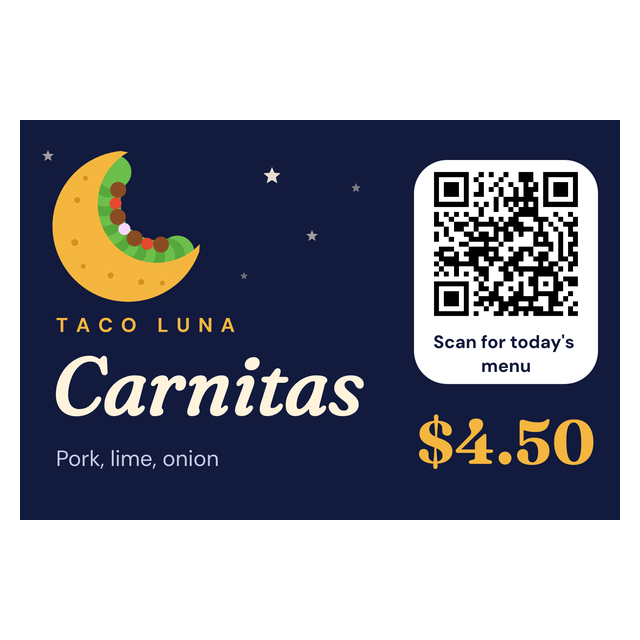
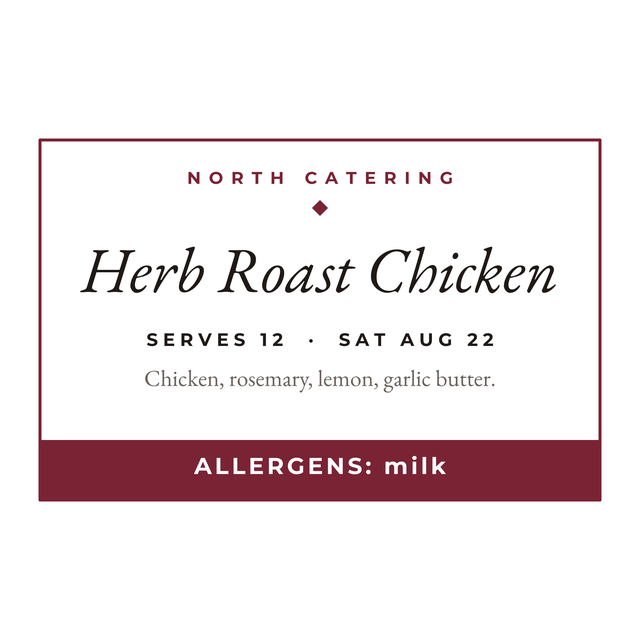
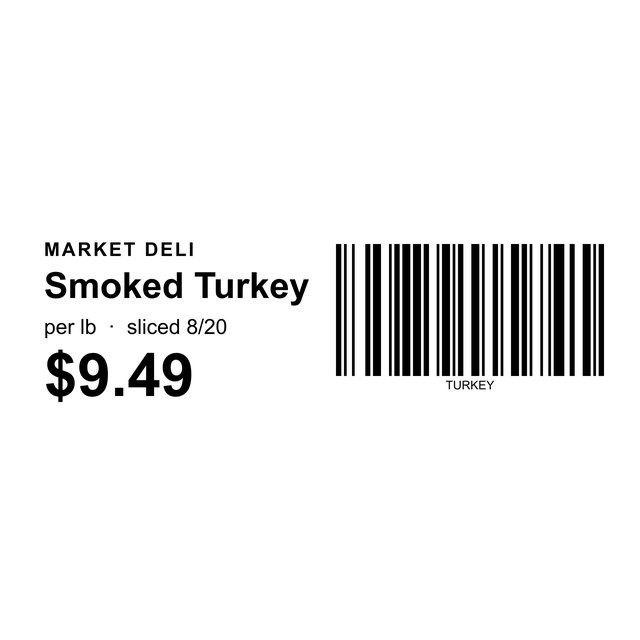
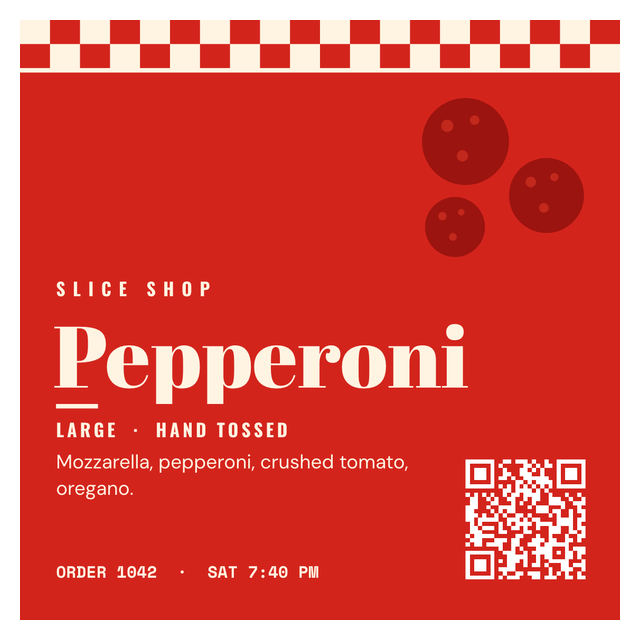
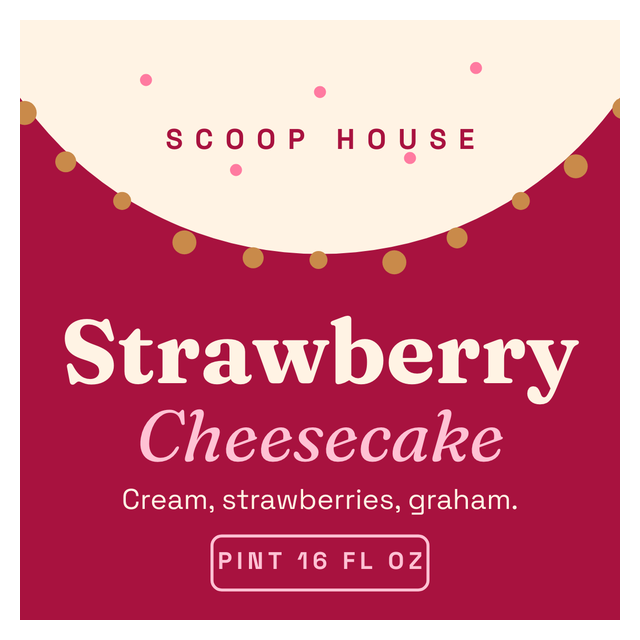
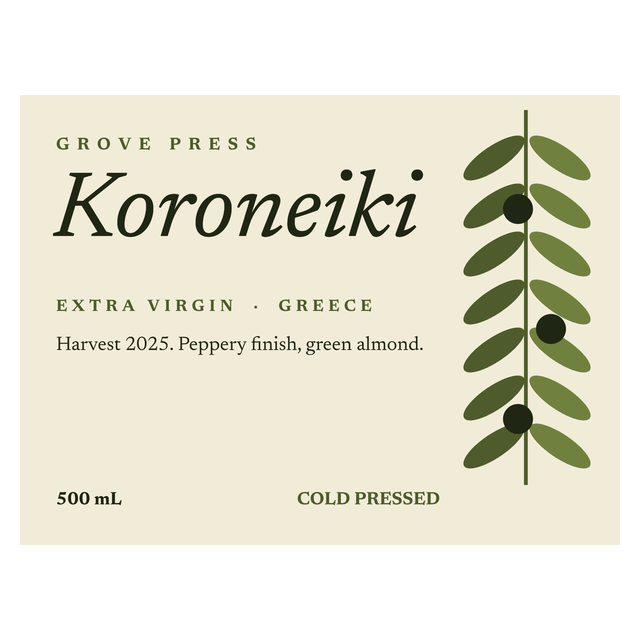
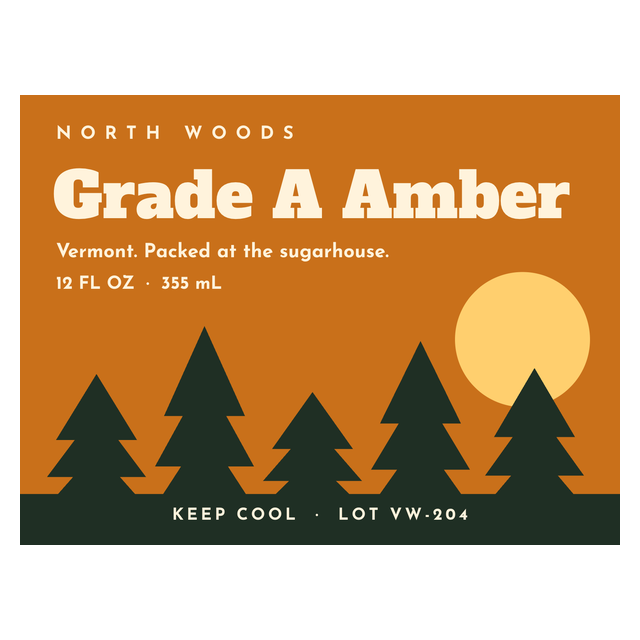
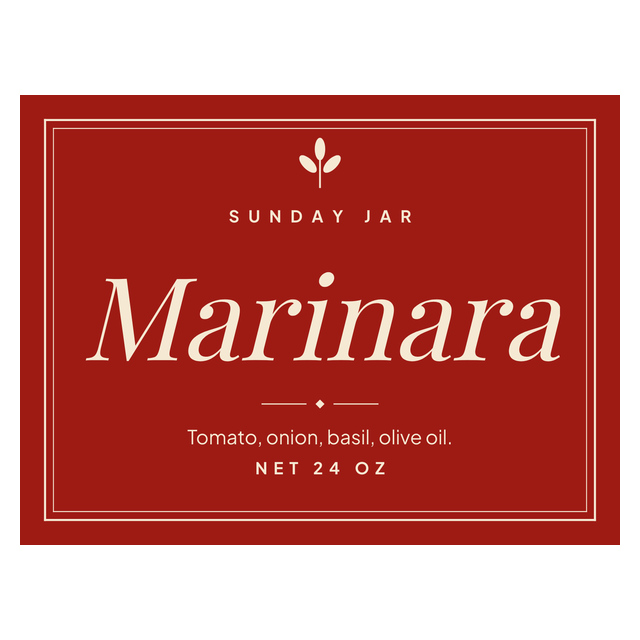
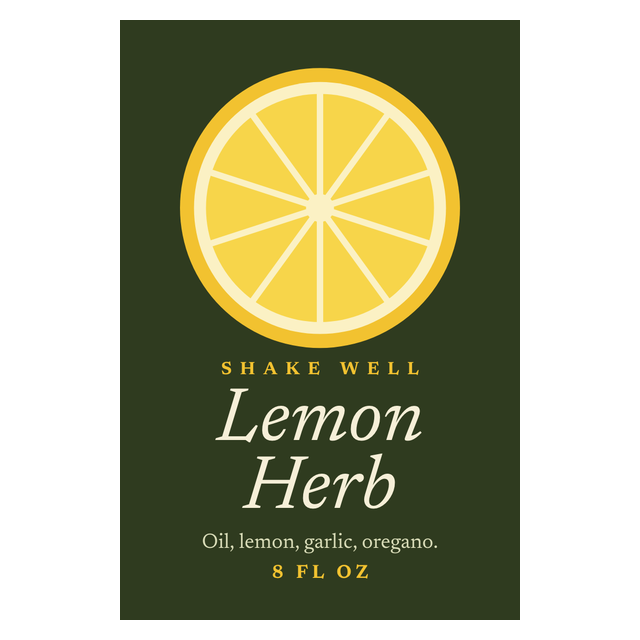
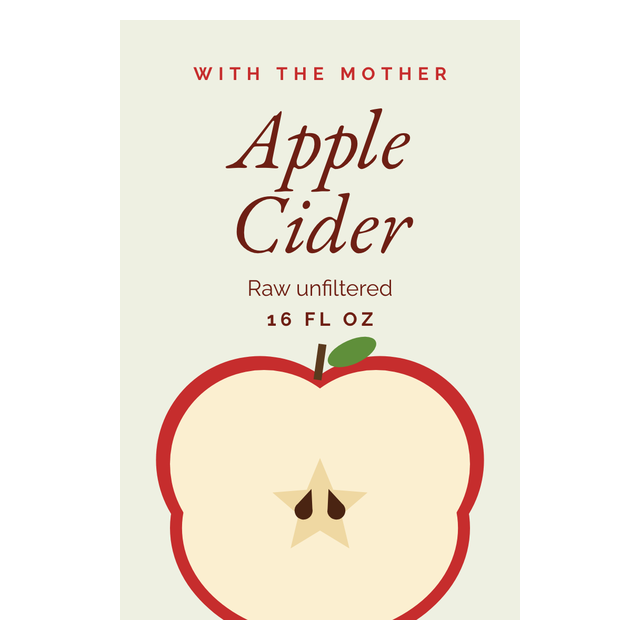
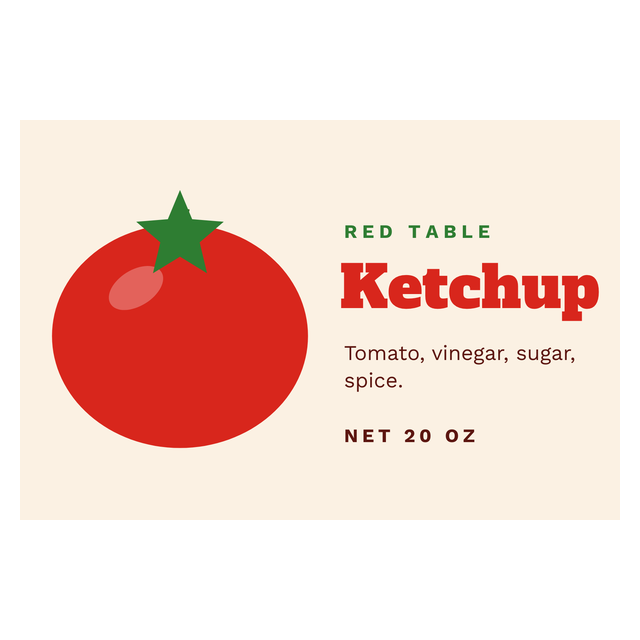
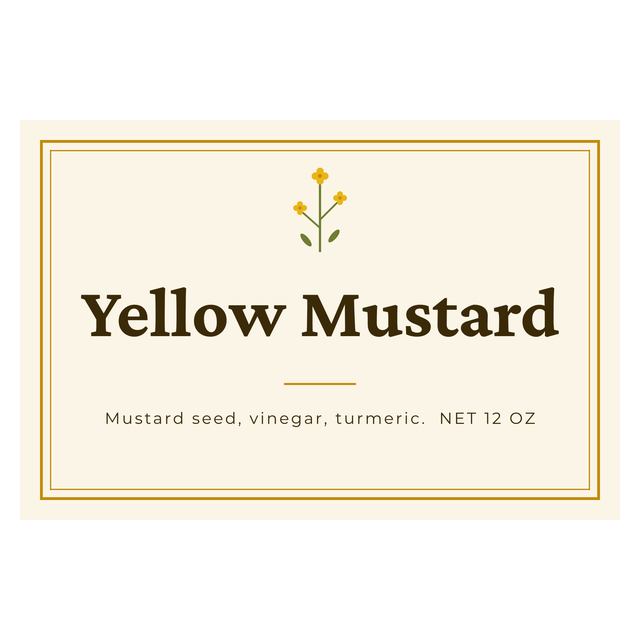
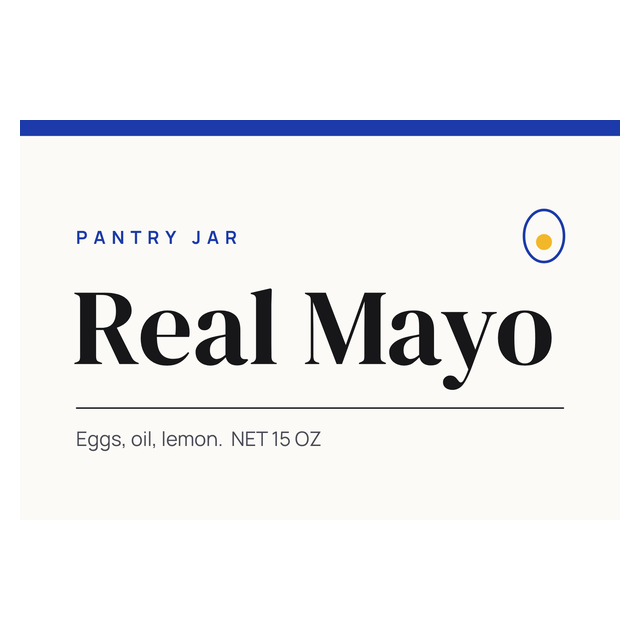
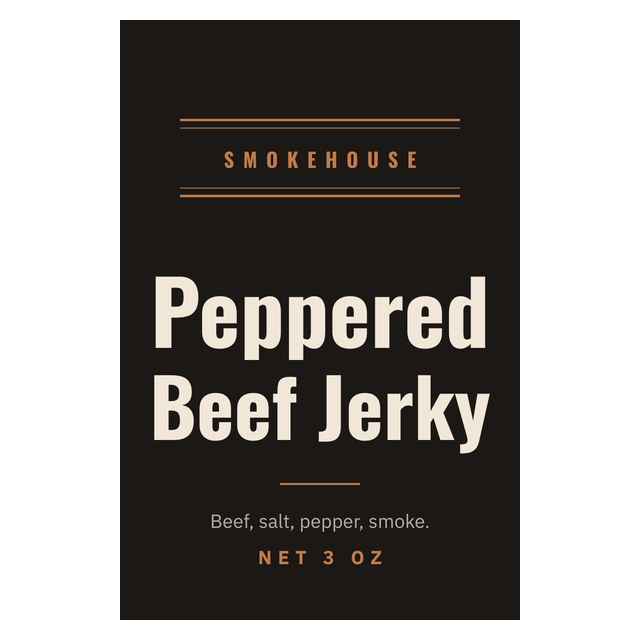
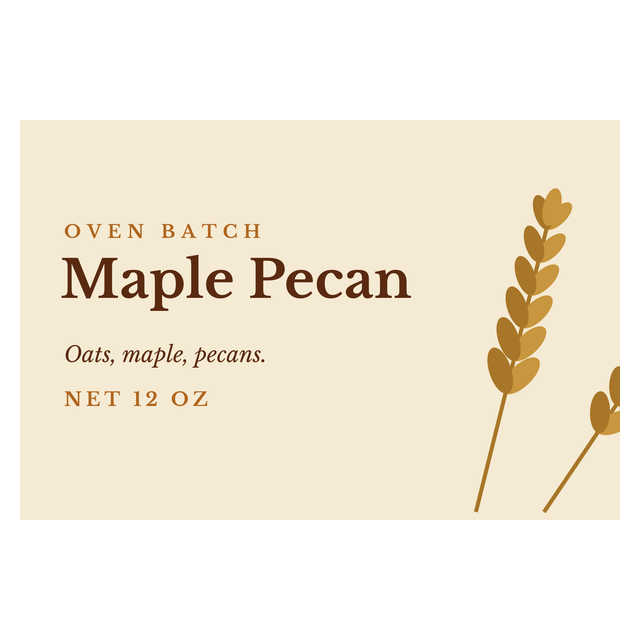
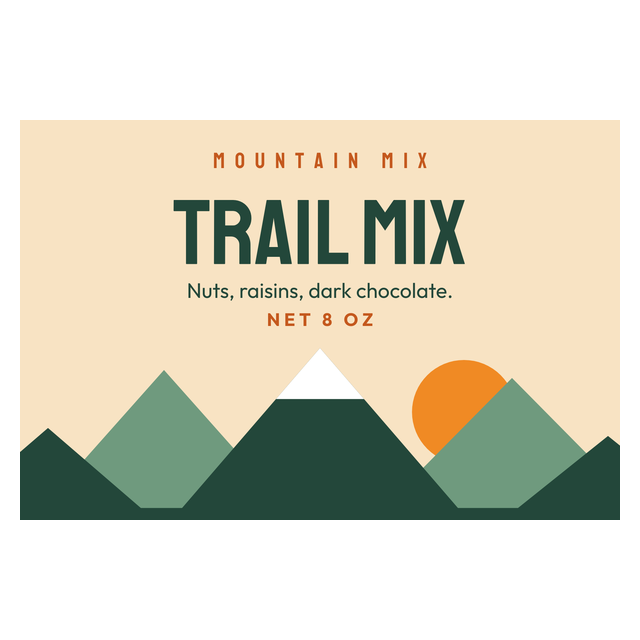
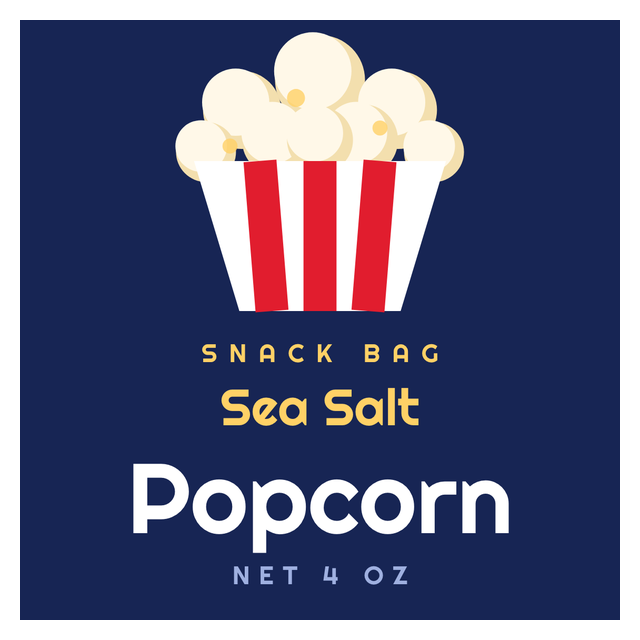
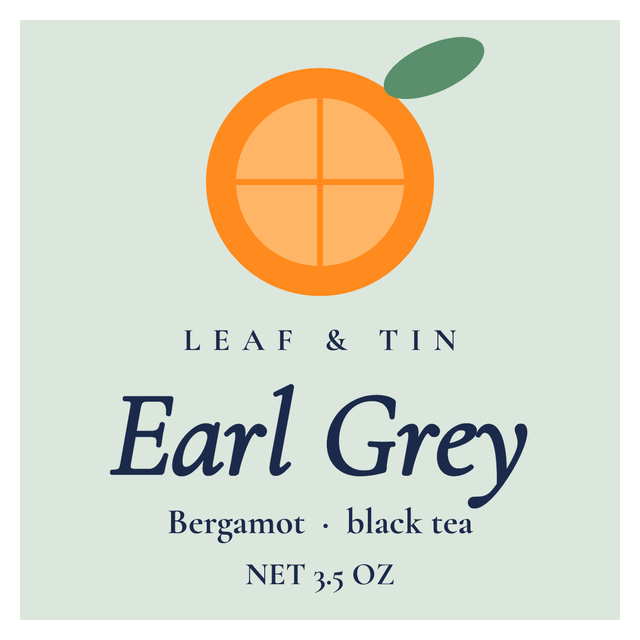
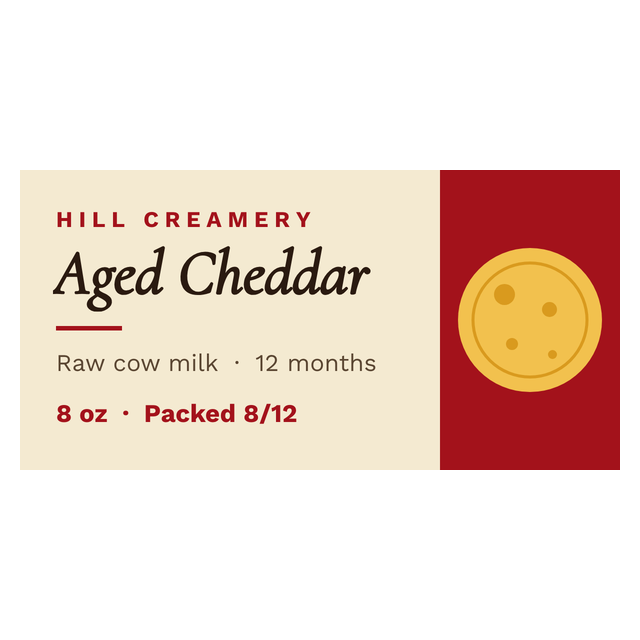
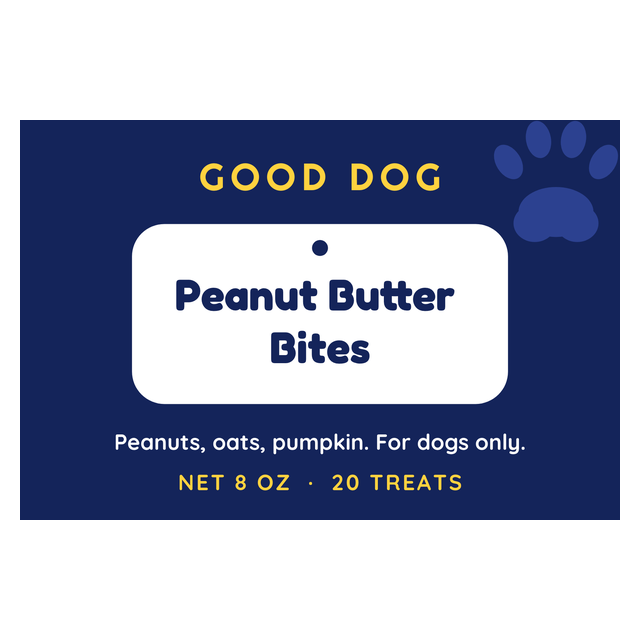
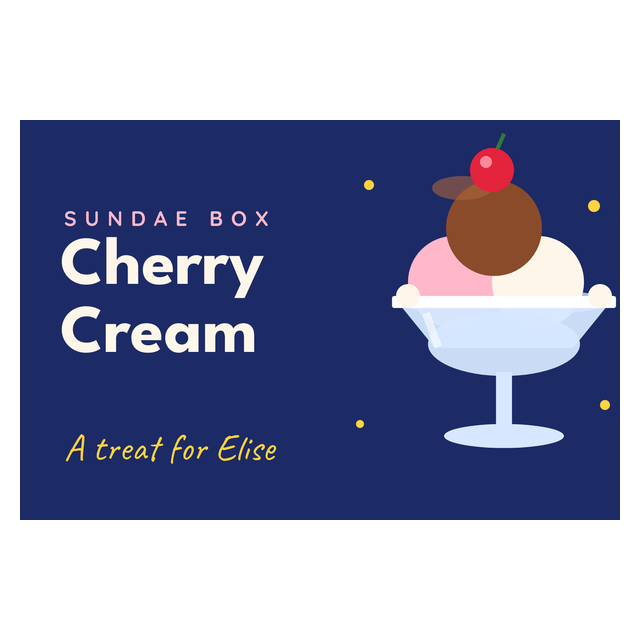
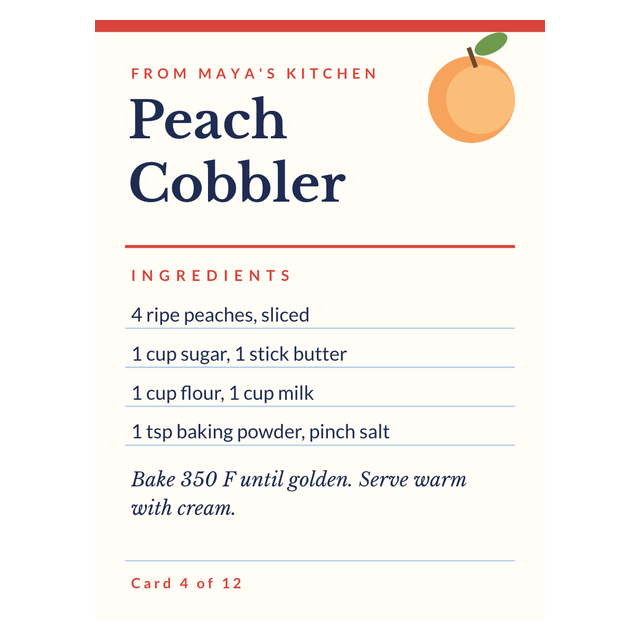
These are real renders from the editor. The brands, products and batch codes are made up for the examples. The first two are general food labels. The bakery and sauce labels have their own pages.


Selling bread or cookies? Bakery labels covers bags, boxes and the case. Bottling sauce? Sauce bottle labels covers bottle wraps, and jar labels covers jam, honey and spice jars. Meat counter? Butcher labels handles cut, weight and price.
3Every food template
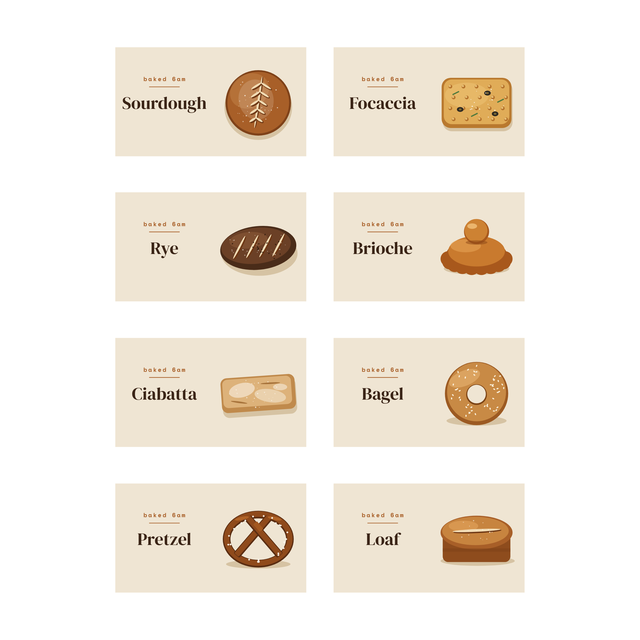
All 39 food label templates
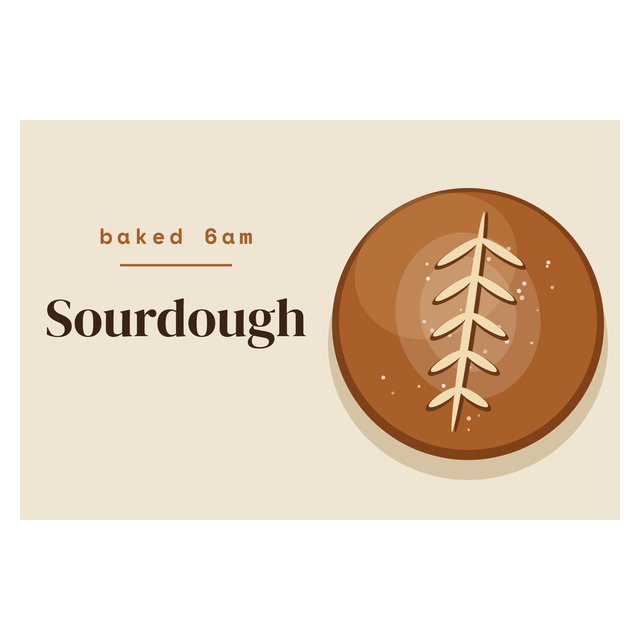
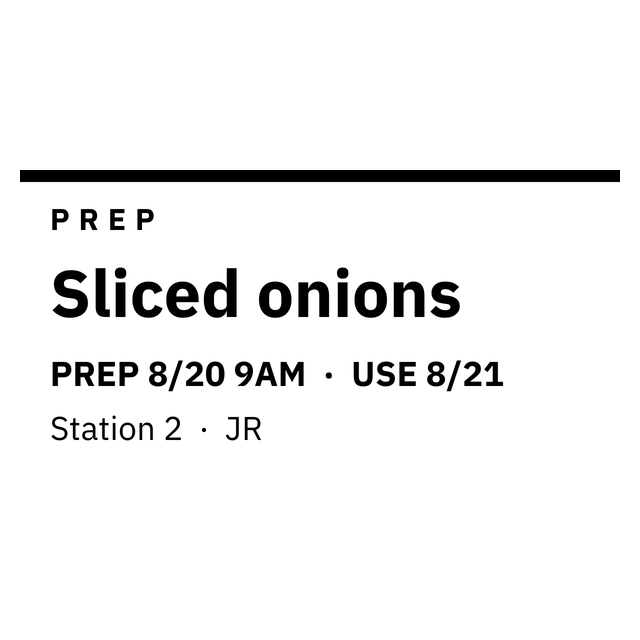
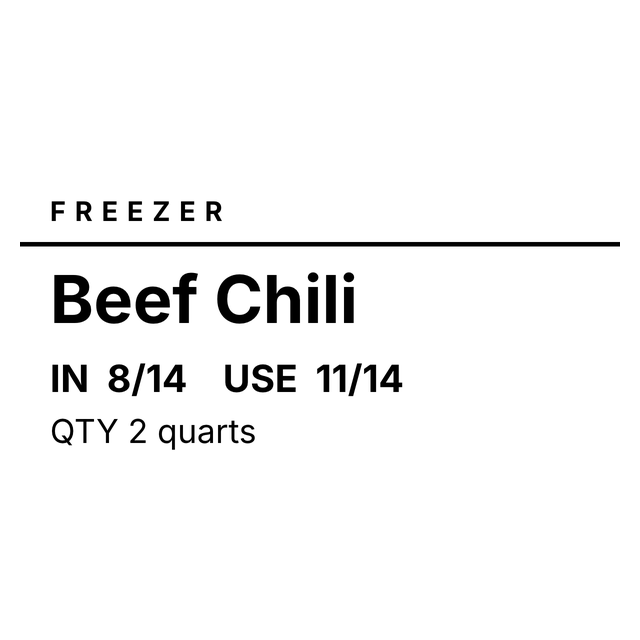
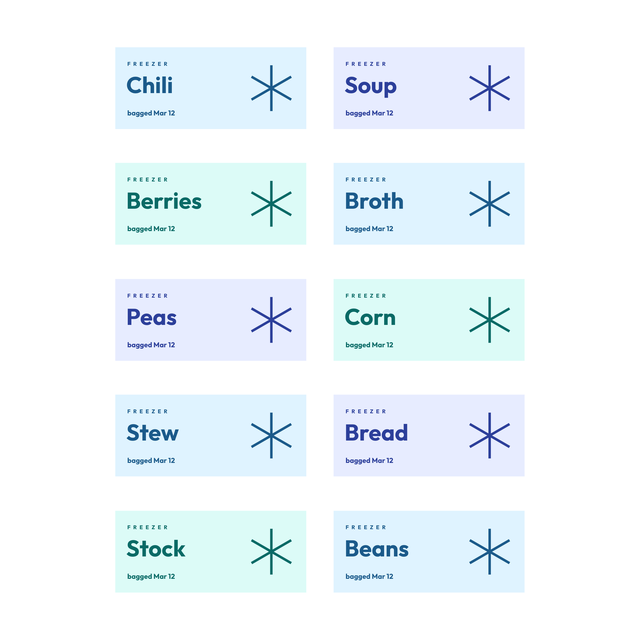
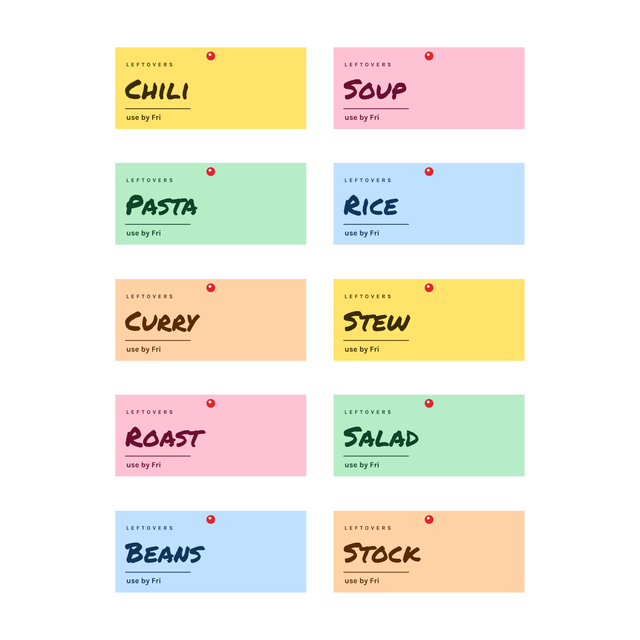
Every food label in the editor: bakery, sauces, deli, freezer, meal prep and more. Click one and it opens with that layout, ready for your own product.
4On the label
What goes on a food product label
Most food labels carry the same handful of fields. Every one of them is text you supply.
The editor prints exactly what you type. It doesn't calculate nutrition, work out a shelf life, read your recipe for allergens, or check your wording against the rules where you sell. Decide the words first, the way you decide a price, then put them on the label.
- Product name: big enough to read from a shelf.
- Ingredients: your list, written out in full.
- Allergens: a "contains" line, such as WHEAT, SESAME.
- Net quantity: 200 g, 12 oz.
- Batch or lot code: so you can find a run later.
- Storage: "Keep sealed after opening".
5Your product sheet
Keep your products in a spreadsheet
If you sell more than two or three products, keep the label words in a sheet: one row per product, one column per field. Here is part of the fictional sheet behind the first example:
The full sample also has NetQuantity, Ingredients, StorageText and Batch columns. Keep the column names in the first row. When a recipe changes, you fix the cell once and every label after that prints the new wording.
| Product | Contains |
|---|---|
| Seeded rye crackers | WHEAT, SESAME |
| Maple granola | COCONUT |
6Fill the labels
Create a food label from Excel, CSV or Google Sheets
With the sheet ready, you connect its columns to the label once, and each row fills one food label with its own ingredients and batch.
If the longest list runs into the "contains" line, make the label bigger or the type a little smaller. Don't shorten the ingredients to make them fit. Making one product today? Use Print this. It prints the label on the canvas and asks how many copies. Your list lives in Google Sheets? Labels from Google Sheets shows how to publish the CSV link.
- Open https://app.mylabelmaker.com with the ingredient sample. The sheet above is already loaded. No signup.
- Click Data and upload your Excel or CSV file, paste the rows, or use the Google Sheet tab with a published CSV link.
- Click a text box on the label, then Variables, and pick its column: Product at the top, Ingredients in the big block, NetQuantity and Batch at the bottom.
- Step through the rows and stop on the longest ingredient list. That's the one that decides your type size.
- Open Edit row and tick the products you're printing today. Rows start unticked, so nothing prints by accident.
- Click Print and enter how many copies of each ticked row you need.
7Barcodes
Barcodes on food labels
A farm stand doesn't scan anything. A shop that stocks your product might. If a buyer gives you a UPC or EAN, add it with Barcode and pick UPC-A or EAN-13 in Format.
For your own stock codes, CODE128 takes letters and numbers, like the GRN-MAPLE-340 on the granola example. Use a code you own, and don't make one up for a retail product. The barcode label maker explains which format to use.
8Size and test
Pick the size, then print one on the package
A 2 x 3 label holds a real ingredient list. A 3 x 2 front label suits a name, a weight and a barcode, with the ingredients on the back. Before you print a run:
If you have to squint at the ingredients, the label is too small for them. Labels for chilled or frozen food need stock made for that. The editor doesn't know what your label paper can handle, so test one in the fridge before you print a run.
- Measure the flat front of the bag, box or tub where the label goes.
- Set that width and height in the editor before you design.
- Print one at actual size, with scaling off in the print dialog.
- Stick it on the package and read the smallest line at arm's length.
Food label questions
Is there a free food label maker?
Yes. Open the ingredient label in your browser, type the product name, ingredients, allergens, net weight and batch, and set the size to the package. You can make free labels with no signup, then print one to check it.
How do I make my own food labels at home?
Measure the package, set that size in the editor, and type your words into the ingredient template. Print one on a home printer or a label printer, check it on the package, then print the rest.
Does the food label maker calculate nutrition facts?
No. It doesn't calculate nutrition, shelf life or allergens. You type the ingredient, allergen and storage text, and the label prints those words as written.
Can I print ingredient labels for every product from a spreadsheet?
Yes. Put one product per row in Excel, CSV or Google Sheets, add it under Data, and connect each column with Variables. Tick the rows you want in Edit row, then click Print.
Is the label checked against food labeling rules?
No. The editor doesn't review or certify your wording. Check what your market requires before you print labels for sale.
What size should a food label be?
Whatever fits the flat front of your package. A 2 x 3 label holds a full ingredient list. A 3 x 2 front fits a name, weight and barcode, with the ingredients on a back label.