How to make beer can labels at home
Do this in the free label maker: app.mylabelmaker.com. No signup. Design the label, then print to a Zebra or download PNG, PDF, or ZPL.
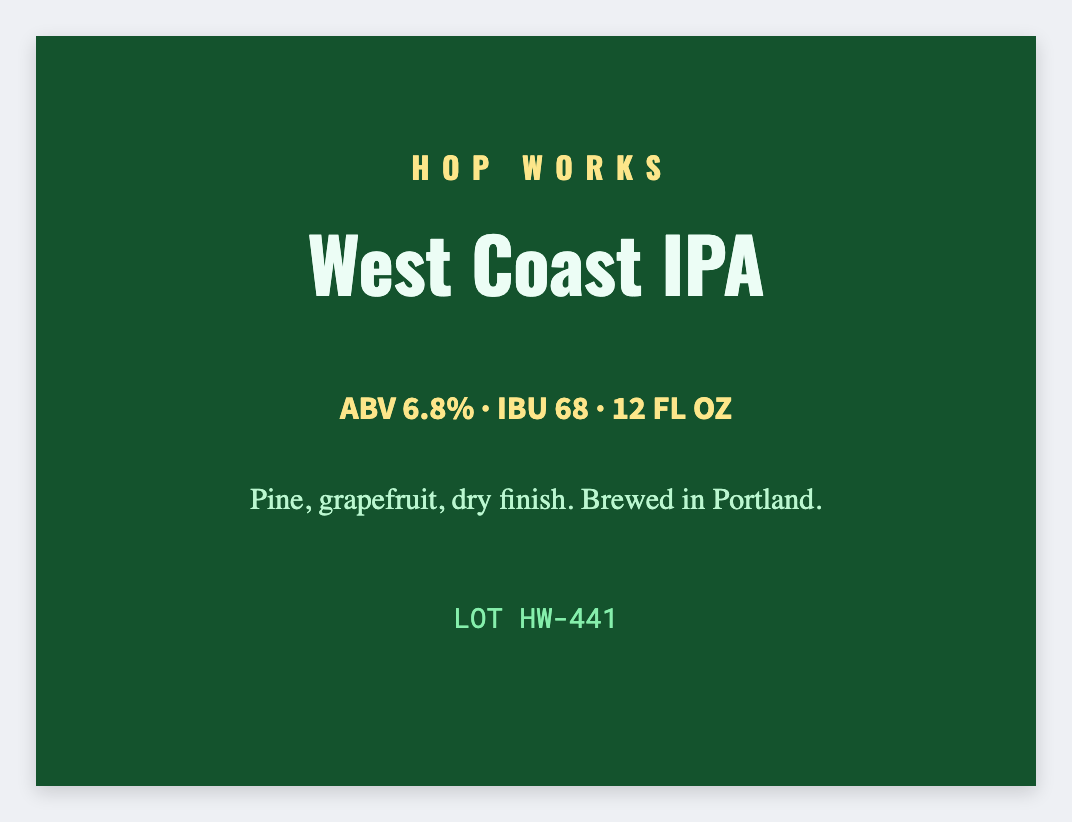
You can make beer can labels in the free label maker. Measure the can, set that wrap, add the beer name and a batch line. Load a sheet if you have more than one beer. No signup. Government beer wording stays yours.
Good to know: Government beer labeling (ABV, class, government warning) is yours. We design the wrap. We don't file a COLA.
How to make beer can labels
- Open https://app.mylabelmaker.com. No signup.
- Measure the can wrap (a bit short so the seam is clean) and set that size.
- Add {{beer}}, {{batch}}, and any required line you already approved.
- Print one paper test wrap. Then print the batch.
Cans vs bottles
Same list. Bottles often want a taller face. Save two JSON sizes so you don't rebuild the type.
Print or save
If you have a Zebra, print from this computer with Browser Print at the printer's DPI. If you don't, download PNG, JPEG, SVG, PDF, or ZPL. JSON keeps the layout so you can open it later.