Free Zebra label templates
Templates get you from a blank canvas to a scannable label in minutes. Open the free label maker, pick a layout for the job you actually run (4x6 shipping, FBA, bins, barcodes), swap your data, print. No signup. Carrier postage still comes from your rate tool.
Open the template library: go to app.mylabelmaker.com → Templates in the left rail. No signup.
Zebra label template categories
- Shipping / 4×6, ship-to blocks, carrier-style faces for USPS, UPS, FedEx workflows. Guides: USPS, UPS, FedEx.
- Amazon FBA, product/FNSKU-oriented layouts + carton context. FBA · FNSKU.
- Shopify / marketplace shipping, order-driven ship-to fields. Shopify.
- Warehouse inventory, bin, SKU, asset. inventory.
- Retail / shelf, price + barcode. shelf price · UPC.
- QR-only / specialty, donate QR, cable flags. QR labels.
How to customize a Zebra label template
- Open the template and set size + DPI for your printer.
- Edit static brand text or logo if needed.
- Replace sample fields with
{{tokens}}that match your CSV headers. - Import data → preview rows → print batch.
Batch deep-dive: batch print guide.
Size cheatsheet
- Shipping faces → 4×6 direct thermal
- FNSKU / SKU → 2×1 or 2.25×1.25
- Bin labels → 3×2 or 3×1
Media: compatible labels.
Templates are layouts. Carrier postage still comes from your rate tool. Don’t invent tracking barcodes.
Open a Zebra template
Pick the job. Swap the data. Print. Postage stays with the carrier.
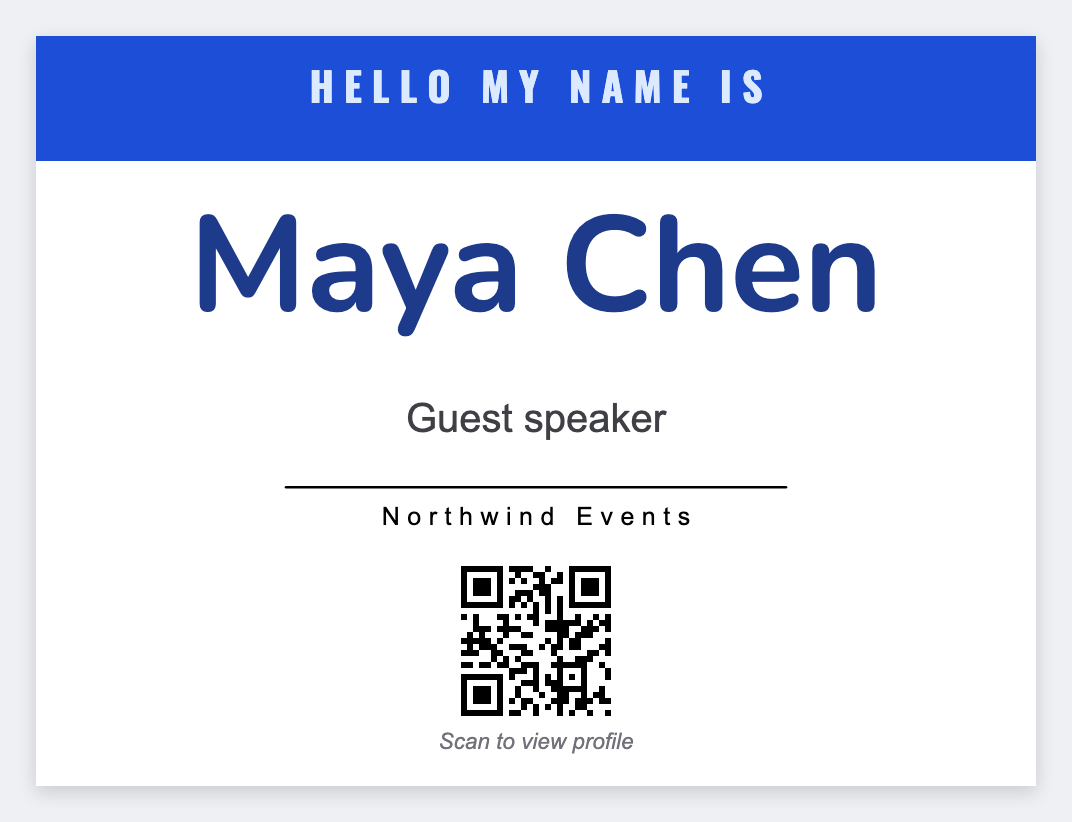
Open name badge template