Print FedEx shipping labels on Zebra printers
You can print FedEx 4x6 labels on a Zebra. Official postage still comes from FedEx Ship Manager, fedex.com, or a multi-carrier tool. Open the free label maker for pack faces, warehouse routing, and ship-to blocks from your order CSV. No signup. Mac and Windows.
Postage vs pack face: Paid FedEx labels come from FedEx Ship Manager, fedex.com, or tools like ShipStation. Use this app for pack faces, warehouse routing, and ship-to reprints from your CSV. Don't invent a FedEx barcode.
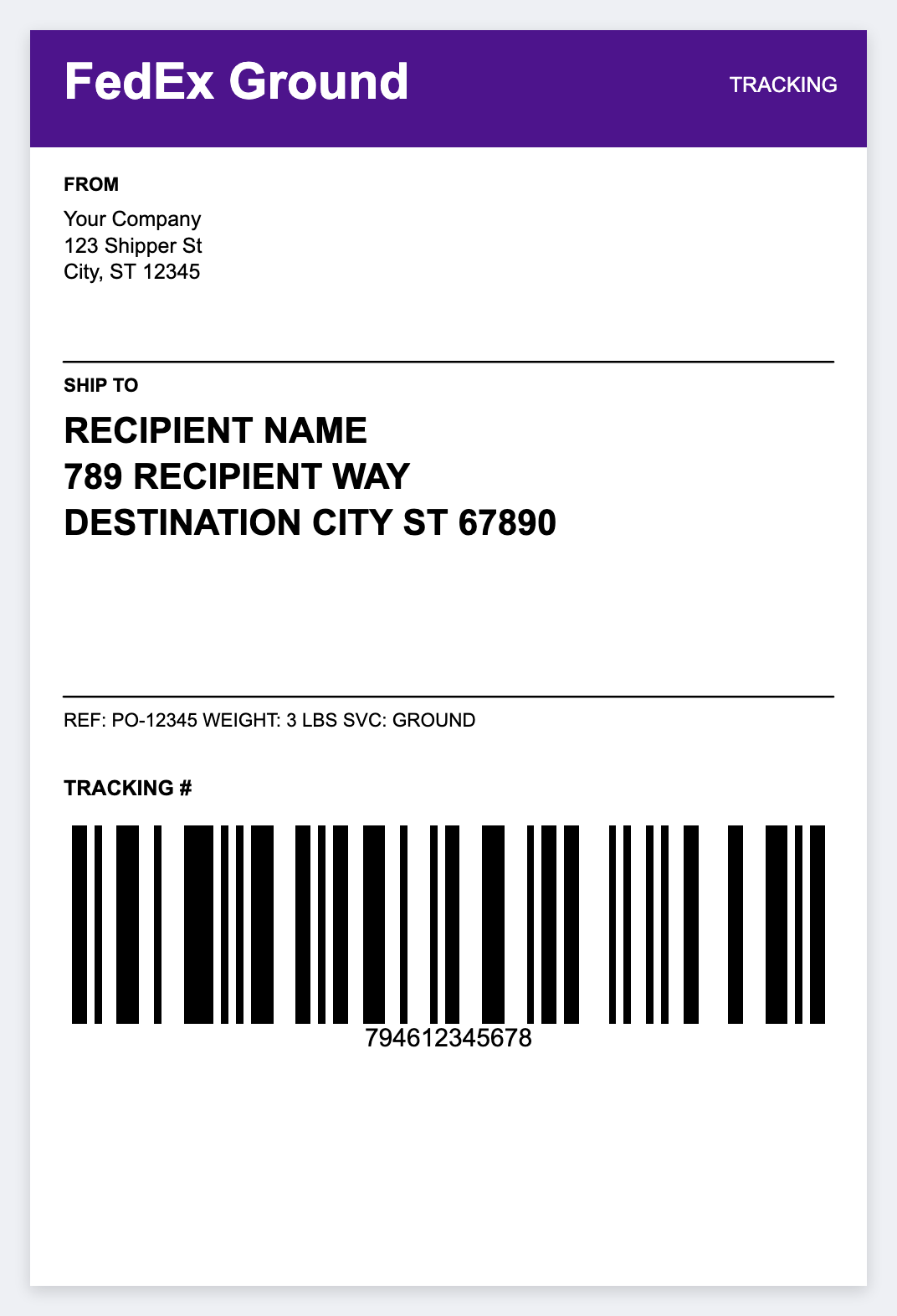
Printers people actually use
- Zebra ZP505 / ZP506, often issued with a FedEx account. 4-inch desktop thermal
- ZD420 / ZD421, the usual desktop for Shopify and Amazon sellers
- GK420d / GX420d, older 203 DPI printers that still show up on docks
- ZT series, industrial for high-volume shipping
Setup help: ZD420, ZD421, Browser Print (Mac & Windows).
Label size and media
- 4×6 inches, default FedEx shipping label size in the US
- Direct thermal (no ribbon) for most desktop shippers
- Match artboard DPI to printer resolution (203 vs 300) to avoid fuzzy barcodes, see fix fuzzy 300 DPI
How to print a FedEx pack face from CSV
Open https://app.mylabelmaker.com. No signup. Export a CSV with one row per package:
name,company(optional)address1,address2city,state,ziptracking(FedEx tracking number when available)order_id,weight,service(e.g. GROUND, 2DAY)
Sources: Shopify export, NetSuite/ERP CSV, Excel pick list, Google Sheets. Full mail-merge guide: Excel/CSV batch print.
Design the 4x6 in the free label maker
- Open https://app.mylabelmaker.com. No signup. Set 4x6.
- Start from a shipping template or a blank canvas. Top: ship-from plus {{service}}. Center: {{name}}, {{address1}}, {{city}} {{state}} {{zip}}.
- Bottom: CODE128 with {{tracking}} if you already have a valid tracking number, plus the readable text. Footer: Order {{order_id}}, {{weight}} LB.
- Load CSV in Variables, preview, print to the Zebra.
FedEx Ship Manager and this app
If you already print paid FedEx labels from FedEx Ship Manager Desktop, keep that path for official postage. Use this app when you need:
- Internal only labels (pick/pack) on the same Zebra
- Mac users who cannot run Windows-only Ship Manager
- Custom branded ship-to faces for multi-carrier ops
- ZPL snippets for middleware that injects FedEx tracking later
Don't invent FedEx barcodes: Tracking numbers and paid-label barcodes must come from FedEx when the label is a legal shipping document. For paid labels, print from FedEx or your multi-carrier platform. Use this app when you already have valid tracking, or for warehouse labels that are not postage.
Multi-carrier US shipping stack
Many American sellers mix FedEx with UPS and USPS: