Print USPS shipping labels on a Zebra
New here? Start with create and print labels online free, the hub for design, barcodes, shipping, and thermal print setup. Also: free label maker software · full site map.
Yes. You can print USPS shipping labels on a Zebra. Buy postage in USPS.com, Pirate Ship, Stamps.com, Shippo, or Shopify, then print that 4x6 as issued. Use the free label maker for ship-to faces, pack notes, and a CSV of today's orders. We do not sell postage. No signup.
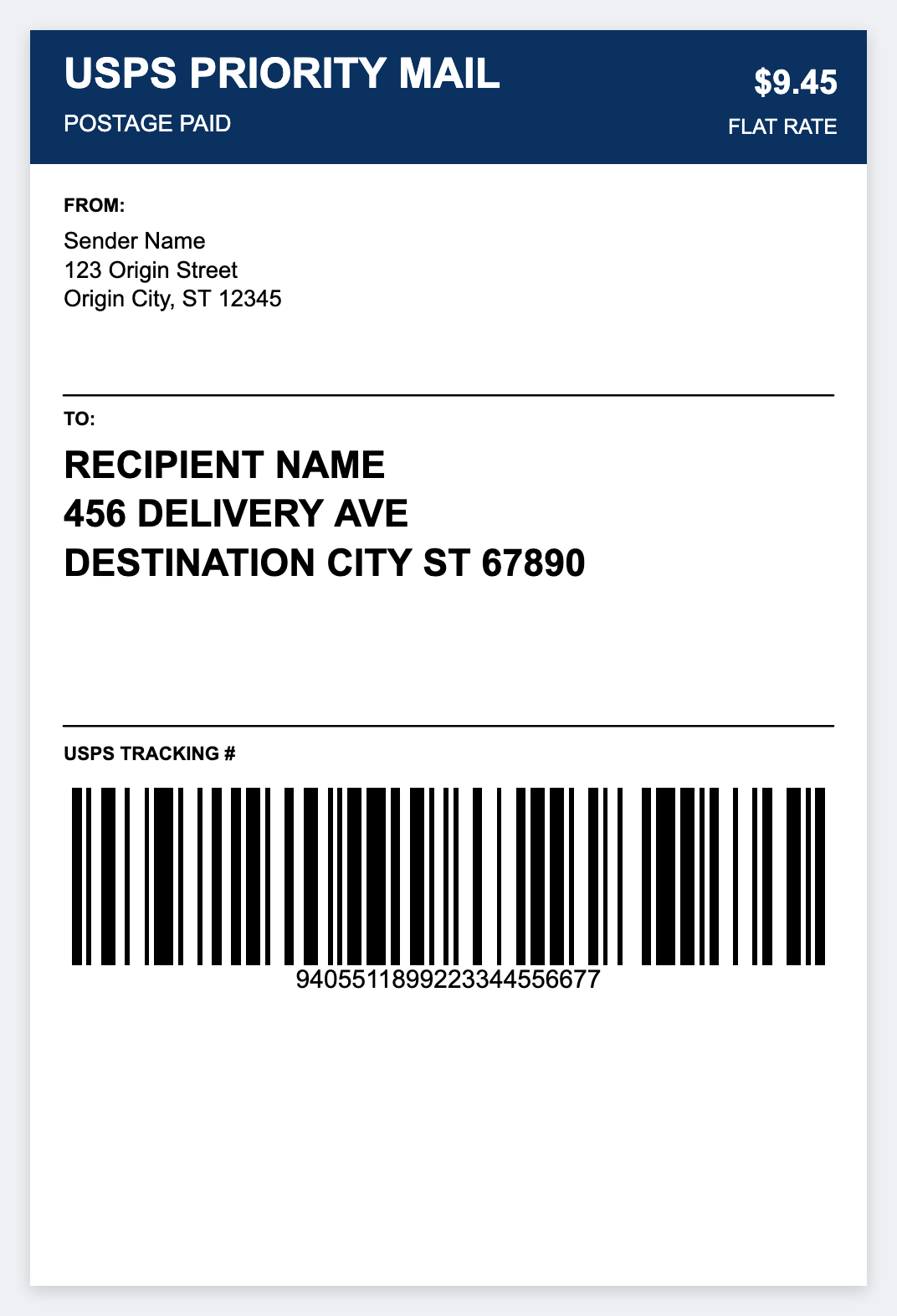
What you need
- A Zebra with 4x6 inch direct-thermal labels
- Zebra Browser Print (setup guide)
- Order data as CSV: name, address1, city, state, ZIP, order id, tracking if you have it
- A desktop browser. Mac or Windows. Open https://app.mylabelmaker.com
USPS label size and printer settings
- Stock: 4x6 inches. That's the USPS and multi-carrier standard.
- DPI: Match the printer. Most ZD420 and GK420d units are 203. Some ZD421 and ZD621 units are 300.
- Barcode: Tracking is often CODE128. Leave quiet zones around the bars.
Full size chart: thermal label sizes.
Export orders for USPS shipping
Pirate Ship
Popular with Etsy and eBay sellers for discounted USPS rates. Download the shipment CSV, or copy ship-to fields into a sheet with headers like name, address1, address2, city, state, zip, tracking, order_id.
Shopify
Admin, Orders, export unfulfilled. Map the shipping address columns. Walkthrough: Shopify shipping labels on Zebra.
Etsy / eBay
Download open orders, tidy the address headers. See Etsy and eBay.
Shippo / ShipStation / EasyPost
Export the day's labels, or print their postage PDFs on the Zebra. Use this app when you want a custom pack slip, a return address, or a warehouse-only 4x6 from your own sheet.
How to print a USPS-style 4x6 in the free label maker
- Open https://app.mylabelmaker.com and set the artboard to 4 x 6.
- Load a shipping template, or start blank.
- Build the ship-to block with
{{name}},{{address1}},{{address2}},{{city}},{{state}},{{zip}}. - Put a static return address in the corner if you are not printing carrier postage artwork.
- Add
Order {{order_id}}and, if you already have tracking, a CODE128 of{{tracking}}.
Batch print from CSV
- Open Variables in the editor.
- Paste CSV or upload a UTF-8 file from Excel.
- Confirm headers match your tokens.
- Preview a few rows. Fix bad addresses before they hit the roll.
- Select the Zebra, confirm DPI, print the stack.
More on sheets: print labels from Excel.
US address habits that help
- Two-letter state codes (CA, TX, NY, FL)
- ZIP or ZIP+4 in
{{zip}} - Apartment or suite in
address2, not jammed into city - All caps is optional. Quiet zones on the barcode matter more
Zebra models people use for USPS
- ZD420 / ZD421, common on US packing desks (ZD420 setup, ZD421 setup)
- GK420d, older, still everywhere, 203 DPI (GK420d setup)
- ZP450 / ZP500, often handed out with a carrier account, still ZPL-capable for many jobs
Print today's USPS pack faces
Free browser editor. No signup. Batch from the CSV you already export.
Open usps priority mail template