Home · Compare · Munbyn vs zebra
Munbyn vs zebra
Buy a Munbyn-class printer if you are testing shipping and the budget is the whole decision. Buy a Zebra if that bench will still be printing next year.
Updated October 2026. Prices and specs change. Check the maker before you buy.
Munbyn vs zebra for a shipping desk
Munbyn, and the other budget 4x6 brands next to it, won the starter-shipping-printer search. The box is inexpensive, the roll is 4x6 direct thermal, and a Windows driver prints the PDF. For a new Etsy or Shopify shop doing a few dozen labels a day, that is a rational buy. The trade is duty cycle, a thinner parts market, and software that is basically the driver. You are not getting ZPL, a 300 dpi option on most of these units, or a printer IT already knows how to script.
Zebra's desktop line costs more on day one and usually hurts less on day 400. The printhead is a replaceable part. The driver story includes Browser Print and ZPL, so a job from an old system still prints. Mixed label widths matter the moment you add FNSKU or bin labels to the shipping roll. None of that helps if you print ten labels a week. In that case the Munbyn is the better use of the money, and you can design the pack sticker in the browser either way.
Side by side
| Feature | mylabelmaker | Munbyn |
|---|---|---|
| Best at | A low-cost 4x6 start for a light shipping day. | A multi-year packing station, mixed sizes, and ZPL. |
| Upfront price | Usually the cheaper printer. | You pay more for the body. Media can be the same commodity 4x6. |
| Daily volume | Fine for a small shop. A long shift is asking a lot. | Desktop models are the ones warehouses leave on. |
| ZPL and integrations | Driver and PDF. | ZPL, Browser Print, and the usual warehouse tools. |
| Where Munbyn wins | You are not sure the shop will last, and you need postage labels now. | Not cheaper. |
| Where Zebra wins | Overkill until the volume shows up. | Durability, parts, and code you can reprint in a year. |
How to print on the one you buy
- Whichever you buy, start with a small pack of 4x6 direct thermal labels and one real order.
- On Windows, install the maker's driver, set the paper to 4 x 6 inches, and turn scaling off. Fit-to-page is how a barcode gets clipped.
- On a Zebra, you can also install Browser Print and send ZPL from the ZPL viewer. A Munbyn will not take that file.
- If labels come out blank, calibrate and confirm direct thermal. A ribbon setting on a ribbonless printer prints nothing.
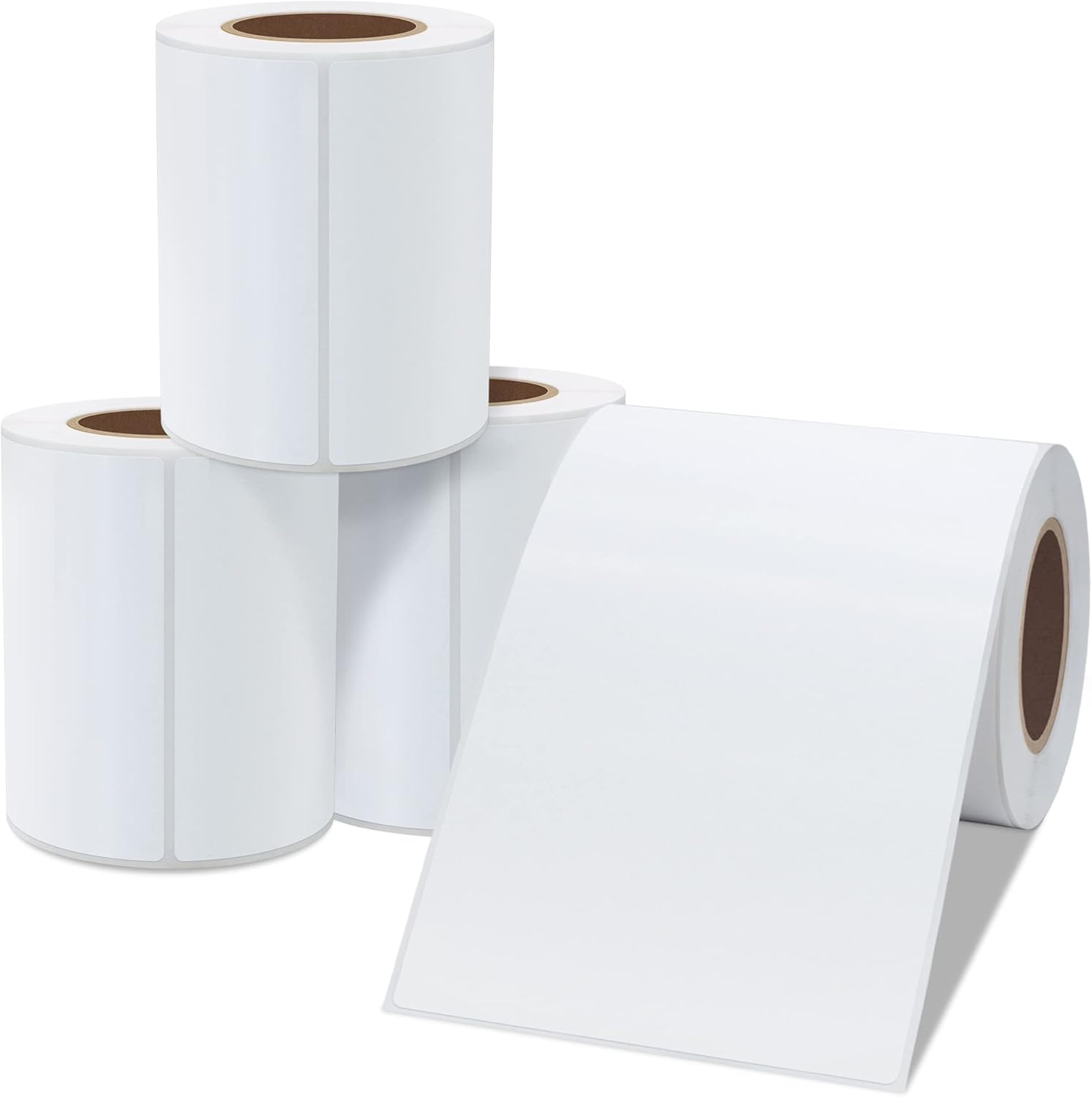
What you give up to save money on day one
A Munbyn-class 4x6 printer is a direct thermal postage printer with a Windows driver, and often a Mac driver. You set the paper to 4 by 6 inches, scale 100 percent, and you print the carrier PDF. For a new shop that might still be a hobby in three months, spending less on the printer is the sensible risk. The labels can be the same commodity 4x6 stack you would buy for a Zebra, if the core and the roll diameter match that model's manual. Read the manual before you share a case. "4x6" on the box is not a promise that the spindle fits.
What the cheaper printer usually does not have is ZPL, a parts counter that stocks printheads for years, and a 300 dpi option. Most of these units are 203 dpi, which is the right resolution for a shipping barcode and a poor one for a tiny serial number. Duty cycle is the other quiet spec. A light Etsy day is inside the design. A Saturday where you print hundreds of labels, then do it again on Sunday, is how a budget printhead becomes the story. Zebra's desktop line is the one warehouses leave on. You pay for that on the invoice.
Software does not rescue the hardware. A free editor can design a pack sticker for either printer and send it through the normal print dialog. Only the Zebra then has a second path: Browser Print and the original ZPL. If your labels arrive as code from an old system, the Munbyn is the wrong printer no matter the price. If your labels arrive as PDFs from the carrier, the Munbyn is enough until the volume or the barcode work shows up.
Do not invent a savings number from a blog. Prices move. Compare the printer you can buy this week, a small pack of labels, and whether you need ZPL. If you do not, start cheaper. If the bench will still be there next year and the jobs are mixed, buy the Zebra and skip the second purchase.
Software, which is the part people forget
The printer is a brick until software sends it a label. DYMO Connect, P-touch Editor, and a Rollo or Munbyn Windows driver all do that for their own box. A Zebra can take ZPL from an ERP, from Browser Print, or from a label you designed in the browser. If you are choosing a printer because of the software quote, price the software too. A free editor does not make a cheap printer into an industrial one, and an expensive printer does not need BarTender for a 4x6 pack face.
Postage is separate. Pirate Ship, Shopify, the carrier, and Vinted give you the postage PDF. You fit that PDF to 4x6. You do not redraw the barcode. Pack stickers, SKUs, and bin labels are the jobs you design here.
Questions
Is Munbyn or Zebra better for a new shop?
Munbyn is the better first printer if you only need cheap 4x6 postage labels. Zebra is the better printer once the bench is busy or you need ZPL.
Do they use the same labels?
Many 4x6 direct thermal rolls fit both, if the core and the maximum roll size match the manual. Check that before you buy a case.
Can I design labels for either one here?
Yes. A Munbyn prints from this computer. A Zebra can do that too, or take ZPL through Browser Print.
BarTender Labelary DYMO vs Zebra Rollo vs Zebra Zebra sizes
Design it in the label maker.
When to choose a Munbyn
Choose a Munbyn when the job is a 4 x 6 from the print dialog and ZPL is not required. Choose a Zebra when an ERP already emits ZPL. Checked: October 2026.
Bars for a number you already have are on the barcode label maker.