Amazon FBA label software, free FNSKU and carton workflow
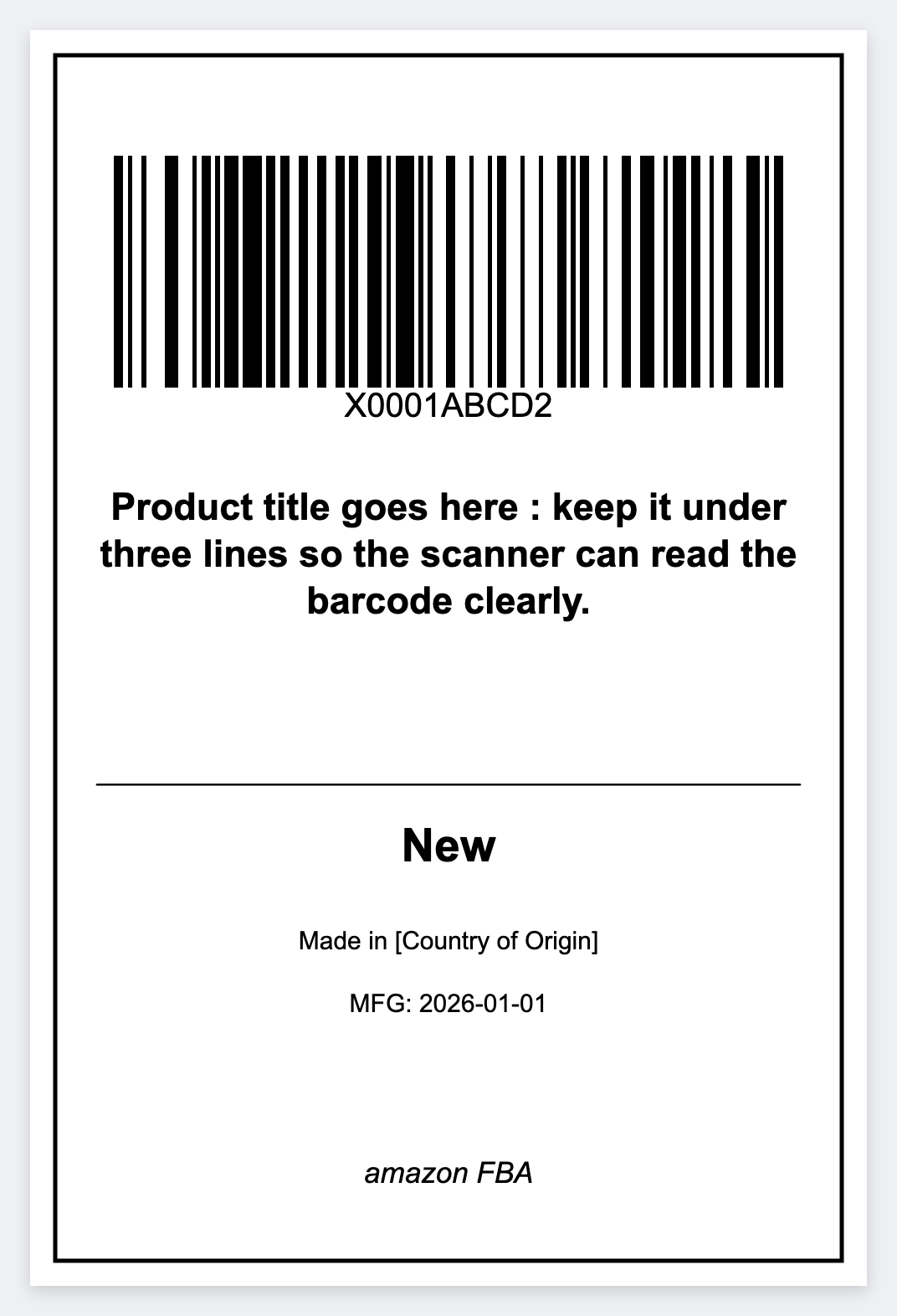
You need Amazon FBA label software that is free, fast, and thermal. Official Amazon PDFs cover many carton and shipping labels. For unit FNSKU stickers and pack faces you control, design in the browser and print on a Zebra.
What FBA label software usually means
- FNSKU unit labels. Scannable Amazon barcodes on each unit.
- Carton labels. Box IDs and faces for inbound shipments.
- Ship-to and pack notes. Internal prep station stickers.
Always follow Seller Central rules for label size, placement, and when Amazon requires official downloadable labels. Free software is for compliant DIY layouts and batching your own SKU lists, not for faking Amazon’s mandated postage or restricted label formats.
How to print FNSKU labels on a Zebra
- Open https://app.mylabelmaker.com. No signup.
- Export your FNSKU, SKU, and title list as CSV.
- Set 2x1 or 2.25x1.25 inches at 203 DPI. Put CODE128 on
{{fnsku}}plus the title. - Import the CSV, preview a row, print the stack with Browser Print.
Full walkthrough: print FNSKU labels on Zebra · broader Amazon FBA labels guide · cartons carton labels.
Why prep desks skip per-seat licenses
Prep centers with a few stations shouldn't buy a designer seat for each desk. Save the JSON template, open it on every Mac or Windows computer. Share templates free. Batch from Excel: barcode from Excel.
Design the FNSKU sticker
Open the Amazon FBA template. Print on a Zebra. Amazon rules stay yours.
Open amazon fba (fnsku) templateThe pack face, still without postage, is the 4x6 shipping label maker.