Free address label maker online
Yes. You can use a free address label maker online without fighting Word templates. Design the address block once, fill it from Excel or Google Sheets, print 4x6 ship-to faces or small return stickers. No signup.
Start here: Open app.mylabelmaker.com. Set the size. Add lines for
{{name}}, {{address1}}, {{city}}, {{state}}, {{zip}}. Load the CSV.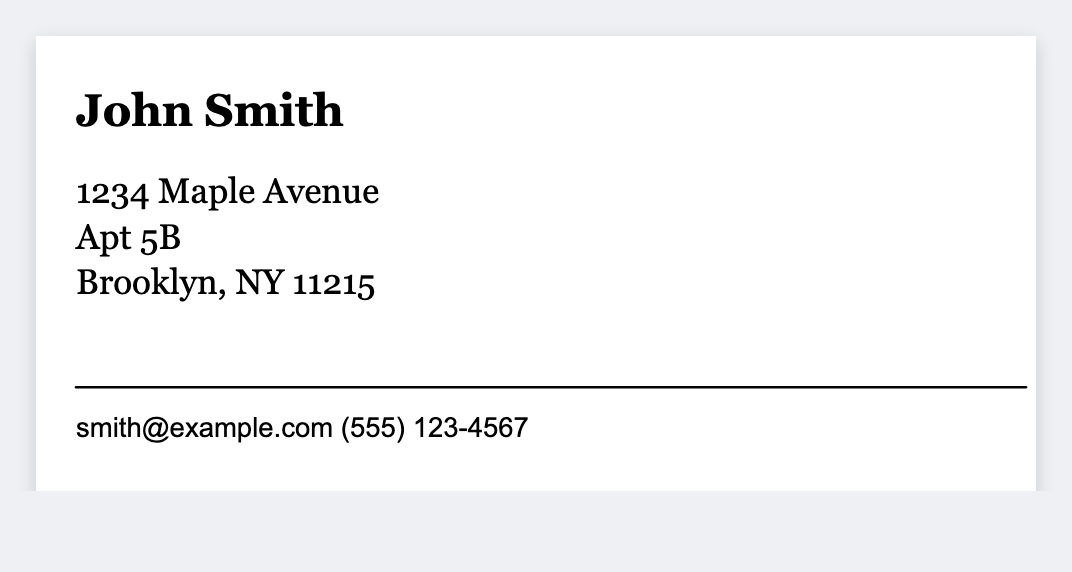
What a free address label maker is for
- Ship-to faces on 4×6 thermal for USPS / UPS / FedEx workflows
- Return address stickers for envelopes and parcels
- Holiday / wedding mailers from a guest list spreadsheet
- RMA / returns, return-to block + order ID (see return labels)
Sizes that matter in the US
- 4×6, standard shipping label real estate
- 2.25×1.25 / 1×2.625-class small address stickers (set exact inches to match your stock)
- Custom widths for continuous thermal rolls
How to mail merge address labels from Excel
- Open the address label template. No signup.
- On the sheet, use columns like
name,address1,address2,city,state,zip. - Stack those fields on the label as
{{name}},{{address1}}, and so on. - Load the CSV. Preview two rows. Print the stack, or download a PDF.
Deep thermal Excel guide: address labels on Zebra · labels from Excel.
vs Word mail merge and Avery templates
Word and Avery still work for an occasional envelope run. They're painful for daily shipping, mixed barcode plus address, and a Mac on the packing table. Here the canvas, the Excel list, and the thermal size stay together. Free seats for the whole team.
Good to know: Official postage barcodes come from carriers or rate tools (Pirate Ship, ShipStation, Shopify). Design the address block here. Don't invent tracking barcodes. We don't sell postage.
Start designing labels free
Browser canvas, barcodes, QR, logos, batch from Excel. No signup. Print to Zebra today, export PNG/JPEG/SVG/PDF/ZPL for other paths.
Open return address template