How to make place cards from Excel
Open the free label maker: app.mylabelmaker.com. No signup. Design the label, then print to a Zebra or download PNG, PDF, or ZPL.
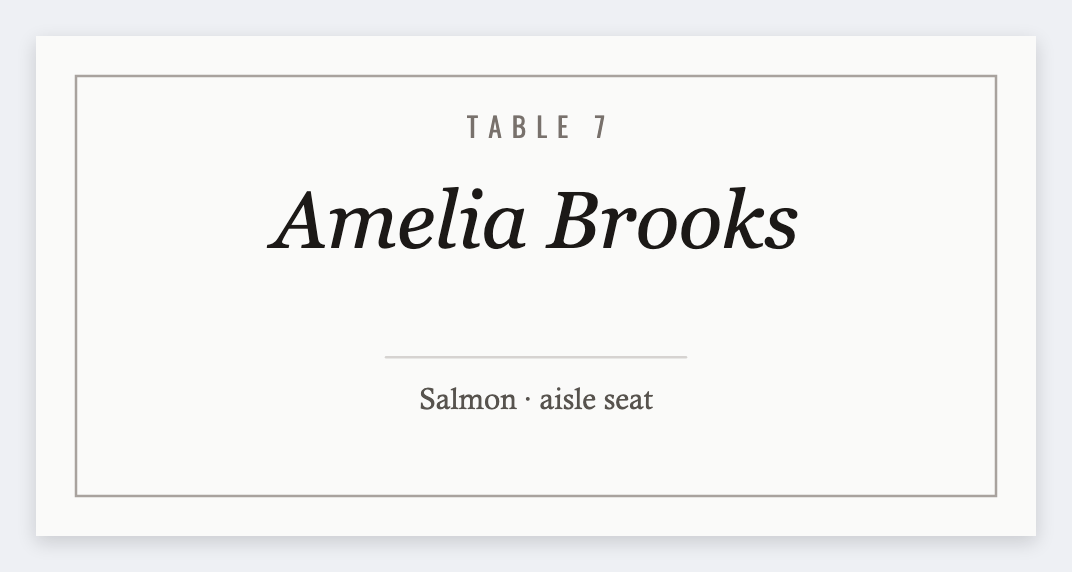
You can make place cards from Excel in the free label maker. One guest per row, set a small card (often 3x2 or 2x3), map {{guest}}, and print. No Word table of 12-up cells unless you want that fight.
Good to know: We print one card per row. Folded tent stock is your choice. Design the face here, fold after it comes off the printer.
How to make place cards from Excel
- Open the place card template. No signup.
- Put guest and table on the seating list. Save as CSV.
- Set 3x2, or your card size. Add {{guest}} centered. {{table}} can sit in smaller type.
- Preview two tables. Print or export PDF.
Weddings and dinners
Keep fonts simple. Script type that looks pretty on a phone often fails at 203 dpi. Test one card before the whole list.
Print or save
Got a Zebra? Print with Browser Print at the printer's DPI. No Zebra? Print from this computer, or download PNG, JPG, SVG, PDF, or ZPL. Save JSON if you want to open the layout again later.
Print the seating list
One name per card. Test a script font before you print 120.
Open place card template