Print name tags from Excel
Do this in the free app: app.mylabelmaker.com. No signup. Design the label, then print on a Zebra or download PNG / PDF / ZPL.
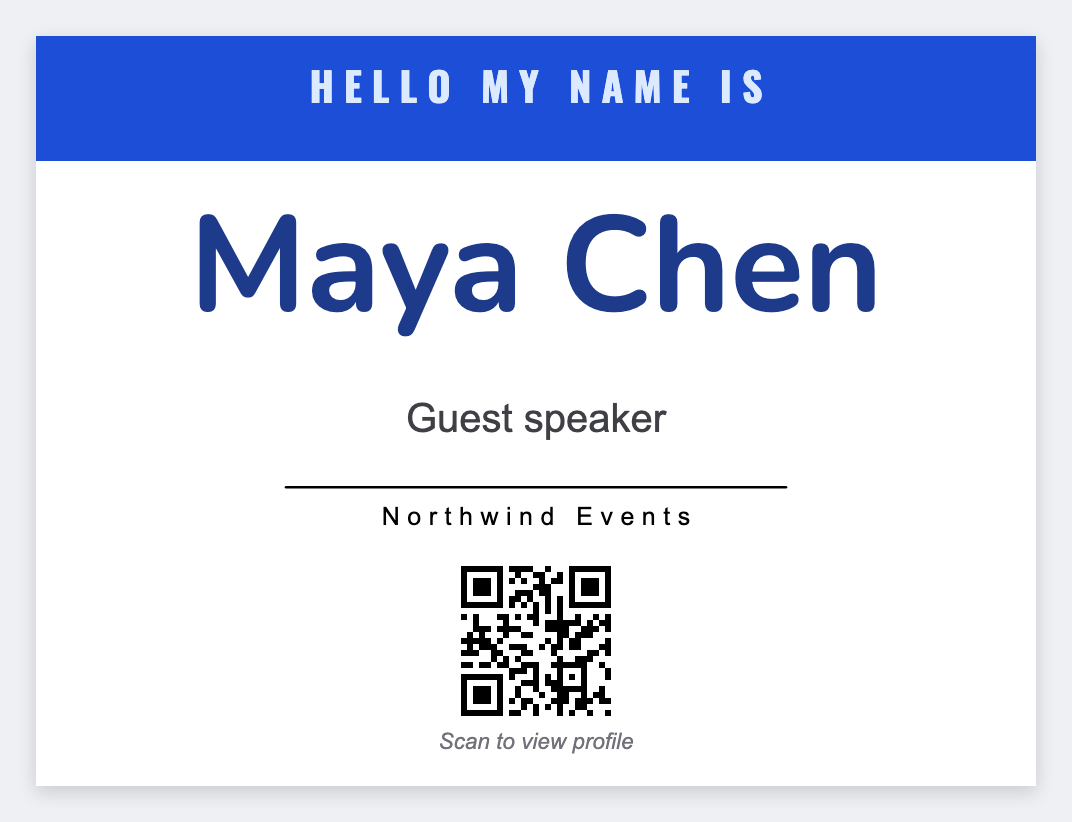
You can print name tags from a roster, not a Canva one-off. First name huge, last name and company smaller, optional QR to a vCard URL you paste. Open the free label maker and start. No signup.
Good to know: Follow your event’s PII rules. Skip home addresses and student IDs on a badge that gets photographed.
How to print name tags from Excel
- Open https://app.mylabelmaker.com. No signup. Set the size of your badge stock.
- Make {{first}} the largest type on the badge. Add {{last}} and {{company}} smaller.
- Upload the Excel guest list. Preview row 1 and a walk-up near the end.
- Print the stack on a Zebra, or download PNG, PDF, or ZPL.
Same-day adds
Type one new row into the CSV and print a single badge. Faster than opening ZebraDesigner for a walk-up.
Print or save
Got a Zebra? Print from the browser with Browser Print, at the printer's DPI. Otherwise download PNG, JPG, SVG, PDF, or ZPL. JSON keeps the label you can open later.
Print this guest list
First name large, preview a row, then print. No signup.
Open name badge template