Print key tags from Excel
Do this in the free label maker: app.mylabelmaker.com. No signup. Design the label, then print to a Zebra or download PNG, PDF, or ZPL.
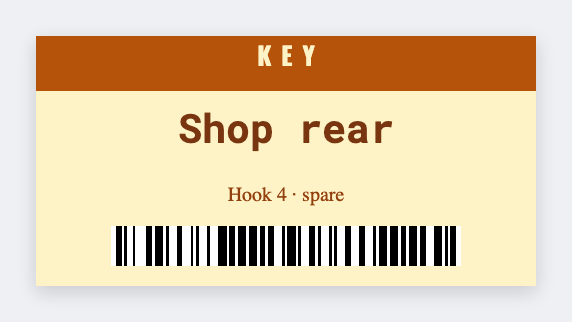
You can print key tags from Excel in the free label maker. Put hook and room in columns, set a small tag, map {{hook}} and {{room}}, then print. No signup. Optional barcode on the hook id. Don't print master-key codes on a tag that can fall off a ring.
Good to know: Don't print master-key codes or lock combinations on a tag that can fall off a ring.
How to make key tags from a spreadsheet
- Open https://app.mylabelmaker.com. No signup. Set 1.5x1 or 2x1.
- Load a sheet with hook, room, and optional barcode id.
- Map {{hook}} and {{room}}. Optional CODE128 on the id.
- Preview two hooks. Print on durable stock if you have it.
Front desk and shops
Hotels, gyms, and shops use the same two fields. Save JSON. Add a row when you cut a new key.
Print or save
If you have a Zebra, print from this computer with Browser Print at the printer's DPI. If you don't, download PNG, JPEG, SVG, PDF, or ZPL. JSON keeps the layout so you can open it later.