Print 5S Labels from Excel
Do this in the free app: app.mylabelmaker.com. No signup. Design the label, then print on a Zebra or download PNG / PDF / ZPL.
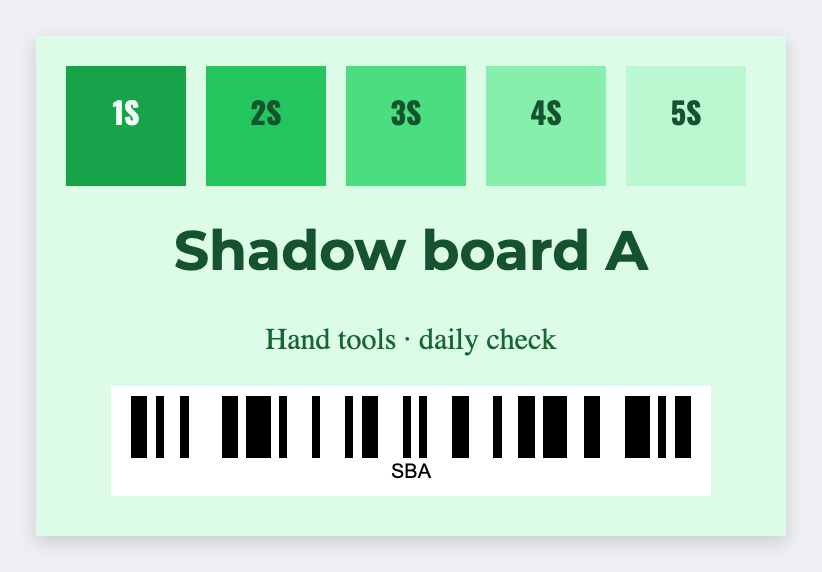
You can make 5S labels from a list. Put location and item on each row, open the free label maker, set 2x1 or 3x1, map those fields, then print the board. This is a location sticker, not a certified safety program.
Good to know: This is a location sticker, not a certified safety program.
How to make 5S labels from a list
- Sheet: location, item, optional id.
- Open https://app.mylabelmaker.com and set 2x1 or 3x1.
- Map {{loc}} and {{item}}. Optional barcode.
- Preview two spots. Print the board.
Floors vs bins
Floor tape is a different product. These faces go on bins, shadows, and shelves. Same list, two sizes if you need both.
Print or save
If you have a Zebra, print from this computer with Browser Print at the printer's DPI. Everyone else: download PNG, JPEG, SVG, PDF, or ZPL. Save the JSON if you want to edit this layout later.