How to make tool crib labels from inventory
Open the free label maker: app.mylabelmaker.com. No signup. Design the label, then print to a Zebra or download PNG, PDF, or ZPL.
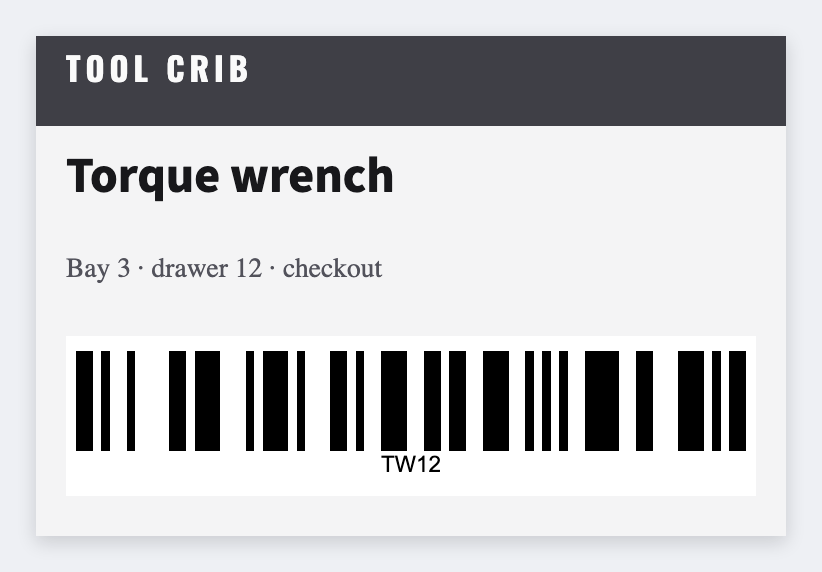
You can make tool crib labels from an inventory list in the free label maker. Export tool, bin, and id, set 2x1, map {{tool}} and a barcode on {{id}}, and print the shadow board.
Good to know: Don't print lock combinations or cage codes on a bin that faces the aisle.
How to make tool crib labels from inventory
- Open the tool crib template. No signup.
- Export tool, bin, and id.
- Set 2x1 or 3x1. Map {{tool}}, {{bin}}, and a CODE128 on {{id}}.
- Preview two tools, then print the crib.
Check-out later
The barcode is only as good as the id in the sheet. Keep that column unique. Save JSON so next year's inventory uses the same face.
Print or save
Got a Zebra? Print with Browser Print at the printer's DPI. No Zebra? Print from this computer, or download PNG, JPG, SVG, PDF, or ZPL. Save JSON if you want to open the layout again later.
Print the shadow board
Tool, bin, barcode from the list. Keep the id unique.
Open tool crib template