Free 5S labels online
Do this in the free app: app.mylabelmaker.com. No signup. Design the label, then print on a Zebra or download PNG, PDF, or ZPL.
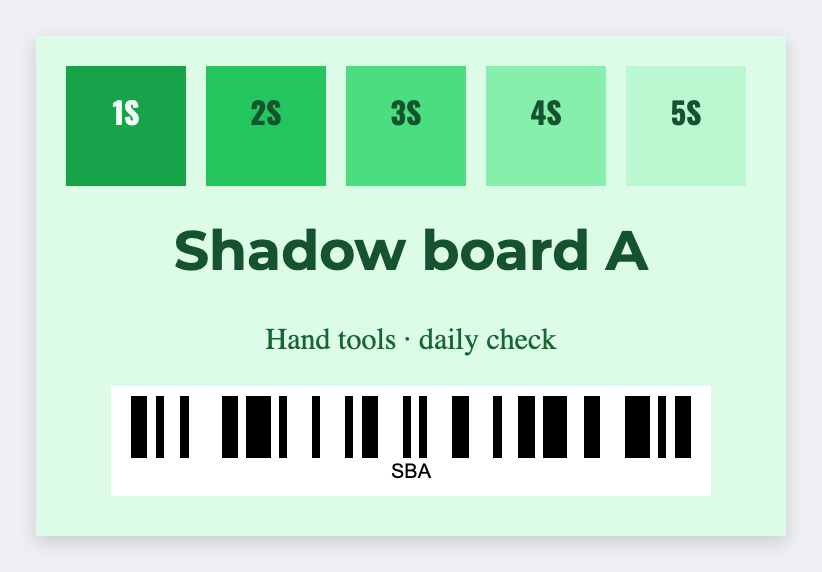
You need 5S labels for a shadow board, a tool crib, or a floor zone. Open the 5S location template, type the tool or zone, print. Load Excel if you have an audit sheet.
How to make 5S labels online
- Open https://app.mylabelmaker.com. No signup.
- Open the 5S location template, or set the size to the sticker you actually have.
- Add the text, barcode, or QR that belongs on this sticker.
- Print on a Zebra, or download PNG or PDF. Load Excel if you have a whole list.
What to put on the label
- Tool or zone name
- Location code
- Shape outlines
- Batch from an audit sheet
Print a whole list from Excel or Google Sheets
Put each name, SKU, or code on its own row. In the app, map a column into text, a barcode, or a QR code. Preview one row, then print the stack. Guide: mail merge labels.
Print or save
If you have a Zebra, print from this computer with Browser Print at the printer's real DPI. If you don't, download PNG, PDF, or ZPL and print the file. JSON keeps the editable master.
Design these labels free
Open the 5S template, type the tool or zone, print. No signup.
Open 5S location template