Free envelope labels online
Free label maker: app.mylabelmaker.com. No signup. Design the address, load Excel if you have a list, then print from this computer or download a PDF.
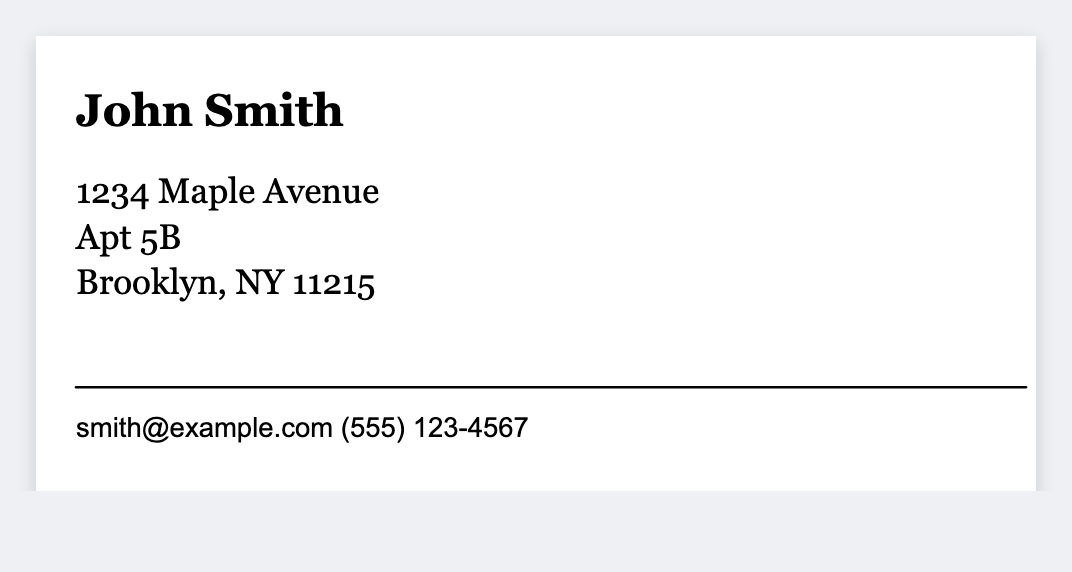
Yes. You can make free envelope labels in the browser. Open the address template, type the name and street, then print from this computer onto sticker paper. If you have a guest list, load Excel and print one sticker per row.
Good to know: We don't sell postage and we don't mail envelopes. You print the stickers. Stamps or the carrier handle the rest.
How to print free envelope labels
- Open the address label template. No signup.
- Type the name, street, city, state, and zip. Or map those columns from Excel.
- Print from this computer onto envelope sticker paper, or download a PDF at actual size.
- Stick it on the envelope. Don't fit-to-page or the address will shrink.
A common size is 2.25 by 1.25 inches. You can also set a custom size in inches if your sheet is different. Related: address label maker · 2.25×1.25 size.
Print a guest list from Excel
Put name, street, city, state, and zip in their own columns. Map each column onto a line. Preview two rows, then print the stack. Guide: mail merge labels.
Print the envelope stack
Guest list in. Address stickers out. No signup.
Open address label template