Print pallet labels from an Excel load list
Do this in the free app: app.mylabelmaker.com. No signup. Design the label, then print on a Zebra or download PNG / PDF / ZPL.
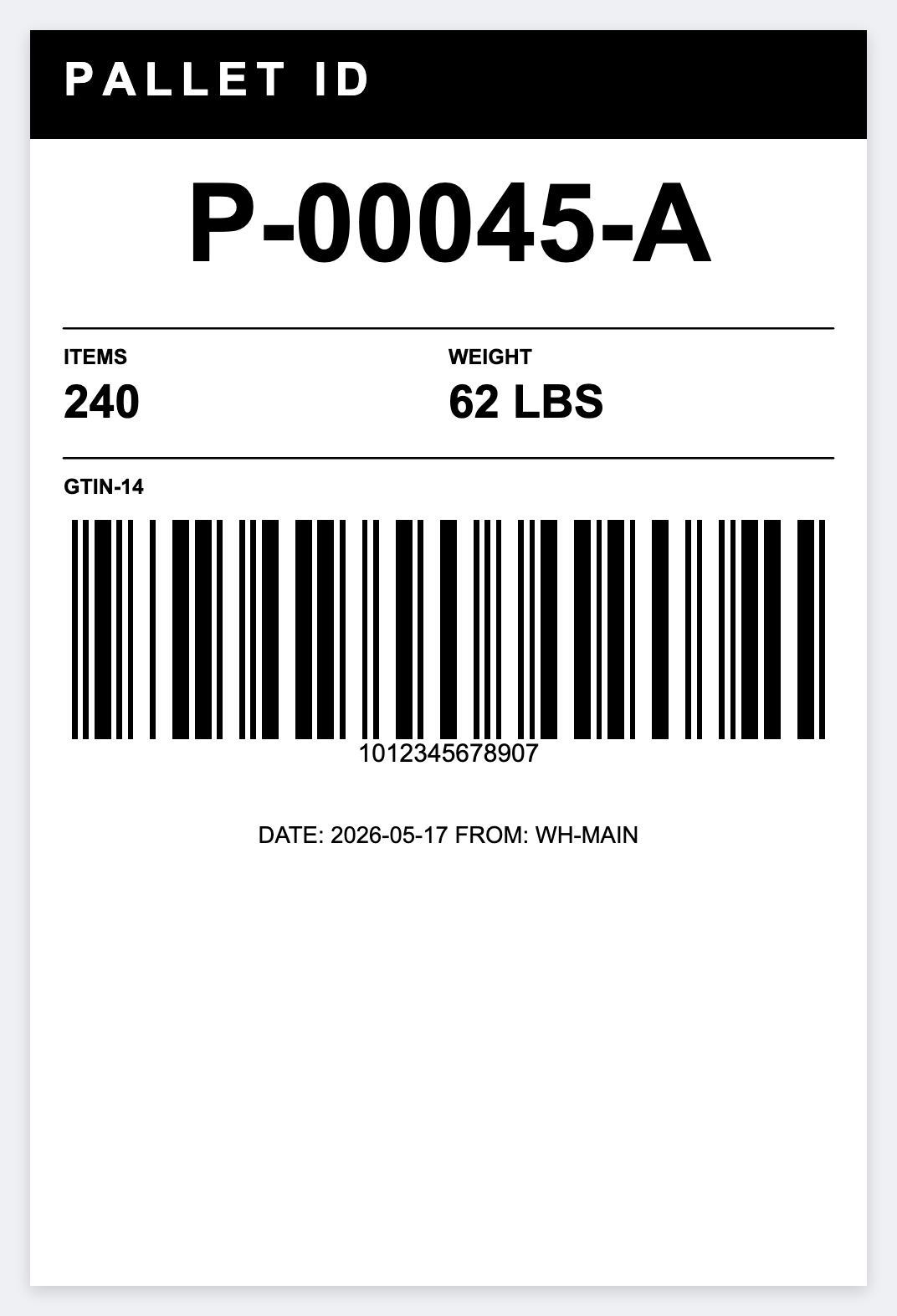
You have a load list in Excel and need a 4x6 on each pallet. Huge pallet id, dest, piece count, barcode the id. Open the free label maker and start. No signup.
Good to know: SSCC / GS1-128 check digits and carrier pallet labels are yours. Official SSCC PDFs print as issued.
How to print pallet labels from an Excel load list
- Open https://app.mylabelmaker.com. No signup. Set 4x6, or the stock you actually load.
- Make {{pallet}} the hero type. Add dest and qty. Barcode {{pallet}} as CODE128.
- Upload the load list. Preview row 1 and a row near the end.
- Print two copies per row so opposite sides of the pallet match.
One pallet, two faces
Opposite sides of a pallet should match. Print two copies per row (quantity 2) so receiving sees the same id.
Print or save
Got a Zebra? Print from the browser with Browser Print, at the printer's DPI. Otherwise download PNG, JPG, SVG, PDF, or ZPL. JSON keeps the label you can open later.
Print this load list
Huge pallet id, dest, qty. Preview a row, then print. No signup.
Open pallet id template