Print FNSKU labels from Google Sheets
Do this in the free app: app.mylabelmaker.com. No signup. Design the label, then print on a Zebra or download PNG / PDF / ZPL.
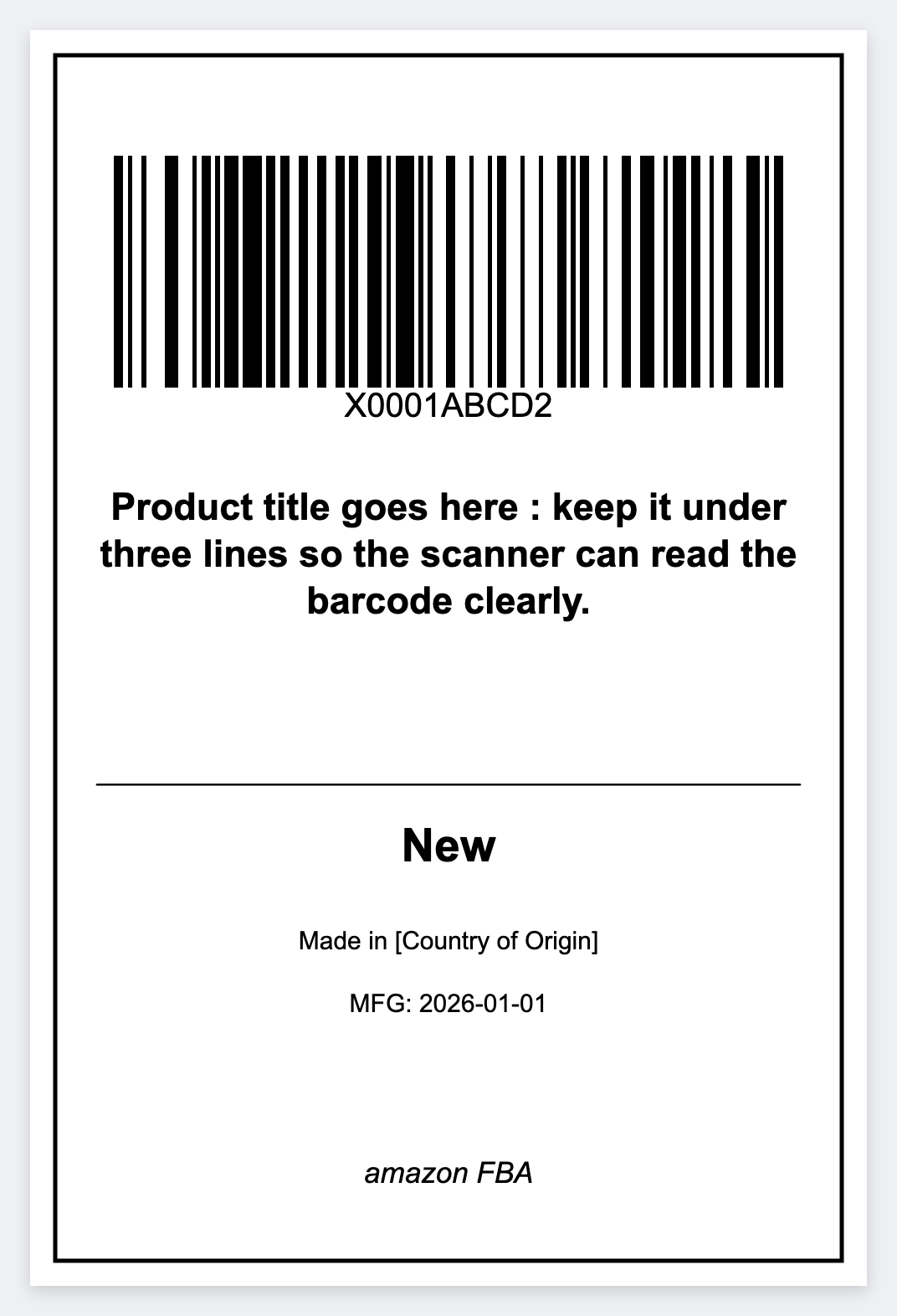
FBA sellers keep FNSKUs in a Sheet. For unit labels you control, publish that sheet, map {{fnsku}} to a CODE128 barcode plus the title, and print. Open the free label maker and start. No signup.
Good to know: Amazon’s current FNSKU size, placement, and “do not cover” rules are yours. Official Seller Central PDFs should be printed as issued when Amazon requires that file.
How to print FNSKU labels from Google Sheets
- Open https://app.mylabelmaker.com. No signup. Set the size to the stock you actually use, often 1x2 or 2x1.
- Add a native barcode, not an Excel font. Map it to {{fnsku}} as CODE128, and put the title next to it.
- Publish the Google Sheet as CSV, paste the URL in Variables, and preview row 1 plus a row near the end.
- Print the stack on a Zebra, or download PNG, PDF, or ZPL.
When to use Amazon’s PDF
If Seller Central generated a mandated label, print that PDF. Use this path for reprints and internal prep when you already have the FNSKU list.
Print or save
Got a Zebra? Print from the browser with Browser Print, at the printer's DPI. Otherwise download PNG, JPG, SVG, PDF, or ZPL. JSON keeps the label you can open later.
Print FNSKU labels from your sheet
Map the FNSKU column, preview a row, then print. No signup.
Open Amazon FBA template