How to make wedding favor labels
Open the free label maker: app.mylabelmaker.com. No signup. Design the label, then print to a Zebra or download PNG, PDF, or ZPL.
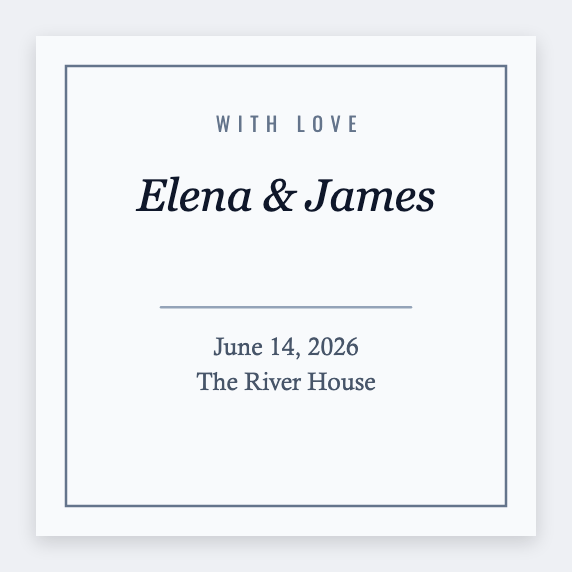
You can make wedding favor labels in the free label maker. Set 2x2, add names and the date. If guests get different flavors, load a sheet and map {{guest}} or {{flavor}}.
Good to know: Script fonts that look fine on a phone often fail at 203 dpi. Print one test on the real bag.
How to make wedding favor labels
- Open the wedding favor template. No signup.
- Set 2x2 or 2x3. Add names, date, and a short thank-you.
- If favors vary, map {{guest}} or {{flavor}} from the list.
- Print one test. Then print the count plus a few extras.
Candles, honey, matches
Same layout. Change only the size to fit the jar or box. Save JSON so the rehearsal-dinner favors match.
Print or save
Got a Zebra? Print with Browser Print at the printer's DPI. No Zebra? Print from this computer, or download PNG, JPG, SVG, PDF, or ZPL. Save JSON if you want to open the layout again later.
Print the favor stickers
Names, date, a short line. Test one bag before the whole set.
Open wedding favor template