How to make party favor labels from a list
Open the free label maker: app.mylabelmaker.com. No signup. Design the label, then print to a Zebra or download PNG, PDF, or ZPL.
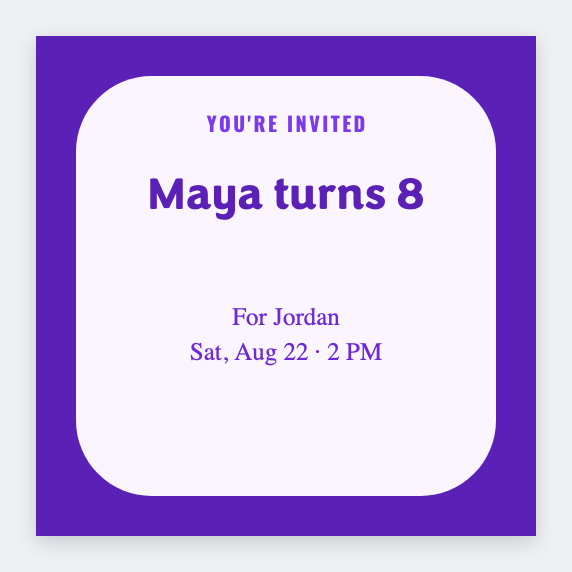
You can make party favor labels from a list in the free label maker. Put each name on a row, set 2x2, map {{name}}, and print the bags. No 15 Canva copies.
Good to know: Skip last names and addresses on a kid's bag if the party is at a park or school.
How to make party favor labels from a list
- Open the party favor template. No signup.
- Put the guest or flavor list in Excel or Google Sheets.
- Set 2x2. Map {{name}}. Add the party title once on the layout.
- Preview two names, then print extras.
Birthday and classroom parties
Same steps as classroom name labels, just a smaller sticker. Reuse the roster if you already have it.
Print or save
Got a Zebra? Print with Browser Print at the printer's DPI. No Zebra? Print from this computer, or download PNG, JPG, SVG, PDF, or ZPL. Save JSON if you want to open the layout again later.
Print the favor bags
One name per sticker. Print extras for the kids who change their mind.
Open party favor template