How to make thank you stickers for orders
Open the free label maker: app.mylabelmaker.com. No signup. Design the label, then print to a Zebra or download PNG, PDF, or ZPL.
Open thank you sticker template
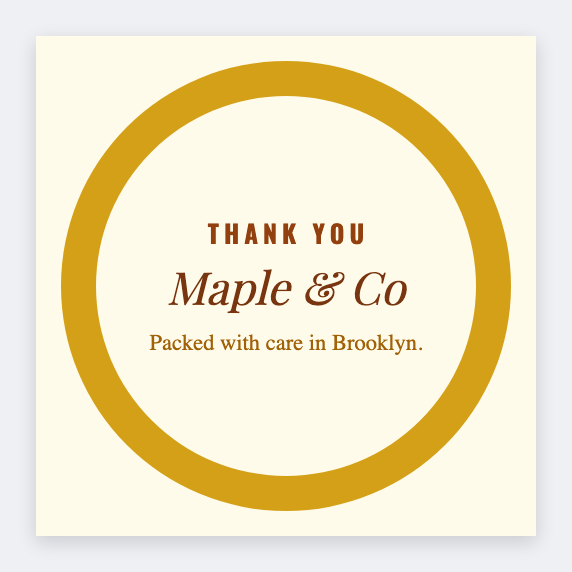
You can make thank you stickers for orders in the free label maker. Set 2x2, add the shop name and a short line, print a stack. Same seal on every box this week.
Good to know: This is a brand seal, not postage. Don't put a carrier barcode on it.
How to make thank you stickers for orders
- Open the thank-you template. No signup.
- Set 2x2 or 1.5x1.5. Add shop name, a thank-you line, optional logo.
- Print a test on the real stock.
- Print a week's seals. No list needed unless you want {{order}} on each.
Optional: one seal per order
If you want the order id on the sticker, add {{order}} and load the week's CSV. Most shops print a plain stack and slap one on each box.
Print or save
Got a Zebra? Print with Browser Print at the printer's DPI. No Zebra? Print from this computer, or download PNG, JPG, SVG, PDF, or ZPL. Save JSON if you want to open the layout again later.
Print this week's seals
Shop name. One size. A stack. Postage stays off this sticker.
Open thank you sticker template