Free package sealing labels
Open the free label maker: https://app.mylabelmaker.com. No signup. Design the seal, then print to a Zebra or download PNG, PDF, or ZPL.
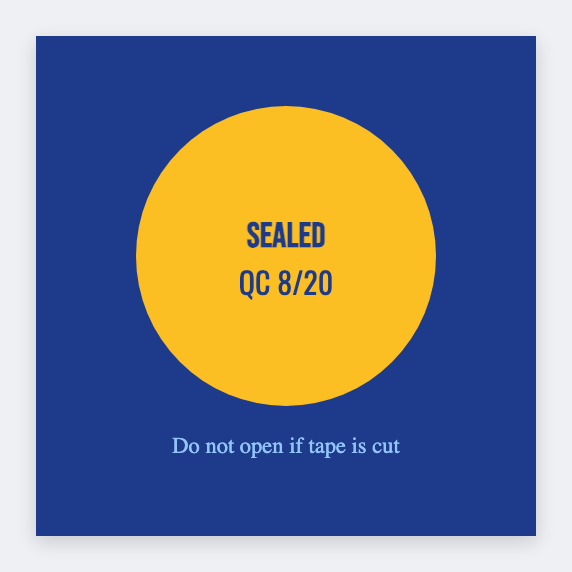
You can make package sealing labels for free. Open the package seal template, type thank you or a shop name, and print from this computer. No signup.
How to print a package sealing label
- Open https://app.mylabelmaker.com/?template=pack-seal. No signup.
- Set the size to the round or rectangle seal you bought.
- Type the thank-you line, or load a list if each pack needs a different name.
- Print from this computer, or download PNG or PDF.
Thank-you seals vs security stickers
A thank-you seal sits on the flap. A security sticker says sealed, do not open. Same free app. Related: sticker maker.