How to make product labels for an Etsy shop
Open the free label maker: app.mylabelmaker.com. No signup. Design the label, then print to a Zebra or download PNG, PDF, or ZPL.
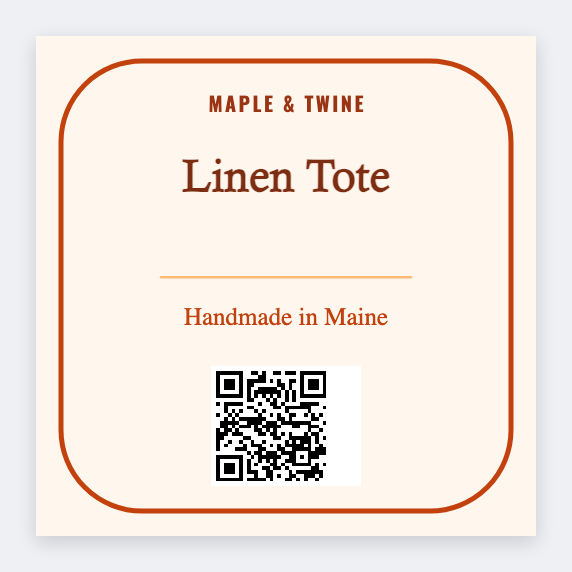
You can make product labels for an Etsy shop in the free label maker. Export listings or type SKUs, then design the pack sticker and thank-you seal. Buy postage in Etsy or Pirate Ship. Don't redraw that barcode.
Good to know: We don't log into Etsy. Official postage PDFs print as issued. This page is for pack faces and product stickers you control.
How to make product labels for an Etsy shop
- Open the Etsy sticker template. No signup.
- Export listings (title, SKU, variation) or keep a simple sheet.
- Set 2x2 for a seal, or 3x2 for a product face. Add shop name, {{title}} or {{sku}}. Optional QR to your shop URL.
- Print seals for the week. Print Etsy's postage PDF separately.
Two jobs, two tools
- Etsy or Pirate Ship: paid postage
- This app: brand sticker, SKU, thank-you, care line
Print or save
Got a Zebra? Print with Browser Print at the printer's DPI. No Zebra? Print from this computer, or download PNG, JPG, SVG, PDF, or ZPL. Save JSON if you want to open the layout again later.