How to make supplement bottle labels (design only)
Open the free label maker: app.mylabelmaker.com. No signup. Design the label, then print to a Zebra or download PNG, PDF, or ZPL.
Open supplement bottle template
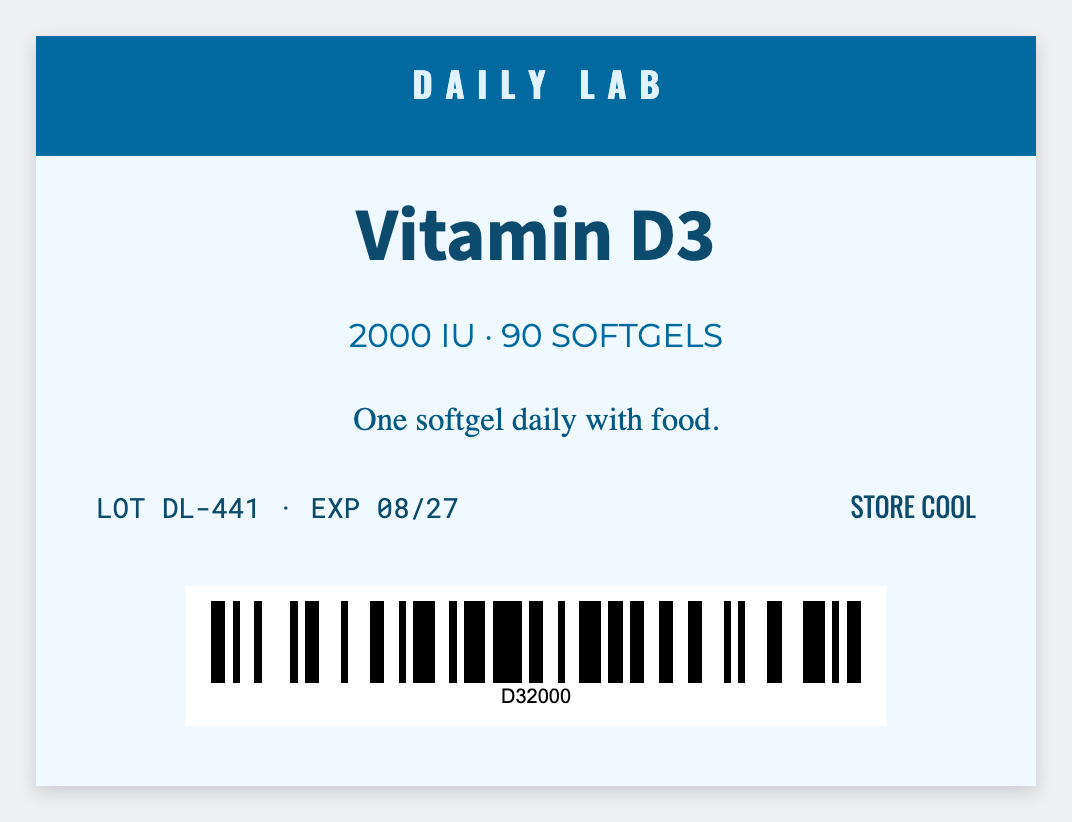
You can design supplement bottle labels in the free label maker. Measure the bottle, set that wrap, map {{name}} and {{batch}}. For a full Supplement Facts panel, make that elsewhere and place the image here if you want.
Good to know: We don't generate a Supplement Facts panel and we don't certify DSHEA copy. You own the facts, serving size, and claims.
How to make supplement bottle labels
- Open the supplement bottle template. No signup.
- Measure the wrap and set that size.
- Map {{name}}, {{batch}}, optional {{servings}}. Upload a facts-panel image if you already have one.
- Preview two SKUs. Print a test. Have a competent person check required text before the run.
What this is not
It isn't FDA software. If you need a legal panel, use a specialist tool, export an image, then drop it on this canvas.
Print or save
Got a Zebra? Print with Browser Print at the printer's DPI. No Zebra? Print from this computer, or download PNG, JPG, SVG, PDF, or ZPL. Save JSON if you want to open the layout again later.