How to make protein powder labels for tubs
Open the free label maker: app.mylabelmaker.com. No signup. Design the label, then print to a Zebra or download PNG, PDF, or ZPL.
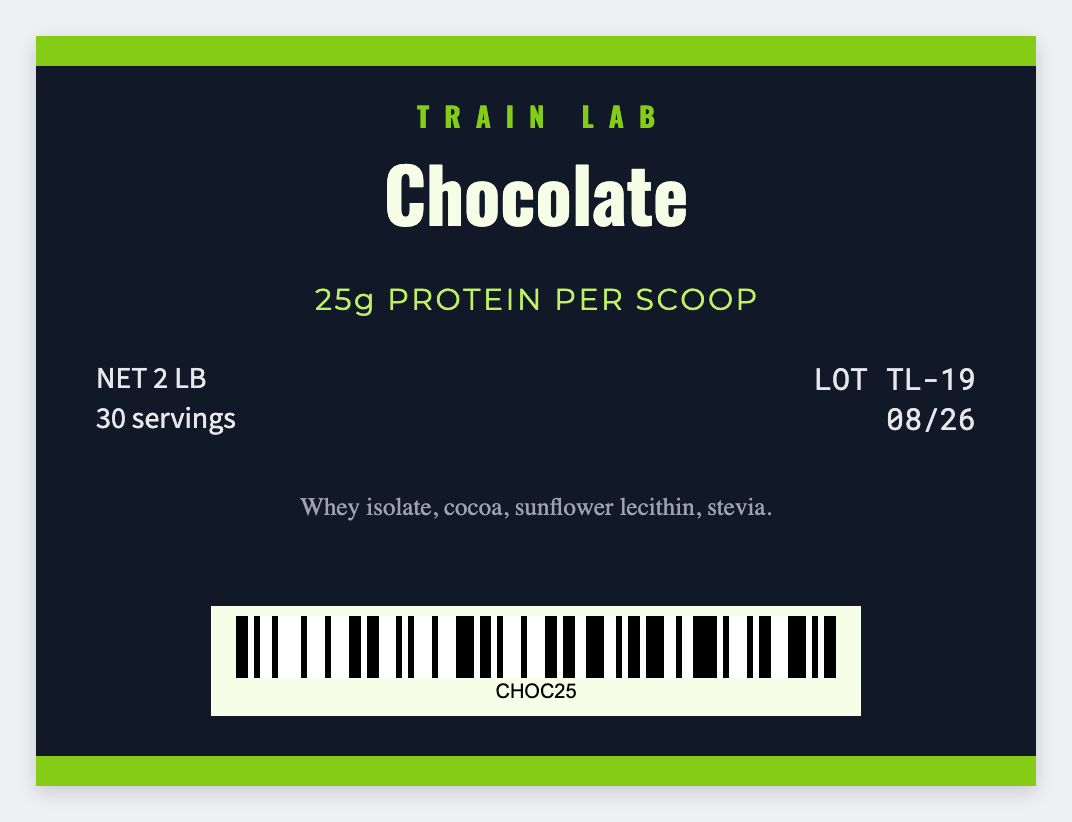
You can make protein powder labels in the free label maker. Measure the tub, set that wrap, map {{flavor}} and {{batch}}. Upload a facts-panel image if you already have one.
Good to know: We don't generate Supplement Facts. Flavor names and claims are yours.
How to make protein powder labels
- Open the protein powder template. No signup.
- Put flavor, batch, and net weight on each Excel row.
- Set the tub wrap. Map {{flavor}} large, {{batch}}, {{net}}. Place a panel image if you have one.
- Preview two flavors. Print a test wrap.
Tubs vs pouches
Tubs need a wrap. Pouches need a face. Same sheet, two sizes.
Print or save
Got a Zebra? Print with Browser Print at the printer's DPI. No Zebra? Print from this computer, or download PNG, JPG, SVG, PDF, or ZPL. Save JSON if you want to open the layout again later.
Print this flavor run
Flavor and batch from the sheet. Place a facts panel if you already have one.
Open protein powder template