How to make spice jar labels from a list
Open the free label maker: app.mylabelmaker.com. No signup. Design the label, then print to a Zebra or download PNG, PDF, or ZPL.
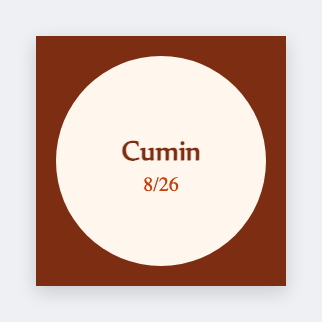
You can make spice jar labels from a list in the free label maker. Put each spice on a row, set a small lid (1x1 or 1.5x1), map {{spice}}, and print. No 24 separate Canva files.
Good to know: Long names (Smoked Spanish Paprika) need a wider lid or a two-line wrap. Test the longest name first.
How to make spice jar labels from a list
- Open the spice jar template. No signup.
- Put spice and an optional bought-on date on each Excel row.
- Set the lid size. Map {{spice}}. Keep margins.
- Preview the longest name, then print the rack.
Lids vs fronts
Drawer racks need lids. Door racks need fronts. Same list, two sizes, two JSON files.
Print or save
Got a Zebra? Print with Browser Print at the printer's DPI. No Zebra? Print from this computer, or download PNG, JPG, SVG, PDF, or ZPL. Save JSON if you want to open the layout again later.