How to make pantry labels from a list
Open the free label maker: app.mylabelmaker.com. No signup. Design the label, then print to a Zebra or download PNG, PDF, or ZPL.
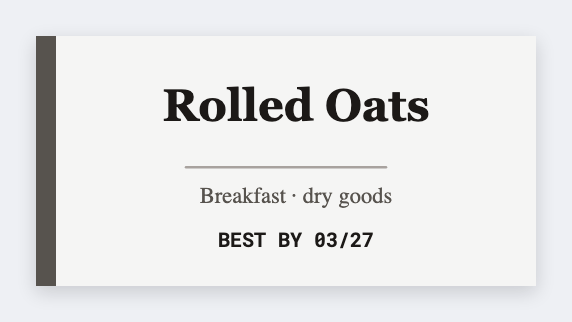
You can make pantry labels from a list in the free label maker. Type the bin names once, set 2x1 or a small square, map {{item}}, and print so every jar matches.
Good to know: We print rectangles. If you need a true circle die-cut, export PNG and cut, or use round stock that matches the size.
How to make pantry labels from a list
- Open the pantry template. No signup.
- List every bin: Flour, Rice, Snacks.
- Set the jar or bin size. Add {{item}} centered. Keep type large.
- Preview two names, then print the pantry.
Same type, same height
That's the whole look. Don't mix five fonts. Save the JSON so a new bin next month still matches.
Print or save
Got a Zebra? Print with Browser Print at the printer's DPI. No Zebra? Print from this computer, or download PNG, JPG, SVG, PDF, or ZPL. Save JSON if you want to open the layout again later.
Print the pantry set
One list. Matching jars. Save the JSON for next month.
Open pantry label template