How to make scannable barcodes online
Open inventory barcode template
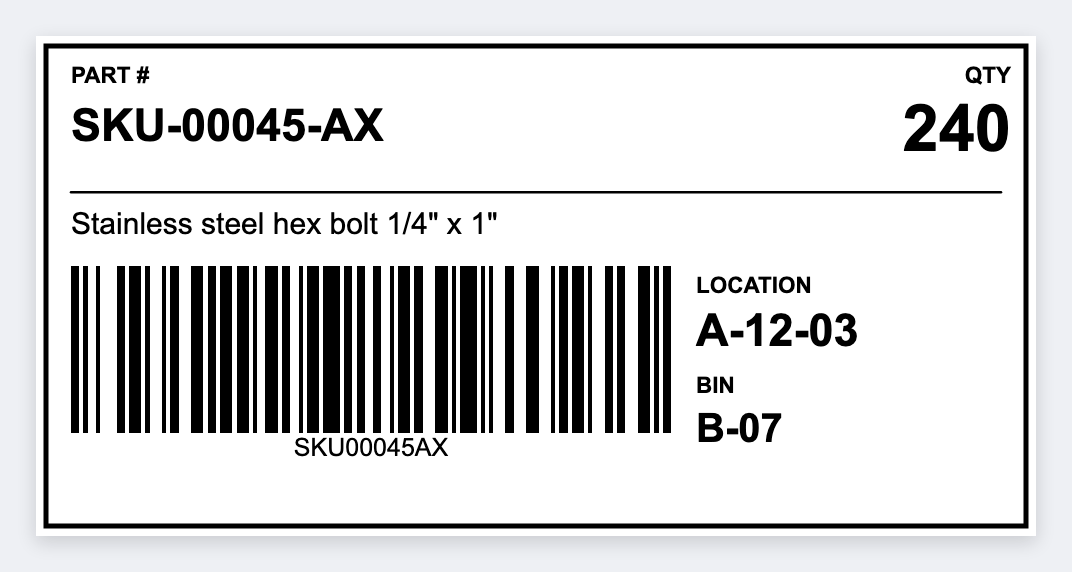
"My barcode will not scan" is the warehouse version of a 404. Use a native barcode, not a phone photo. Leave a quiet zone, print at 203 or 300 DPI on the actual stock size. Open the free label maker to do it now.
How to make scannable barcodes online
- Open the inventory barcode template. No signup.
- Set the size to the sticker or roll you actually have.
- Add a native CODE128, UPC, or EAN, plus the name that belongs on this label.
- Print on a thermal printer or download PNG or PDF. Optional: load Excel or Google Sheets for a whole list.
Checklist
- Native CODE128, UPC, or EAN, not a screenshot
- Quiet zone on both ends
- High contrast: black bars, white stock
- Test with the scanner that will be used on the floor
If it still fails
Clean the printhead, raise darkness, slow the speed. Related: barcodes not scanning, print too light.
Print a whole list from Excel or Google Sheets
Put each SKU, name, or code in its own row. In the app, map a column into text, a barcode, or a QR code. Preview one row, then print the stack. Guide: mail merge labels.
Print or save
Got a Zebra? Print with Browser Print at the printer's DPI. No Zebra? Print from this computer, or download PNG, JPG, SVG, PDF, or ZPL. Save JSON if you want to open the layout again later.
Make a scannable barcode
Native bars, quiet zone, a test scan on the floor scanner.
Open inventory barcode template