Free protein powder labels online
Do this in the free app: app.mylabelmaker.com. No signup. Design the label, then print on a Zebra or download PNG / PDF / ZPL.
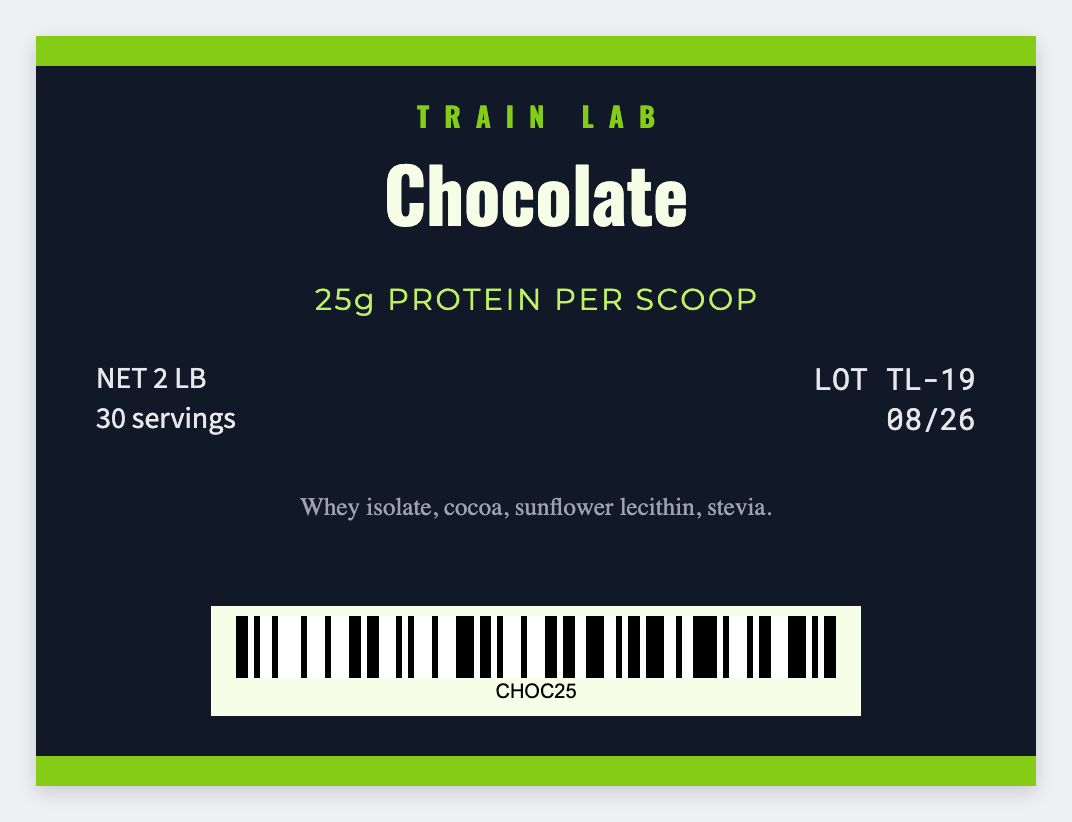
Yes. You can design protein powder labels free for tubs and pouches. Open the template, type the flavor and net weight, then print. Load Excel if you have a flavor list. Nutrition and DSHEA claims are yours. No signup.
Good to know: Supplement claims and nutrition panels are yours to get right. Free design only, not compliance software.
How to make protein powder labels
- Open https://app.mylabelmaker.com. No signup.
- Set the size to the tub or pouch sticker you have.
- Add flavor, net weight, and lot. Optional barcode for retail.
- Print on a thermal printer or download PNG / PDF.
What to put on the label
- Flavor name
- Net weight and servings text you supply
- Lot or expiry tokens
- Barcode for retail if you own the code
Print a whole list from Excel or Google Sheets
One flavor per row. Map the name and lot, preview two, print the stack. Guide: mail merge labels.
Print from this computer, or save a file
On a Zebra, print with Browser Print at the printer's DPI. Everyone else: download PNG, JPEG, SVG, PDF, or ZPL. JSON keeps the editable master.
Open the protein powder template
Flavor and weight. You own the claims. No signup.
Open protein powder template