Print lotion labels from Excel
Do this in the free label maker: app.mylabelmaker.com. No signup. Design the label, then print to a Zebra or download PNG, PDF, or ZPL.
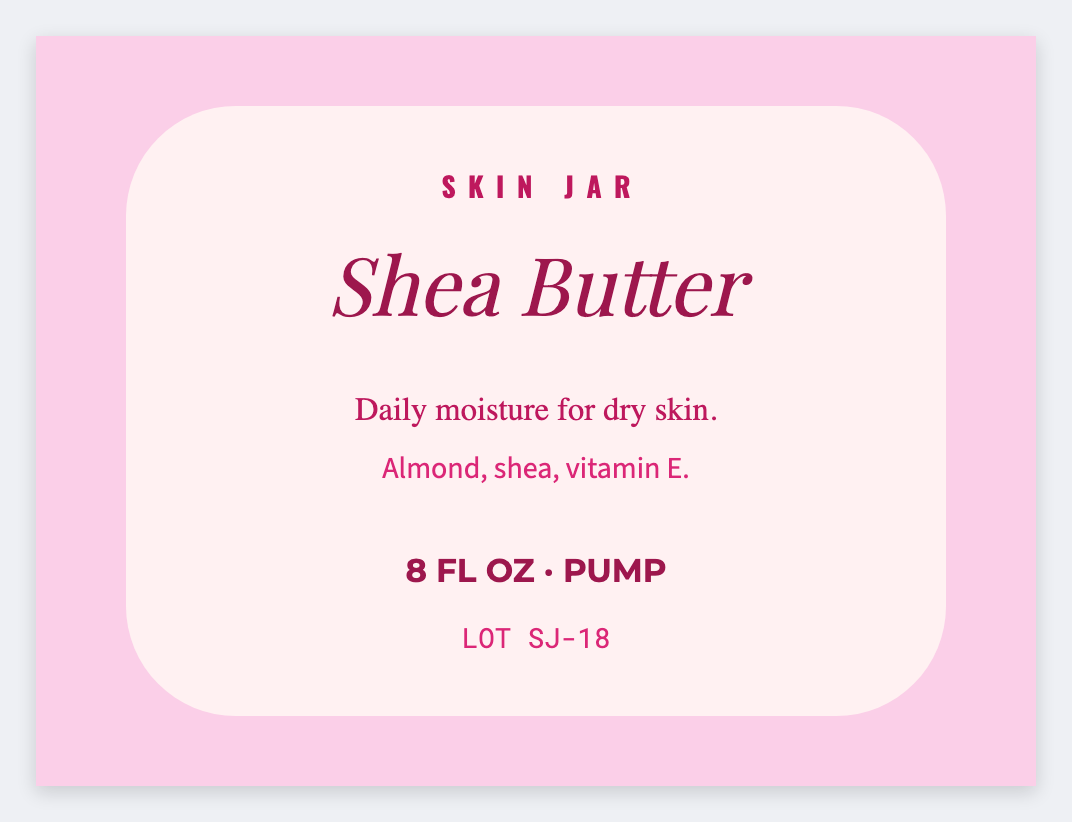
You can print lotion labels from Excel in the free label maker. Put product and ingredients in a sheet, set the jar or tube size, map {{product}} and {{ingredients}}, then print. No signup. Cosmetic ingredient order stays yours.
Good to know: Cosmetic ingredient order and any drug claims are yours. We print the row.
How to make lotion labels from a recipe list
- Open https://app.mylabelmaker.com. No signup. 2x3 for a jar, a wrap for a tube.
- Load a sheet with product, ingredients, and net weight.
- Map {{product}} large and {{ingredients}} wrapped.
- Preview the longest list. Print the set.
Jars vs tubes
Same sheet. Two sizes. Save two JSON masters so you don't rebuild the type next month.
Print or save
If you have a Zebra, print from this computer with Browser Print at the printer's DPI. If you don't, download PNG, JPEG, SVG, PDF, or ZPL. JSON keeps the layout so you can open it later.