Print coupon stickers from Excel
Do this in the free label maker: app.mylabelmaker.com. No signup. Design the label, then print to a Zebra or download PNG, PDF, or ZPL.
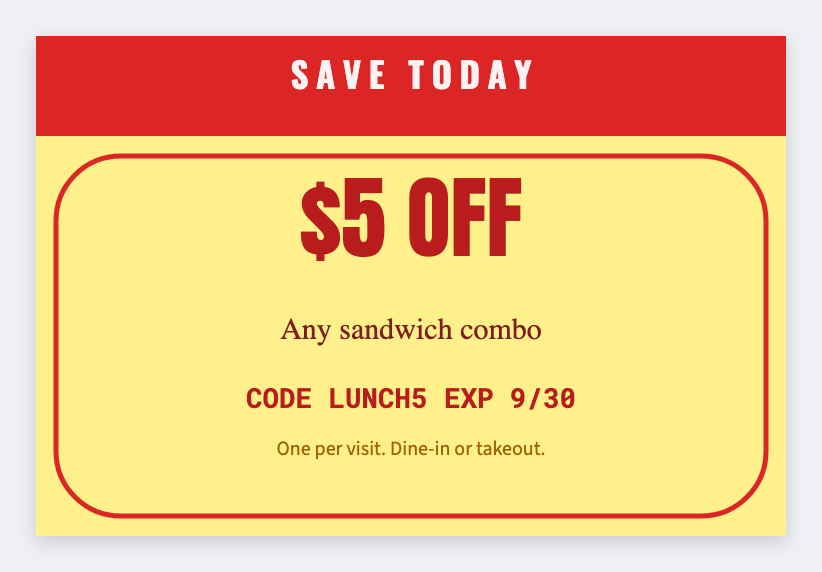
You can print coupon stickers from Excel in the free label maker. Put code and offer in a sheet, set 2x2, map {{code}} and {{offer}}, then print the week's run. No signup. Offer terms stay yours. This is not a POS coupon system.
Good to know: Offer terms and expiry are yours. We print the words you type. This is not a POS coupon system.
How to make coupon stickers from a list
- Open https://app.mylabelmaker.com. No signup. Set 2x2.
- Load a sheet with code, offer, and expiry.
- Map {{offer}} large, plus {{code}} and {{expiry}}.
- Preview two offers. Print the run.
Shelf plus register
A larger 3x2 works on a shelf talker. Same sheet, second JSON.
Print or save
If you have a Zebra, print from this computer with Browser Print at the printer's DPI. If you don't, download PNG, JPEG, SVG, PDF, or ZPL. JSON keeps the layout so you can open it later.