How to make Airbnb WiFi labels
Do this in the free label maker: app.mylabelmaker.com. No signup. Design the label, then print to a Zebra or download PNG, PDF, or ZPL.
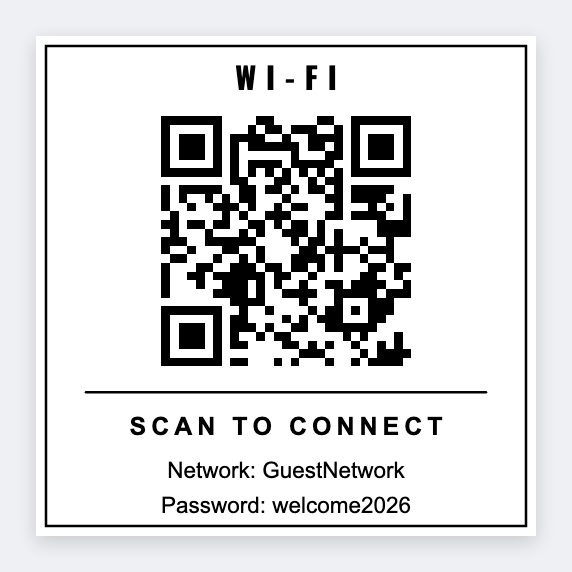
You can make Airbnb WiFi labels in the free label maker. Open the app, paste the guest WiFi string into a QR, type the network name underneath, and print a 3x2 for the counter. We don't log into Airbnb. Leave door codes off the sticker.
Good to know: We don't log into Airbnb. Door codes and lockbox numbers don't belong on a sticker a guest can photograph.
How to make Airbnb WiFi labels
- Open https://app.mylabelmaker.com. No signup. Set 3x2.
- Add a QR with the guest WiFi payload or URL.
- Type the network name under it so a failed scan still works.
- Print one. Scan it from cellular data, not from the house WiFi.
Several listings
One row per listing: name and wifi string. Map {{listing}} and the QR token. Print a small set for each clean.
Print or save
If you have a Zebra, print from this computer with Browser Print at the printer's DPI. If you don't, download PNG, JPEG, SVG, PDF, or ZPL. JSON keeps the layout so you can open it later.