Free yarn and craft labels
Do this in the free app: app.mylabelmaker.com. No signup. Design the label, then print on a Zebra or download PNG / PDF / ZPL.
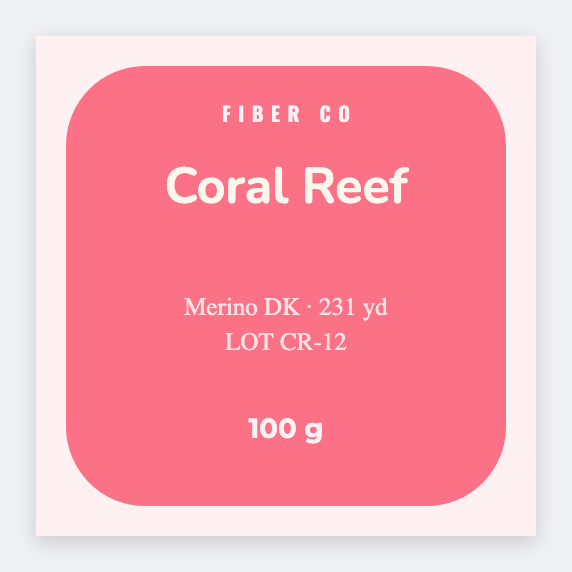
Yes. You can make yarn and craft labels for free. Open the free label maker, put the fiber and colorway large, add weight and lot, and print. If you dye in batches, keep lots in Excel and print the whole kettle. No signup.
How to make yarn and craft labels
- Open https://app.mylabelmaker.com. No signup.
- Set the size of the skein tag or supply sticker you actually tie on.
- Put fiber and colorway large. Add weight, yardage, and lot.
- Load the dye-lot sheet. Preview one skein. Print the kettle.
What to put on a yarn label
- Fiber / colorway name
- Weight and yardage line
- Dye lot tokens
- QR to pattern or shop
Print yarn labels from Excel
One skein or SKU per row: fiber, color, lot, weight. Map those columns. Preview one, then print the stack. Guide: mail merge labels.
Print or save
If you have a Zebra, print from the browser with Browser Print at the printer's DPI. Everyone else: download PNG, JPEG, SVG, PDF, or ZPL. Save JSON if you want the editable master later.
Print the skein tags
Fiber, lot, weight. From the dye sheet you already keep.
Open yarn skein template