Free work order labels
Do this in the free app: app.mylabelmaker.com. No signup. Design the label, then print on a Zebra or download PNG / PDF / ZPL.
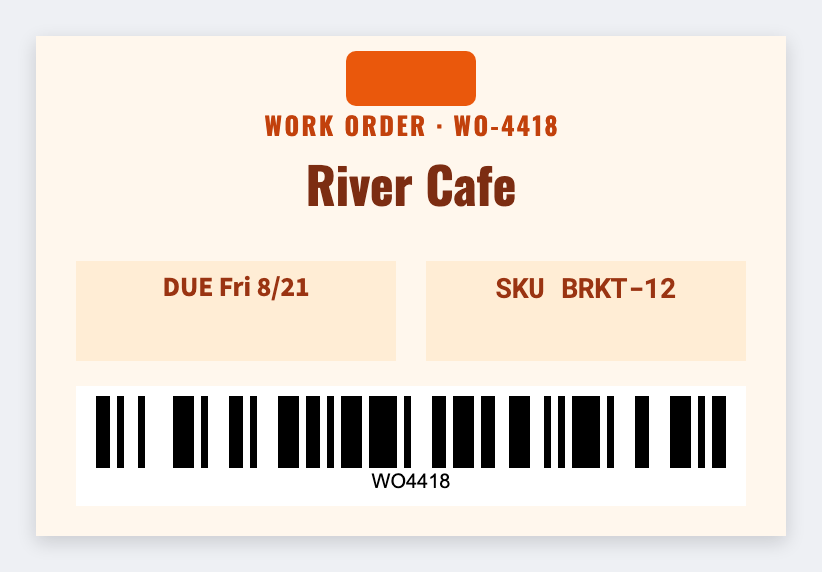
Yes. You can make work order labels for free. Open the free label maker, put the WO number large, barcode it, add part, qty, and due date. If the shop already exports jobs to Excel, map the columns and print the stack. No signup.
How to make work order labels
- Open https://app.mylabelmaker.com. No signup.
- Set the size of the ticket or sticker you actually slap on the job.
- Put the WO number large. Barcode it. Add part, qty, due date.
- Load the spreadsheet. Preview one job. Print the board.
What to put on a work order label
- WO / job number barcode
- Part and qty
- Due date text
- Station routing line
Print work order labels from Excel
One job per row: wo, part, qty, due. Map those columns into text or a barcode. Preview one, then print the stack. Guide: mail merge labels.
Print or save
If you have a Zebra, print from the browser with Browser Print at the printer's DPI. Everyone else: download PNG, JPEG, SVG, PDF, or ZPL. Save JSON if you want the editable master later.
Print the job tickets
WO number, part, due date. From the sheet the shop already has.
Open work order template