Free WhatsApp QR stickers
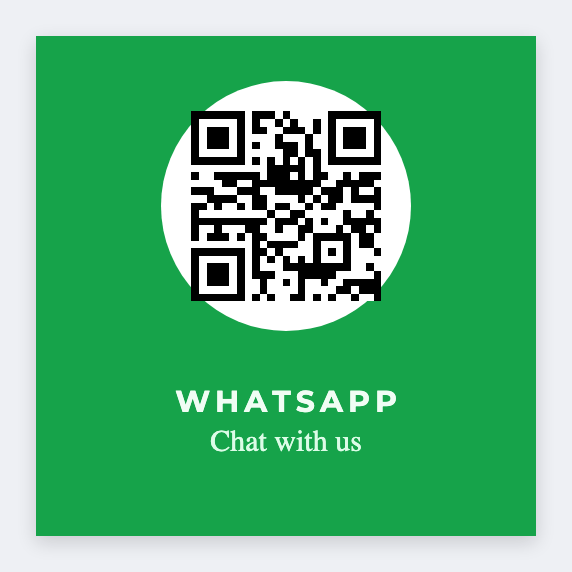
Yes. You can make WhatsApp QR stickers for free. A WhatsApp QR is just a URL, usually wa.me/your-number. Open the free label maker, paste that link into a QR, add a "Chat on WhatsApp" line, and print a counter sticker. We don't log into WhatsApp or host numbers.
How to make WhatsApp QR stickers
- Open https://app.mylabelmaker.com. No signup.
- Add a QR. Paste your wa.me link (or chat link). Don't type a phone into a barcode font.
- Add a "Chat on WhatsApp" line so people know what they're scanning.
- Scan with a phone. Then print PNG, PDF, or a Zebra stack.
What to put on the sticker
- Create the wa.me link in WhatsApp, then paste it
- We encode the URL you provide, nothing else
- Batch table tents if each location has its own number
- Export PNG for color or print thermal black
Scan it before you print a stack
Scan the on-canvas QR with a phone before you print a stack. Same QR job as a review sticker or a QR sticker: paste the URL, test one scan, then print.
Several numbers from Excel
If each stall or staffer has their own wa.me link, put the URL in a column and map it into the QR. Preview one, then print. Guide: mail merge labels.
Print or save
If you have a Zebra, print from the browser with Browser Print at the printer's DPI. Everyone else: download PNG, JPEG, SVG, PDF, or ZPL. Save JSON if you want the editable master later.
Make the counter QR
Paste the link. Print the sticker. We never open the chat.
Open WhatsApp QR template