Free veterinary labels
Free label maker: app.mylabelmaker.com. No signup. Batch from Excel. Export PNG/PDF/ZPL or print Zebra thermal via Browser Print. Hubs: label maker · industries · label sizes.
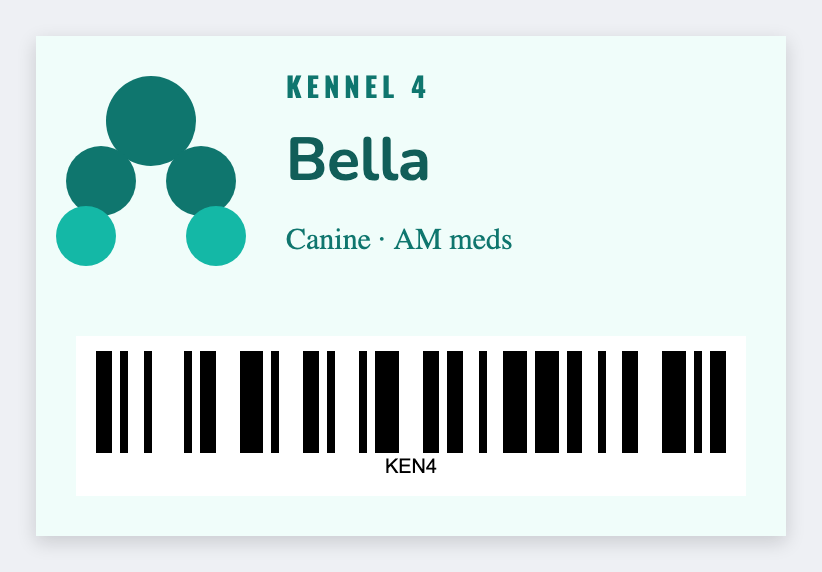
How to make free veterinary labels
- Open https://app.mylabelmaker.com/?template=vet-clinic. No signup.
- Set the sticker to the bottle, cage card, or bin size you actually have.
- Type the pet name and ID. Add directions or a supply barcode if you need them.
- Print from this computer or a Zebra. Optional: load a CSV from your PMS or spreadsheet.
You can make free veterinary labels for Rx bottles, cage cards, and supply stickers in the vet clinic template. Type the pet name and ID, then print from this computer or a Zebra. This is a design tool, not a practice management system.
Good to know: Not a veterinary practice management system. This is a design and print helper.
What to print
- Rx directions stickers
- Cage/kennel cards
- Supply inventory barcodes
- Reminder bag labels
Start in the free app. Industry hub: industries.
Batch from your system
Export CSV from your POS, LIMS, PMS, or spreadsheet. Map pet name and ID, preview two rows, then print the stack. Guide: mail merge labels free.
Print free veterinary labels
Open the template. Type the pet name. Print from this computer.
Open veterinary template