Free shipping label templates
Do this in the free app: https://app.mylabelmaker.com/?template=usps-priority. No signup. Edit the ship-to block, print from Excel, then print on a Zebra or download PNG, PDF, or ZPL.
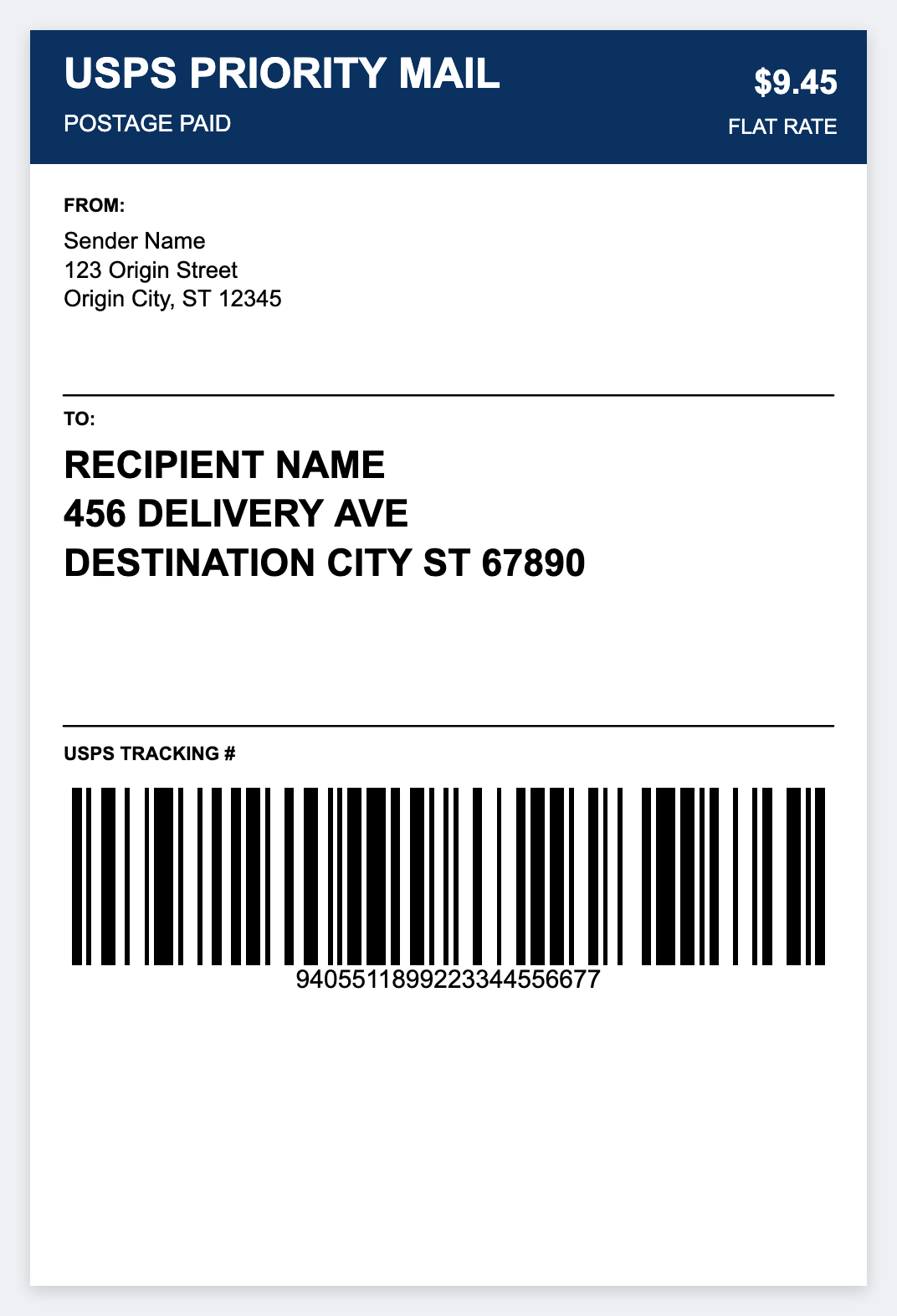
How to use free shipping label templates
- Open https://app.mylabelmaker.com/?template=usps-priority. No signup.
- Set the size to 4 by 6 inches if it isn't already.
- Edit the ship-to, return-to, and order barcode. Map Excel columns if you have a list.
- Print on a Zebra with Browser Print, or download a PDF at actual size. Buy postage from the carrier. Don't forge tracking barcodes.
Start from free shipping label templates: ship-to, return-to, order barcode. Don't invent carrier postage barcodes. Use official postage tools for paid labels.
4x6 free · design shipping labels.
Open a free shipping label template
Edit the 4x6 face in the browser. Print from Excel. Postage stays with your carrier.
Open usps priority mail template