Free salad dressing labels
Do this in the free app: app.mylabelmaker.com. No signup. Design the label, then print on a Zebra or download PNG / PDF / ZPL.
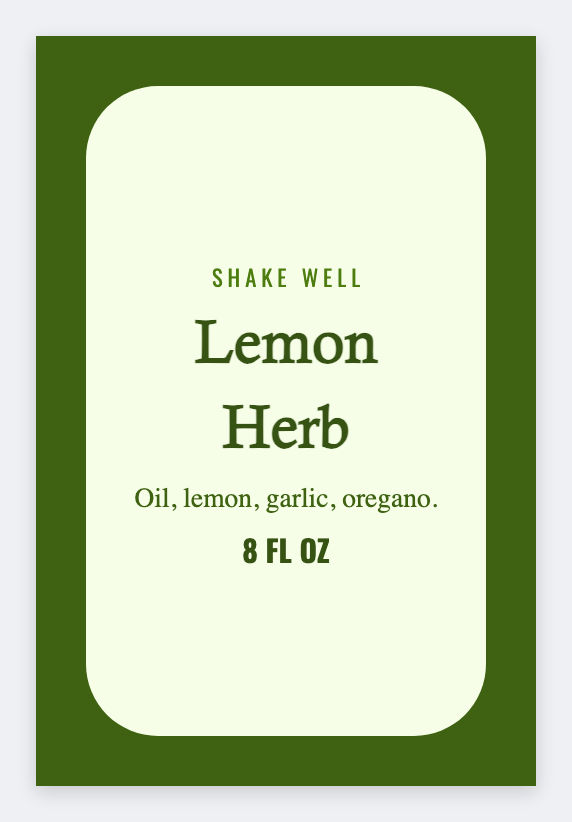
Dressing brands need wrap or front-back bottle faces with flavor, shake-well notes, and lot codes. Design them free in the free label maker and mail-merge flavors from Excel. No signup.
Good to know: Nutrition facts, refrigerated claims, and FDA labeling are yours. Design only.
How to make salad dressing labels
- Open https://app.mylabelmaker.com. No signup.
- Set the size to the wrap or front panel you have.
- Add flavor, brand, shake well, refrigerate after opening, net contents, lot.
- Preview two flavors, then print.
What to put on the label
- Flavor name and brand
- Shake well / refrigerate after opening
- Net contents plus lot or best-by
- Barcode from a SKU column you own
Print a whole list from Excel or Google Sheets
One flavor per row. Map the name and lot, preview, print the stack. Guide: mail merge labels.
Print from this computer, or save a file
On a Zebra, print with Browser Print at the printer's DPI. Everyone else: download PNG, JPEG, SVG, PDF, or ZPL. JSON keeps the editable master.
Open the salad dressing template
Flavor and lot. You own the nutrition panel.
Open salad dressing template