Free restaurant kitchen labels
Free label maker: app.mylabelmaker.com. No signup. Batch from Excel. Export PNG/PDF/ZPL or print Zebra thermal via Browser Print. Hubs: label maker · industries · label sizes.
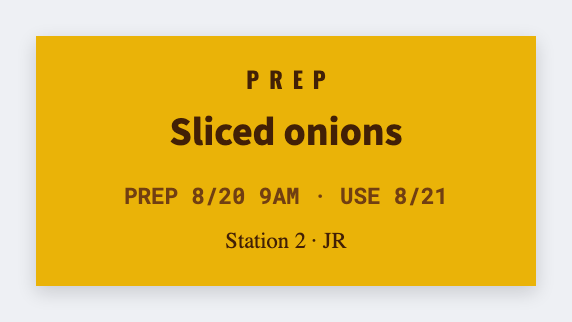
Kitchens need prep date, use-by, and station labels. Design FIFO stickers free in the free label maker, batch from a prep sheet, print thermal for speed. No signup.
Good to know: Follow local health rules for dating. This is free design, not certification.
How to make restaurant kitchen labels
- Open https://app.mylabelmaker.com. No signup.
- Set a small prep size. 2x1 is common.
- Map item, prep date, use-by, station, allergen if you have it.
- Preview two pans, then print the day's stickers.
What to print
- Prep date and use-by tokens
- Station and allergen callouts
- Day-dot style color via text badges
- Storage bin labels
Industry hub: industries.
Print a whole list from Excel or Google Sheets
Export the prep sheet. Map item and dates, preview, print the stack. Guide: mail merge labels.
Print from this computer, or save a file
On a Zebra, print with Browser Print at the printer's DPI. Everyone else: download PNG, JPEG, SVG, PDF, or ZPL. JSON keeps the editable master.